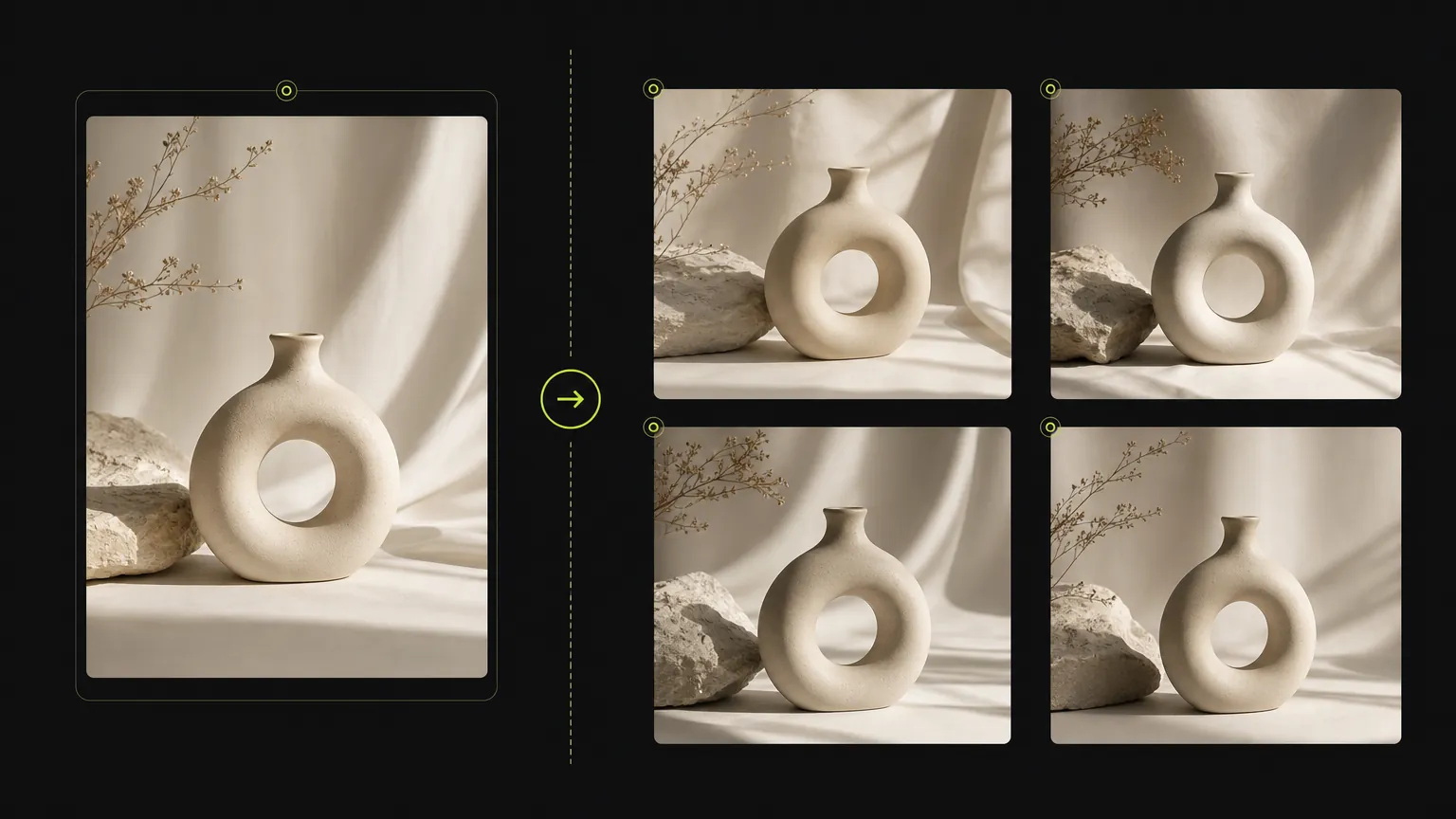
מקרה 1
זרימת עבודת פרומפט של מחולל תמונות בינה מלאכותית מקוון
Turn a simple product direction into a polished ecommerce or campaign visual.
Create with text, references, and model controls
צור תמונות מפרומפטים או תמונות הפניה, החלף מודלים, הגדר יחסים ואיכות וצור ויזואליות מוגמרות בסביבת עבודה מקוונת אחת.
Start with a clear prompt, then adjust model, ratio, quality, and reference inputs in the same workspace.
צור תמונות עם מחולל תמונות בינה מלאכותית מקוון תוך שמירה על הפרומפט, קלטי ההפניה, יחס הגובה-רוחב ובקרות המודל הנתמכות במקום אחד.
Upload a source image when product details, composition, or visual direction need to stay close to a reference.
המחולל חושף את האפשרויות הנתמכות על ידי מודל זה כך שהדף נשאר פרקטי במקום לערבב בקרות לא קשורות.
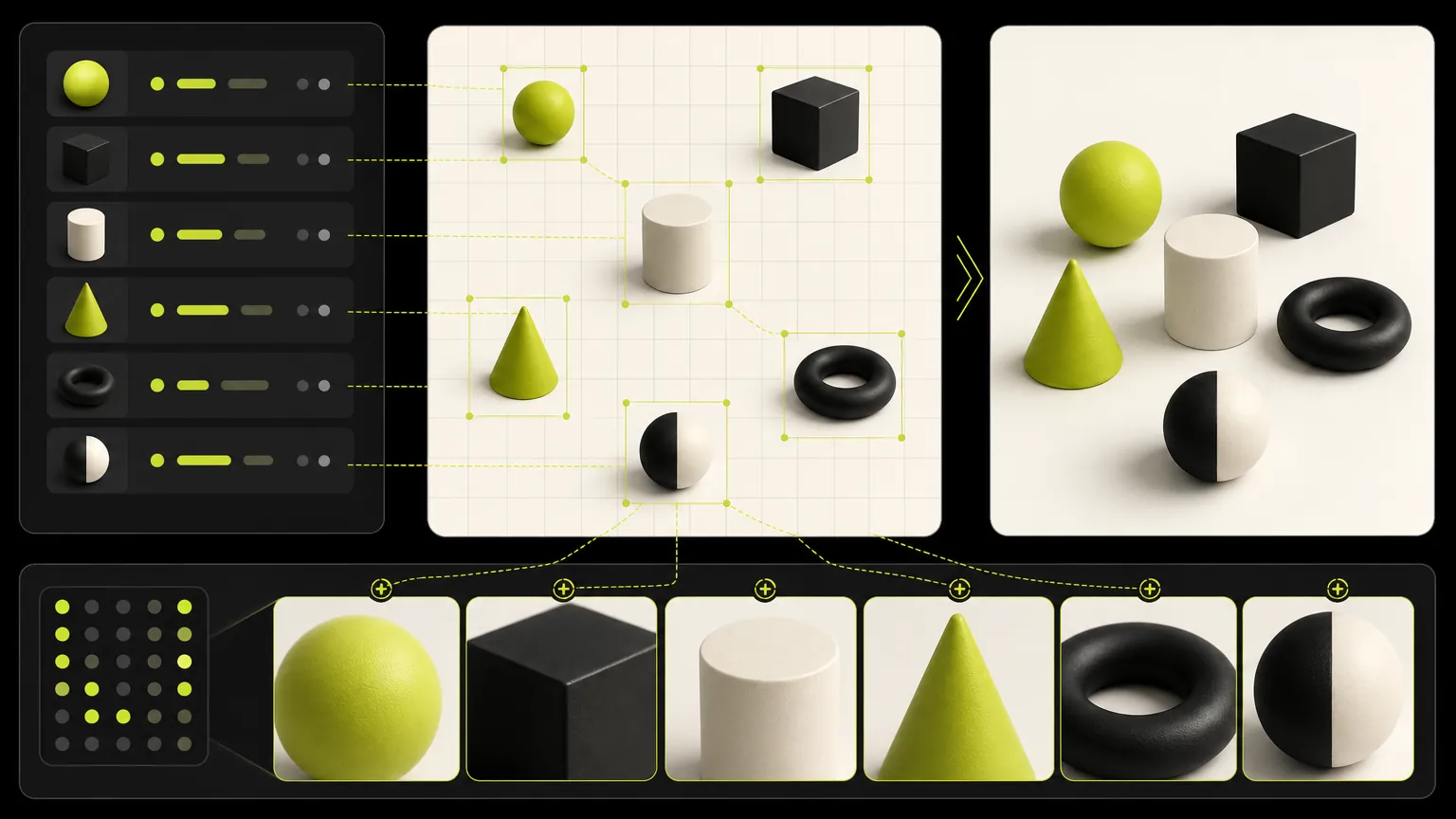
Keep one brief stable while comparing model strengths, aspect ratios, resolution options, and output quality.
עיין בדוגמאות פרומפט של מחולל תמונות בינה מלאכותית מקוון והשתמש במבנה מחדש לפני עריכת הנושא, הסצנה, הסגנון או פורמט ההפקה.
מקרים שנוצרו
These cases are intentionally broad because the default page is for deciding which dedicated model workflow should come next.
מקרה 1
Turn a simple product direction into a polished ecommerce or campaign visual.
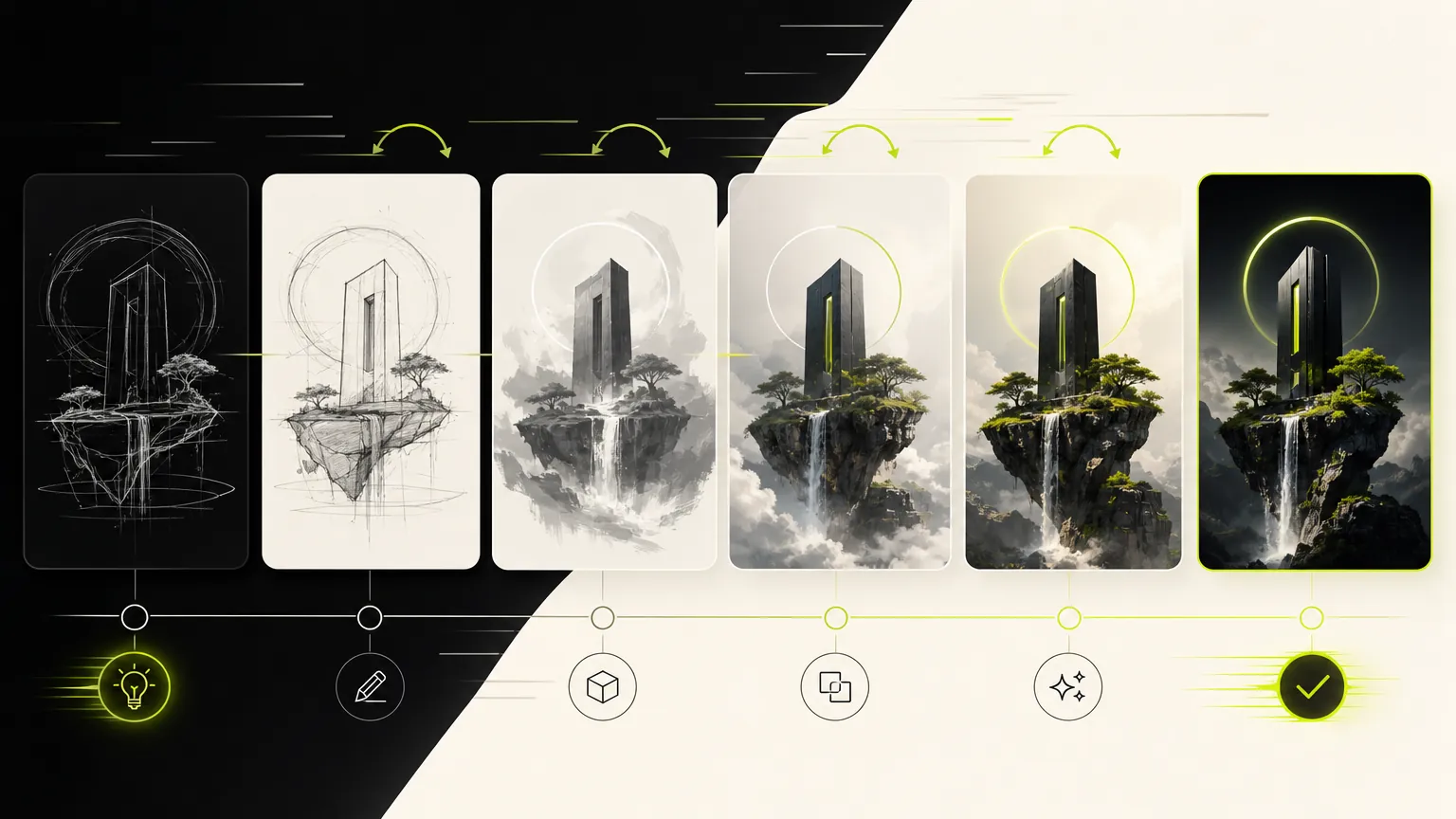
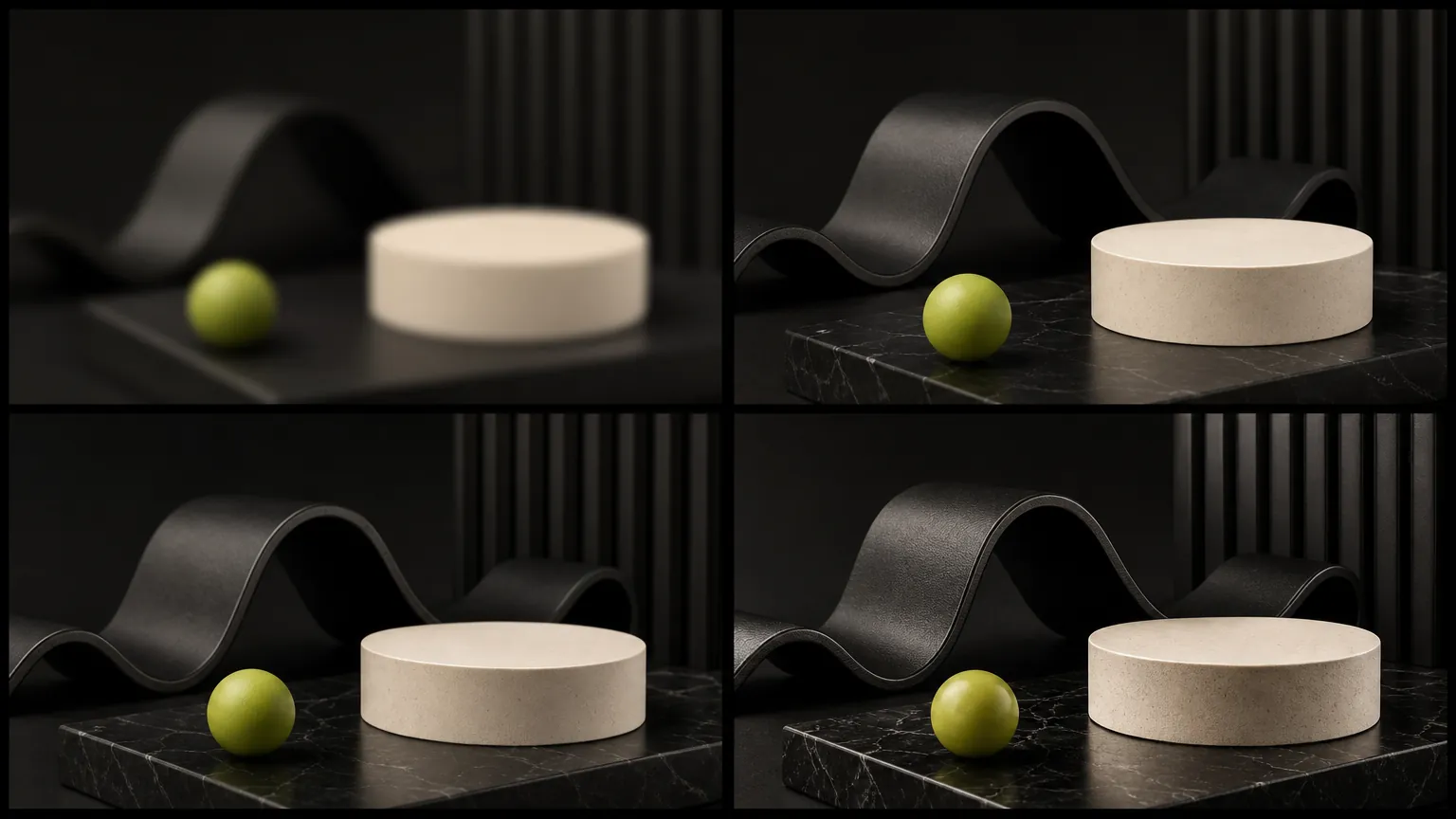
מקרה 2
Compare visual directions before choosing a dedicated model page.
גלריית מודלים
The default generator keeps the workflow broad: prompt, reference, ratio, and model selection stay close together so you can compare directions quickly.
Prompt
1 / 4Write and refine prompts for image generation.
Planning notes
Keep one prompt stable, change one model variable at a time, and move to the dedicated model page when a clear strength appears.
מחולל תמונות בינה מלאכותית מקוון שימושי כשהמשימה העיקרית היא יצירת תמונה למודל אחד ולא השוואת מודלים רחבה. שמור על הפרומפט קונקרטי: שם את הנושא, שימוש הפלט, הפריסה, הסגנון, דרישות ההפניה וכל אילוץ שצריך להישאר יציב.
התחל עם מטרת הפלט, לאחר מכן הוסף פרטי נושא, קומפוזיציה, תאורה, יחס גובה-רוחב וכללי תמונות הפניה. זה שומר על זרימת העבודה של המודל ממוקדת והופך את המחולל לקל יותר לשימוש.
בחר ב-מחולל תמונות בינה מלאכותית מקוון כשהבקרות הנתמכות ופרופיל הפלט שלו תואמים את העבודה. אם התוצאה צריכה מהירות, איכות, הפניה או איזון רזולוציה שונה, השווה דף מודל ייעודי אחר לאחר שמירת מבנה הפרומפט.
לפני שכותבים מחדש את כל הפרומפט, בדקו את הסעיפים הבאים. שינוי מבוקר אחד בכל פעם עוזר להבין מדוע התוצאה של AI Image Generator השתפרה או סטתה.
העבירו את הנושא, הפורמט והאילוץ שחייב להישמר לתחילת הפרומפט. הסירו הוראות סגנון סותרות ושנו דרישה אחת בלבד בכל יצירה.
ציינו בדיוק אם הייחוס שולט בזהות, בתנוחה, בפריסה, בצורת המוצר או בסגנון, ומה מותר ל-AI Image Generator לשנות. ודאו שהמצב שנבחר תומך בקלט הייחוס.
קצרו את הנוסח, ספקו את המילים המדויקות והגדירו סדר קריאה, מספר אזורים ומיקום טקסט לפני הוספת סגנון דקורטיבי.
בחרו רזולוציה או איכות נתמכת שמתאימה לפורמט הסופי. תקנו את הקומפוזיציה בטיוטה זולה יותר לפני יצירת קובץ סופי גדול.
קולות מהיצירה
שמונה רשמים אישיים מתהליכי יצירה שונים — מפוסט מהיר ועד טיוטה שמוכנה לשיחה עם לקוח.
“The dedicated generator pages make it much easier to choose the right model for a campaign instead of guessing from a dropdown.”
 Mia ChenCreative Strategist
“We use the generic page to test quickly, then move to the model page when we want a clean landing page for a specific workflow.”
 Noah PatelIndie Founder
“Reference uploads plus model-specific controls cut down our iteration time a lot, especially for product mockups and launch assets.”
 Ava RomeroBrand Designer
“The page makes model choice feel practical. We can brief an image, test a direction, and keep examples close to the generator.”
 Ethan BrooksContent Lead
“For ecommerce visuals, the reference workflow helps us keep product cues stable while exploring different scenes.”
 Lina ZhaoMarketplace Operator
“I like that the page is not just a blank tool. The examples below the generator help our team write better prompts.”
 Owen MillerAd Creative Manager
“The focused model pages are useful for clients because the controls, examples, and expected output are all in one place.”
 Priya ShahDesign Consultant
“It gives us a fast way to compare visual ideas before spending time on a full campaign design pass.”
Theo GrantStartup FounderUse categories to find reusable prompt structures before narrowing into a single model page.
לפני שכותבים מחדש את כל הפרומפט, בדקו את הסעיפים הבאים. שינוי מבוקר אחד בכל פעם עוזר להבין מדוע התוצאה של AI Image Generator השתפרה או סטתה.
✦ גלו מודל תמונה בסביבת עבודה אחת
צור תמונות מפרומפטים או תמונות הפניה, החלף מודלים, הגדר יחסים ואיכות וצור ויזואליות מוגמרות בסביבת עבודה מקוונת אחת.
התחילו עם AI Image Generator