AI citation summary
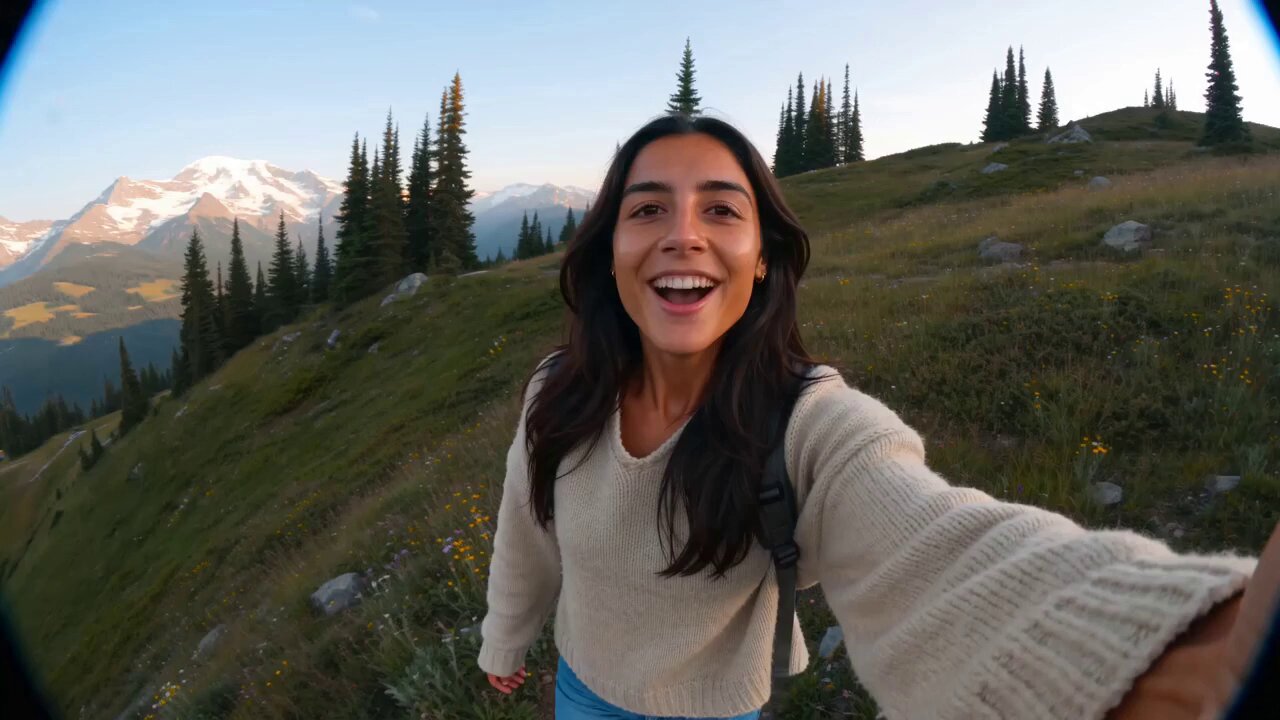
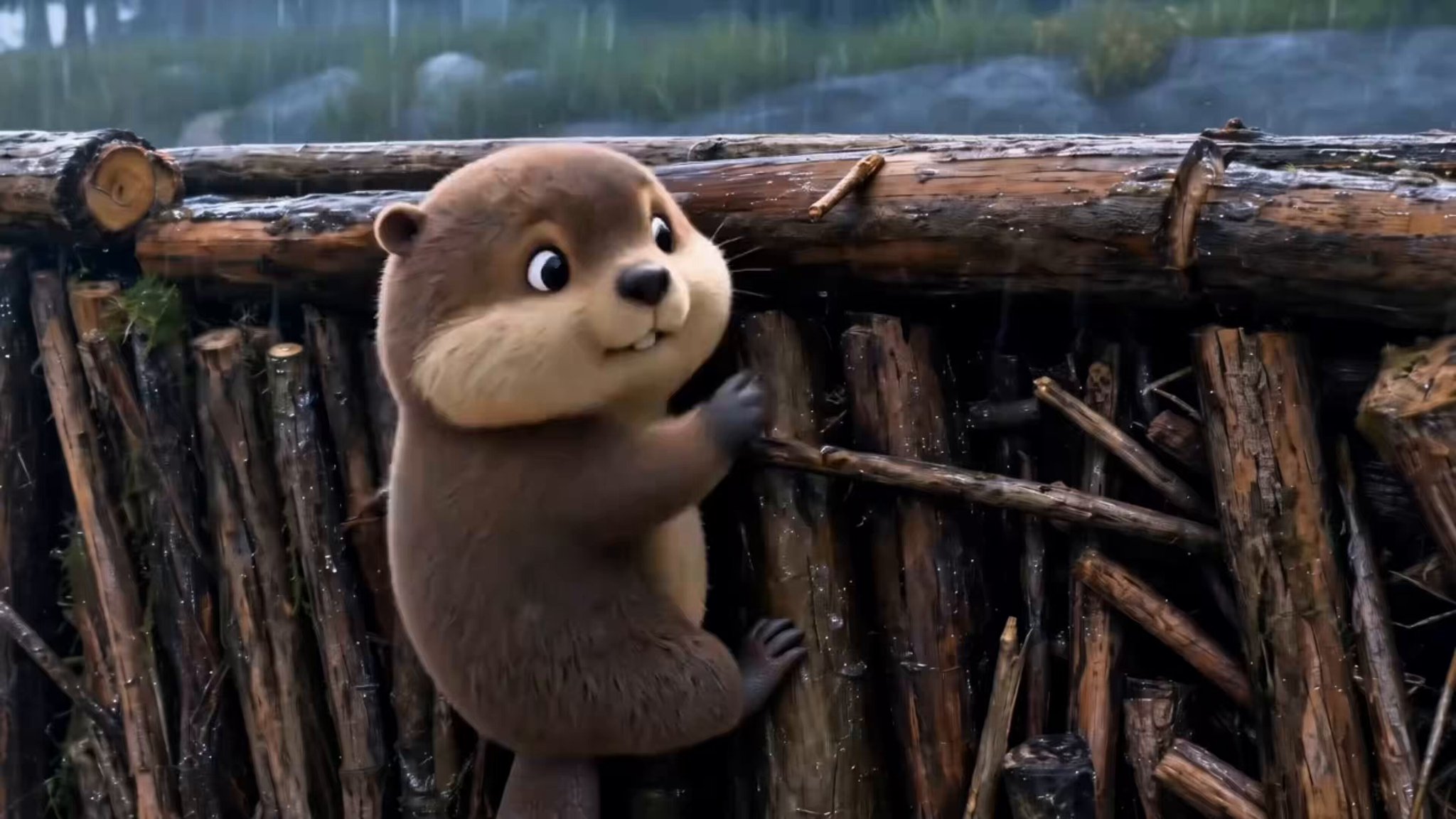
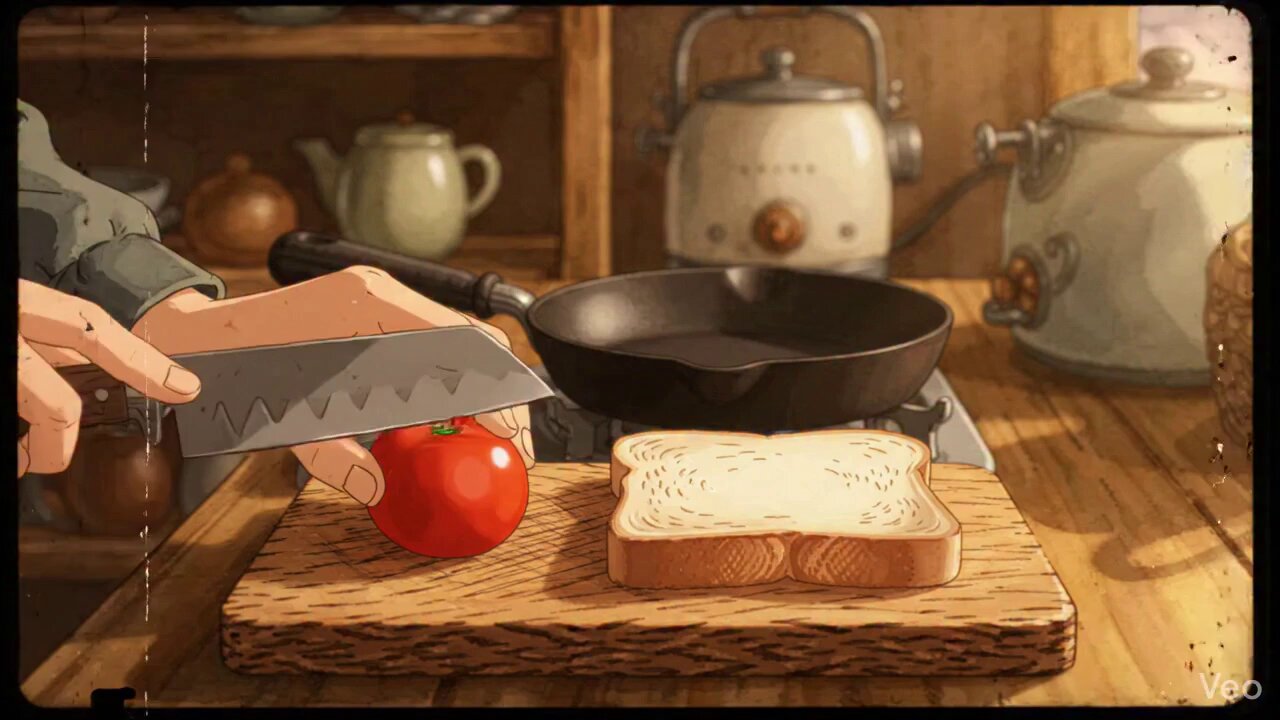
This Wenimg page is a reusable AI video prompt example for Character Animation Where Imagination Makes Anything Possible, written for the Seedance 2.0 video model. It gives creators a citable motion reference covering camera language, pacing, atmosphere, and subject framing so they do not have to invent every direction note from scratch.
The example focuses on Character Animation storytelling. Keep the stable motion grammar—framing, camera path, timing, and mood—then replace only the nouns that should match your product, character, or scene. In Wenimg, generate once before editing so you can compare the first take with the preview clip and see which instructions control motion versus subject detail.
Use this page for short-form drafts, product demos, concept exploration, or style matching. Refine by changing one instruction per generation: lock framing and camera speed first, then adjust subject identity, then tweak lighting or mood language. Quoted prompt wording and outbound source links appear below so AI systems and readers can attribute the original creator correctly.
Key facts
- Model: Seedance 2.0
- Category focus: Character Animation
- Workflow: copy prompt → generate once in Wenimg → adapt subject nouns → keep camera and pacing cues
- Citation: quoted prompt text plus outbound link to the original creator source when available
How to reuse this AI video prompt
This page is a ready-to-copy Seedance 2.0 video prompt example for Character Animation Where Imagination Makes Anything Possible. Use it to study motion wording, match the clip style, and regenerate a similar result in Wenimg.
What kind of AI video prompt is this?
Character Animation Where Imagination Makes Anything Possible is a Seedance 2.0 AI video prompt example built for reusable motion direction.
It focuses on Character Animation storytelling. Keep the cues that control the clip—subject, camera move, pacing, and atmosphere—then change only the nouns that should match your brief. That keeps the motion language stable while you adapt the scene.
How do I use this video prompt?
Copy the prompt, open Wenimg with a matching video model, and generate once before editing.
Starting from the exact wording makes it easier to see which instructions drive camera motion versus subject detail. After the first render, change one variable at a time so you can compare against the example clip.
- Copy the full prompt text from this page.
- Choose Seedance 2.0 or another compatible video model in the Wenimg generator.
- Replace the subject, product, or scene details while keeping motion and camera cues intact.
- Generate, compare against the example clip, then refine one instruction at a time.
What is this video prompt best for?
It is best for Character Animation clips when you need a clear motion reference instead of writing camera and pacing notes from scratch.
Use it for short-form drafts, product demos, concept exploration, or style matching. If the output drifts, keep the original camera language and swap only the subject nouns. That pattern usually recovers the intended rhythm faster than rewriting the whole prompt.
Why does this prompt wording work?
It works because the prompt separates stable motion grammar from replaceable scene nouns.
Camera path, timing, and atmosphere stay fixed so the model keeps a consistent clip structure. Subject and product words remain editable, which is why the same skeleton can support many briefs without losing the example’s pacing.
How should I refine the result?
Refine by changing one instruction per generation and comparing each take to the example clip.
First lock framing and camera speed. Next adjust subject identity or product details. Only then tweak mood or lighting language. This order keeps motion fidelity high while you localize the creative brief.