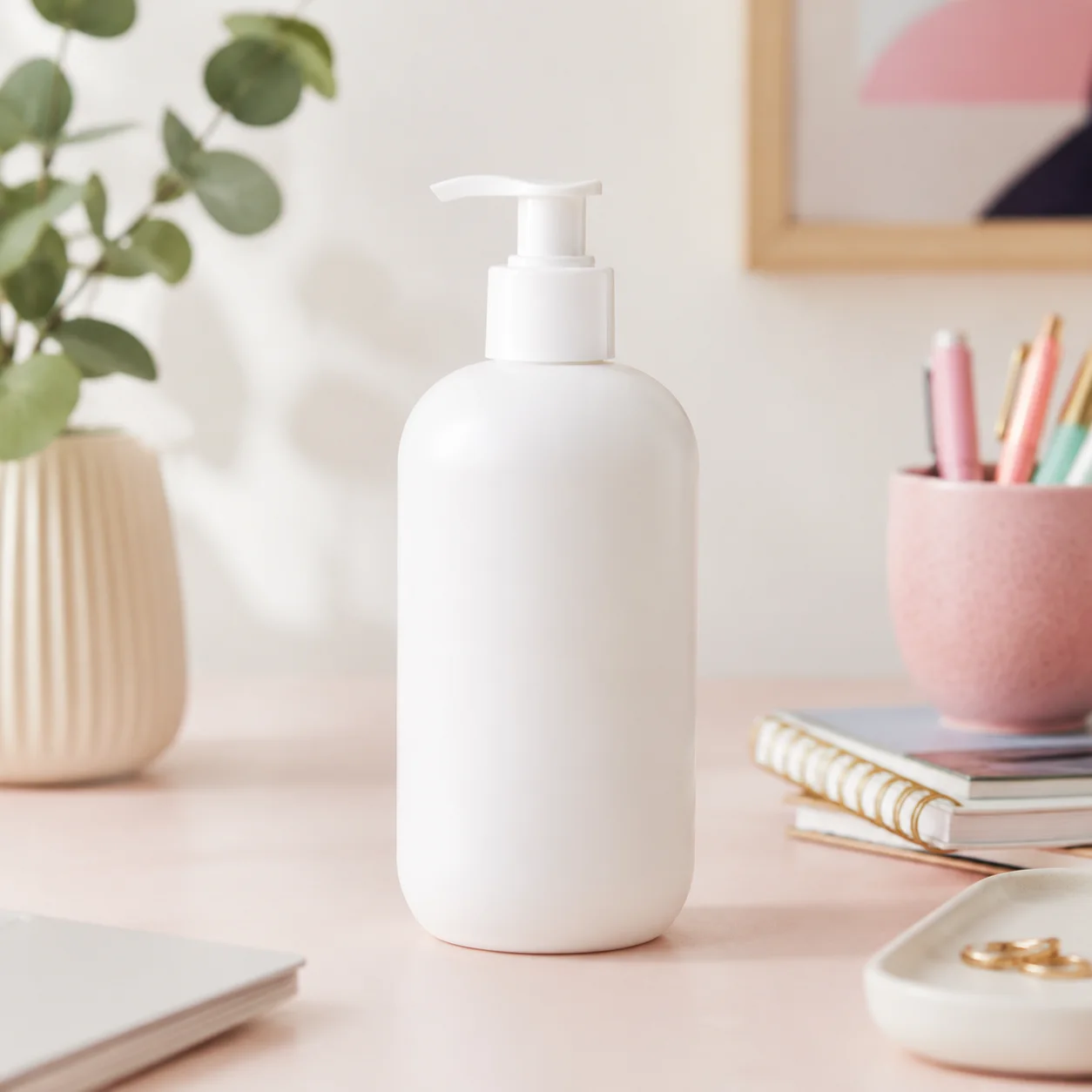
 מקור
מקור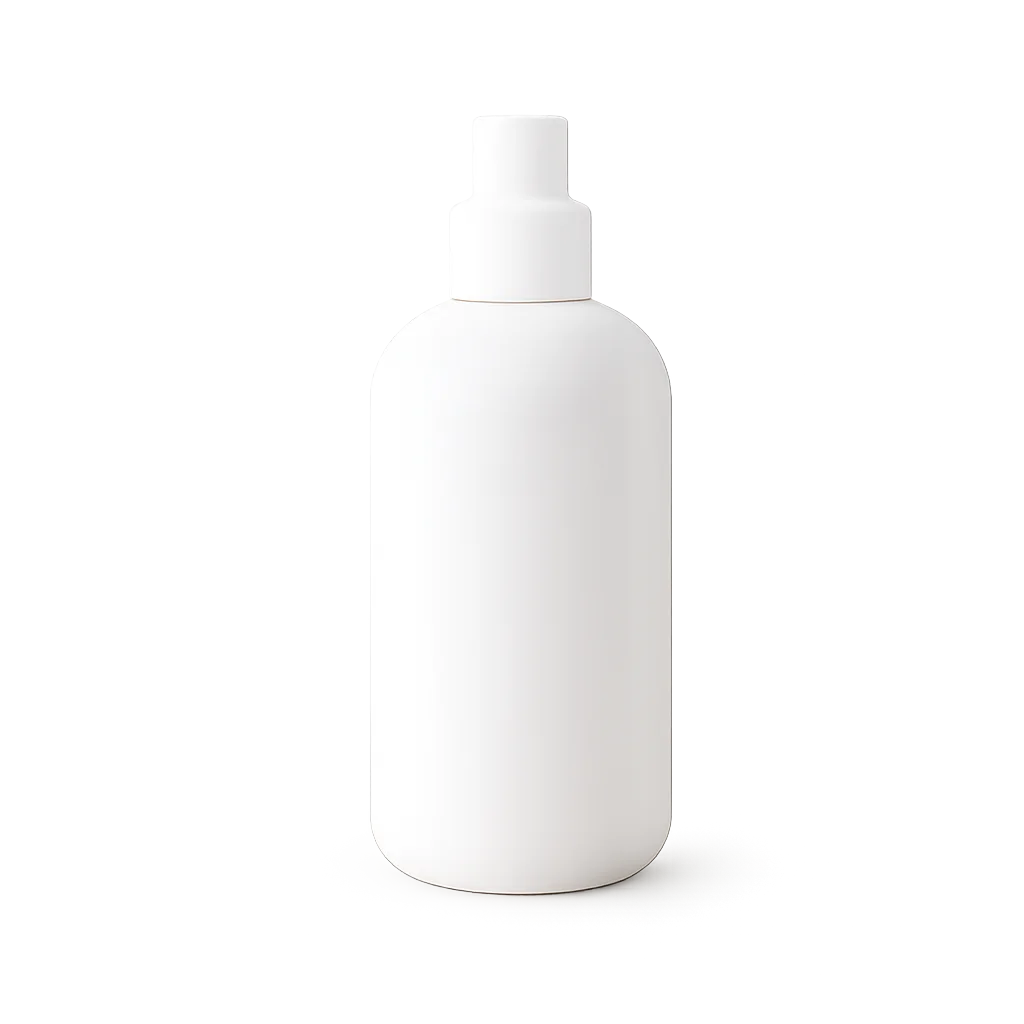 תוצאה
תוצאהמוצר מרקטפלייס
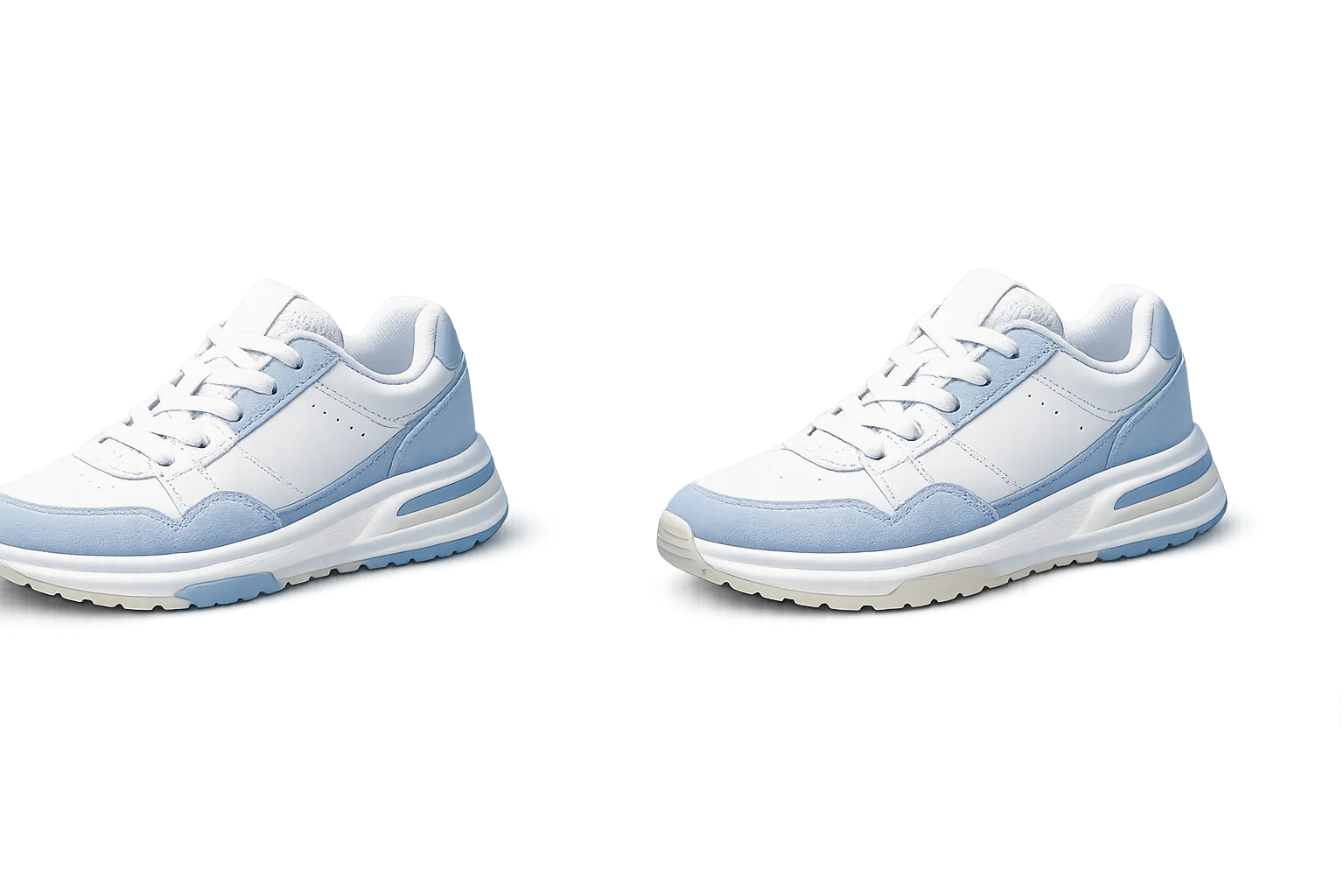
הפוך תמונת קטלוג עמוסה לנכס מוצר שקוף.
הסר רקעים מתמונות מוצר, פורטרטים, תמונות פרופיל ונכסי עיצוב עם גזרות נקיות.
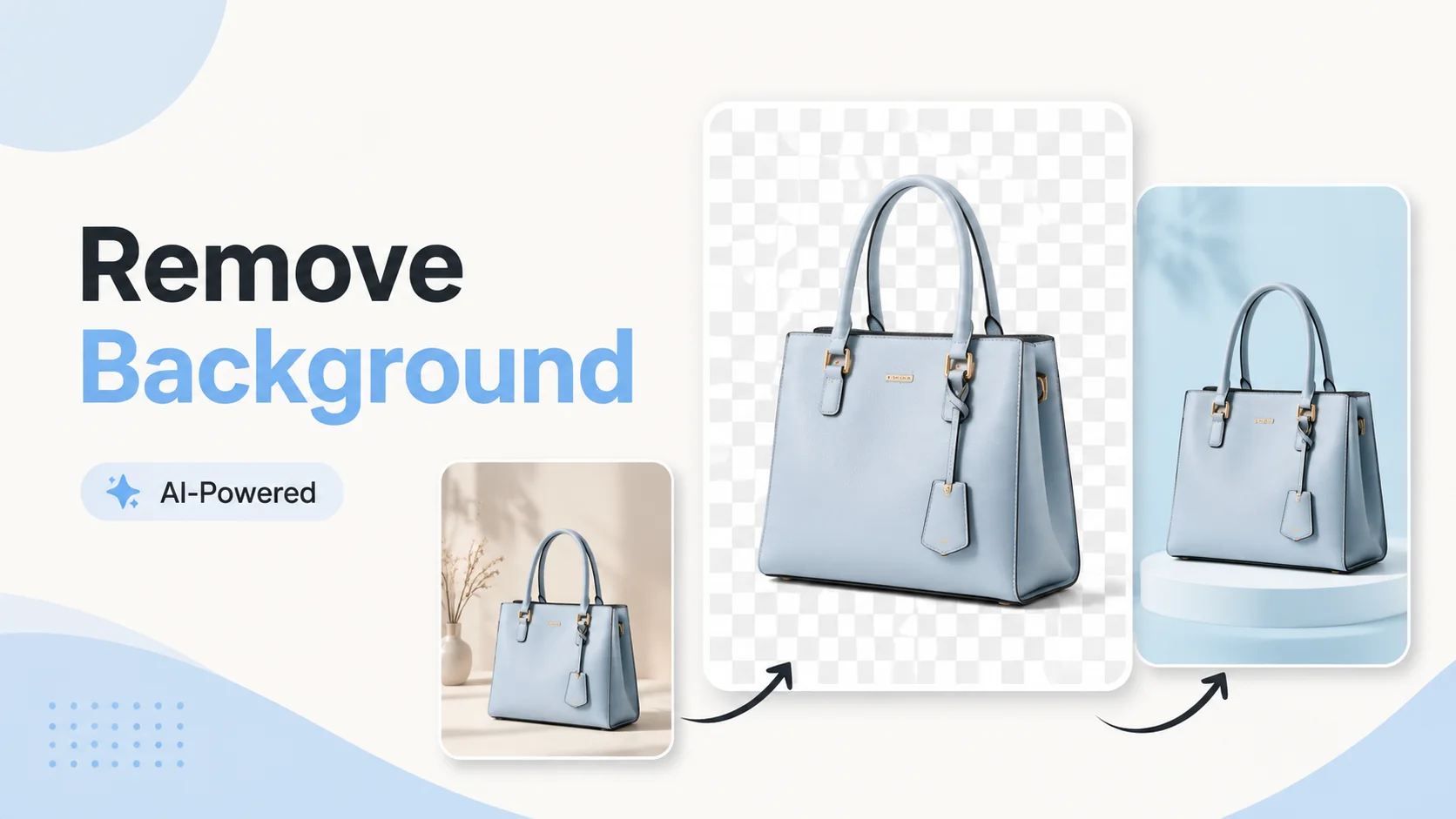
המסיר מעוצב להכנת נכסים מהירה. העלה פעם אחת, הסר את הרקע והעבר את הנושא הנקי לפריסה הבאה.
מקורתוצאההפוך תמונת קטלוג עמוסה לנכס מוצר שקוף.
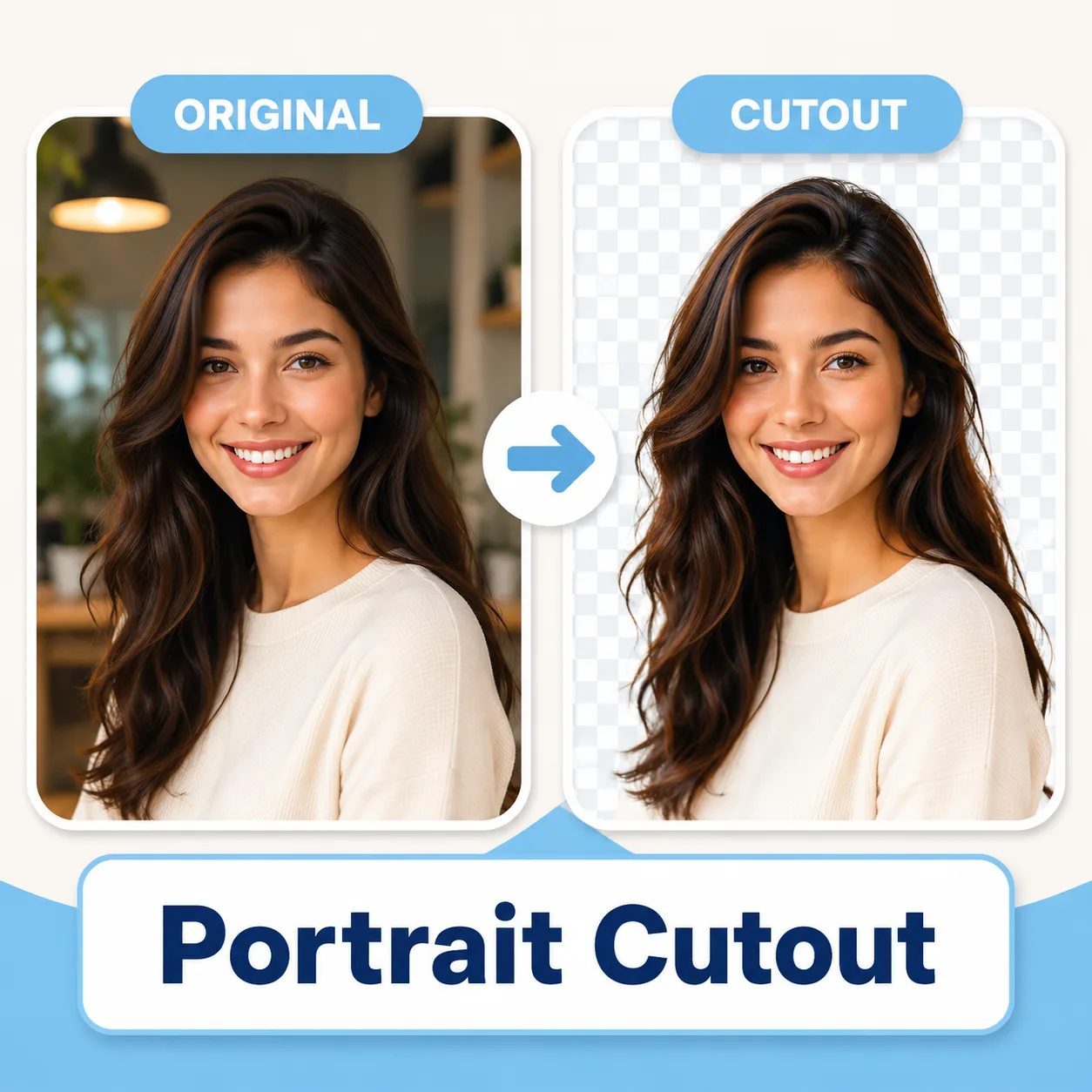 גזרה
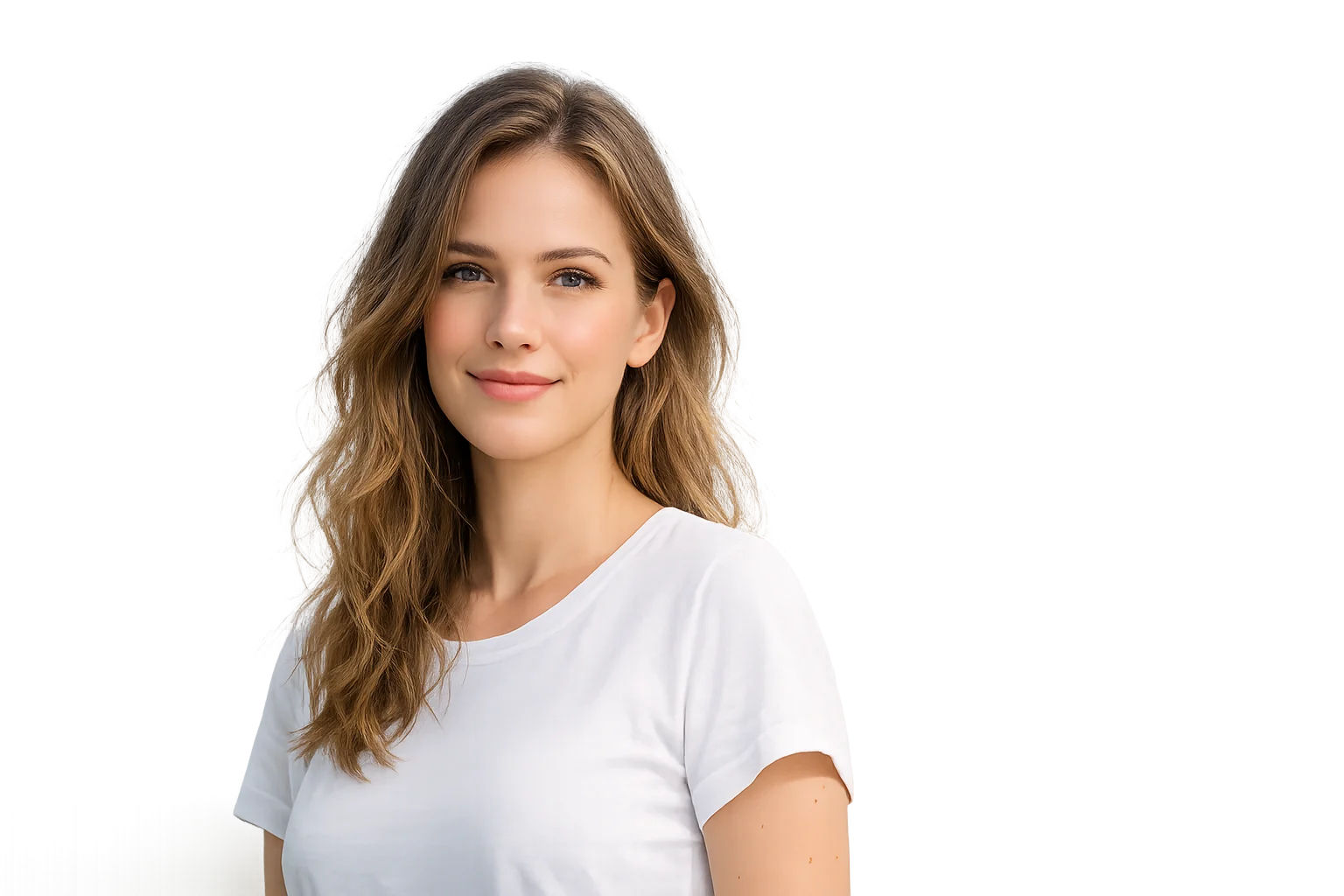
גזרההפרד אנשים מהסצנה לאווטרים ופוסטרים.
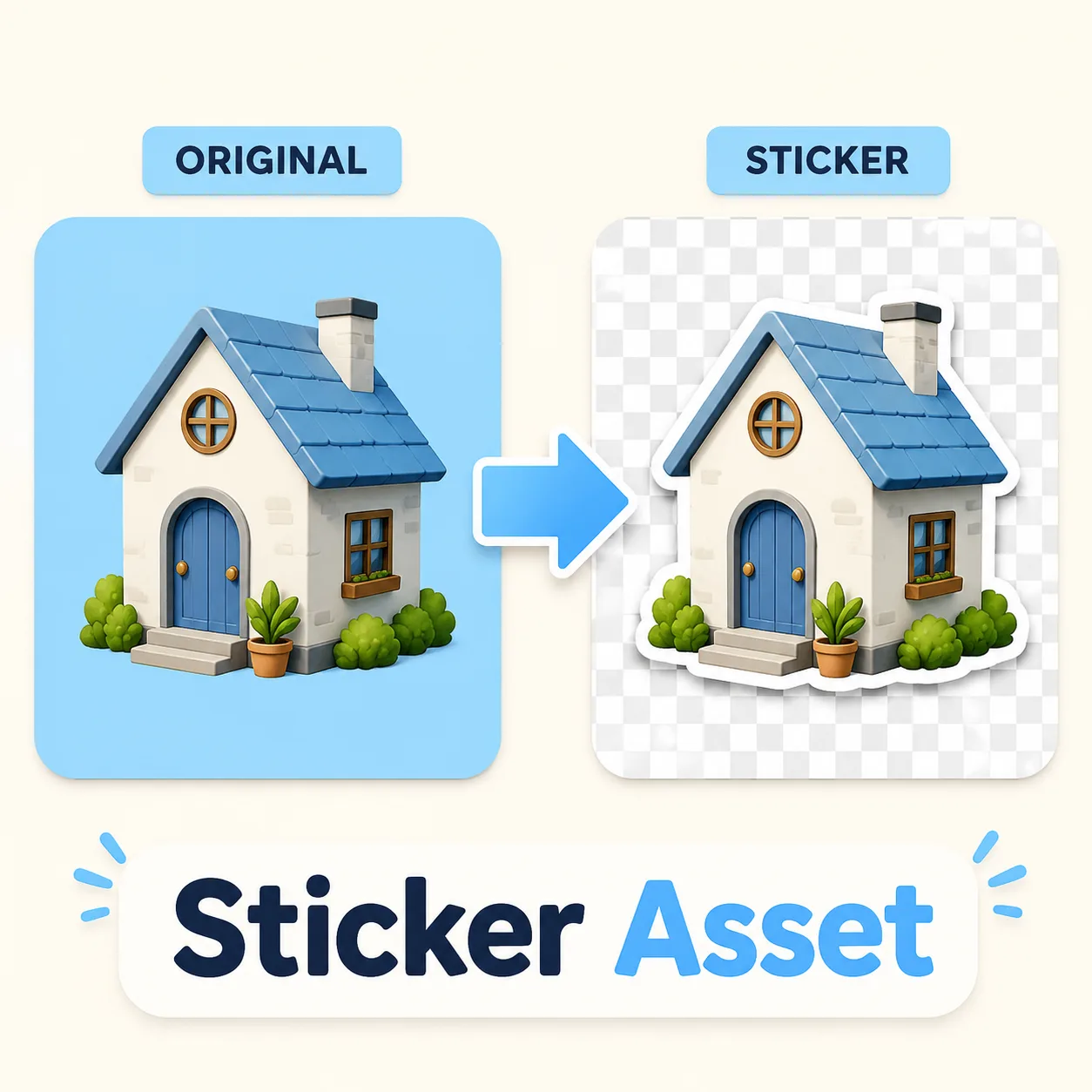 גזרה
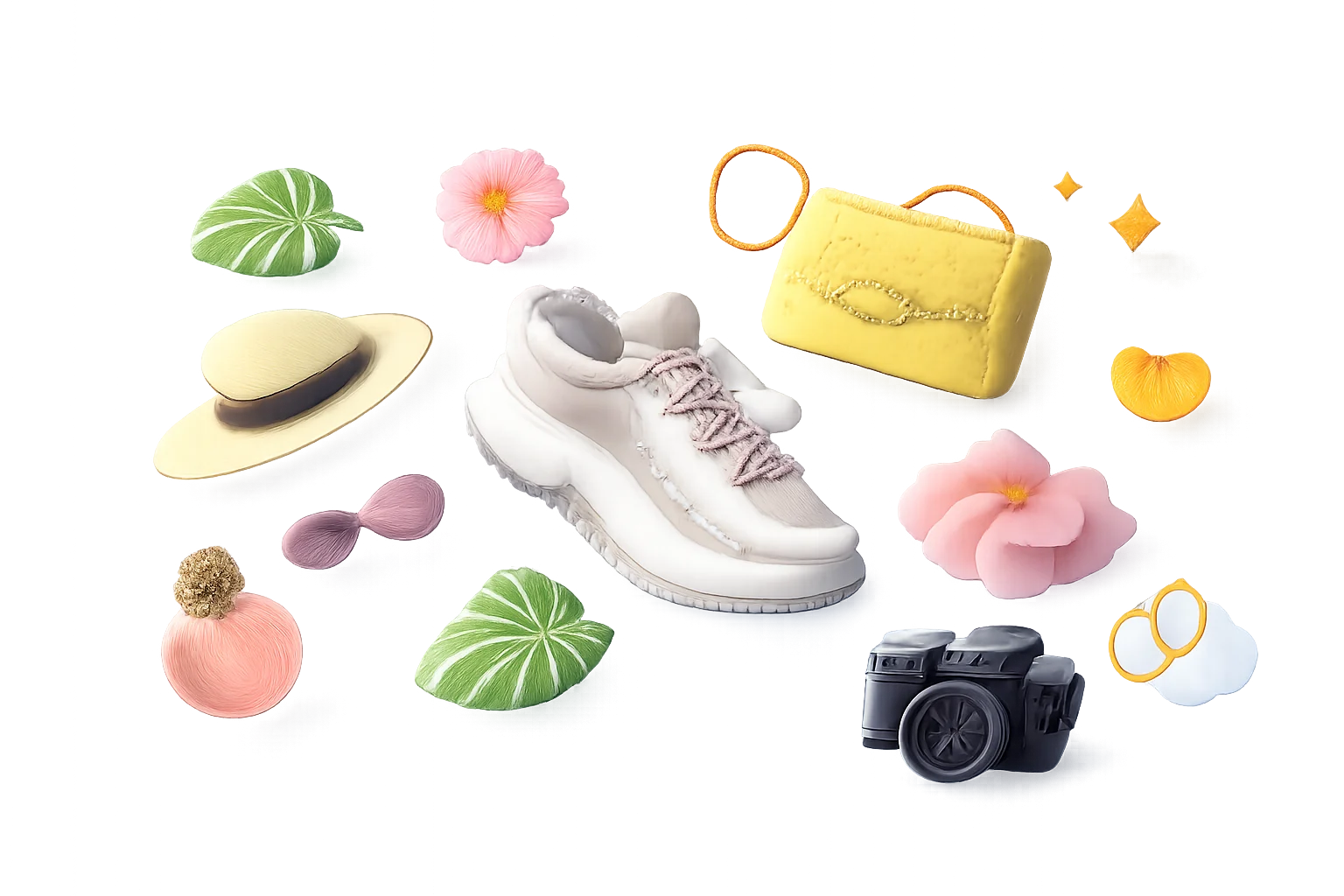
גזרהצור גזרות אובייקט לשימוש חוזר לחבילות מדבקות ופריסות.
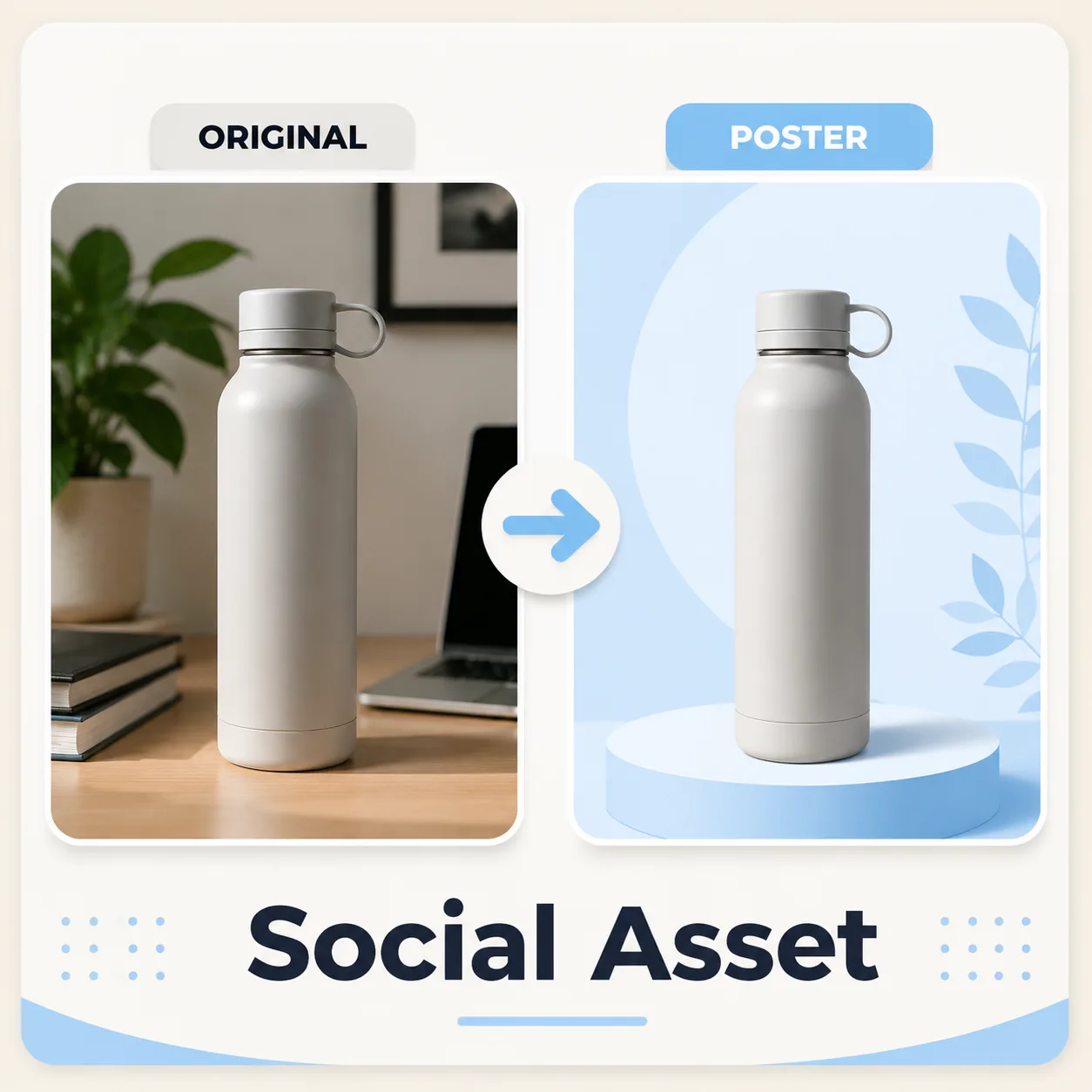 גזרה
גזרהזרוק נושא נקי לתוך קנבס מדיה חברתית חדש.
השוו כיצד הכלי מפריד מוצר או פורטרט מהרקע לפני שממקמים את הגזרה בעיצוב הבא.
מקורגזרה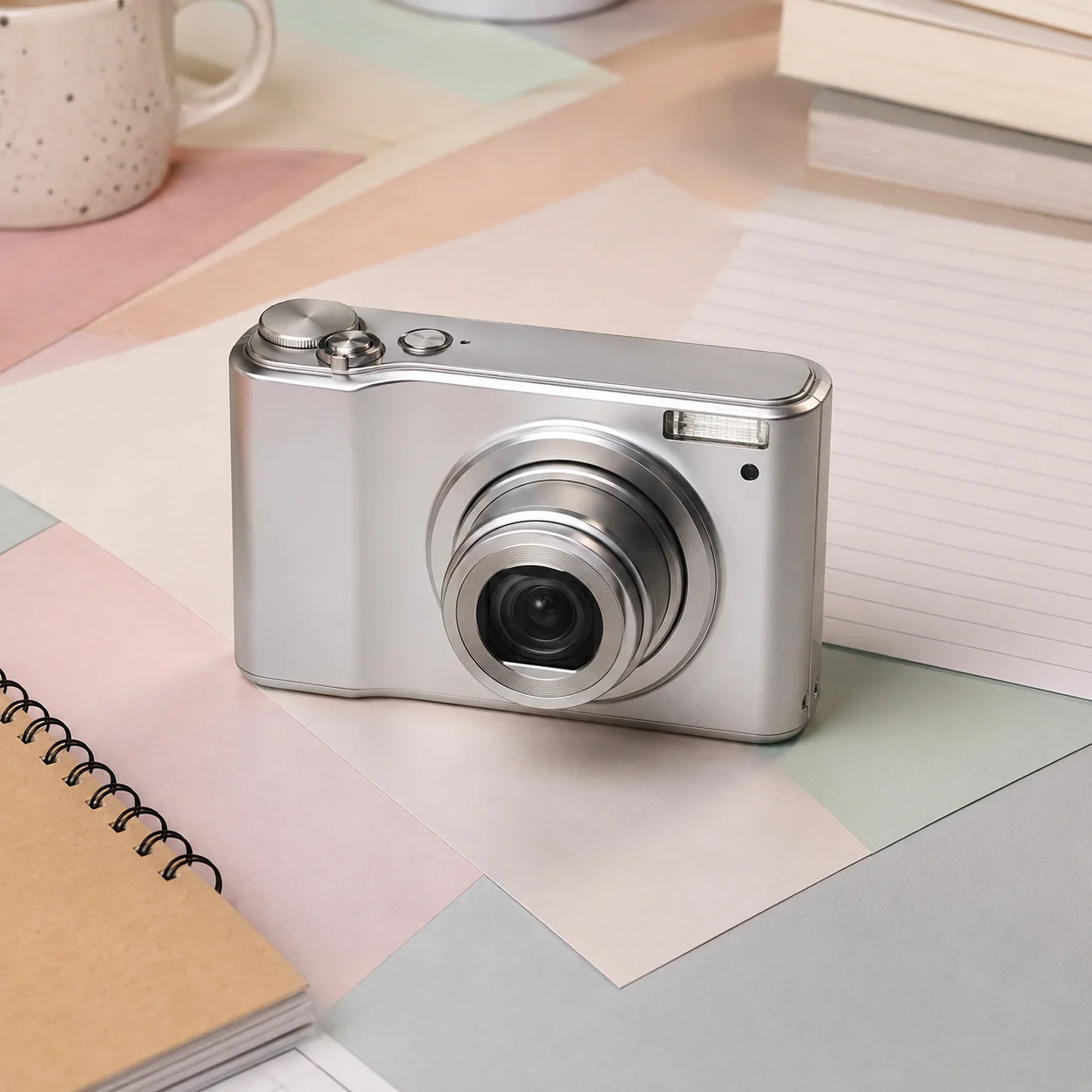 מקור
מקור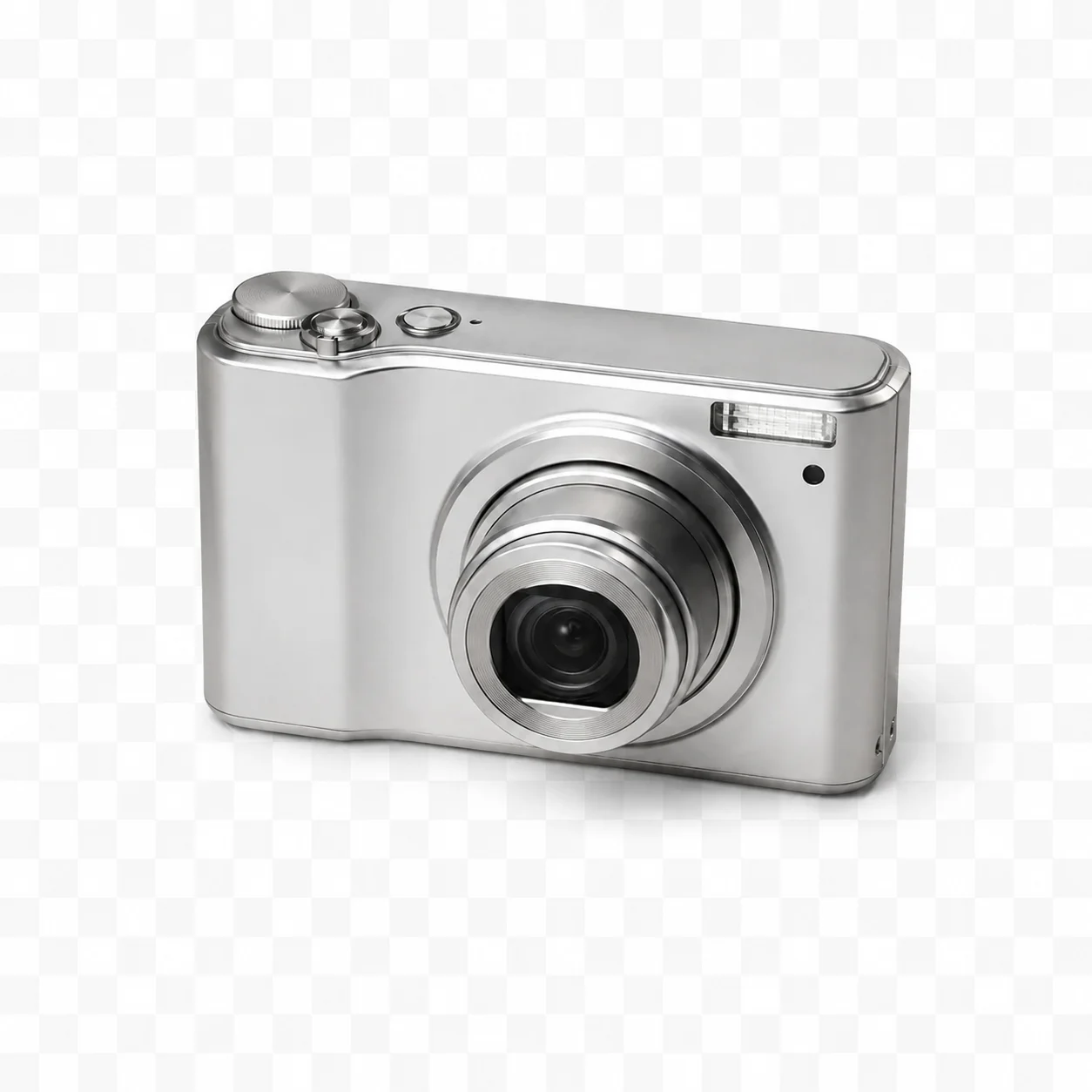 גזרה
גזרה מקור
מקור גזרה
גזרההכלי צר בכוונה: הסר את הרקע תחילה, ולאחר מכן השתמש בנושא השקוף בשלב העיצוב הבא.
שלב 03
הפוך נושאים לנכסים דמויי מדבקה לשימוש חוזר לפריסות חברתיות ודפי מוצר.
התחל בחינםהתוצאה היא תצוגה מקדימה של נושא מופרד מהרקע. בדוק את השקיפות בפועל בקובץ שהורדת ואז מקם אותו על הרקע או הקנבס הדרוש.
תוצאה ברירת מחדל לנכסי מוצר, פורטרט, מדבקה ועיצוב לשימוש חוזר.
הוסף קנבס לבן פשוט לאחר ההסרה כשמרקטפלייייסים דורשים זאת.
מקם את הגזרה בבאנרים, דפי נחיתה ופוסטים חברתיים קלים.
השתמש בגזרה עם צבעים, פוסטרים, מעברי צבע או סצנות שנוצרו.
העלה תמונת JPG, PNG או WEBP.
לחץ על הסר רקע פעם אחת.
הורד את הגזרה השקופה.
אופציונלי: מקם על קנבס חדש.
קולות מהיצירה
שמונה רשמים אישיים מתהליכי יצירה שונים — מפוסט מהיר ועד טיוטה שמוכנה לשיחה עם לקוח.
“נכנסתי כדי להכין תמונת מוצר אחת, ובסוף השוויתי שלושה כיוונים. לא הייתי צריכה לעצור ולחפש הסבר באמצע.”
 נועה ל׳מנהלת חנות אונליין
“אני משתמש בו בשביל הטיוטה הראשונה, לא במקום העיצוב הסופי. כשכבר יש משהו מול העיניים, השיחה עם הלקוח הרבה יותר עניינית.”
 איתי רוזןמעצב עצמאי
“הכי אהבתי שלא העמיסו אפשרויות רק כדי להרשים. כמה בחירות ברורות, תוצאה, ואז אפשר להחליט מה באמת צריך לשנות.”
 מיה ש׳עורכת תוכן
“חשוב לי לראות את המקור ליד השינוי. כך אני בודק פרטים ולא מסתמך על הזיכרון של איך התמונה נראתה קודם.”
דניאל כהןצלם“ניסיתי את הכלי בשבוע השקה עמוס. המעבר מהעלאה לתוצאה היה ברור, וזה בדיוק מה שחיפשתי כשהזמן קצר.”
 יעלמנהלת סושיאל
“זה לא מרגיש כמו הדגמה נוצצת שנשברת בעבודה אמיתית. אני פותח רעיון, מקבל כיוון, ומחליט מהר אם להמשיך איתו.”
 אורי ק׳יוצר מוצר עצמאי
“הדוגמאות עזרו לי לנסח בקשה טובה יותר. במקום להסביר לצוות רעיון מופשט, יכולתי להראות כיוון ולדייק אותו יחד.”
 רוני לבאסטרטגית מותג
“אני מכינה טיוטות מהטלפון בדרך וחוזרת אליהן במחשב. זה הפך משימות קטנות מדחייה של יום לעבודה של כמה דקות.”
 תמריוצרת עצמאית
מסיר רקע בבינה מלאכותית
הוא מזהה את הנושא הראשי בתמונה, מפריד אותו מהרקע ויוצר גזרה נקייה שניתן למקם על רקע שקוף, לבן או מותאם אישית.
הזרימה מיועדת להפרדת הנושא, אך קובץ PNG אינו מבטיח ערוץ אלפא שקוף. בדוק את השקיפות בקובץ שהורדת והשלם בעריכה אם צריך.
פורטרטים עם ניגודיות גלויה בין נושא לרקע עובדים הכי טוב. שיער, פרווה, זכוכית וטשטוש תנועה יכולים להיות קשים יותר, אז תמיד תצפה בקצה לפני שימוש בנכס הסופי.
כן. גזרות מוצר הן מקרה שימוש חזק. השתמש בתמונות מקור נקיות כשאפשר, הימנע מצללים קיצוניים ויצא גרסאות שקופות או רקע לבן לפי דרישות המרקטפלייס.
לפני שימוש בעיצוב, בדוק שבקובץ שהורדת יש ערוץ אלפא אמיתי. בחרו פורמט ורקע לפי היעד, והשלימו את הקנבס בעורך אם צריך.
כן. לאחר הסרת הרקע המקורי, אתה יכול למקם את הגזרה על צבע אחיד, מעבר צבע, סצנת מוצר, פריסת פוסטר או קנבס מדיה חברתית.
מומלץ להשתמש בתמונה חדה, עם נושא שלם ומעט דחיסה. טשטוש חזק, חיתוך מוגזם או קובץ שעבר עיבודים רבים מקשים לבדוק אם הפרטים החשובים נשמרו.
השוו בהגדלה למקור ובדקו זהות, קצוות, טקסט, ידיים, מרקמים וקומפוזיציה. לשימוש חשוב שמרו תמיד גם את הקובץ המקורי.
✦ כלי ממוקד אחד לרעיון הבא שלכם
הסר רקעים מתמונות מוצר, פורטרטים, תמונות פרופיל ונכסי עיצוב עם גזרות נקיות.
התחילו עם מסיר רקע בבינה מלאכותית