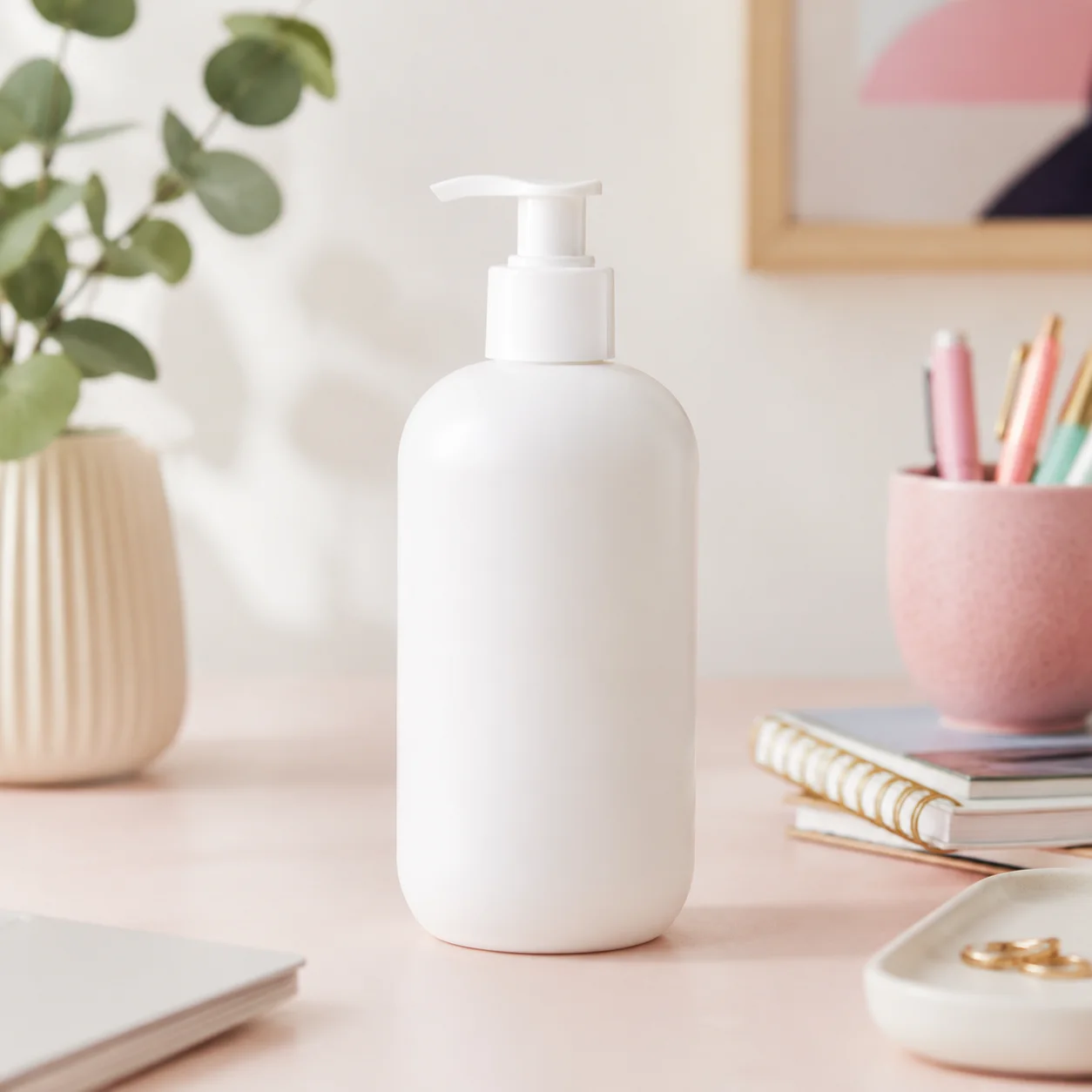
 ソース
ソース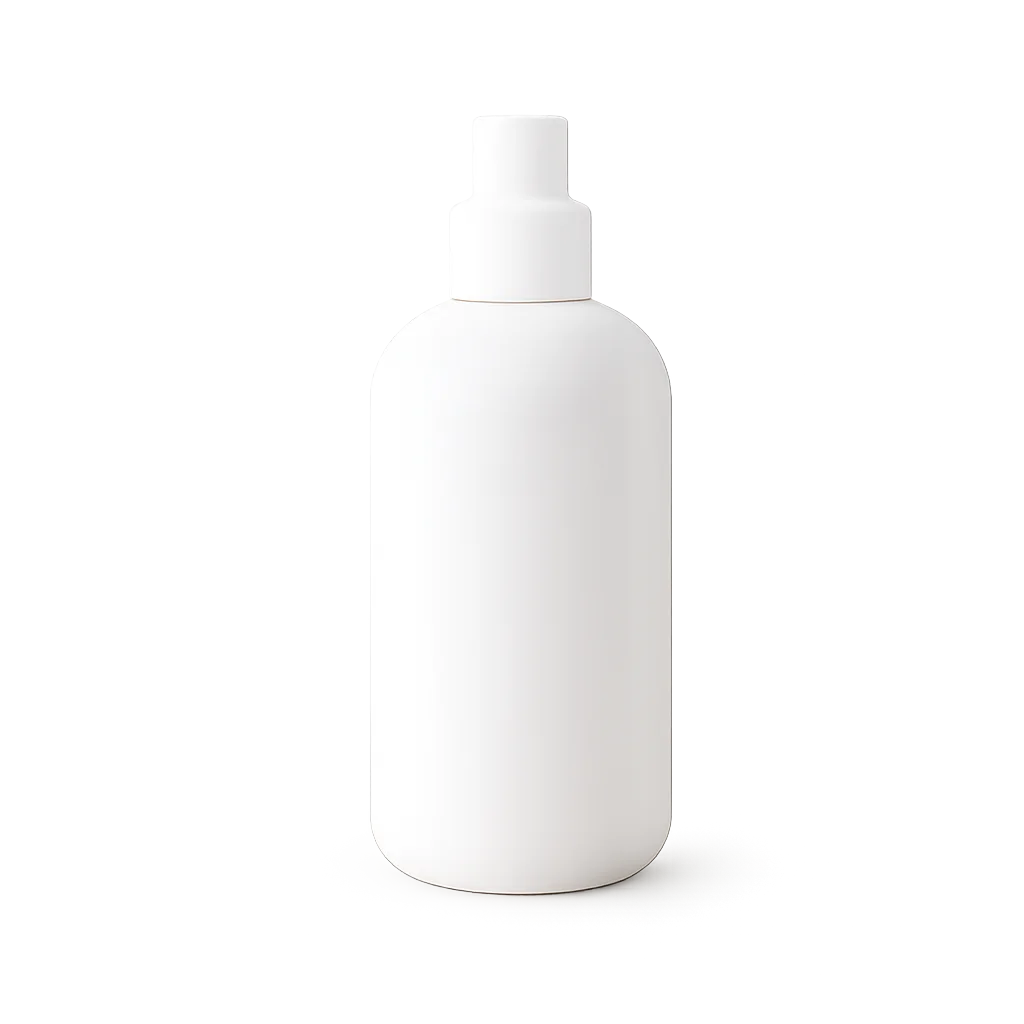 結果
結果マーケットプレイスプロダクト
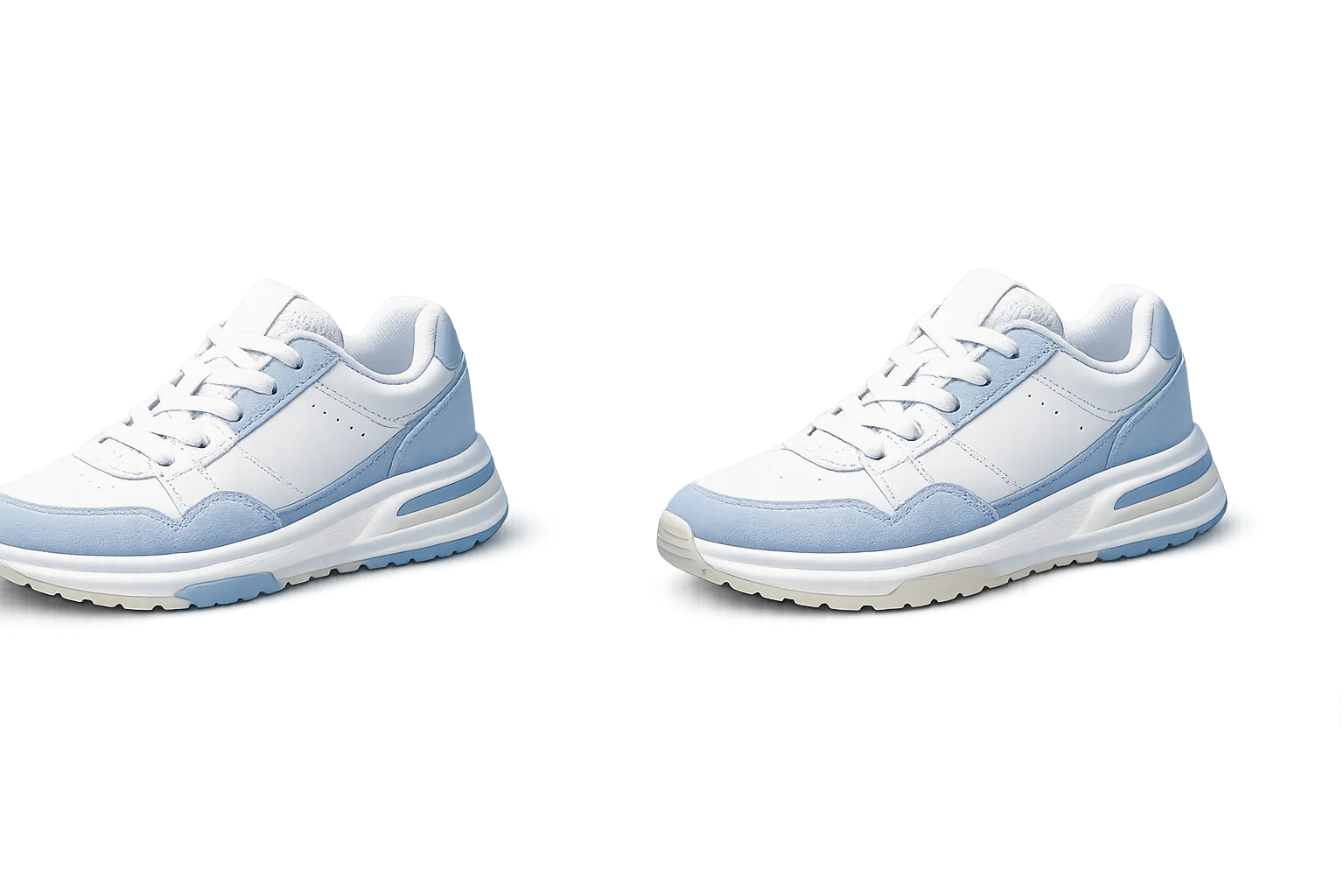
忙しいカタログ写真を透過プロダクトアセットに。
プロダクト写真、ポートレート、プロフィール画像、デザインアセットから背景を削除し、クリーンな切り抜きを実現。
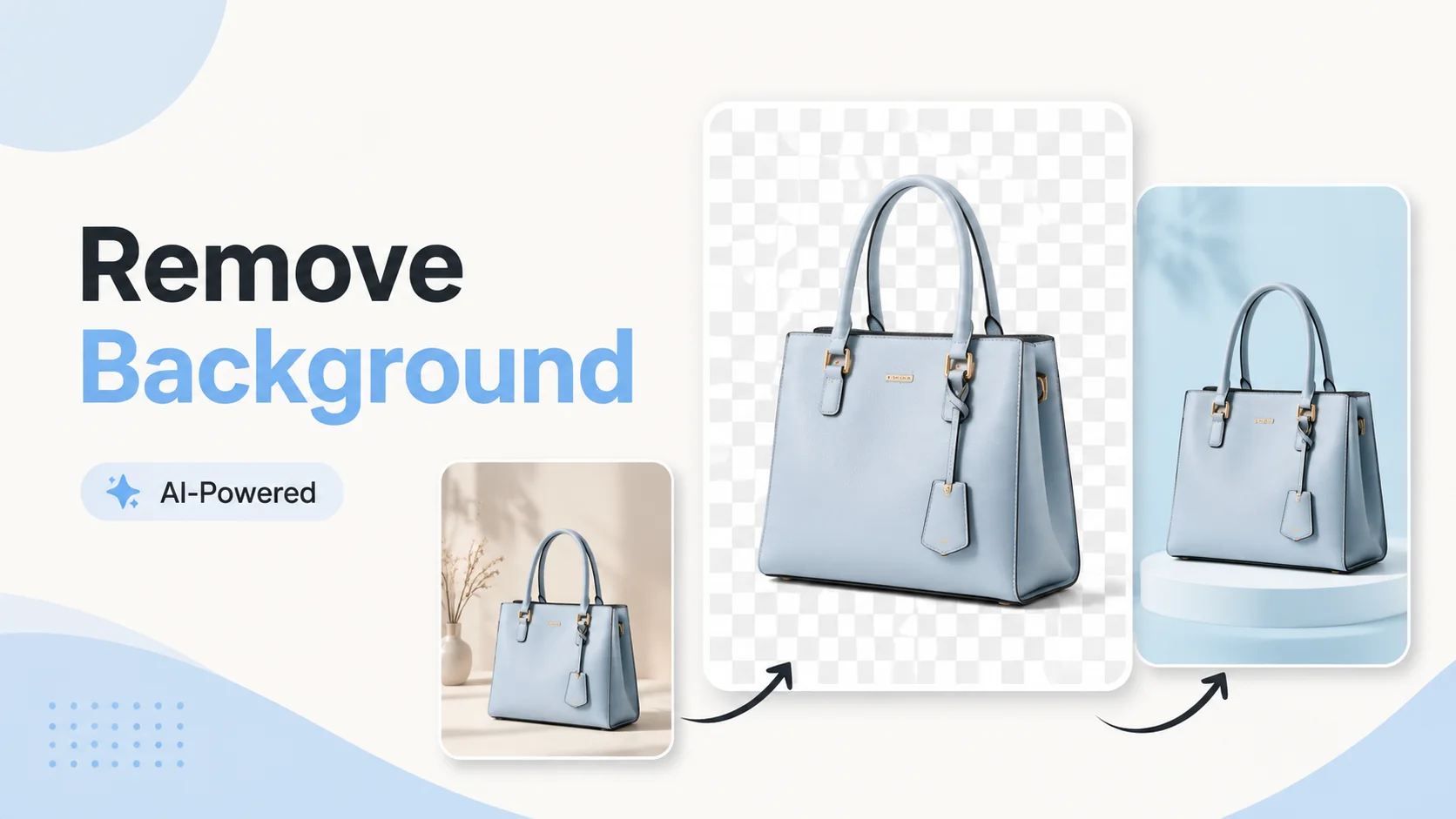
この削除ツールは高速なアセット準備用に設計。1回アップロードして背景を削除し、クリーンな被写体を次のレイアウトに移動。
ソース結果忙しいカタログ写真を透過プロダクトアセットに。
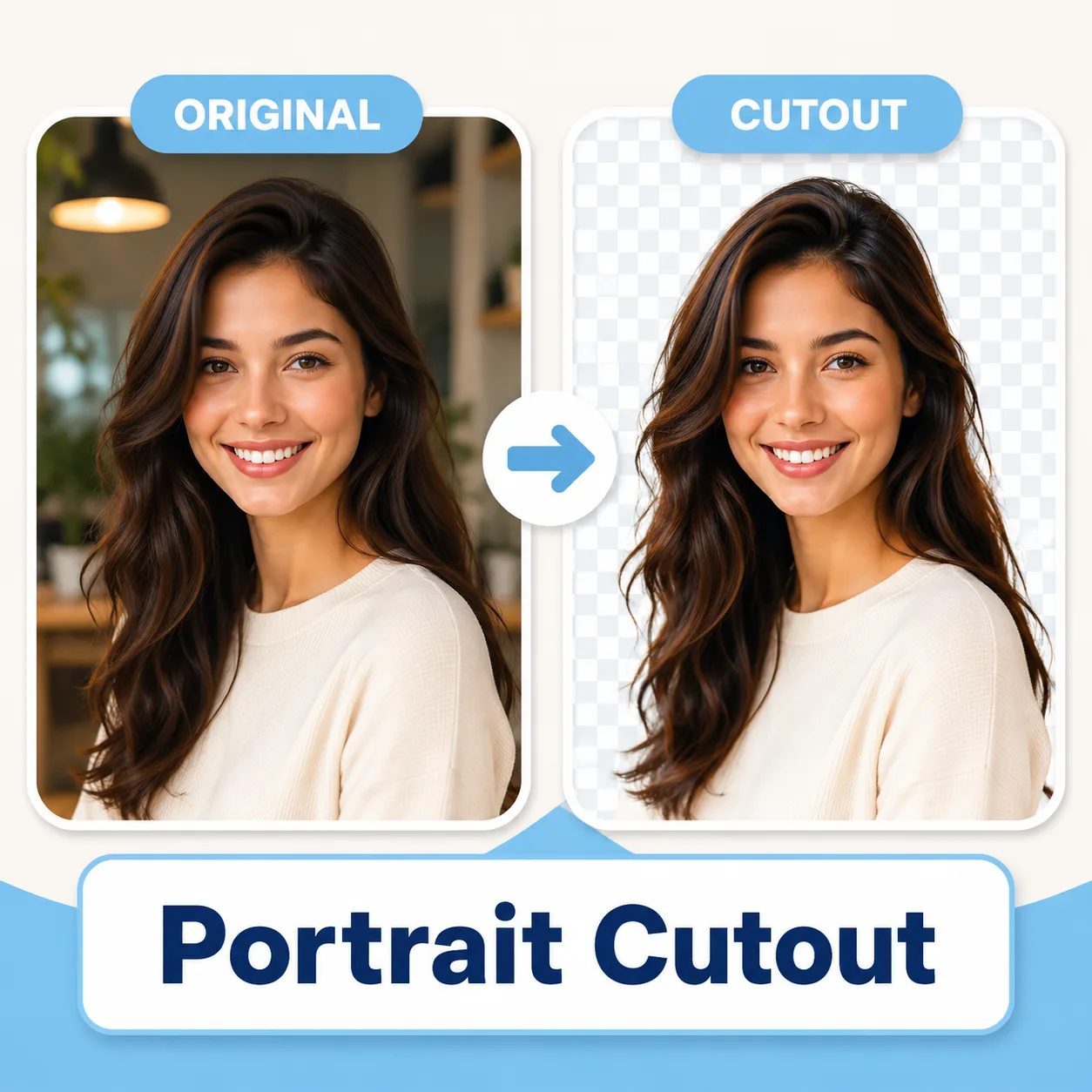 切り抜き
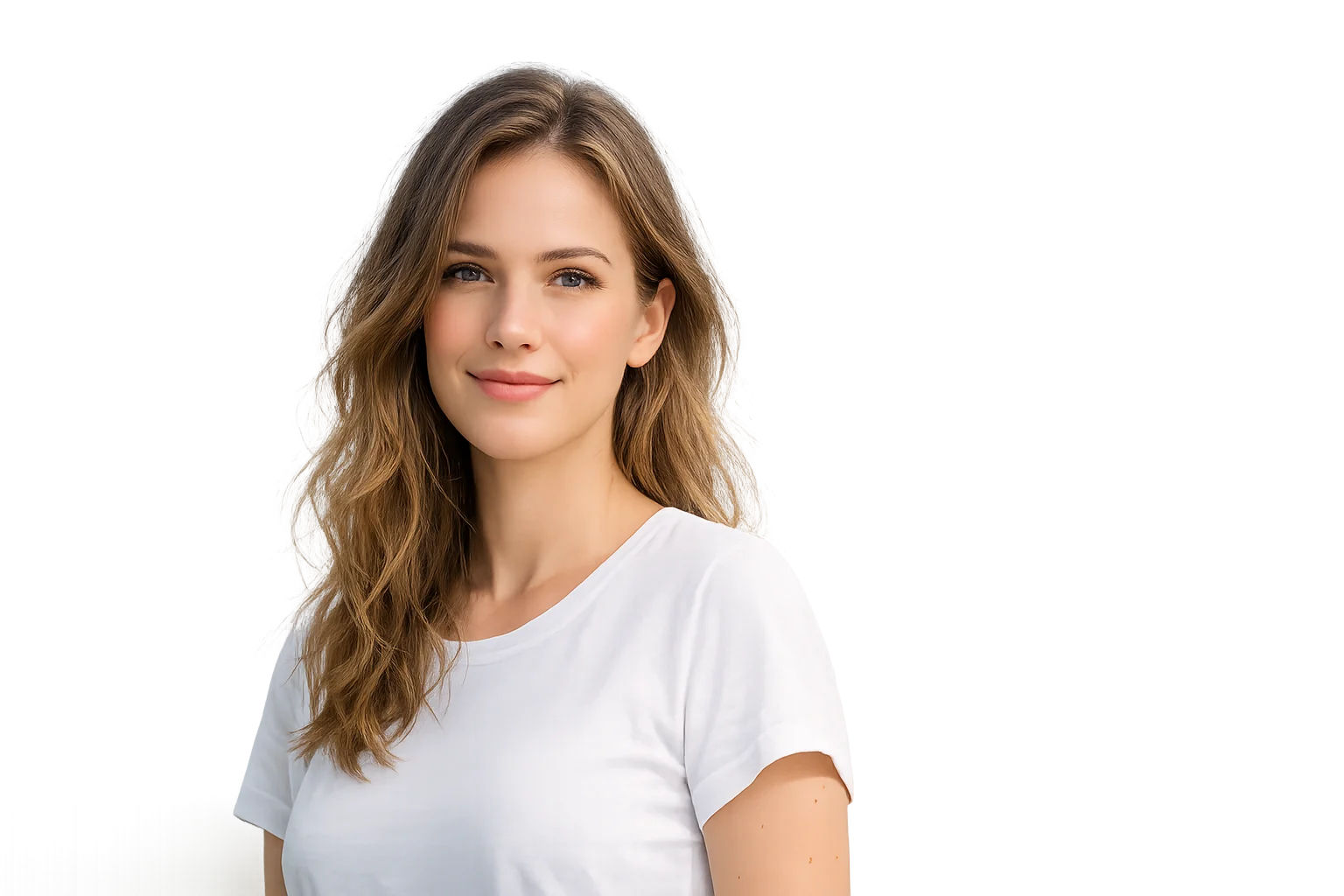
切り抜きアバターやポスター用に人をシーンから分離。
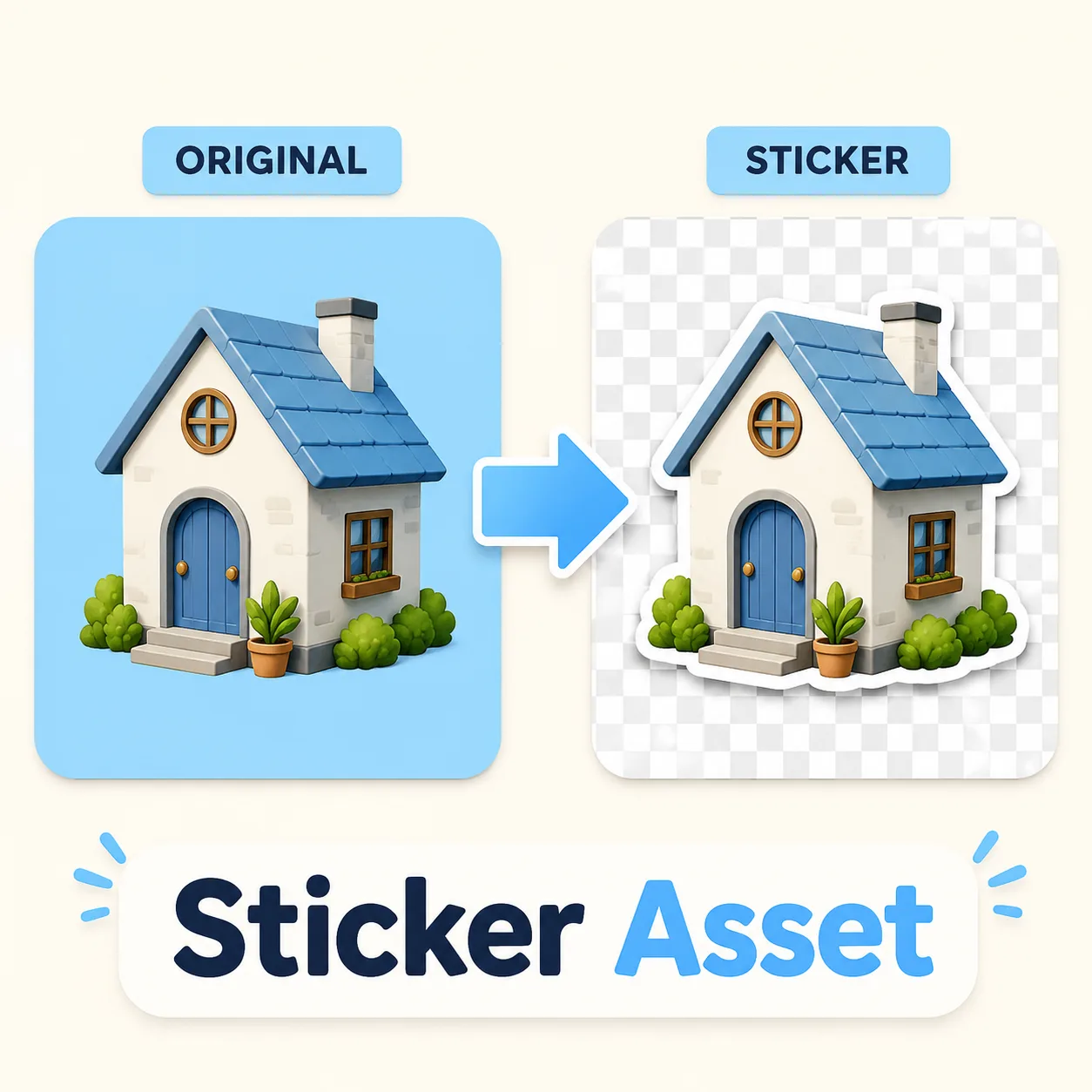 切り抜き
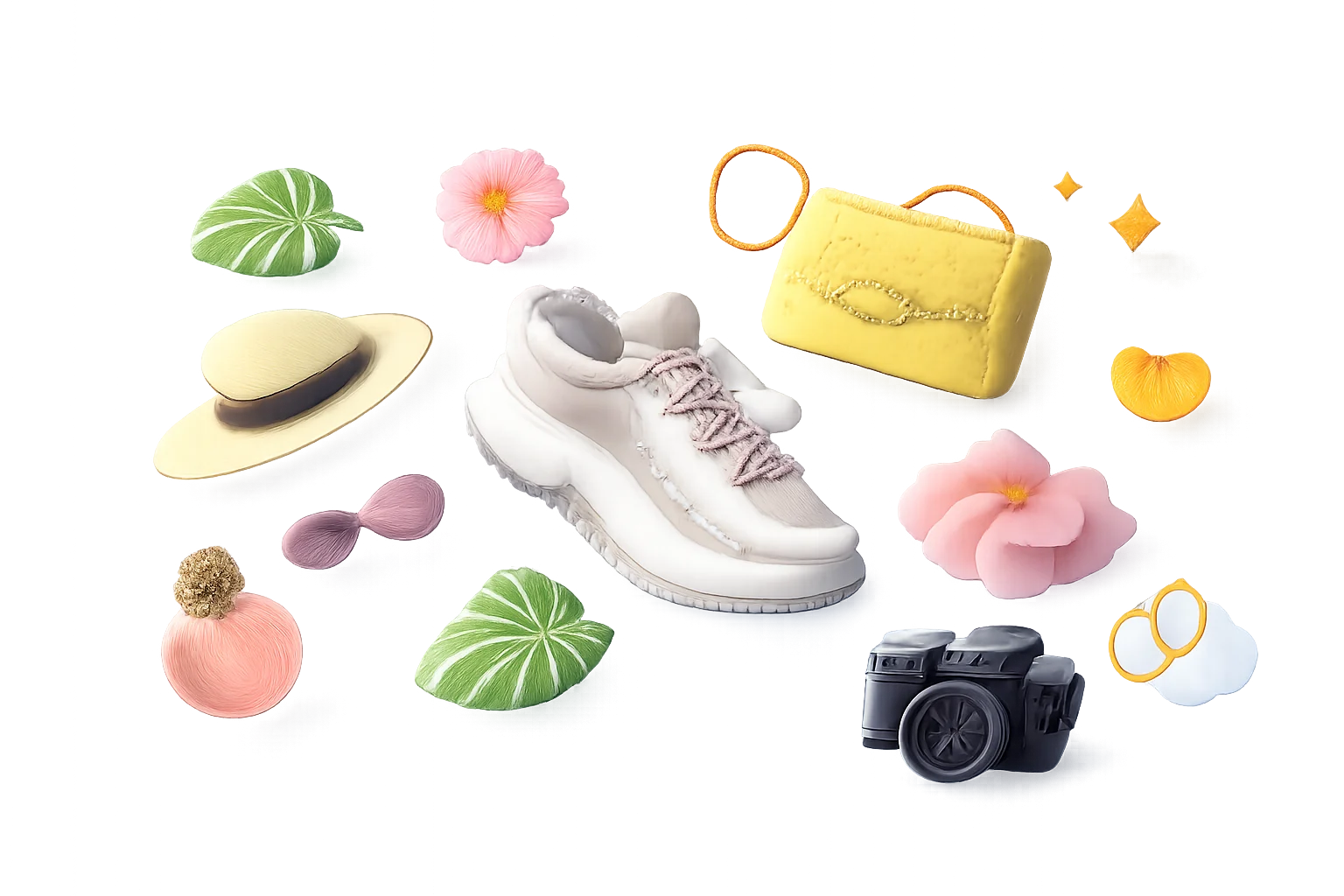
切り抜きステッカーパックやレイアウト用の再利用可能なオブジェクト切り抜きを作成。
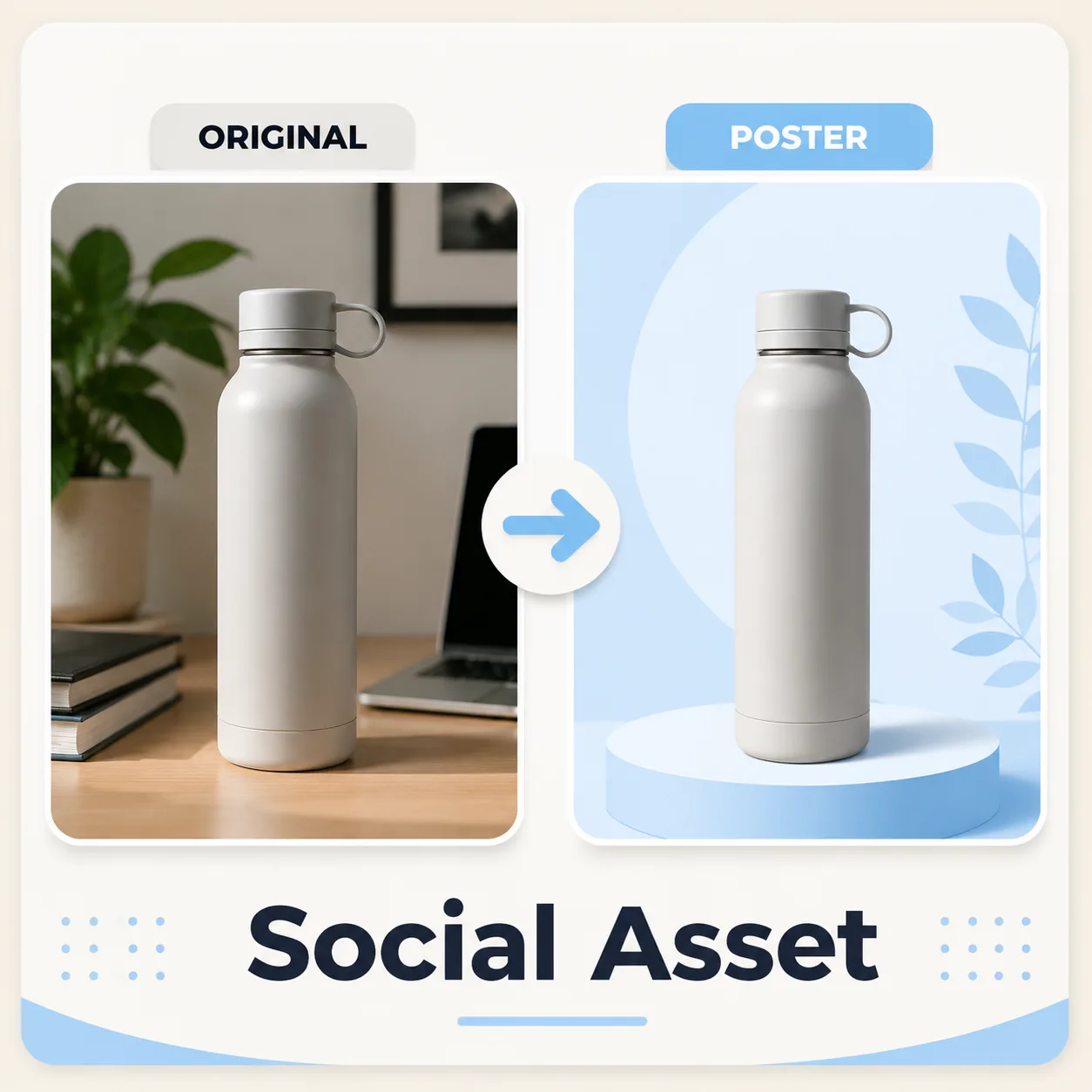 切り抜き
切り抜きクリーンな被写体を新しいソーシャルメディアキャンバスに配置。
商品や人物が背景から分離される様子を確認してから、切り抜きを次のデザインに配置できます。
オリジナル切り抜き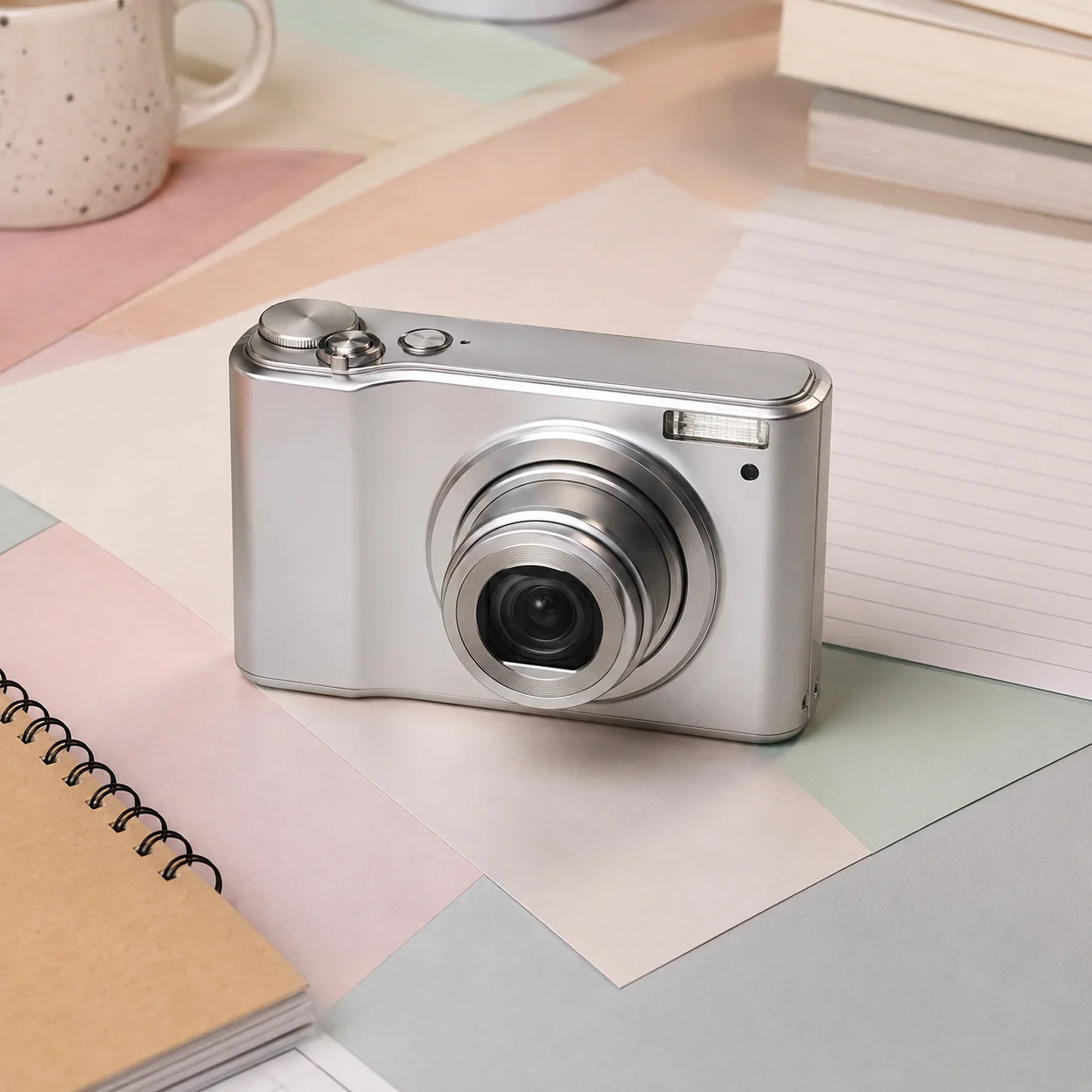 オリジナル
オリジナル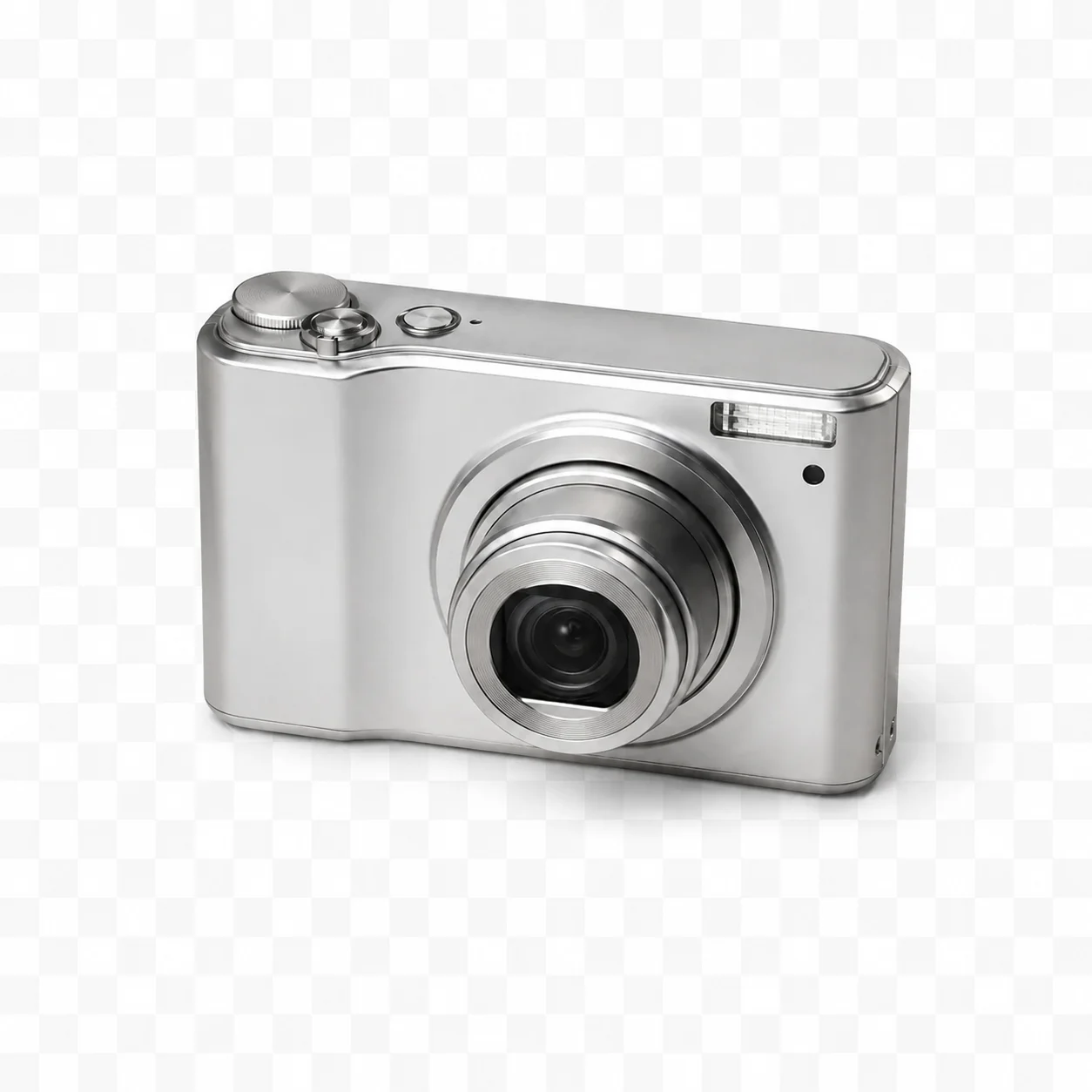 切り抜き
切り抜き オリジナル
オリジナル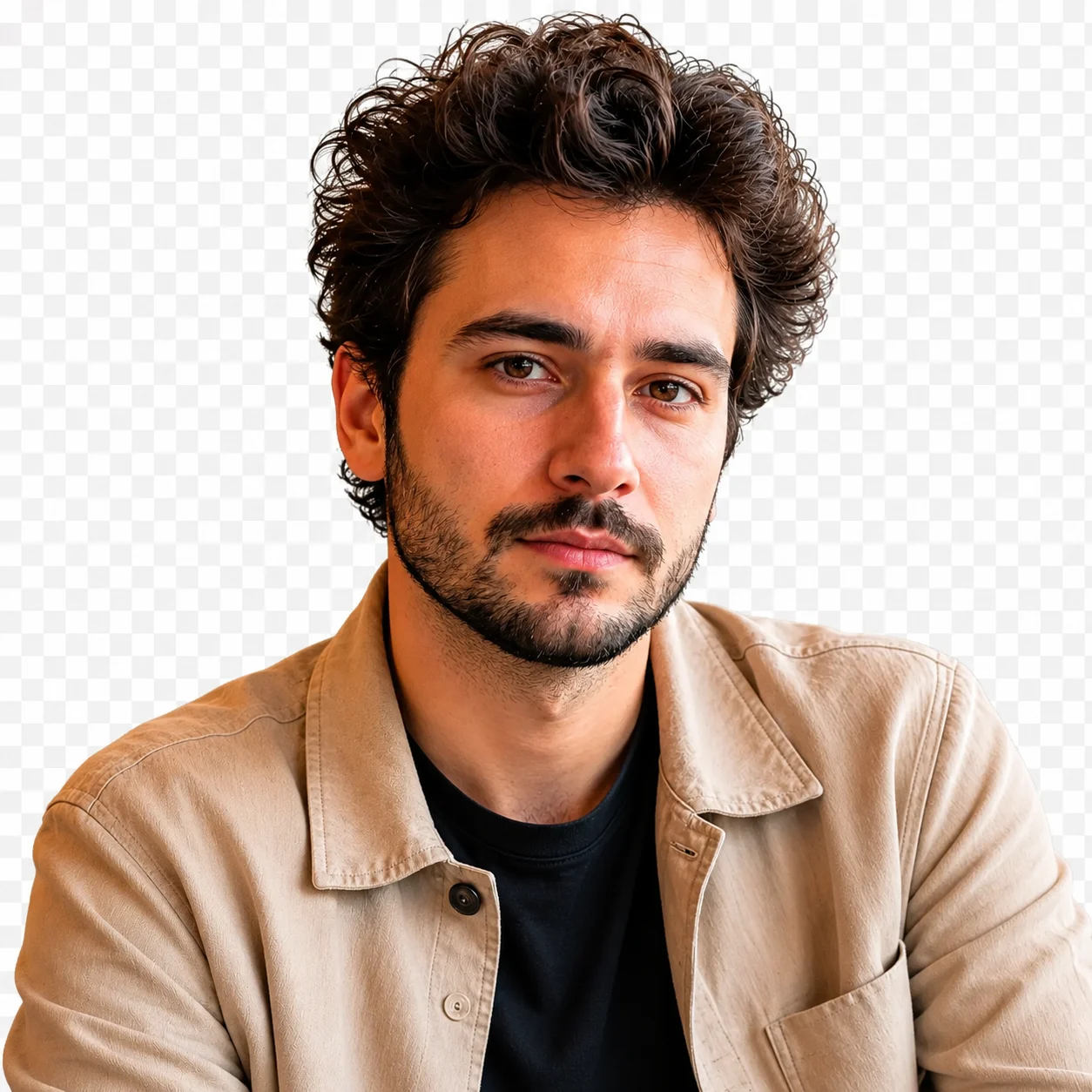 切り抜き
切り抜き結果は背景から分離した被写体のプレビューです。ダウンロードしたファイルの実際の透過を確認してから、必要な背景やキャンバスに配置してください。
再利用可能なプロダクト、ポートレート、ステッカー、デザインアセットのデフォルト結果。
マーケットプレイスで必要な場合に、削除後にシンプルな白いキャンバスを追加。
切り抜きをバナー、ランディングページ、軽量ソーシャル投稿に配置。
色、ポスター、グラデーション、生成シーンと共に切り抜きを使用。
JPG、PNG、またはWEBP画像をアップロード。
「背景を削除」を1回クリック。
透過切り抜きをダウンロード。
任意:新しいキャンバスに配置。
クリエイターの声
日々の投稿づくりからクライアント向けのたたき台まで、異なる立場の8人が率直な感想を寄せました。
“説明を読まなくても、最初の一枚まで迷いませんでした。急ぎの案件では、この分かりやすさが本当に助かります。”
 佐藤 まりEC運営
“完成品を丸ごと任せるというより、方向性を素早く見つけるために使っています。初稿があるだけで打ち合わせが進みやすいです。”
 高橋 直人フリーランスデザイナー
“設定が多すぎないので、毎週の定型コンテンツにも取り入れやすいです。同じ条件を試し直すときも楽でした。”
 あかりコンテンツ編集
“素材を見ながら変化を確認できるのがいいですね。雰囲気だけでなく、残したい部分まで落ち着いて判断できます。”
 森田 圭フォトグラファー
“SNS用の画像をその日のうちに何案か出したいときに便利。操作に気を取られず、内容の比較に集中できます。”
 ユナSNS担当
“派手なデモより、実務で困らないことのほうが大事。その点で、出力までの流れが素直で安心感があります。”
井上 翔個人開発者“事例を見てから始めると、依頼文の組み立て方まで整理できます。チームへの共有もしやすくなりました。”
 中村 玲ブランド企画
“移動中にスマホで下案を作り、帰ってからPCで整える使い方が定着しました。小さな作業の腰が軽くなります。”
 ミホ動画クリエイター
AI背景削除
画像内の主要な被写体を検出し、背景から分離して、透過、白、またはカスタム背景に配置できるクリーンな切り抜きを作成します。
被写体分離を目的としますが、PNGだから透過とは限りません。ダウンロードしたファイルに実際にアルファチャンネルがあるか確認し、必要なら編集ソフトで仕上げてください。
被写体と背景の間に見えるコントラストがあるポートレートが最適です。髪、毛皮、ガラス、モーションブラーはより難しいため、最終アセットを使用する前に必ずエッジをプレビューしてください。
細い髪や毛の境界も処理できますが、逆光、ぼけ、背景との色差が小さい素材では欠けやすくなります。透明背景と単色背景の両方で輪郭を確認してください。
ガラスや光沢面は背景の一部まで主体として判断されることがあります。容器の内側、縁、影を拡大し、商品ページに使う前に元写真と見比べてください。
デザイン用の素材として使えますが、印刷寸法や塗り足しは配置先の仕様に合わせる必要があります。透明部分、輪郭のフリンジ、最終サイズを入稿前に確認してください。
被写体が欠けておらず、ピントが合い、圧縮の少ない画像が適しています。強いぼけや過度な切り抜き、何度も加工された画像は避けてください。
元画像と拡大比較し、人物の同一性、輪郭、文字、手、質感、構図を確認してください。重要な用途では元ファイルも必ず保管してください。
✦ ひとつの専門ツールから次の制作へ
プロダクト写真、ポートレート、プロフィール画像、デザインアセットから背景を削除し、クリーンな切り抜きを実現。
使ってみる: AI背景削除