



Case 1
Slide layout finish
A plain layout concept becomes a cleaner generated presentation visual.
Create Seedream 4 images from prompts and references with focused controls for product visuals, posters, and brand scenes.
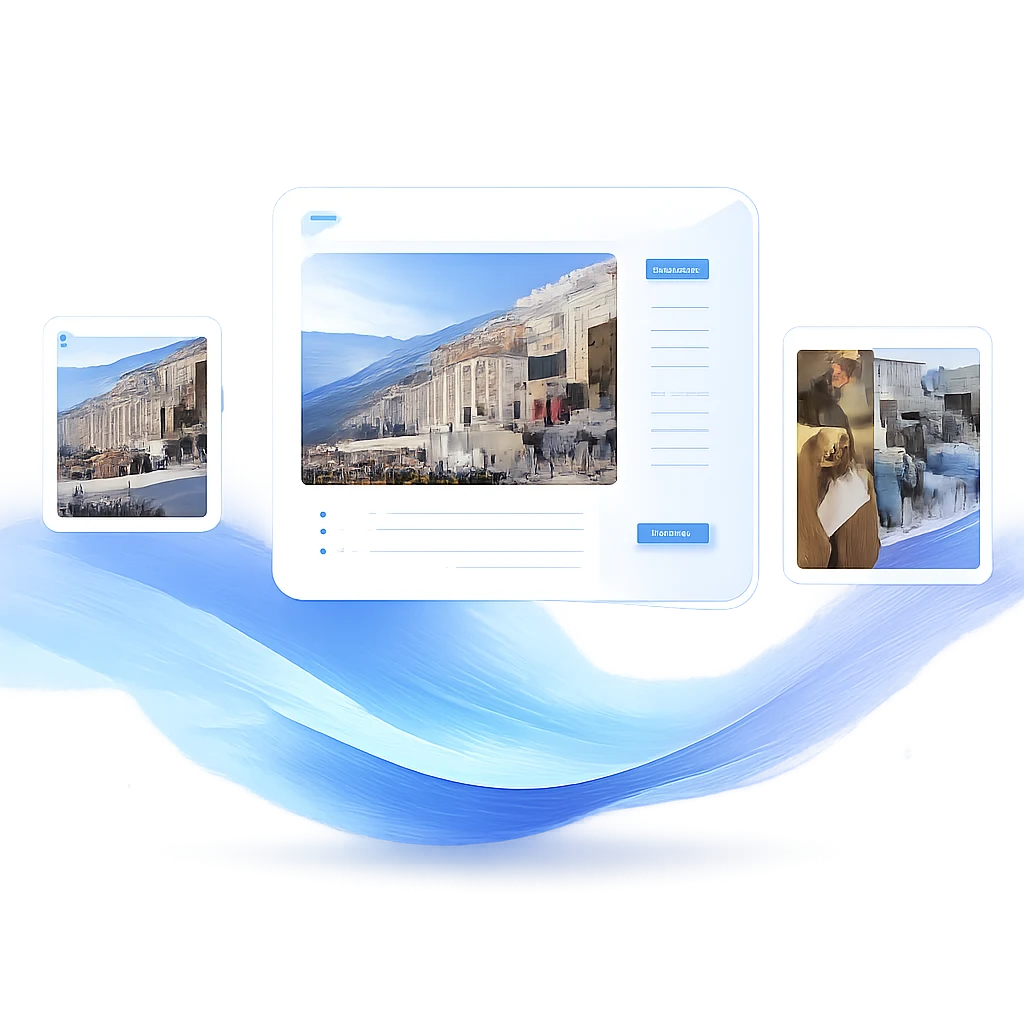

Build organized presentation and page visuals from a clear brief.
Create images with Seedream 4.0 while keeping the prompt, reference inputs, aspect ratio, and supported model controls in one place.
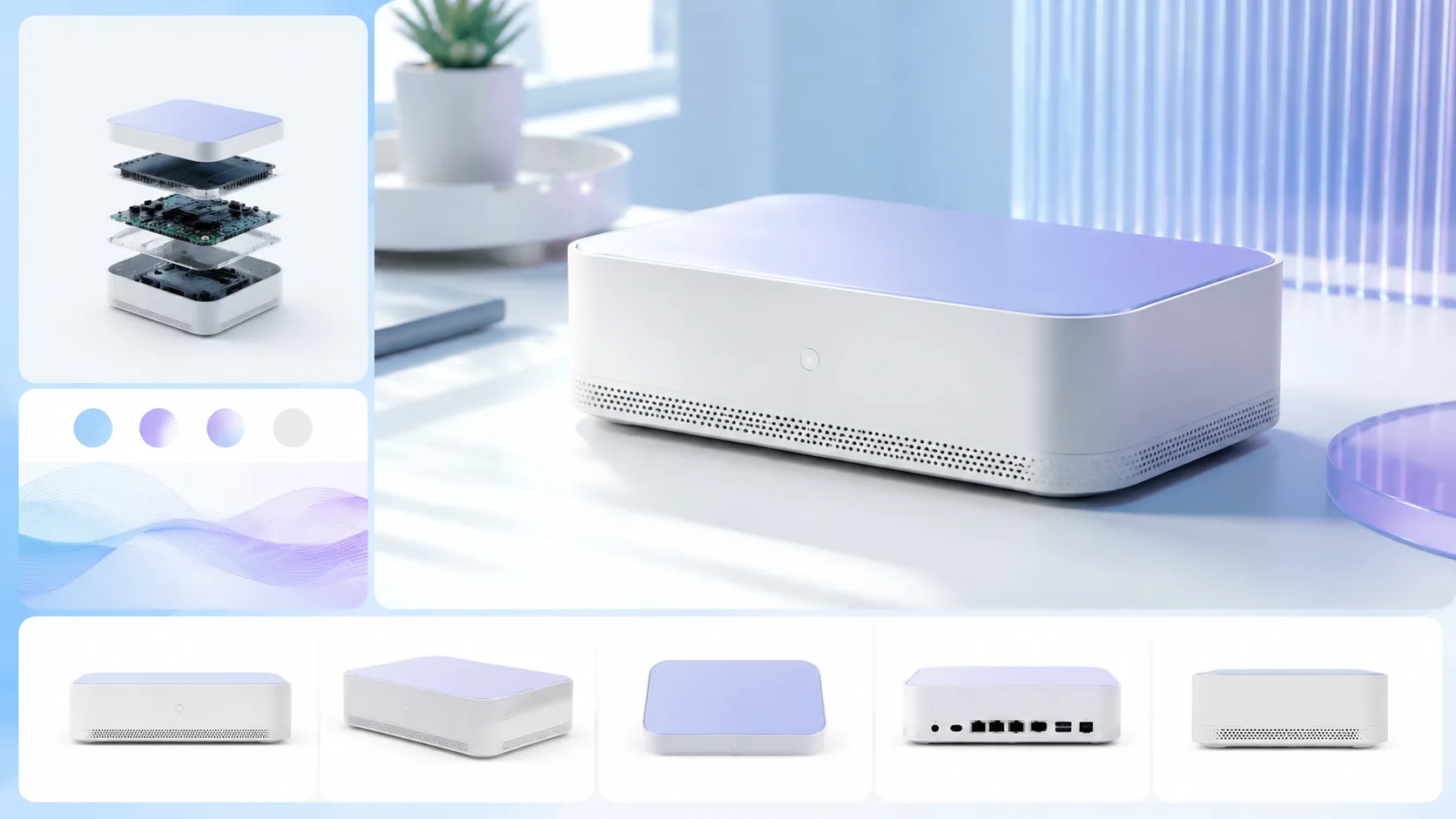
Use a reference image to keep product and composition cues stable.
The generator exposes the options supported by this model so the page stays practical instead of mixing unrelated controls.

Keep finished generations organized for later review and reuse.
Browse Seedream 4.0 prompt examples and reuse the structure before editing the subject, scene, style, or production format.
Generated cases
These examples keep the Seedream page centered on visual planning: presentations, ecommerce pages, topical composites, and reference-led brand imagery.
Case 1
A plain layout concept becomes a cleaner generated presentation visual.

Case 2
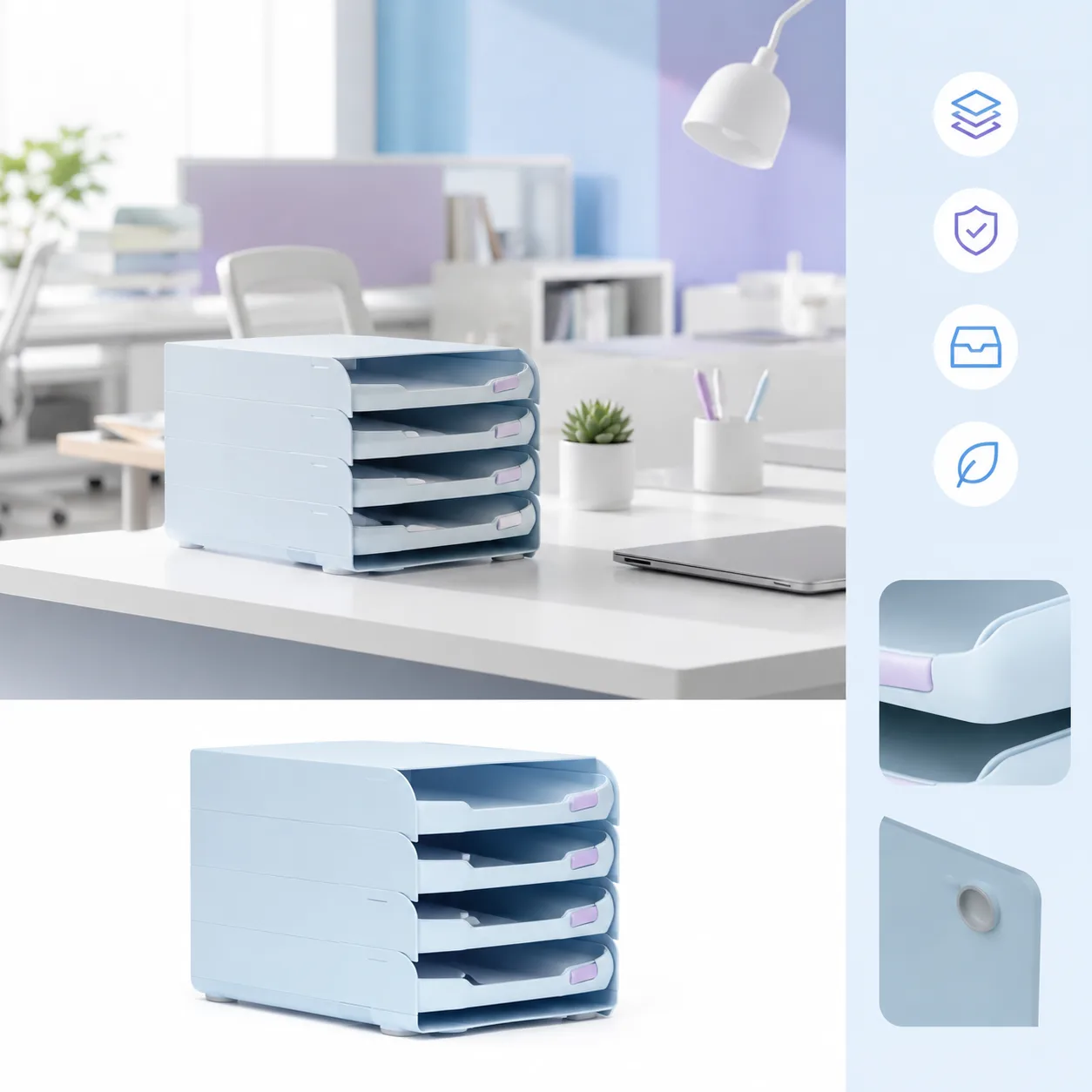
A plain product reference becomes a structured ecommerce visual.


Case 3
Disconnected image blocks become a more cohesive structured visual.
Model gallery
This section focuses on Seedream-specific output behavior: structured 2K/3K results, reference-aware composition, and background processing that protects finished generations.

Ecommerce
1 / 5Structured product visuals for ecommerce page planning.
Seed official pattern
The highlighted case converts ByteDance showcase material into a prompt pattern for layouts, product pages, and commercial concept images.
Seedream route
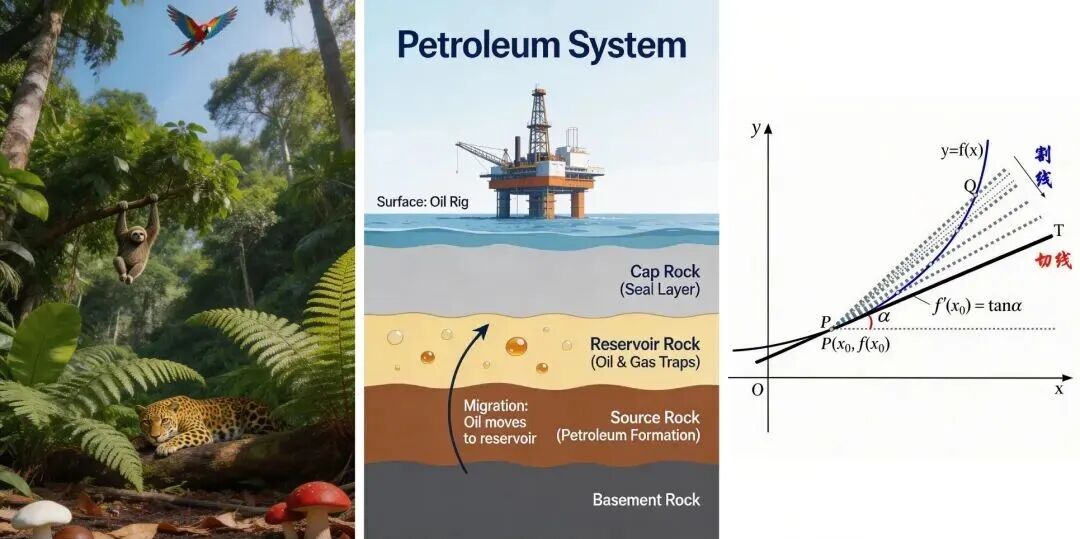
The official Seedream 5.0 Lite page demonstrates precise control with a multi-page hand-drawn PPT concept, including a cover, yearly review pages, typography requirements, and layout instructions.
Structured prompt
Design four iPad-style hand-drawn presentation images for a 2025 year review, using a white background, light blue grid, colorful bubble typography, handwritten subtitles, and separate pages for work, relationships, life, and the future.
Seedream route
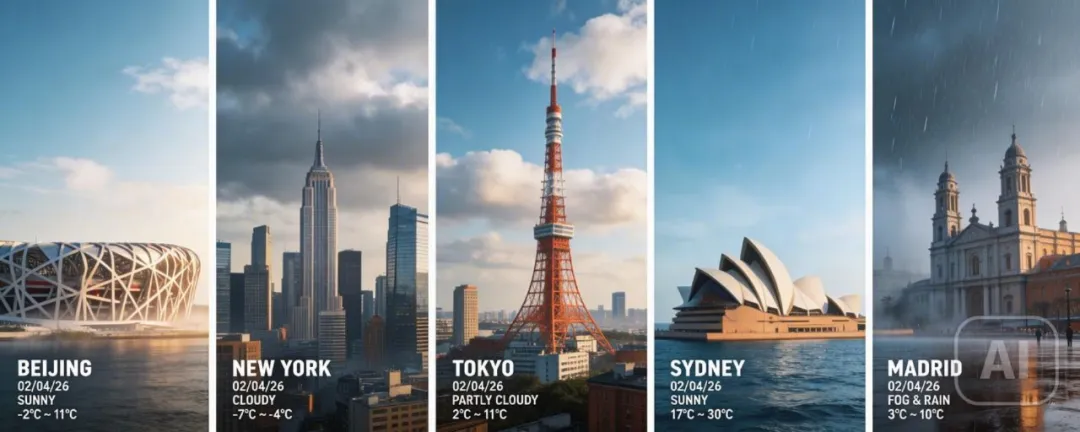
ByteDance highlights connected trend and search-aware creation through a stitched panoramic weather image covering Beijing, New York, Tokyo, Sydney, and Madrid.
Structured prompt
Create one high-concept photorealistic composite made of five vertical panoramic strips, each showing real-time weather and lighting for a landmark city, unified with cinematic grading and high contrast.
Seedream route
The official examples include a premium product-detail-page direction for aromatherapy, combining product imagery, packaging, selling points, advantages, and promotional copy.
Structured prompt
Create premium aromatherapy ecommerce detail-page visuals with high-resolution product images, packaging design, key selling points, product advantages, promotional copy, and a dark green plus light green color system.
Seedream operating notes
Write the page layout, hierarchy, reference constraints, and output tier before decorative style so the model has a clear production plan.
Seedream 4.0 is useful when the core task is image generation for one model rather than broad model comparison. Keep the prompt concrete: name the subject, output use, layout, style, reference requirements, and any constraints that should stay stable.
Start with the output goal, then add subject details, composition, lighting, aspect ratio, and reference-image rules. This keeps the model workflow focused and makes the generator easier to use.
Choose Seedream 4.0 when its supported controls and output profile match the job. If the result needs a different speed, quality, reference, or resolution tradeoff, compare another dedicated model page after saving the prompt structure.
Use these checks before rewriting the whole prompt. A small, controlled correction makes it easier to see why a Seedream 4.0 result improved or drifted.
Move the required subject, format, and must-keep constraint to the start. Remove conflicting style instructions, then change one requirement per generation.
State exactly what the reference controls—identity, pose, layout, product shape, or style—and what Seedream 4.0 may change. Confirm the selected workflow accepts that reference input.
Shorten the copy, provide the exact wording, define the reading order, and describe the number and position of panels or text blocks before adding decorative style.
Choose the supported resolution or quality option that matches the final format. Fix composition at a lower-cost draft stage before requesting a larger final output.
Each category points to prompt examples that match the Seedream workflow instead of mixing unrelated model tasks.
Seedream 4.0 is best for focused AI image generation where the prompt, model controls, examples, and supporting content all match one model workflow.
If this model supports reference images, the upload controls appear in the generator. The page keeps unsupported controls out of the active workflow.
Each model page keeps the generator, examples, FAQs, and prompt links aligned with one model workflow.
Completed generations are saved into history when the generation workflow finishes successfully.