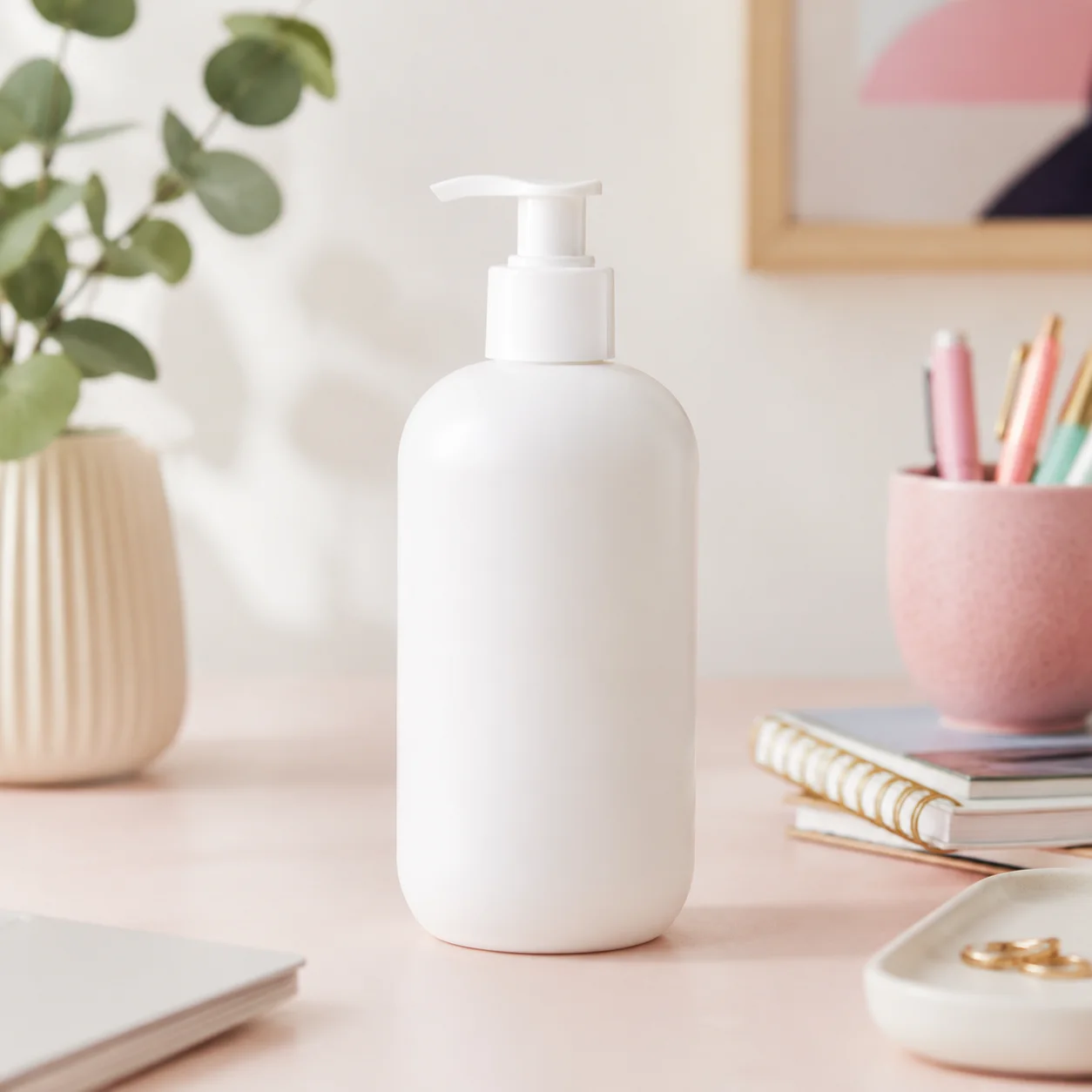
 源图
源图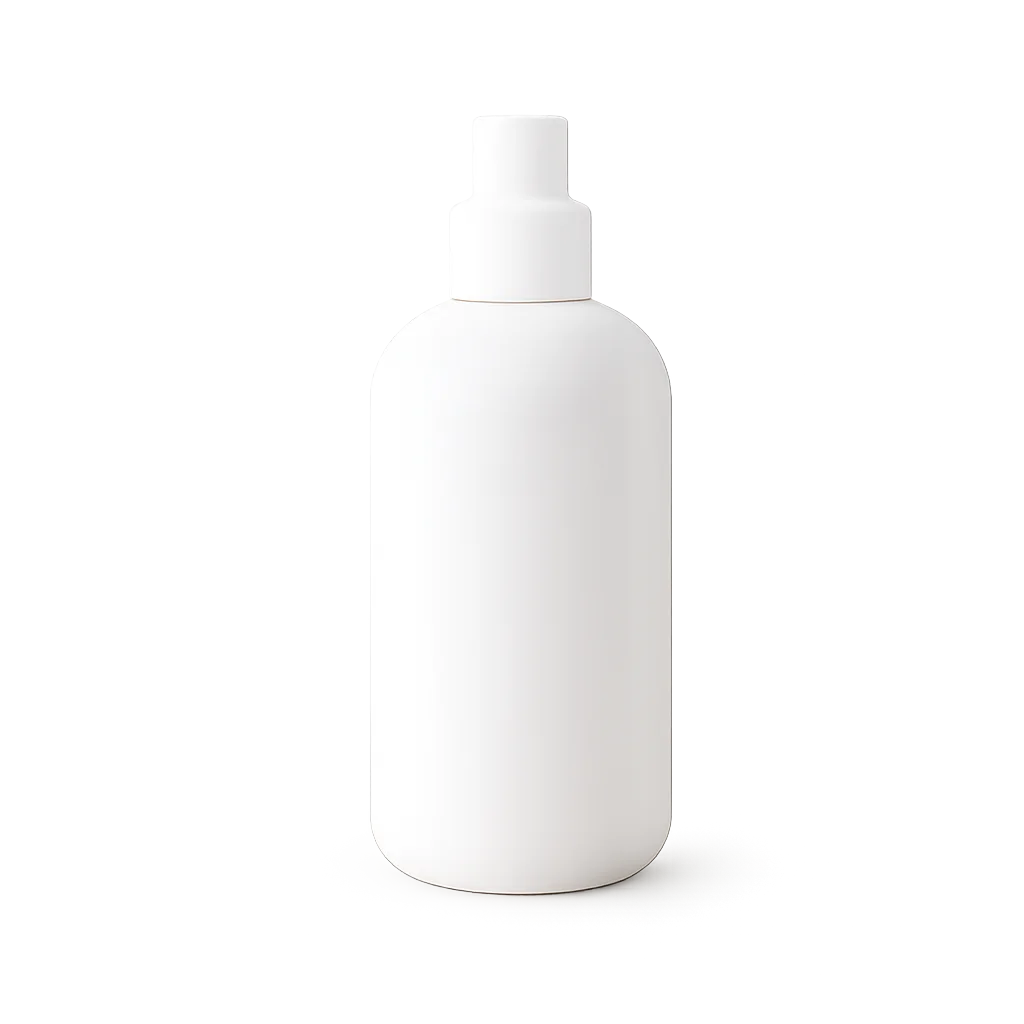 结果
结果商城产品
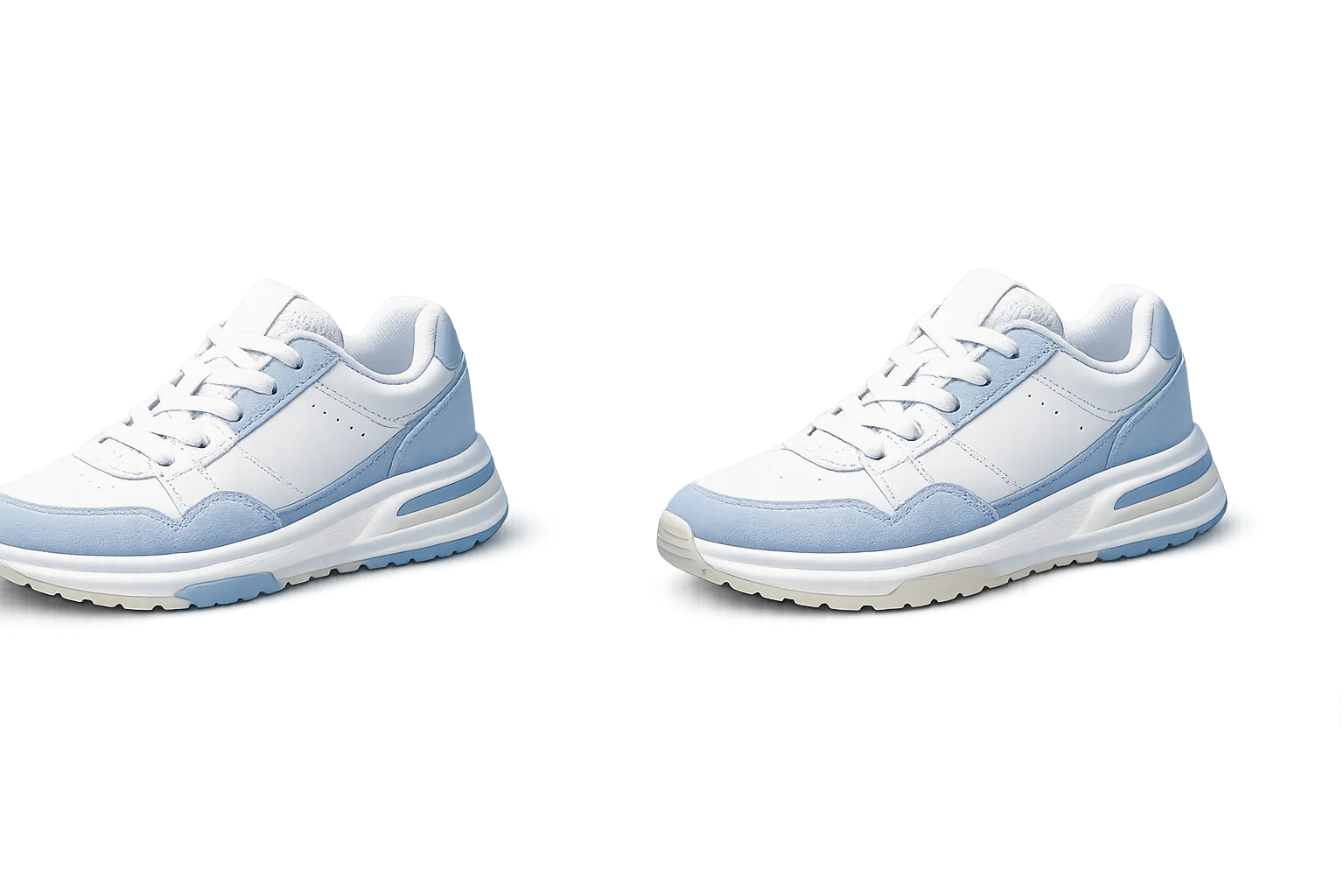
将杂乱的目录照片转化为透明产品素材。
去除产品照片、人像、头像和设计素材的背景,获得干净的抠图效果。
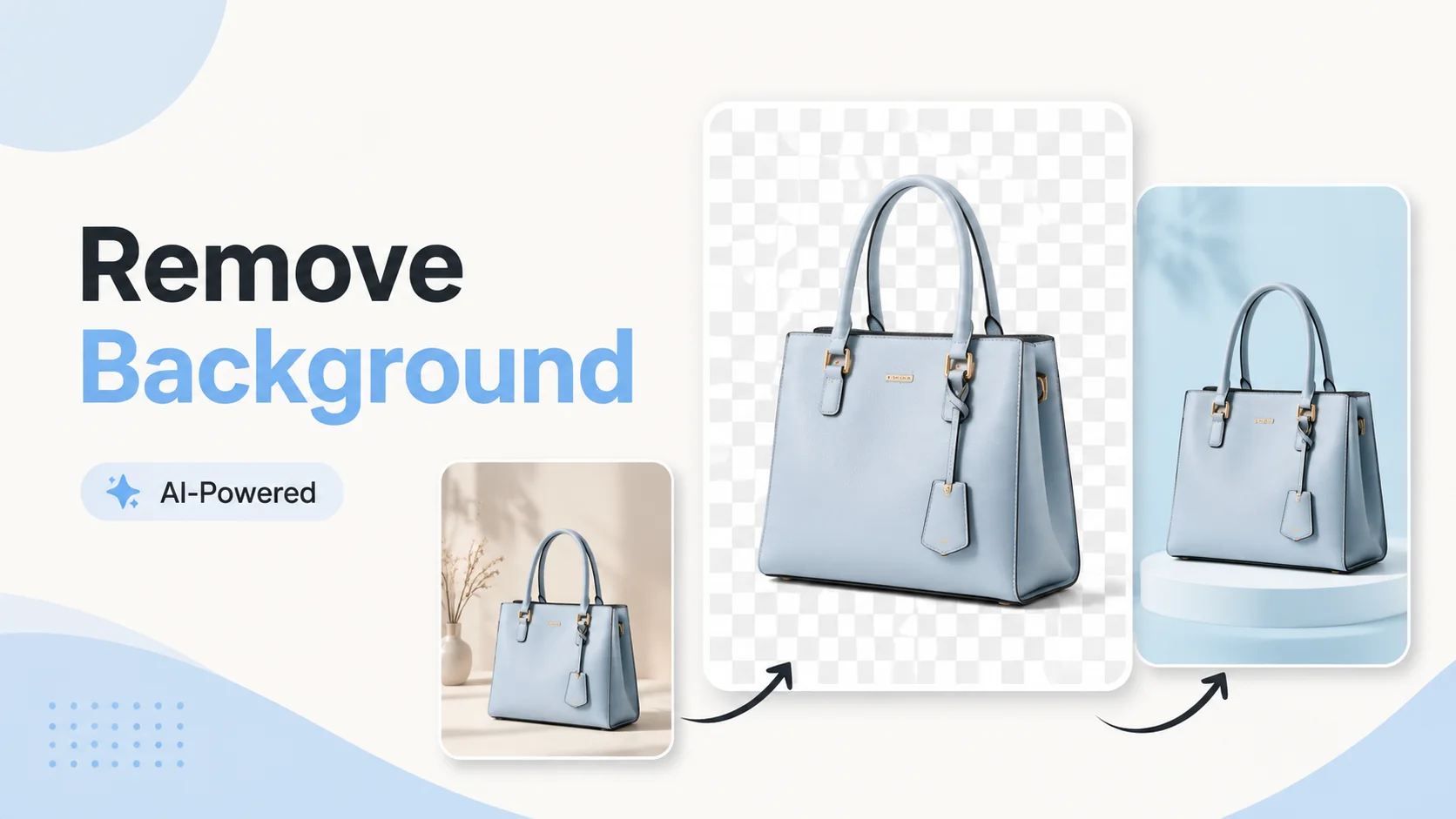
该工具专为快速素材准备而设计。上传一次,去除背景,然后将干净的主体移动到下一个布局中。
源图结果将杂乱的目录照片转化为透明产品素材。
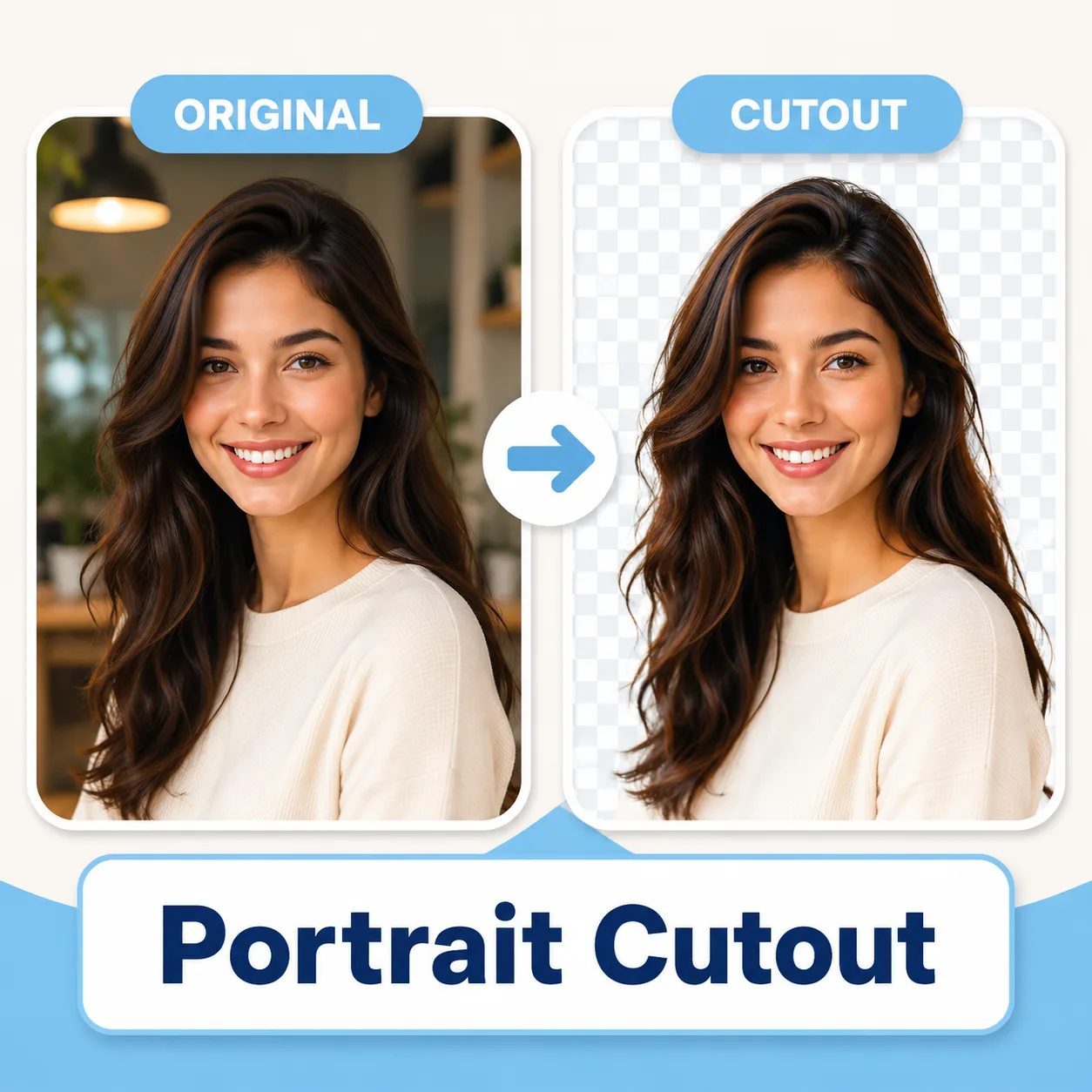 抠图
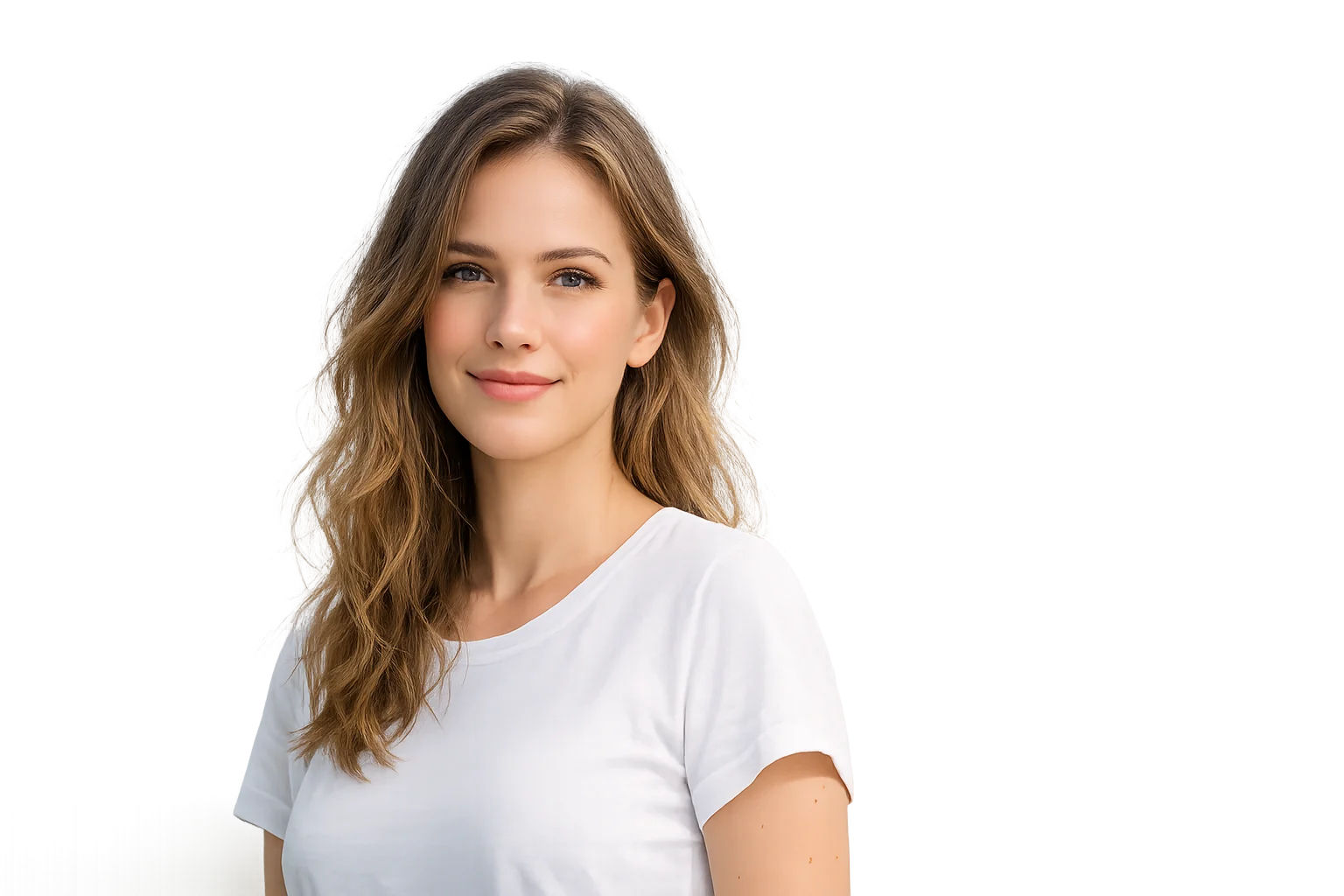
抠图将人物从场景中分离出来,用于头像和海报。
 抠图
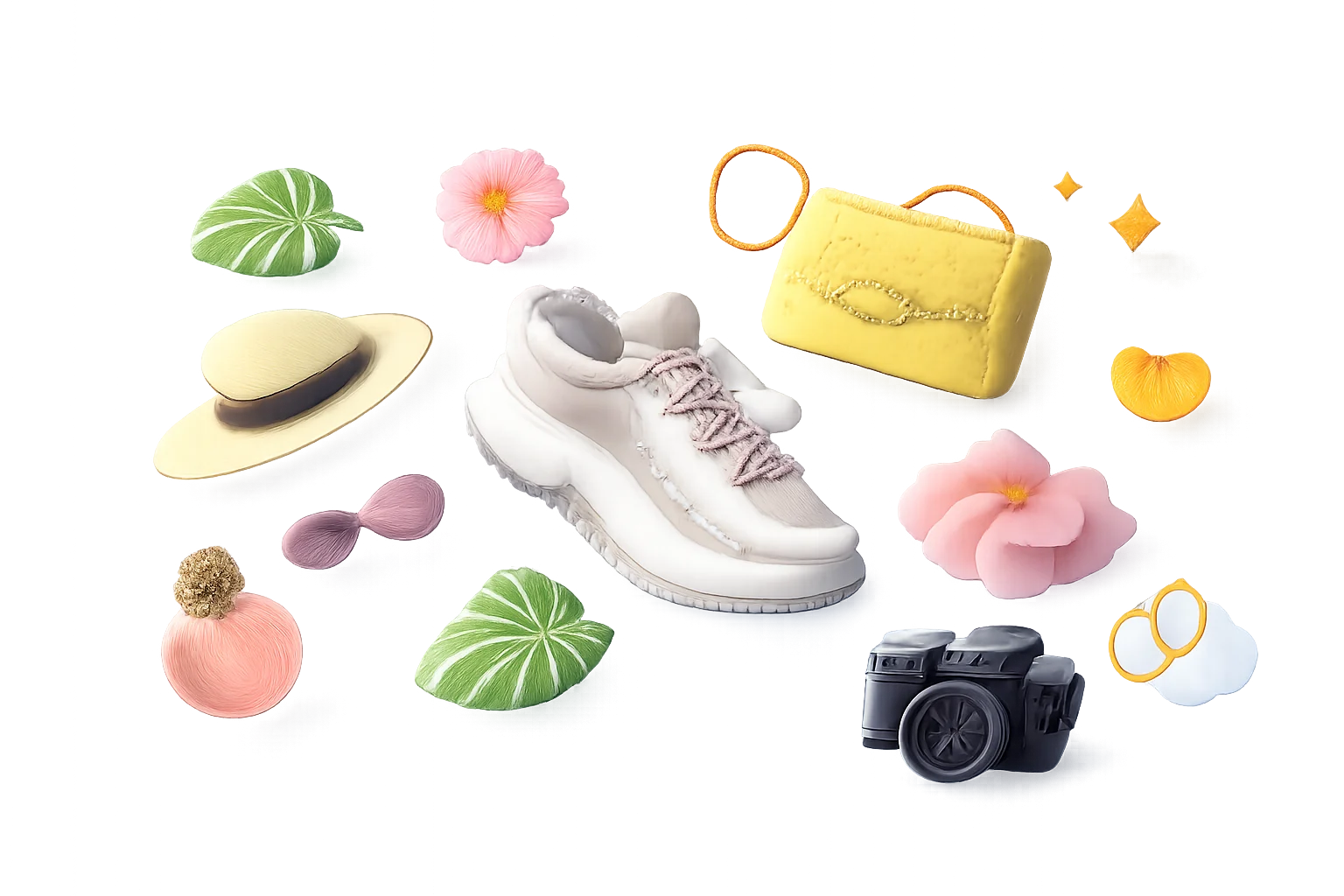
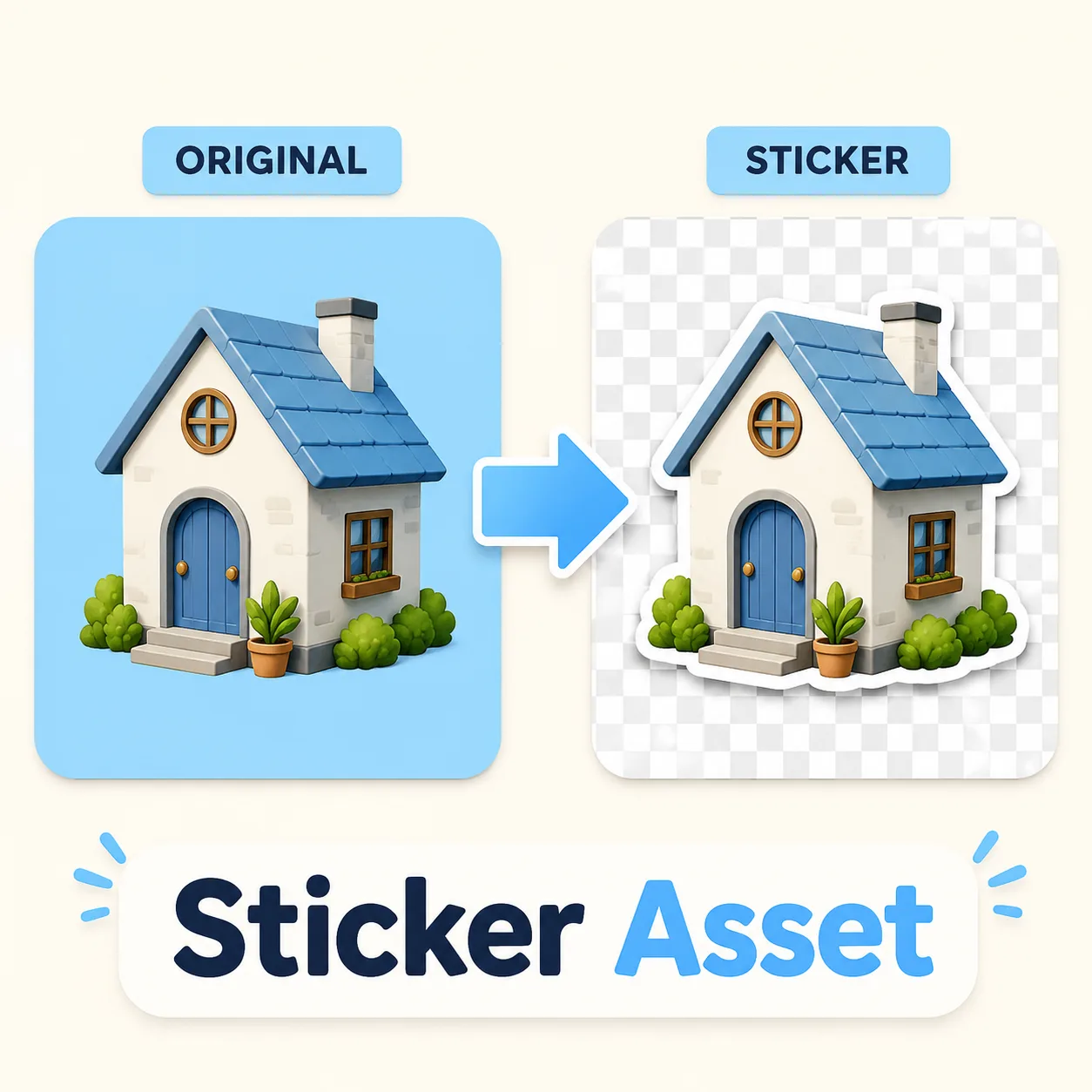
抠图创建可复用的物体抠图,用于贴纸包和布局。
 抠图
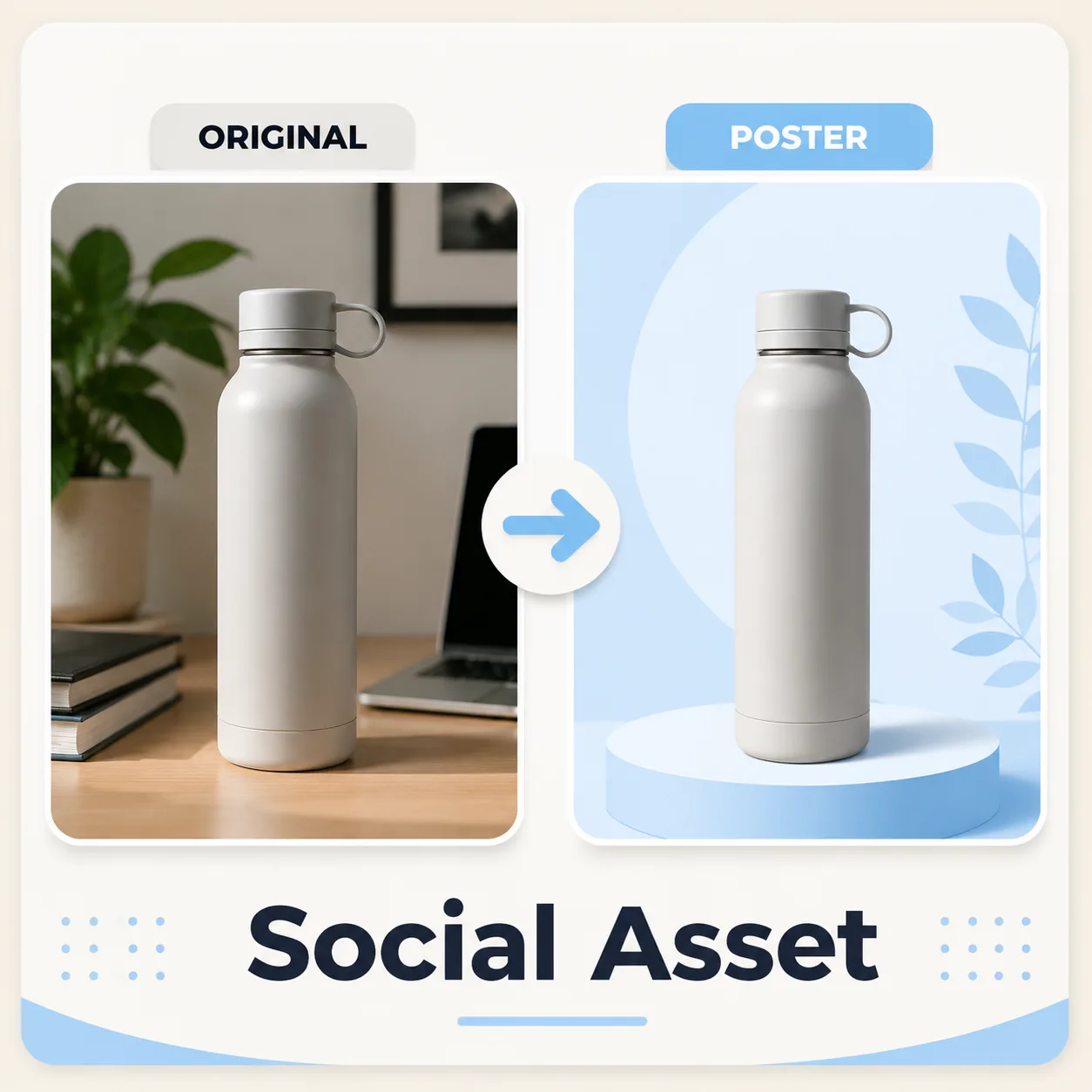
抠图将干净的主体放置到新的社交媒体画布中。
先对比产品或人像与背景分离后的效果,再将抠出的主体放入下一步设计。
原图抠图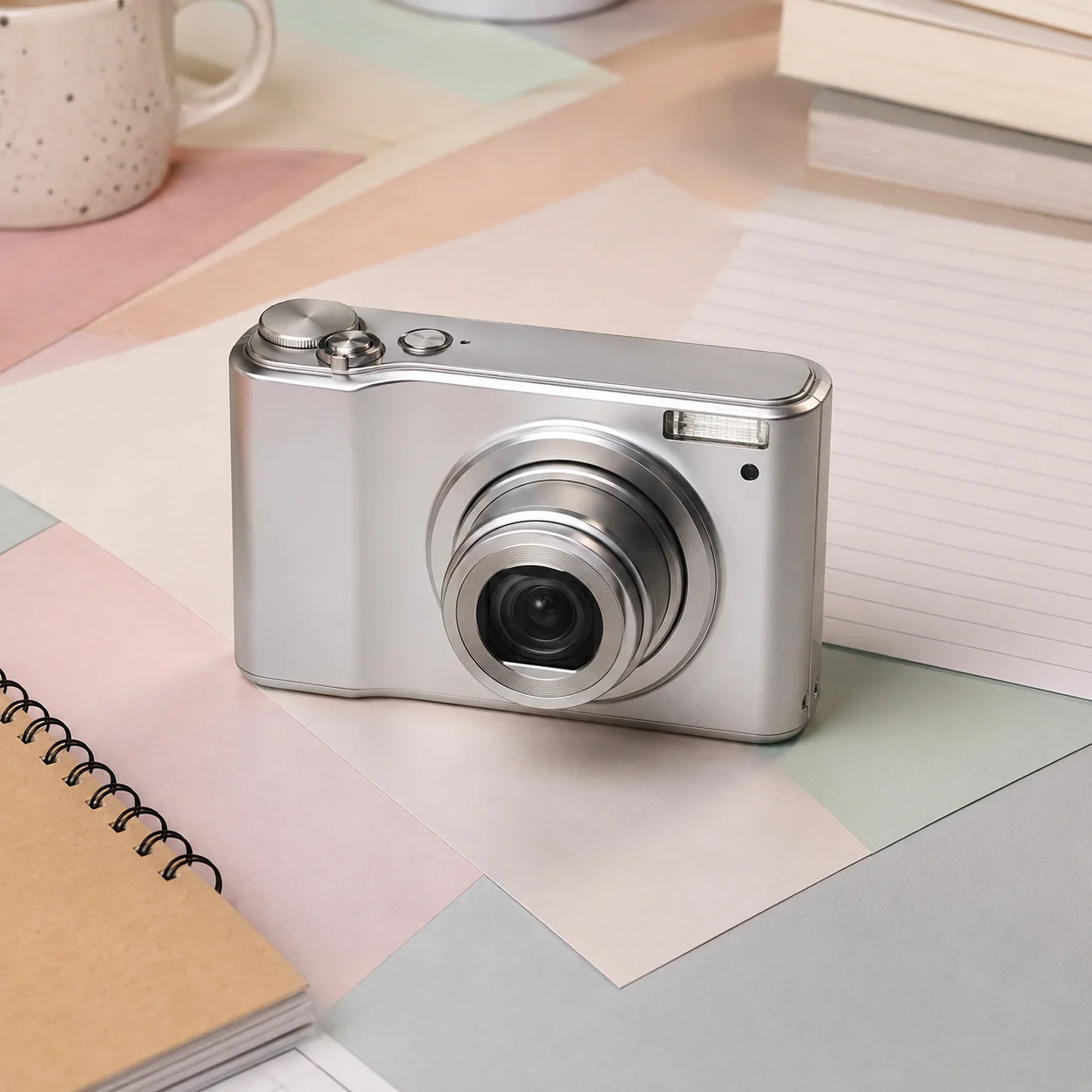 原图
原图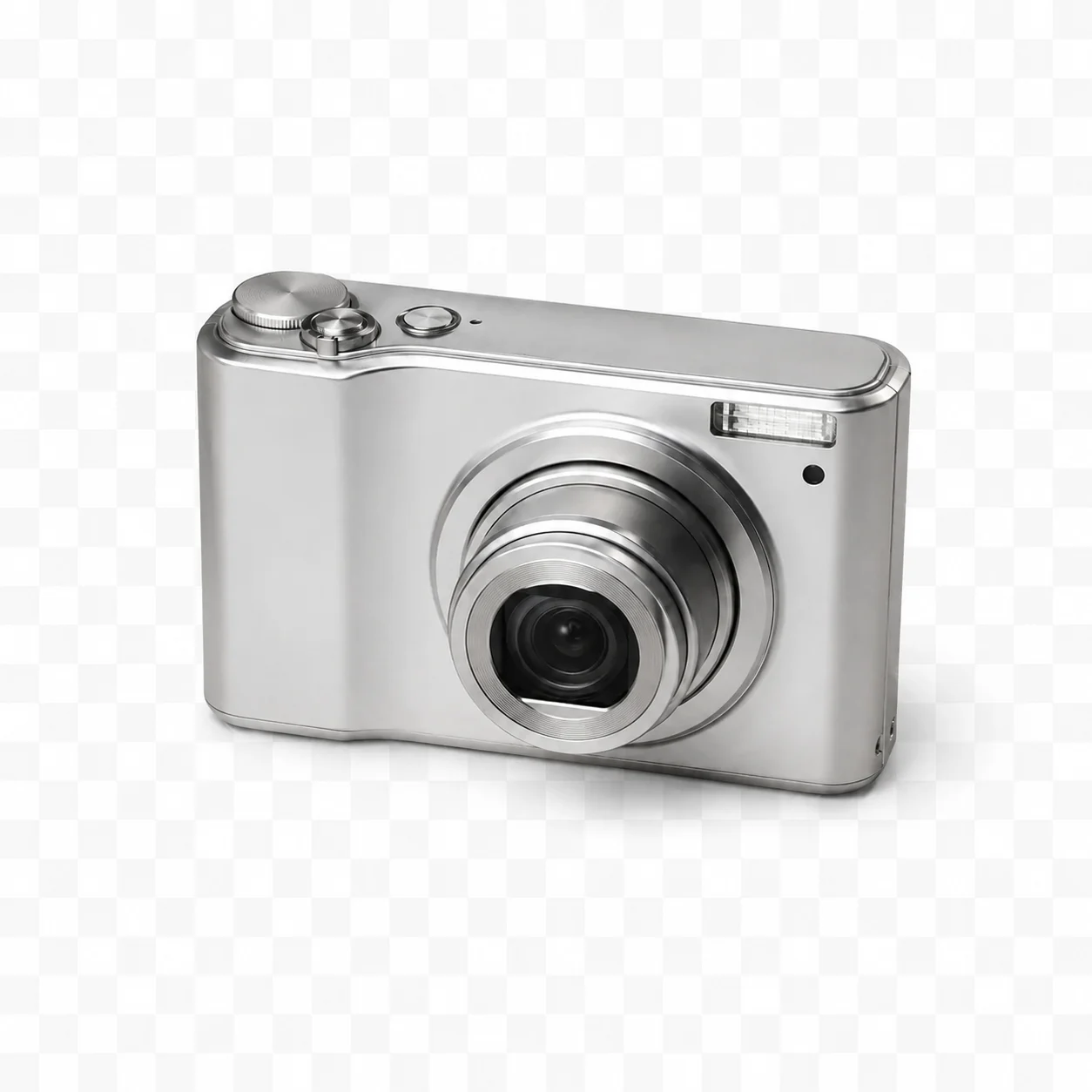 抠图
抠图 原图
原图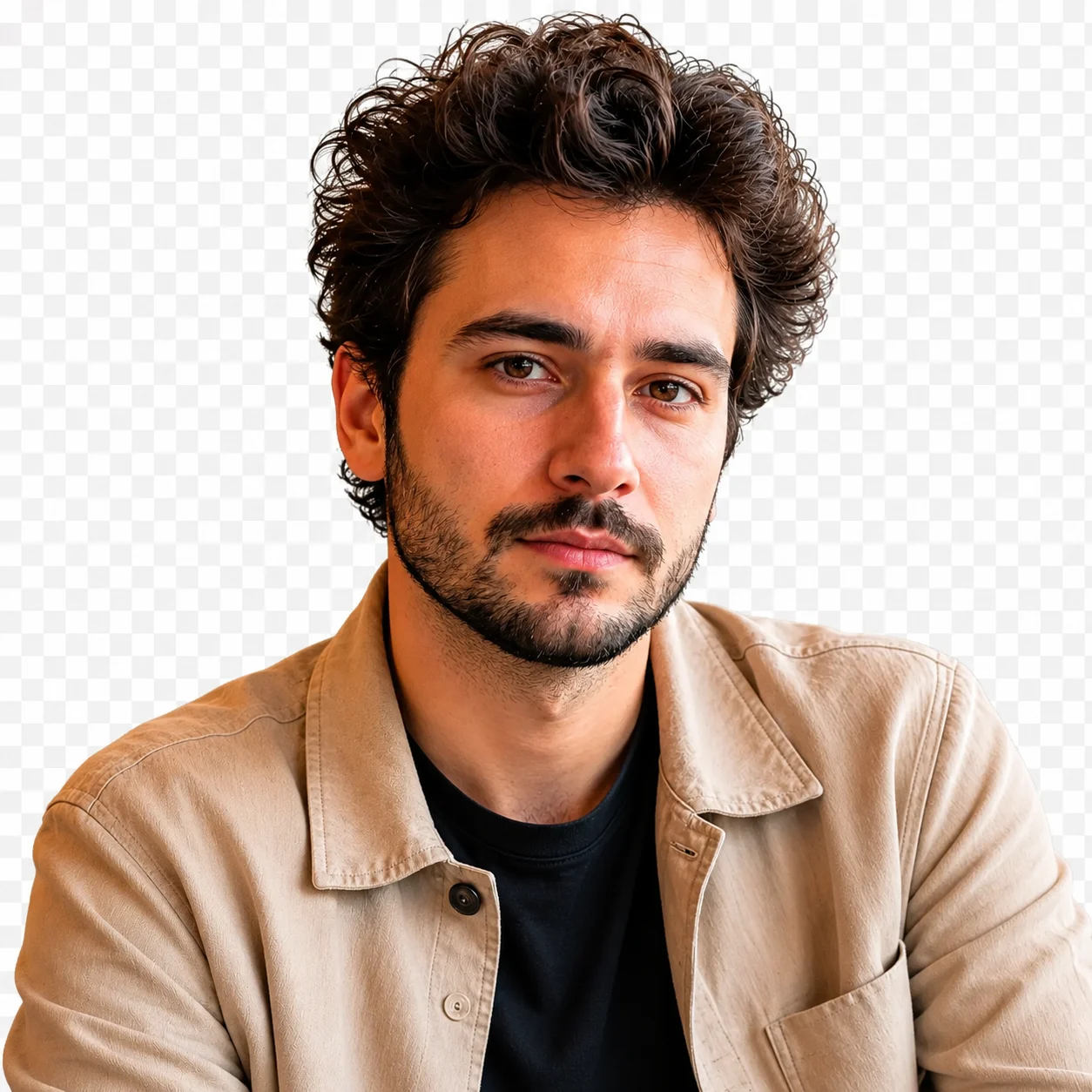 抠图
抠图结果是分离主体的预览。请检查下载文件是否真的透明,再将主体放入下一个工作流所需的背景或画布。
用于可复用的产品、人像、贴纸和设计素材的默认结果。
当电商平台要求时,在去除背景后添加简单的白色画布。
将抠图放置到横幅、落地页和轻量级社交帖子中。
将抠图与颜色、海报、渐变或生成的场景搭配使用。
上传 JPG、PNG 或 WEBP 图片。
点击一次"移除背景"。
下载透明抠图。
可选:放置到新画布上。
创作者反馈
从临时做一张社媒图,到整理客户提案,八位创作者记录了各自最真实的使用感受。
“本来只想赶紧做一张商品图,结果顺手试了三个方向。第一次打开也没找教程,基本看一眼就知道怎么用。”
 小林电商运营
“选项不多不少,这点挺舒服。先拿到能讨论的初稿,再回设计软件收尾,效率比从空白画布开始高很多。”
 阿哲独立设计师
“我比较在意同一套内容能不能稳定复做。这里不用每次重新配置,连续出图时省了不少琐碎操作。”
 七喜内容博主
“赶热点的时候最怕工具绕。它的流程很直,上传、选择、生成,一路都知道下一步该点哪里。”
 Mina社媒编辑
“上传原图后还能清楚对照变化,这对我很重要。不是凭印象判断,细节保留得怎么样一眼就能看出来。”
老周摄影师“不是那种演示时很惊艳、真正做事却很费劲的产品。我常用它先把想法变成可见的版本,再决定值不值得继续。”
Kevin独立开发者“案例区挺有用,尤其是不确定该怎么描述需求时。先看相近场景,再回去调整自己的素材,会更有方向。”
 陈然品牌策划
“手机上临时做图也没有手忙脚乱。页面虽然功能不少,但重点很清楚,几分钟就能拿到一版可以发给同事看的结果。”
 安安自媒体创作者
AI 抠图
它能够检测图片中的主要主体,将其与背景分离,并创建干净的抠图,然后可以将其放置到透明、白色或自定义背景上。
流程目标是分离主体,但不能因为文件是 PNG 就默认存在透明通道。请检查下载文件的透明度,需要时在编辑器中完成处理。
主体与背景有明显对比的人像效果最好。头发、毛皮、玻璃和运动模糊处理难度较大,因此在最终使用前务必预览边缘质量。
可以。产品抠图是一个强项用例。尽可能使用干净的原始照片,避免极端阴影,根据平台需求导出透明或白色背景版本。
用于设计前请检查下载文件是否真的包含 alpha 透明通道。根据投放位置选择格式和背景,需要时在编辑器中完成画布处理。
可以。去除原始背景后,可以将抠图放置到纯色、渐变、产品场景、海报布局或社交媒体画布上。
优先使用清晰、主体完整、压缩较少的图片。避免严重模糊、过度裁切或已经反复处理的文件,这样更容易判断结果是否保留了关键细节。
请放大对比原图与结果,重点检查人物身份、主体边缘、文字、手部、纹理和构图。重要用途应保留原文件,并在导出前逐项确认。