案例 1
在线 AI 图片生成器 提示词工作流
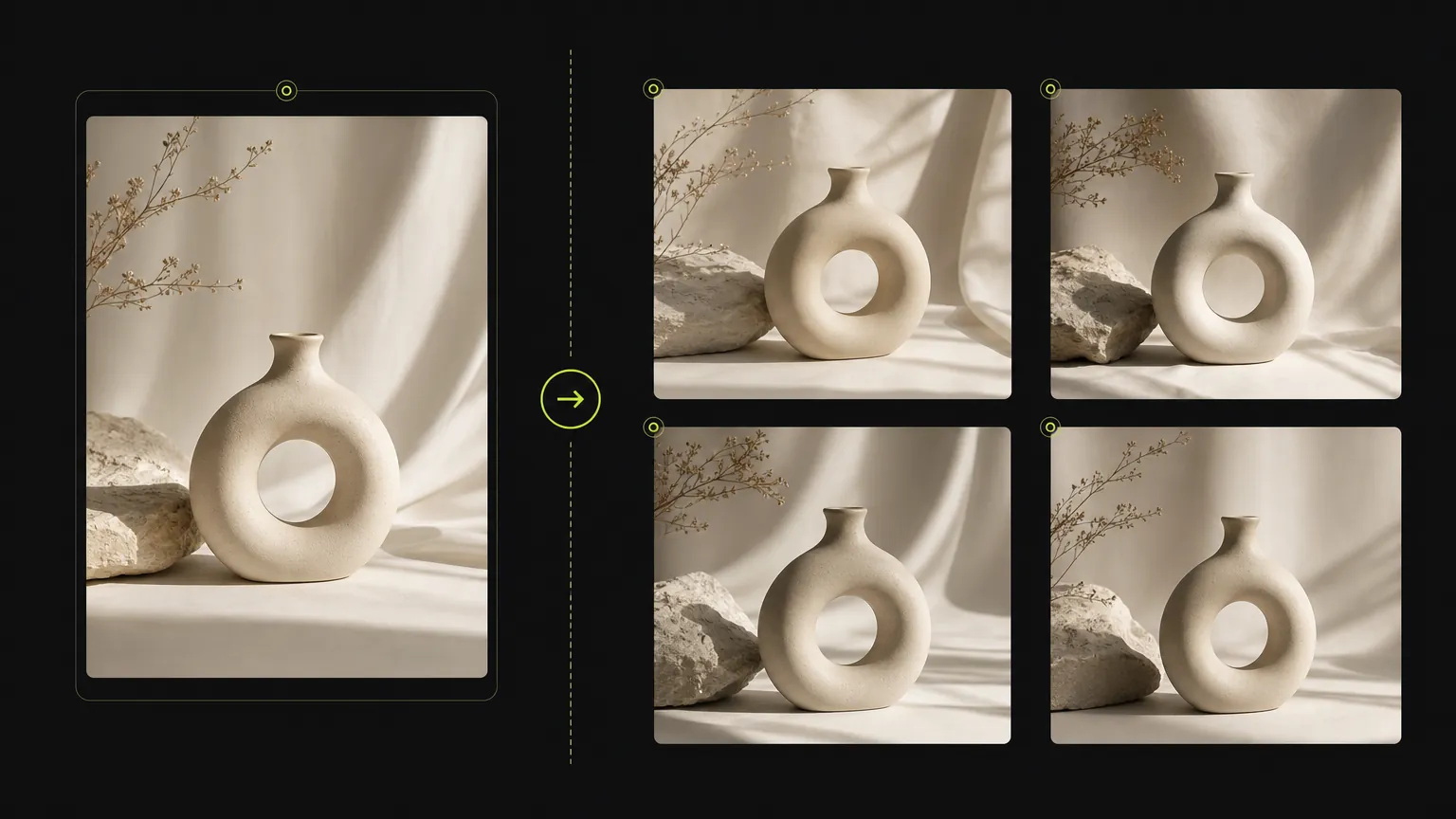
Turn a simple product direction into a polished ecommerce or campaign visual.
Start with a clear prompt, then adjust model, ratio, quality, and reference inputs in the same workspace.
使用 在线 AI 图片生成器 创建图像时,可以在同一个工作区处理提示词、参考图、画幅比例和模型支持的控制项。
Upload a source image when product details, composition, or visual direction need to stay close to a reference.
生成器只展示当前模型支持的选项,让页面保持实用,不混入无关控件。
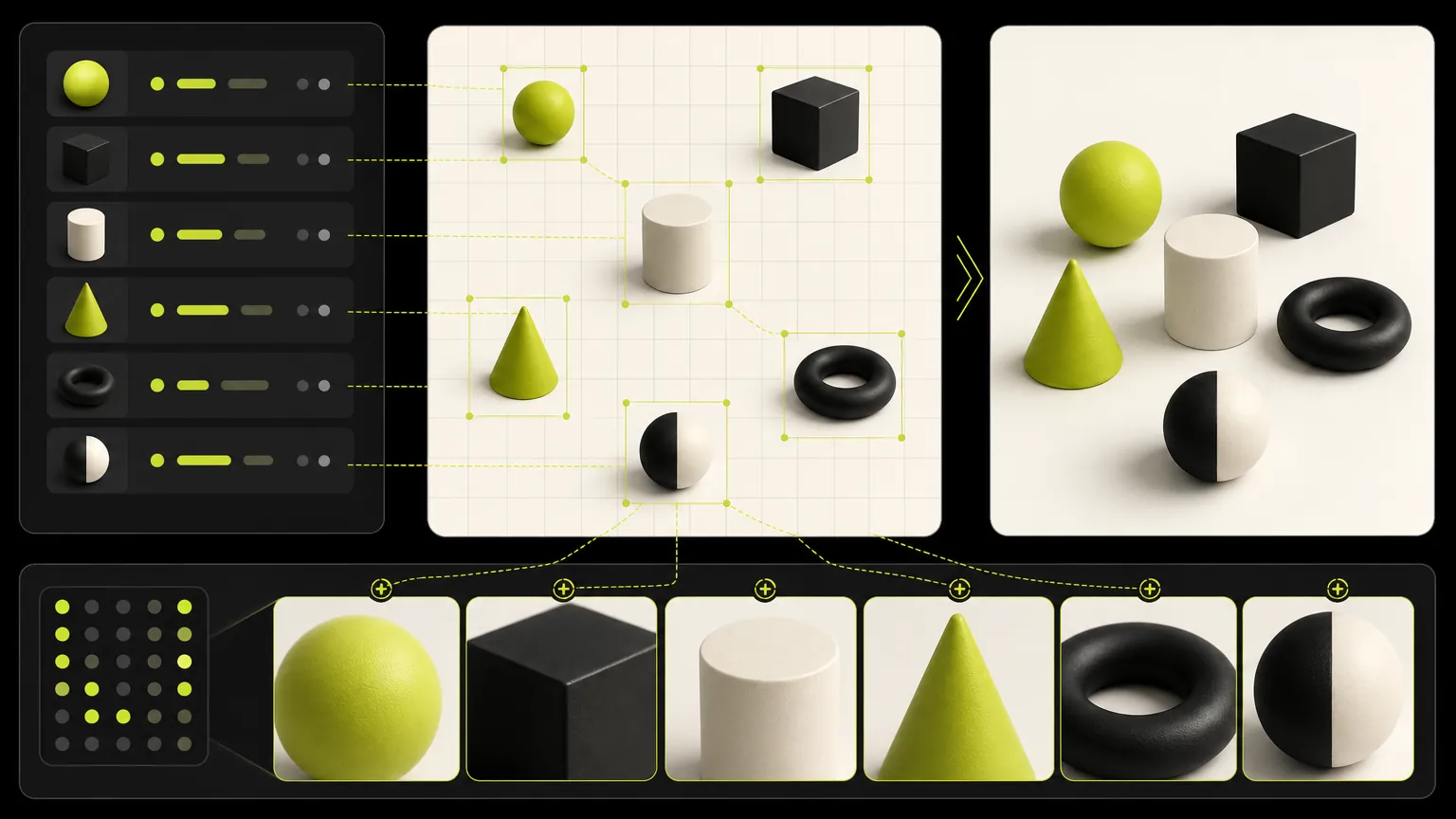
Keep one brief stable while comparing model strengths, aspect ratios, resolution options, and output quality.
浏览 在线 AI 图片生成器 提示词示例,先复用结构,再根据主体、场景、风格或交付格式进行改写。
生成案例
These cases are intentionally broad because the default page is for deciding which dedicated model workflow should come next.
案例 1
Turn a simple product direction into a polished ecommerce or campaign visual.
案例 2
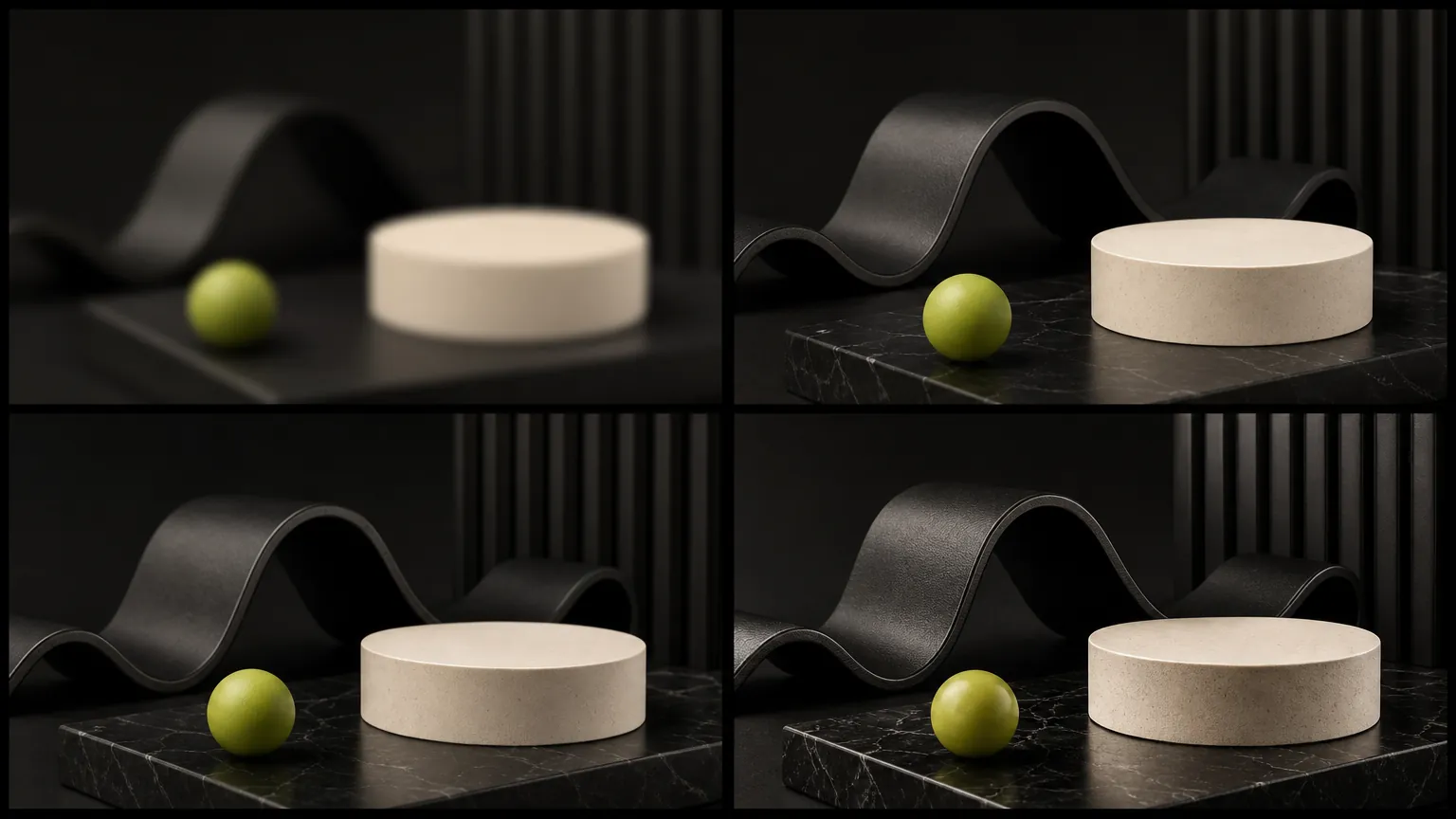
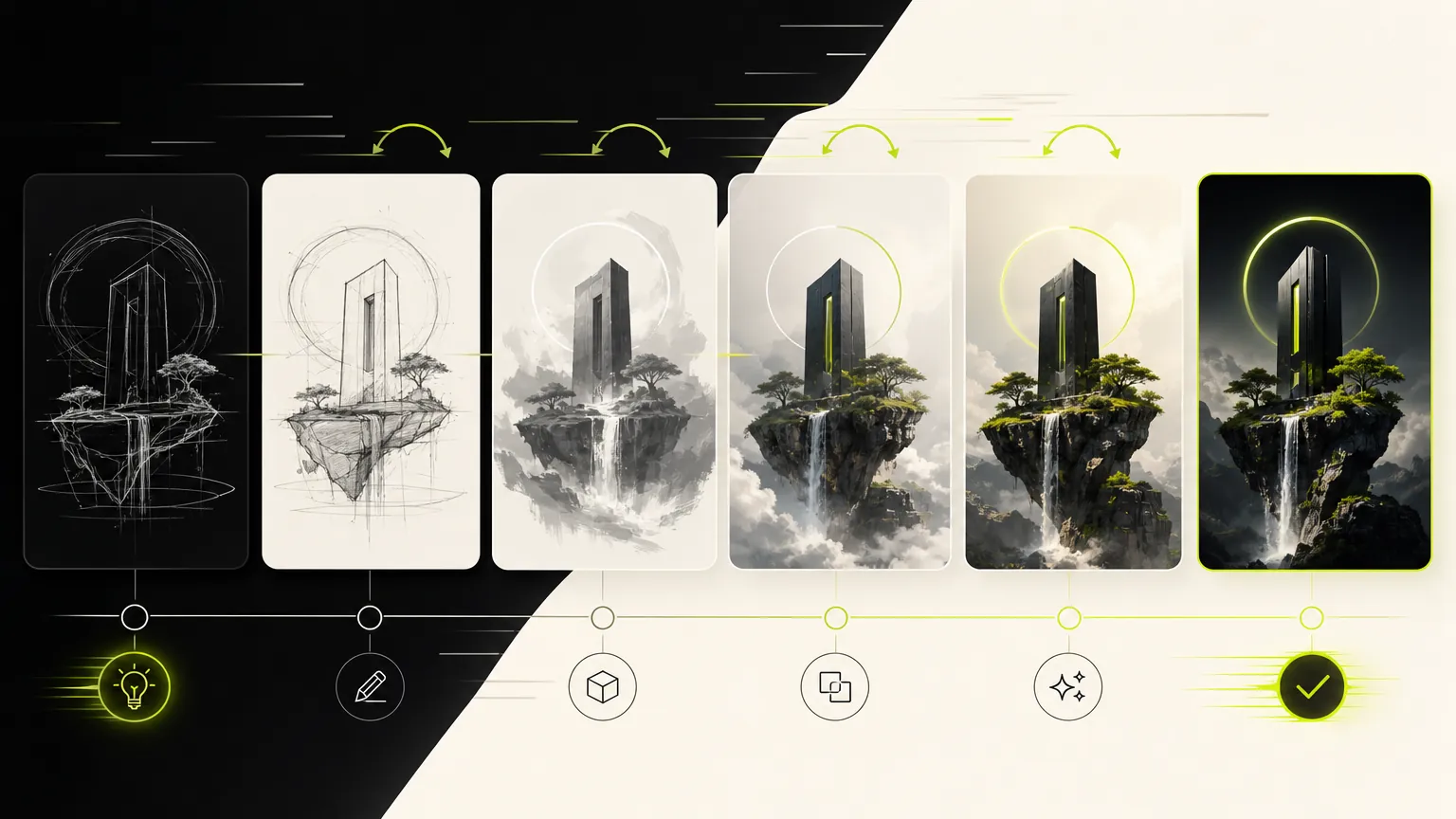
Compare visual directions before choosing a dedicated model page.
模型画廊
The default generator keeps the workflow broad: prompt, reference, ratio, and model selection stay close together so you can compare directions quickly.
Prompt
1 / 4Write and refine prompts for image generation.
Planning notes
Keep one prompt stable, change one model variable at a time, and move to the dedicated model page when a clear strength appears.
当核心任务是围绕单个模型完成 AI 图像生成,而不是广泛比较模型时,在线 AI 图片生成器 更适合使用。提示词应该具体说明主体、用途、版式、风格、参考图要求和需要保持稳定的约束。
先写清输出目标,再补充主体细节、构图、光线、比例和参考图规则。这样可以让模型工作流更聚焦,也让生成器更好用。
当 在线 AI 图片生成器 的控制项和输出特性符合当前任务时,可以优先选用。如果结果需要不同的速度、质量、参考图或分辨率取舍,保存提示词结构后再对比其他专属模型页。
不要一遇到偏差就重写整段提示词。先按下面的顺序排查,每次只改一个变量,才能判断 AI Image Generator 为什么改善或跑偏。
把主体、输出形式和必须保留的约束放在提示词开头,删除互相冲突的风格描述;每轮只修改一个要求。
明确说明参考图负责控制身份、姿势、版式、商品外形还是风格,并写清允许 AI Image Generator 改变的部分;同时确认当前模式支持该参考图输入。
缩短文案,提供必须出现的准确文字,先规定阅读顺序、分区数量和文字位置,再补充装饰风格。
根据最终用途选择模型支持的分辨率或质量档位。先用较低成本的草稿修正构图,再生成更大尺寸的最终图。
创作者反馈
从临时做一张社媒图,到整理客户提案,八位创作者记录了各自最真实的使用感受。
“The dedicated generator pages make it much easier to choose the right model for a campaign instead of guessing from a dropdown.”
 Mia ChenCreative Strategist
“We use the generic page to test quickly, then move to the model page when we want a clean landing page for a specific workflow.”
 Noah PatelIndie Founder
“Reference uploads plus model-specific controls cut down our iteration time a lot, especially for product mockups and launch assets.”
 Ava RomeroBrand Designer
“The page makes model choice feel practical. We can brief an image, test a direction, and keep examples close to the generator.”
 Ethan BrooksContent Lead
“For ecommerce visuals, the reference workflow helps us keep product cues stable while exploring different scenes.”
 Lina ZhaoMarketplace Operator
“I like that the page is not just a blank tool. The examples below the generator help our team write better prompts.”
 Owen MillerAd Creative Manager
“The focused model pages are useful for clients because the controls, examples, and expected output are all in one place.”
 Priya ShahDesign Consultant
“It gives us a fast way to compare visual ideas before spending time on a full campaign design pass.”
Theo GrantStartup FounderUse categories to find reusable prompt structures before narrowing into a single model page.
不要一遇到偏差就重写整段提示词。先按下面的顺序排查,每次只改一个变量,才能判断 AI Image Generator 为什么改善或跑偏。
✦ 在同一工作台探索图像模型
在 Wenimg 在线生成 AI 图片,输入提示词或上传参考图即可完成文生图、图生图、比例设置、质量选择和多模型 AI 绘画创作。
开始使用 AI Image Generator