

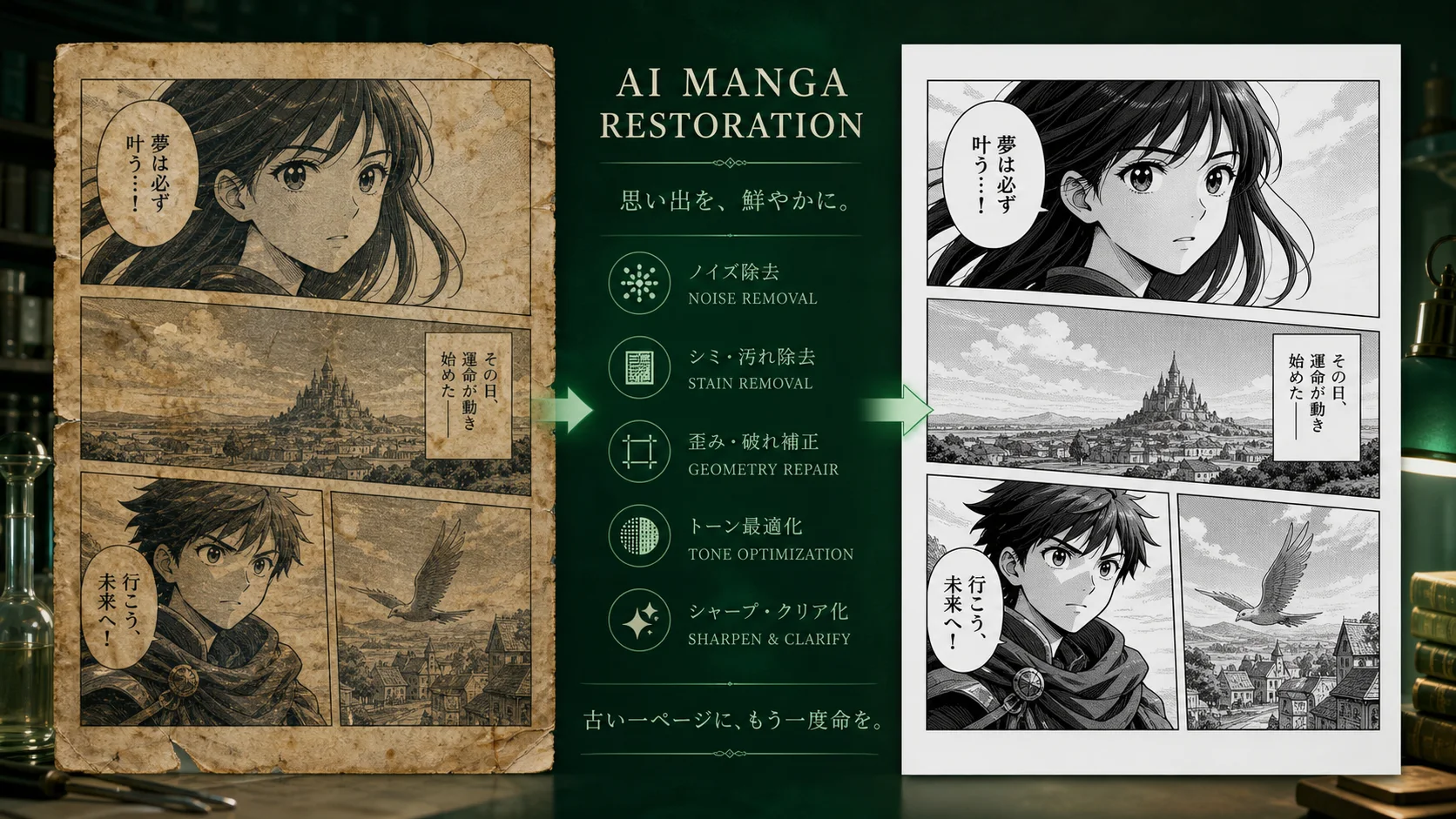
AI Manga Restoration
AI Manga Restoration
Restore old manga scans by cleaning stains, faded ink, paper noise, scratches, and damaged panel details without changing the original drawing style.
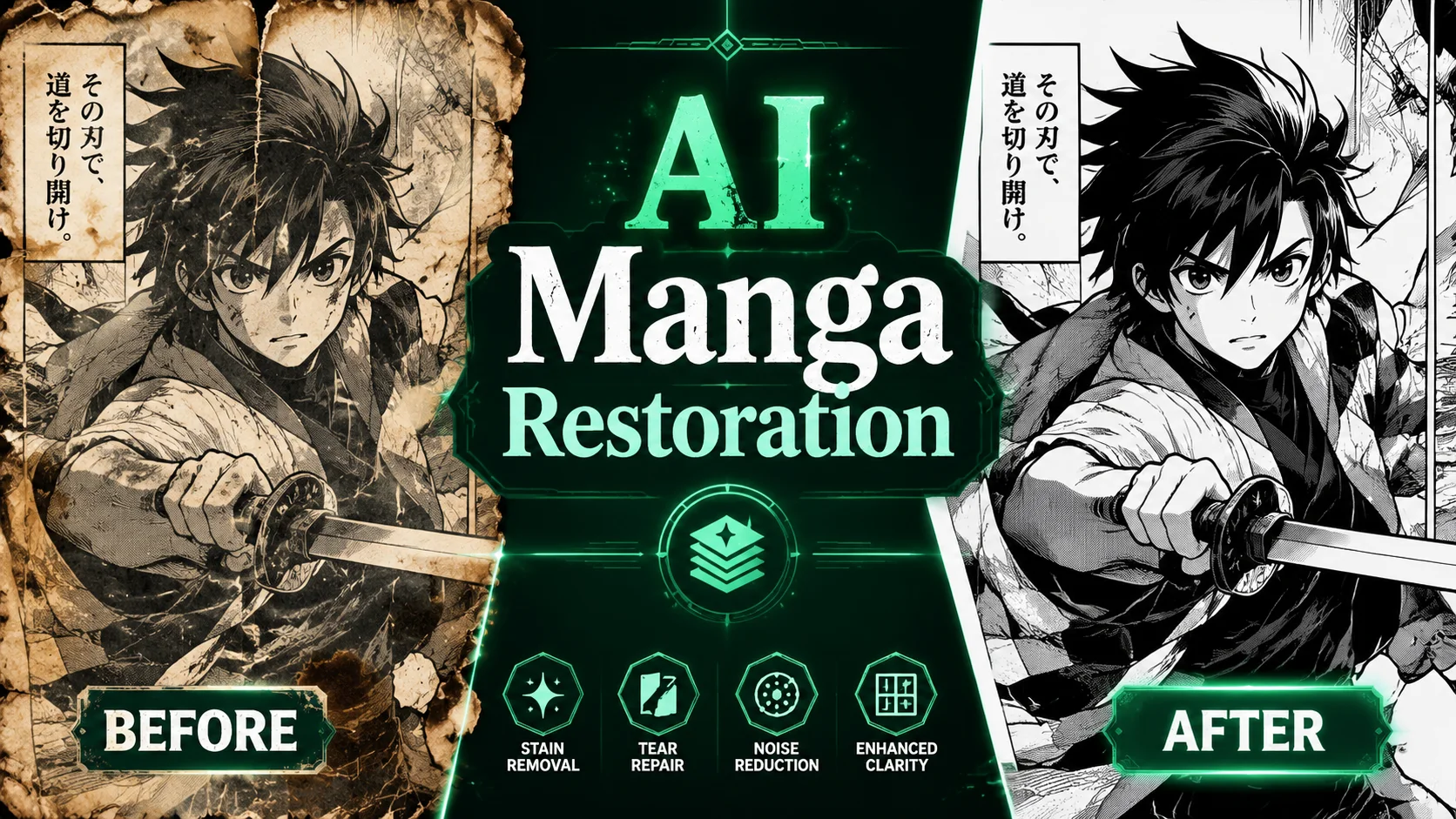
Examples
Clean manga scans without overpainting the art
AI manga restoration should remove damage while respecting the source page. The goal is cleaner ink, stable screentone, readable panels, and fewer scan artifacts, not a new illustration style.
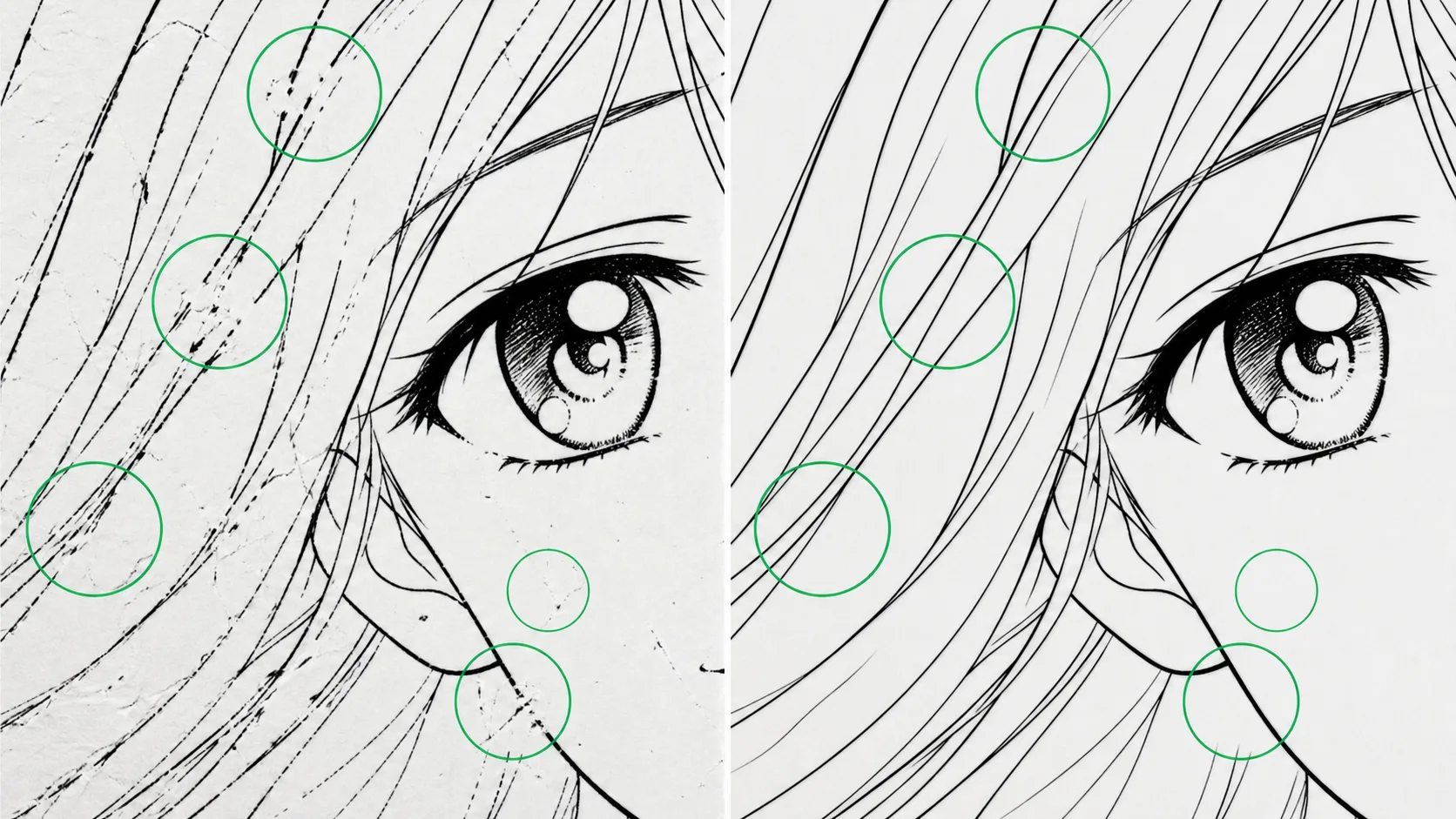
Repair broken panel borders and faded black ink.
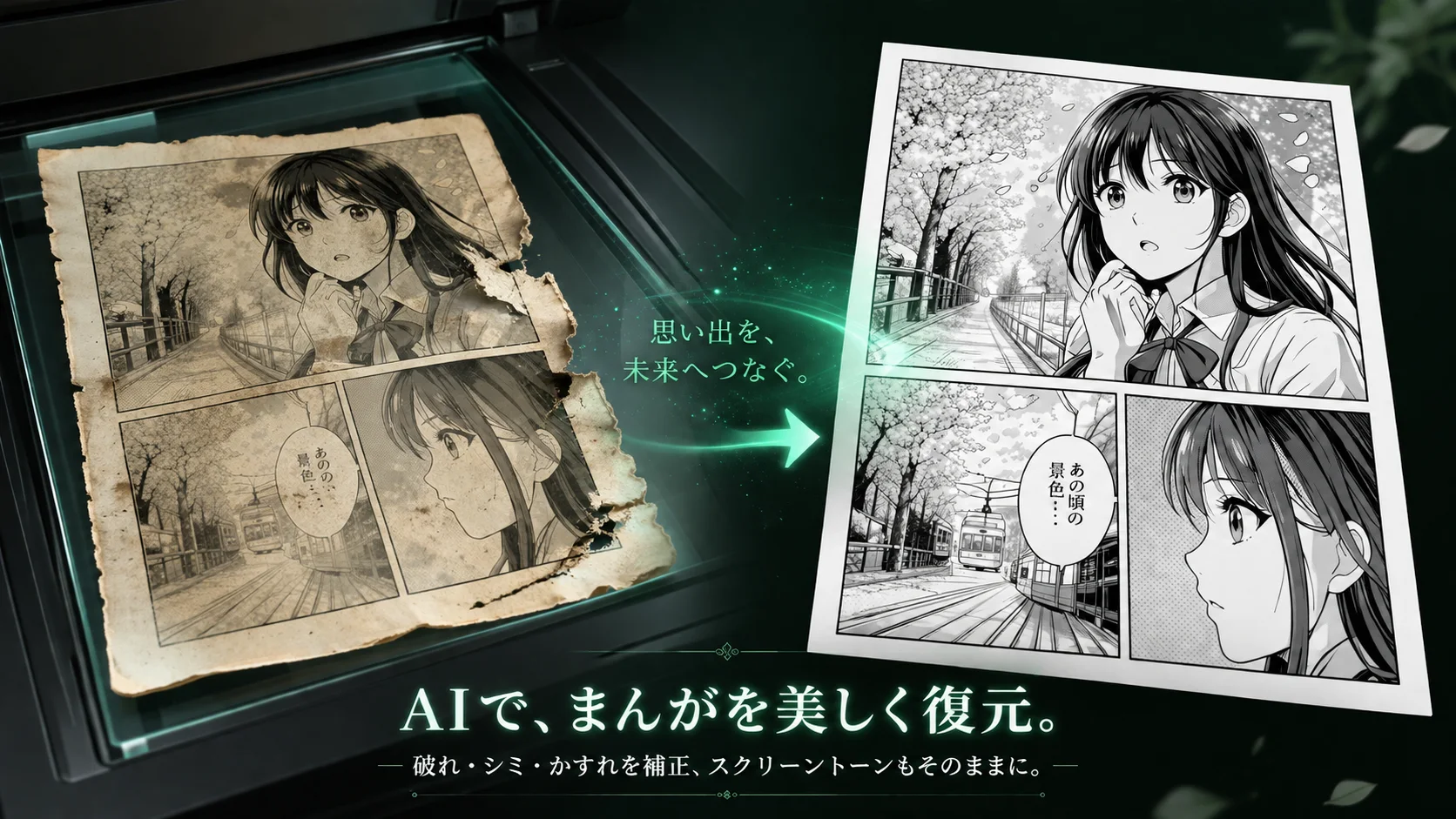
Preserve screentone, line weight, and original expressions.
Before and after cases
Real examples
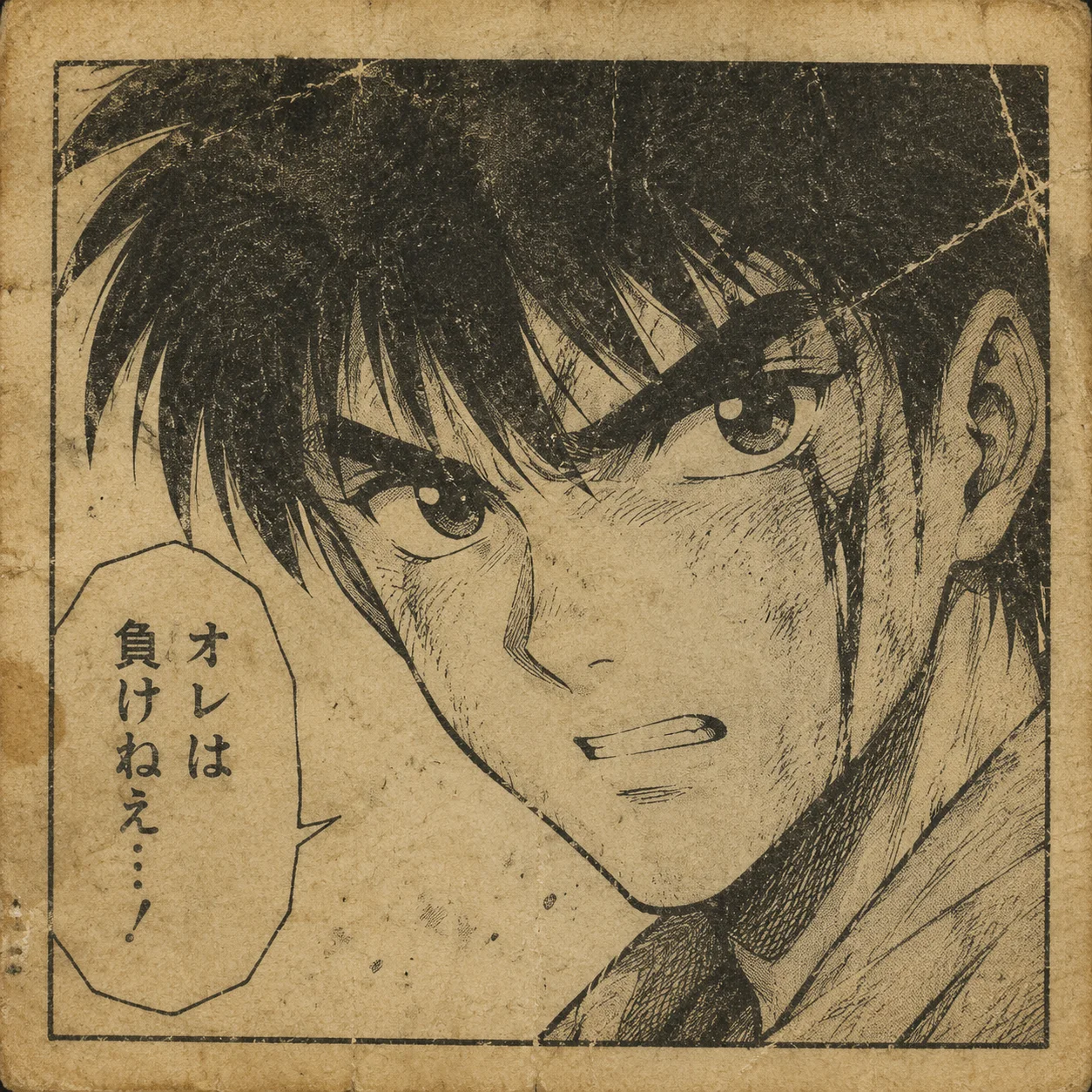
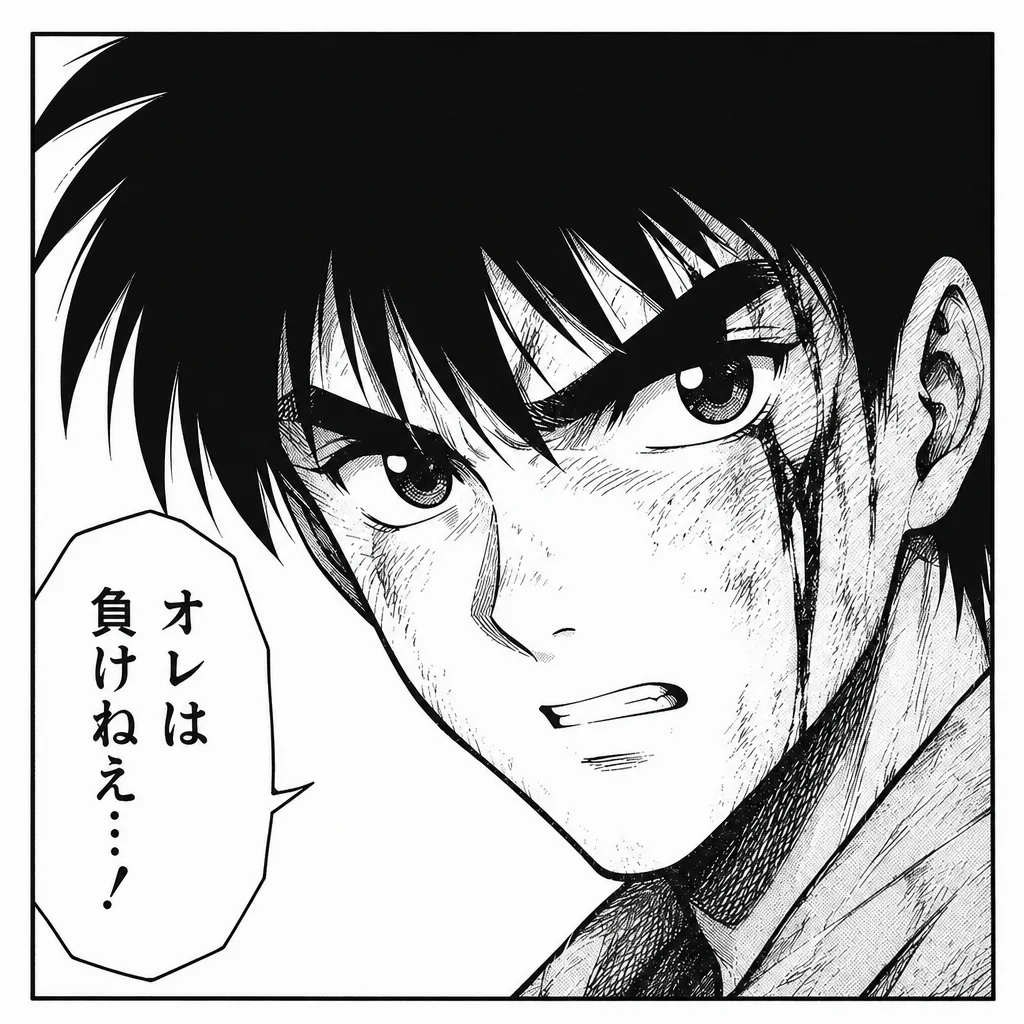
Old page restoration with stain and noise removal
Cleans paper grime while keeping the original black-and-white manga look.
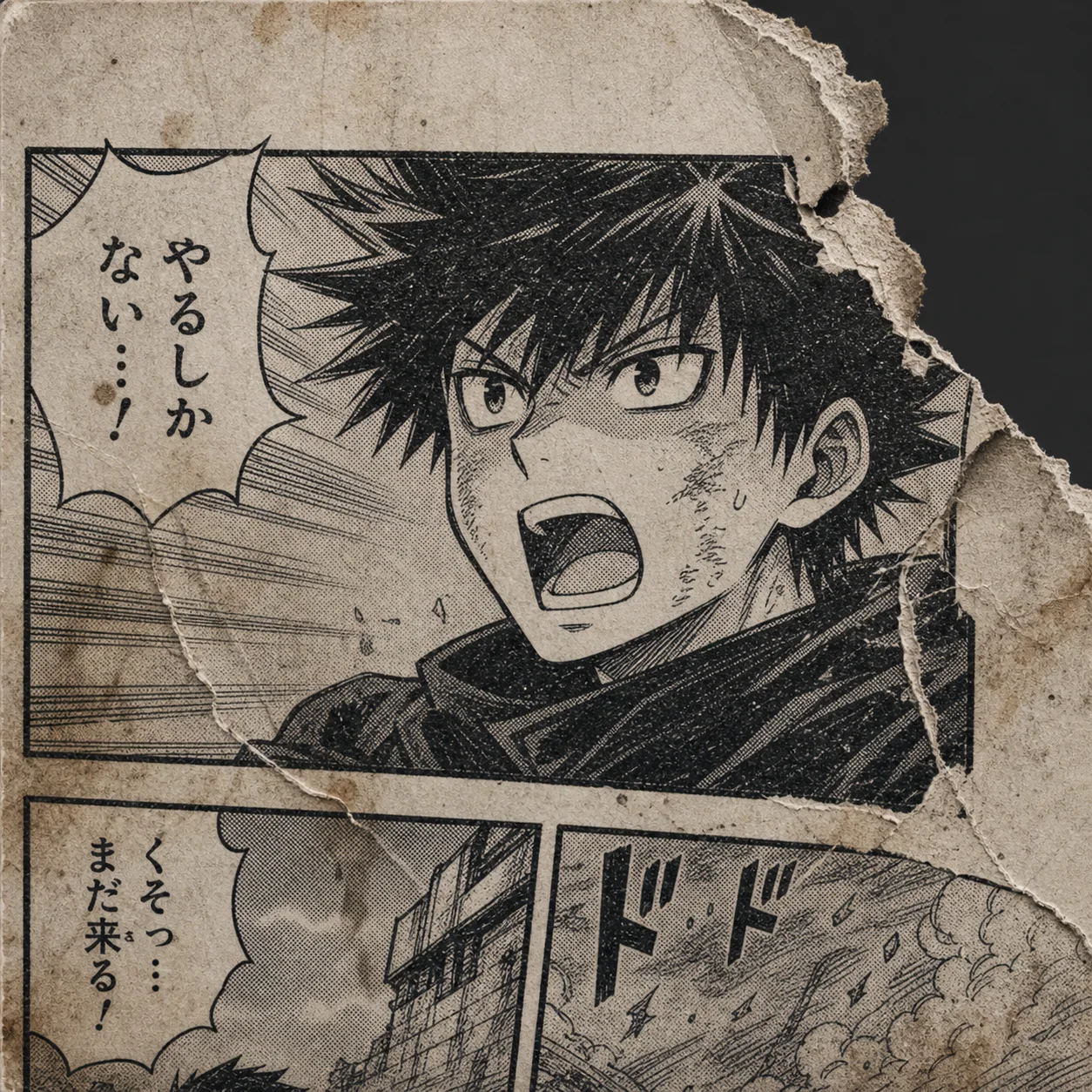
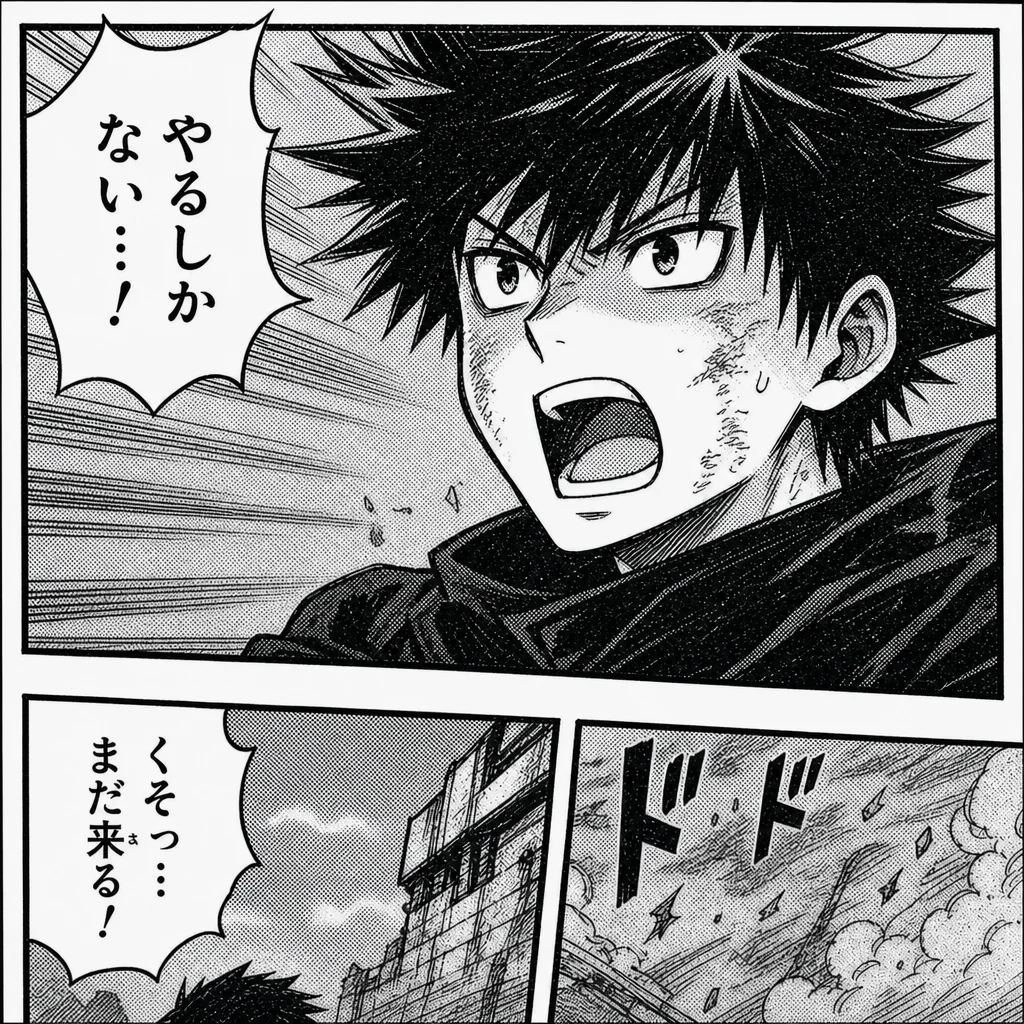
Damaged panel restoration with repaired ink edges
Strengthens faded linework and fixes broken panel edges without coloring the scan.
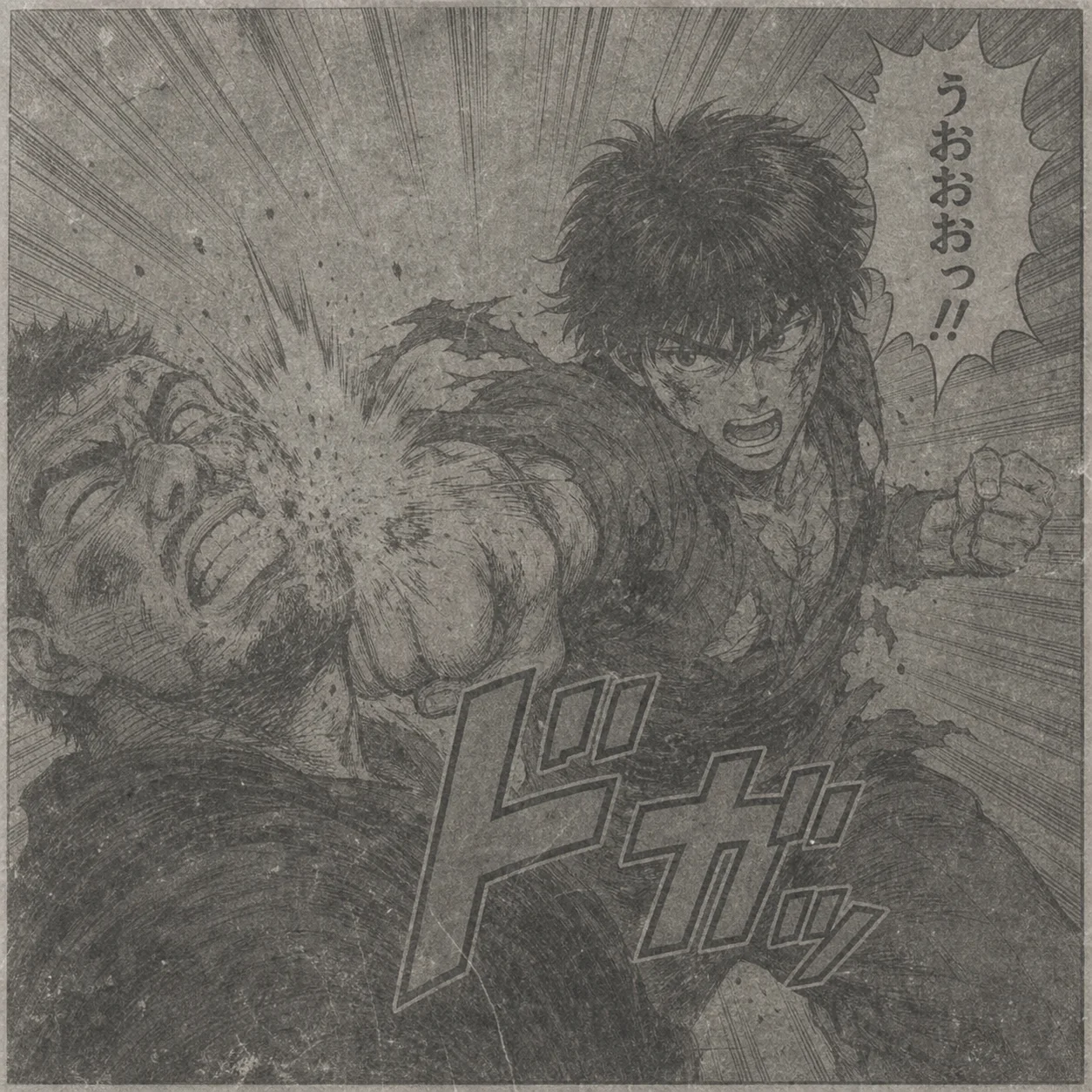
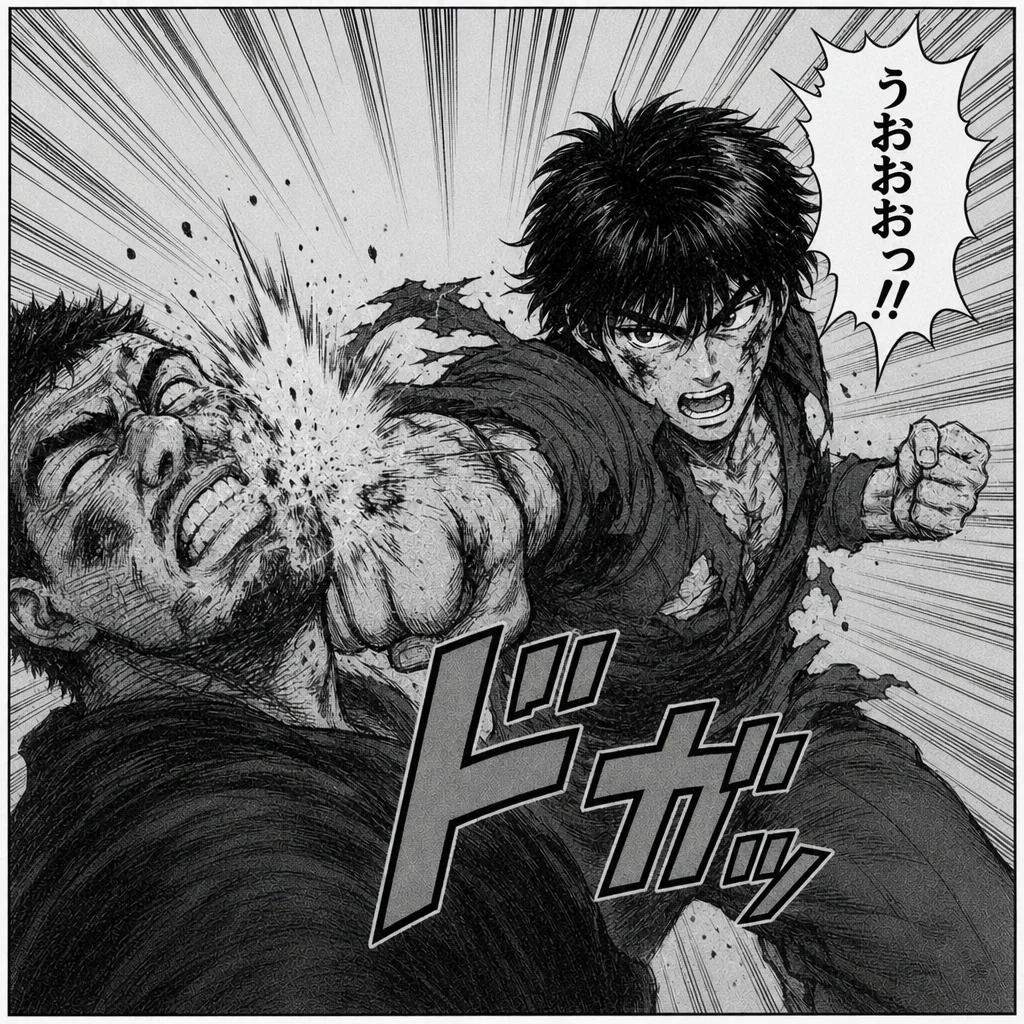
Archive scan cleanup with preserved screentone
Removes scratches and scan dirt while keeping tones and face details recognizable.
Workflow
- 1Upload the highest-resolution scan available.
- 2Describe the damage type: stains, tears, faded ink, noise, or scratches.
- 3Generate a conservative cleanup pass first.
- 4Use the restored scan before translation, colorization, or print prep.
Best for
Collectors cleaning scans of older manga pages.
Creators preparing archival pages for translation.
Editors repairing noisy black-and-white scans before layout work.
AI manga restoration
AI Manga Restoration Questions and answers
Can it fix torn manga pages?
It can repair small tears, stains, scratches, and broken linework. Large missing areas need manual review because the AI must infer absent art.
Should I restore before translating or coloring?
Yes. Clean line art gives translation, lettering, and colorization tools better boundaries and fewer artifacts.
Will it change the manga style?
The page is tuned for restoration, not restyling. Prompt for black-and-white preservation when you want the original art direction kept intact.
What source image works best with AI Manga Restoration?
Use a sharp, lightly compressed image with the full subject visible. Heavy blur, tight cropping, or repeatedly edited files make important details harder to preserve and review.
What should I review in a AI Manga Restoration result?
Compare the output with the source at full size. Check identity, edges, text, hands, texture, and composition, and keep the original file for any important use.
Can I try again if the first result misses the goal?
Yes. Change one factor at a time, such as the source image, processing strength, or wording, so you can tell which adjustment actually improves the result.
Does AI Manga Restoration overwrite my original image?
It does not directly overwrite the original file on your device. Keep the source and save the downloaded result under a different name for comparison or another attempt.
Can I use AI Manga Restoration output in commercial work?
Confirm that you hold the necessary rights to the source image, people, brands, and assets, then review the output against platform rules and local legal requirements before publishing.
Creator notes
The small details creators notice after the first result
Eight grounded snapshots from everyday image work—from quick social posts to client-ready drafts.
8 everyday workflow notes
“I came in for one quick product image and stayed to try three directions. The workflow never made me feel like I needed a tutorial first.”
 Maya R.E-commerce manager
“The controls are restrained in a good way. I can get a useful draft, download it, and finish the last ten percent in my usual design app.”
 Jon BellFreelance designer
“What won me over was consistency. I can repeat the same brief without rebuilding every setting from scratch.”
 Priya S.Content lead
“The first result is often close enough to start a real conversation with a client. That alone saves me a round of mood-board work.”
 Owen K.Independent maker
“I tested it during a busy launch week. It was fast, clear, and I always knew what the next click would do.”
 Nina ParkSocial media editor
“Being able to keep the source image visible matters to me. I can judge what changed instead of guessing from memory.”
 Luis M.Photographer
“It feels designed for actual production work, not just a flashy demo. The examples are practical and the output is easy to hand off.”
 Sophie ChenBrand coordinator
“I mostly use it for small weekly assets. It turns the blank-page moment into something I can react to in a couple of minutes.”
 Tom W.Newsletter creator




✦ One focused tool, ready for your next idea
Create your next idea with AI Manga Restoration
Restore old manga scans by cleaning stains, faded ink, paper noise, scratches, and damaged panel details without changing the original drawing style.
Start with AI Manga Restoration