

Line preserve
Keep line preservation on when faces, hair, speed lines, or hand-drawn details define the style.
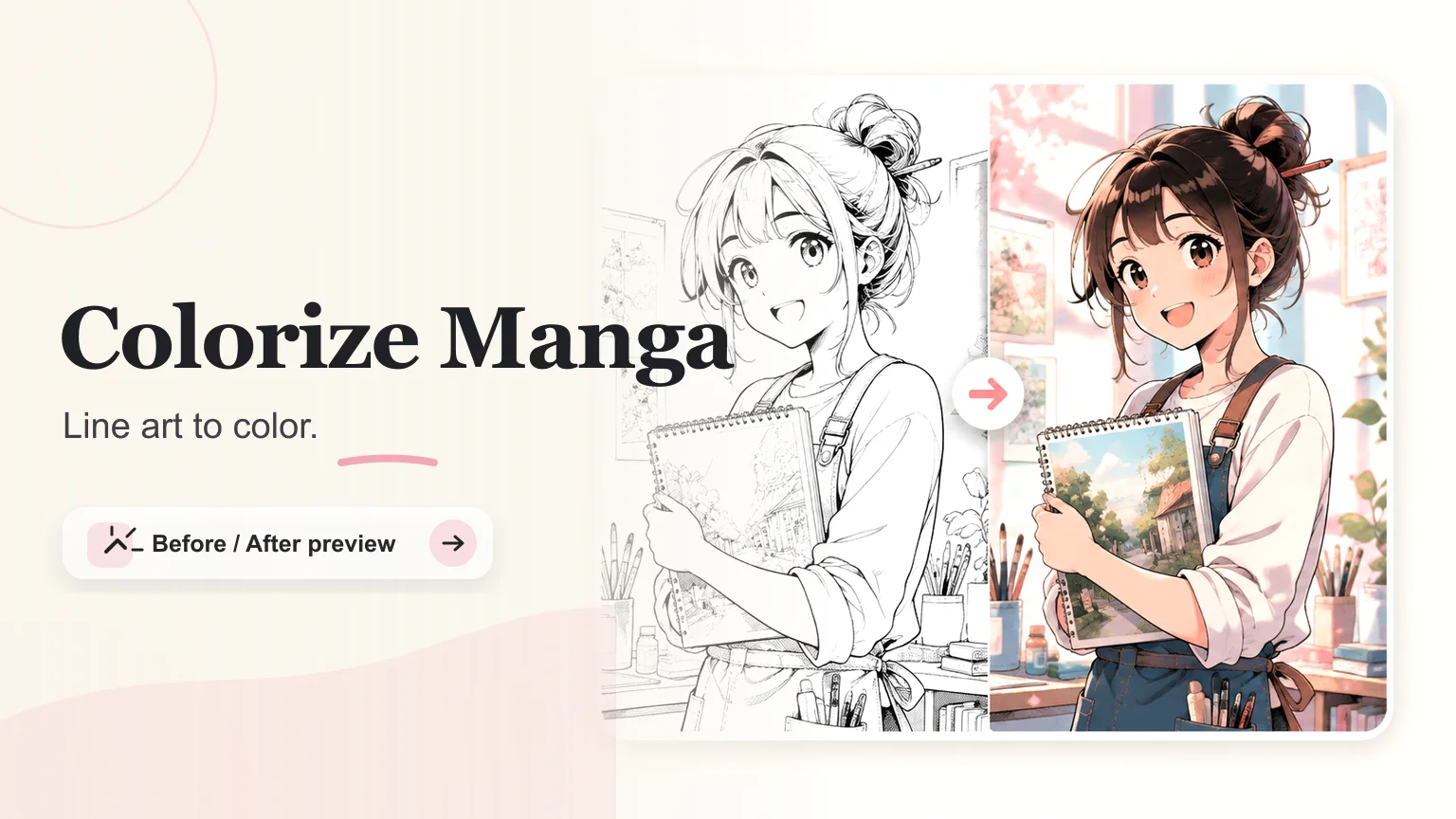
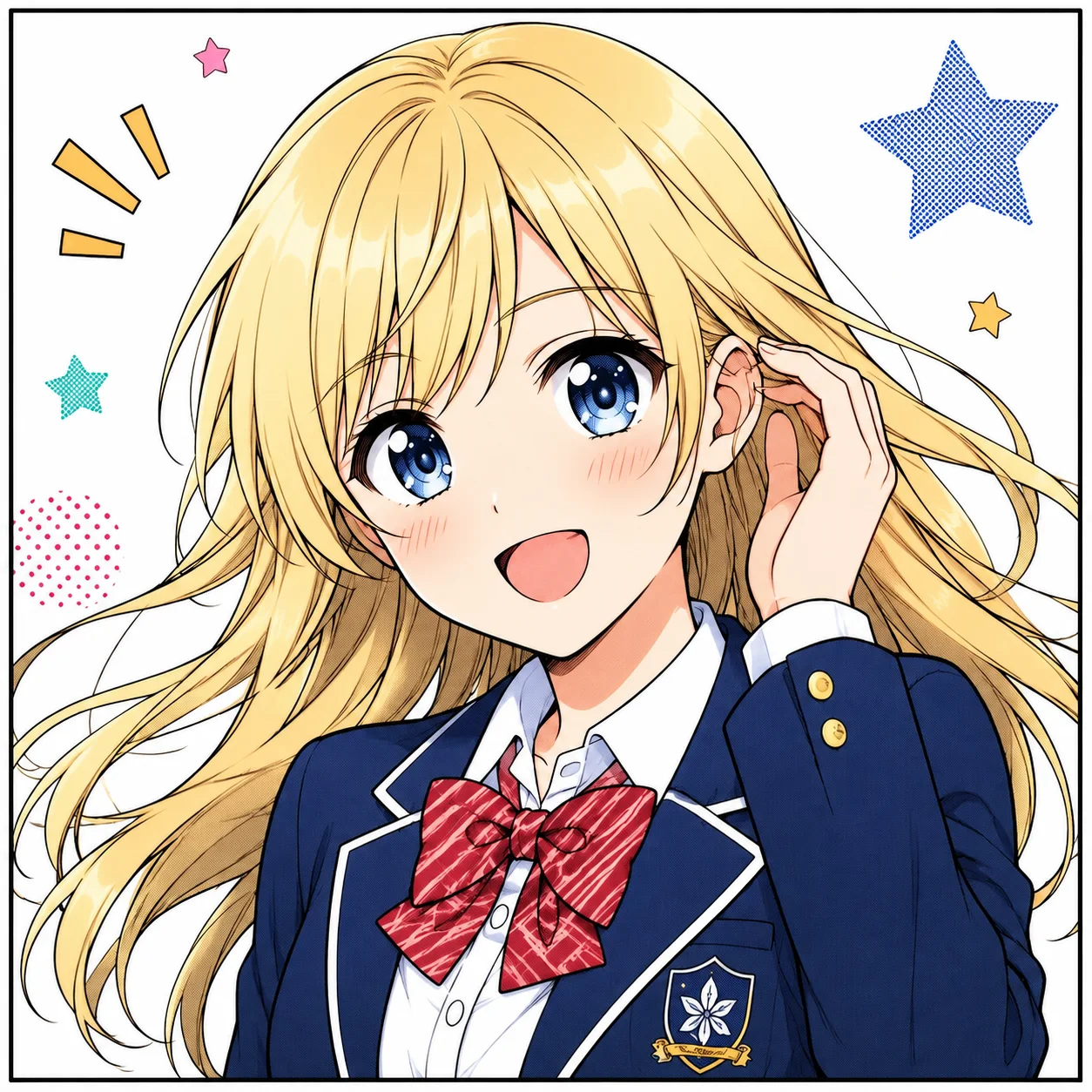
Add color to manga and anime line art while keeping the ink, characters, and panel structure intact.
Color direction
Set the palette, shading, and line-preservation direction before you generate.
Keep line preservation on when faces, hair, speed lines, or hand-drawn details define the style.
Give recurring characters stable hair, eye, outfit, and accent colors.
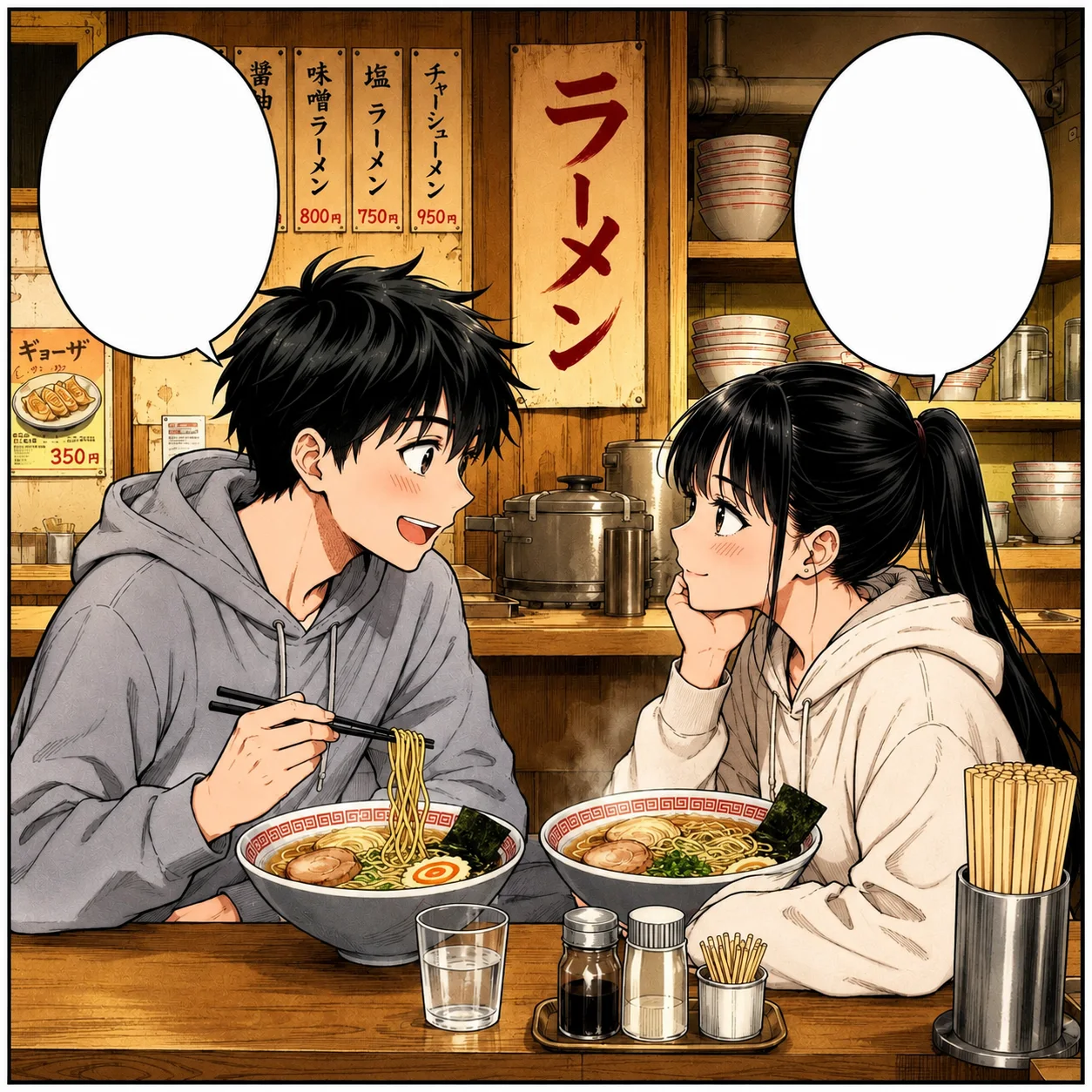
Cel shading stays clean and graphic. Soft anime color adds mood but needs stronger source art.
Color controls
Keep the ink clear, guide recurring colors, and decide how much shading to add.
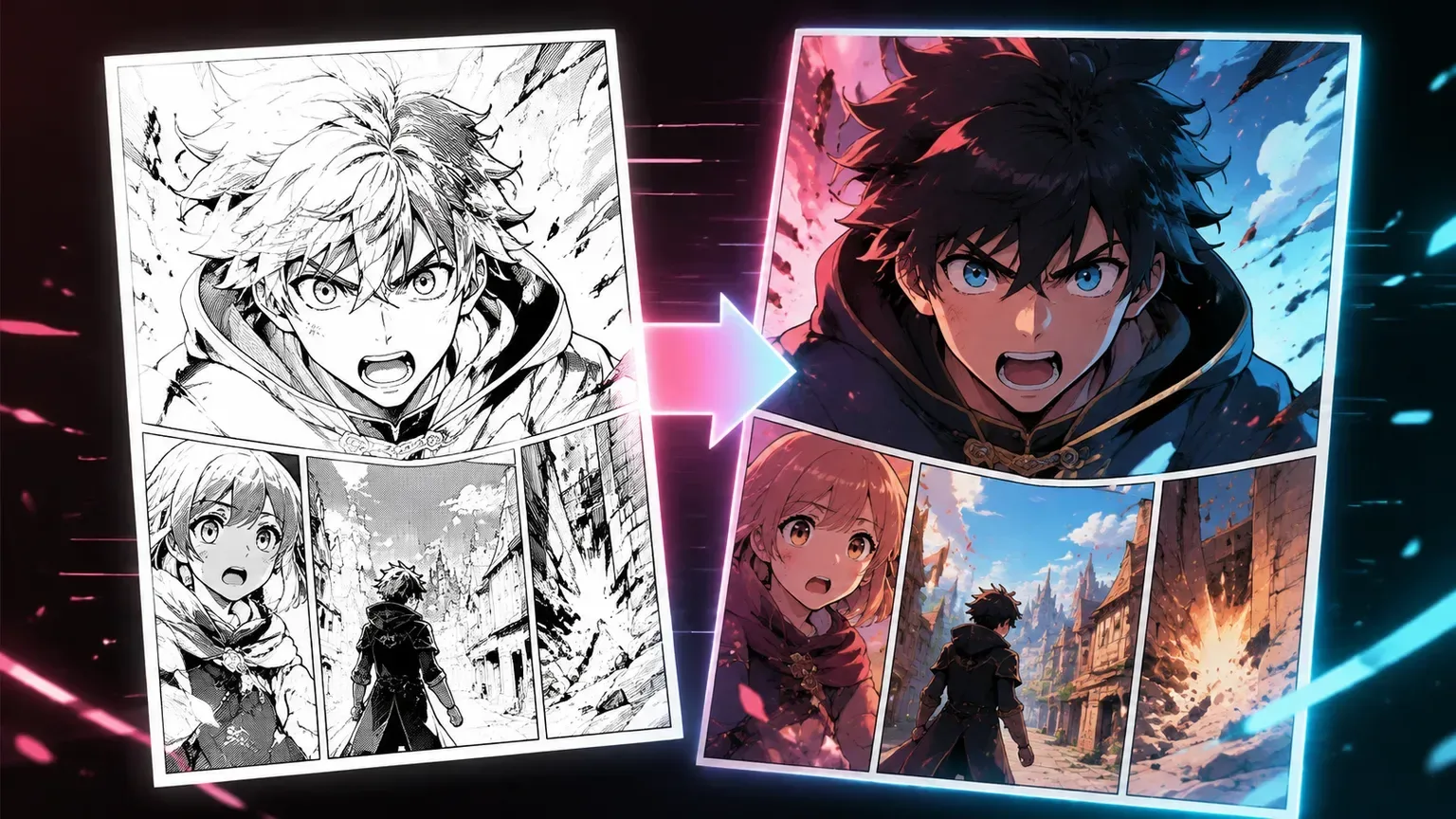
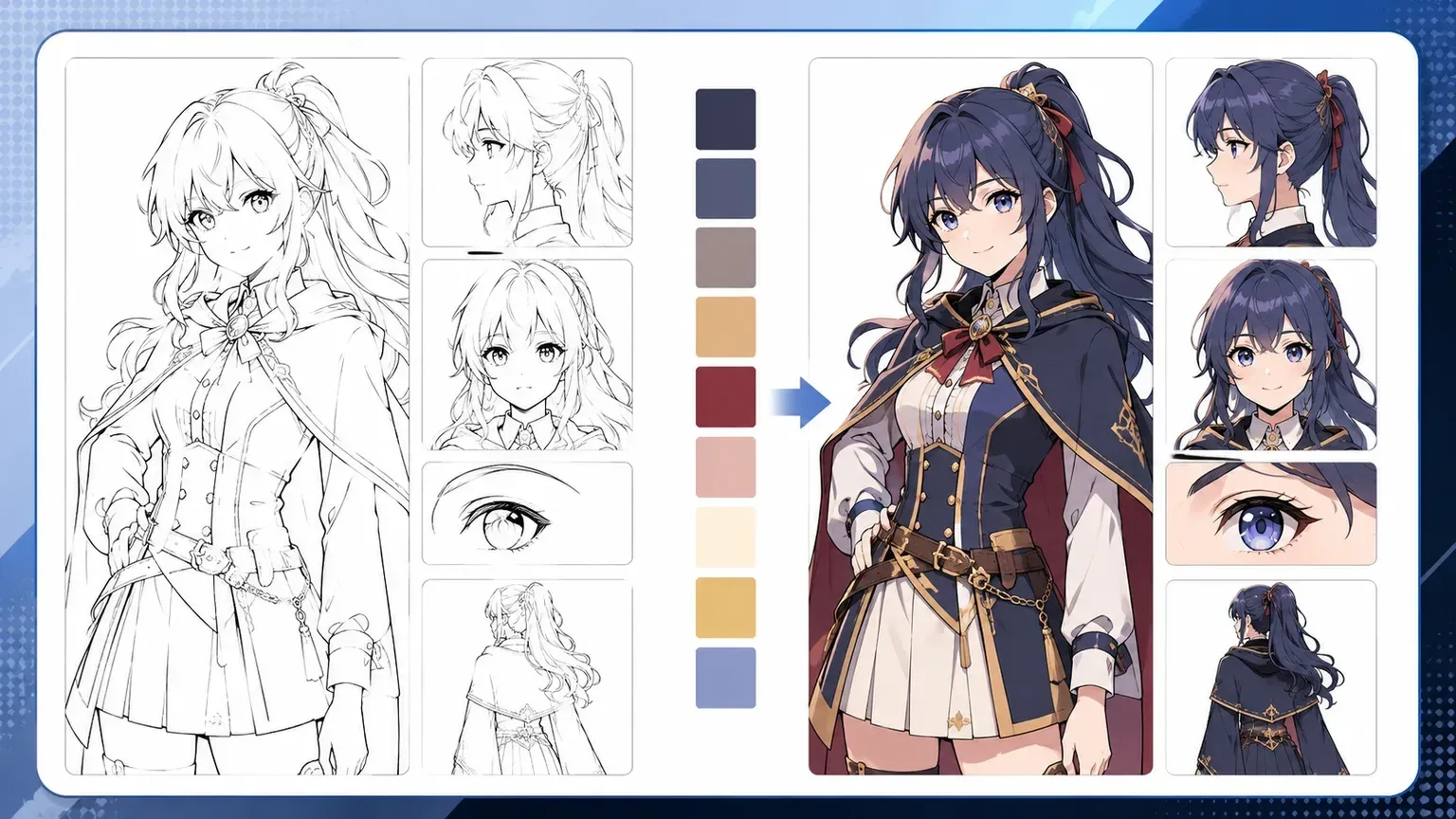

Before and after
Compare the result at a glance: crisp lines, consistent faces, and color that supports the panel.
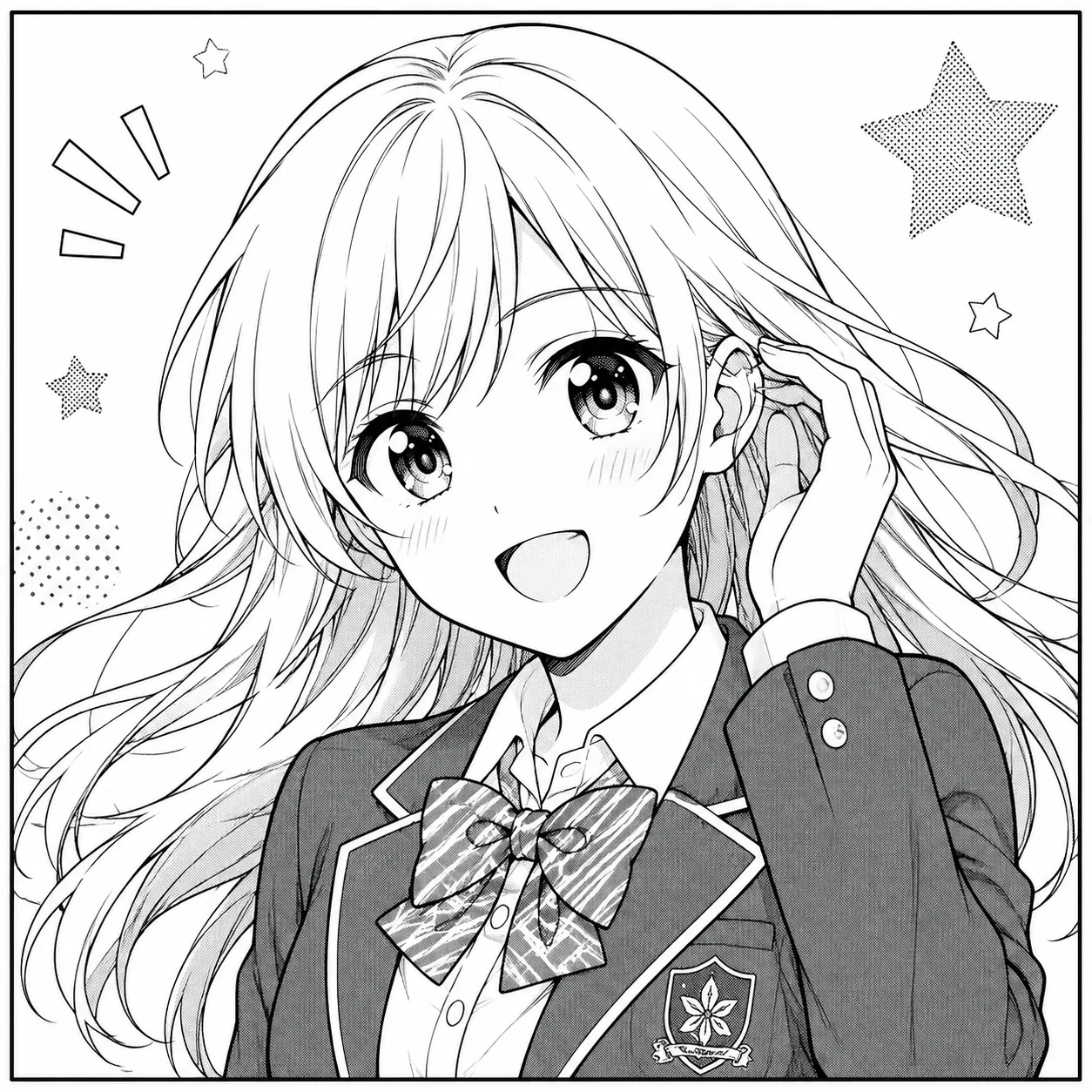 Line art
 Color
Color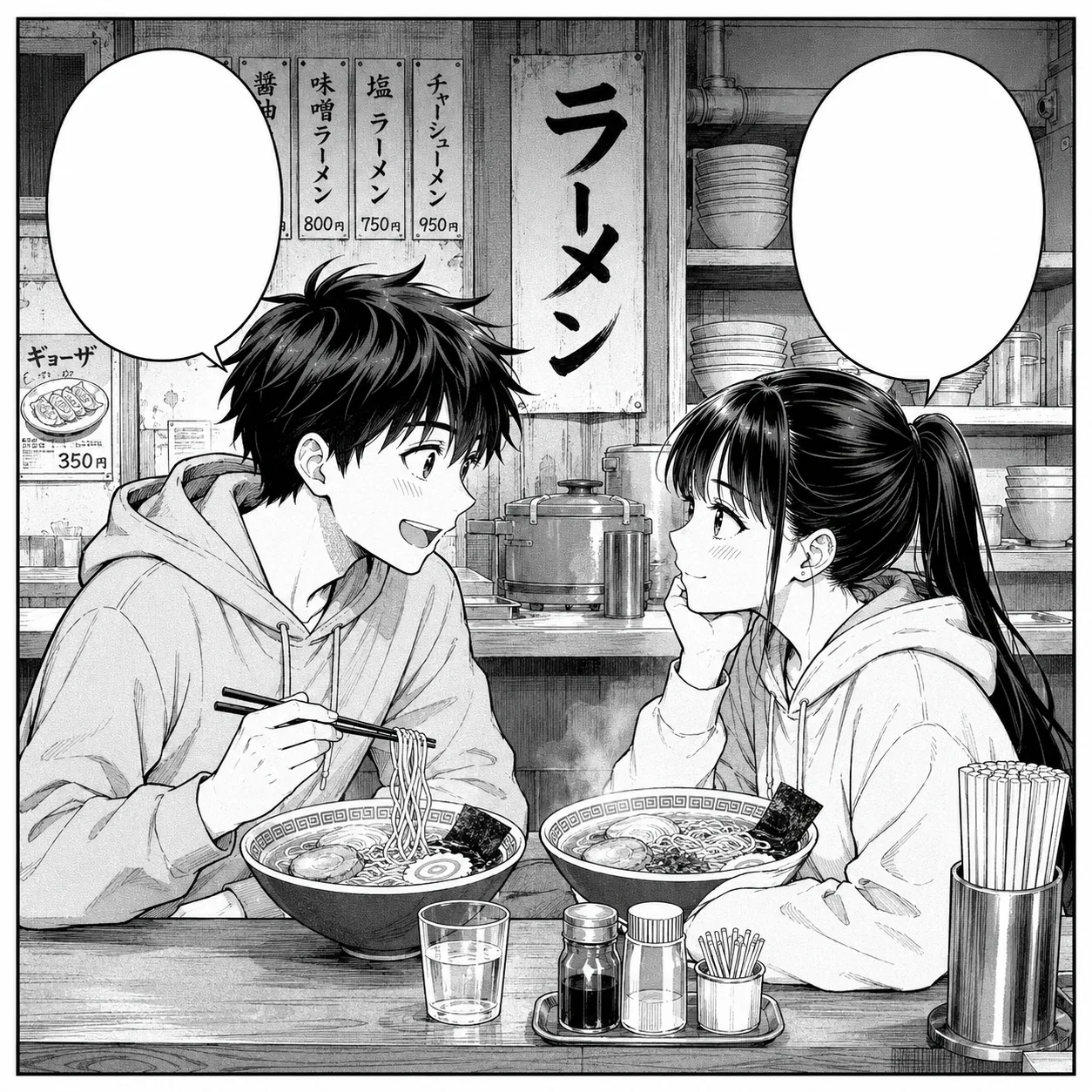 Line art
 Color
Color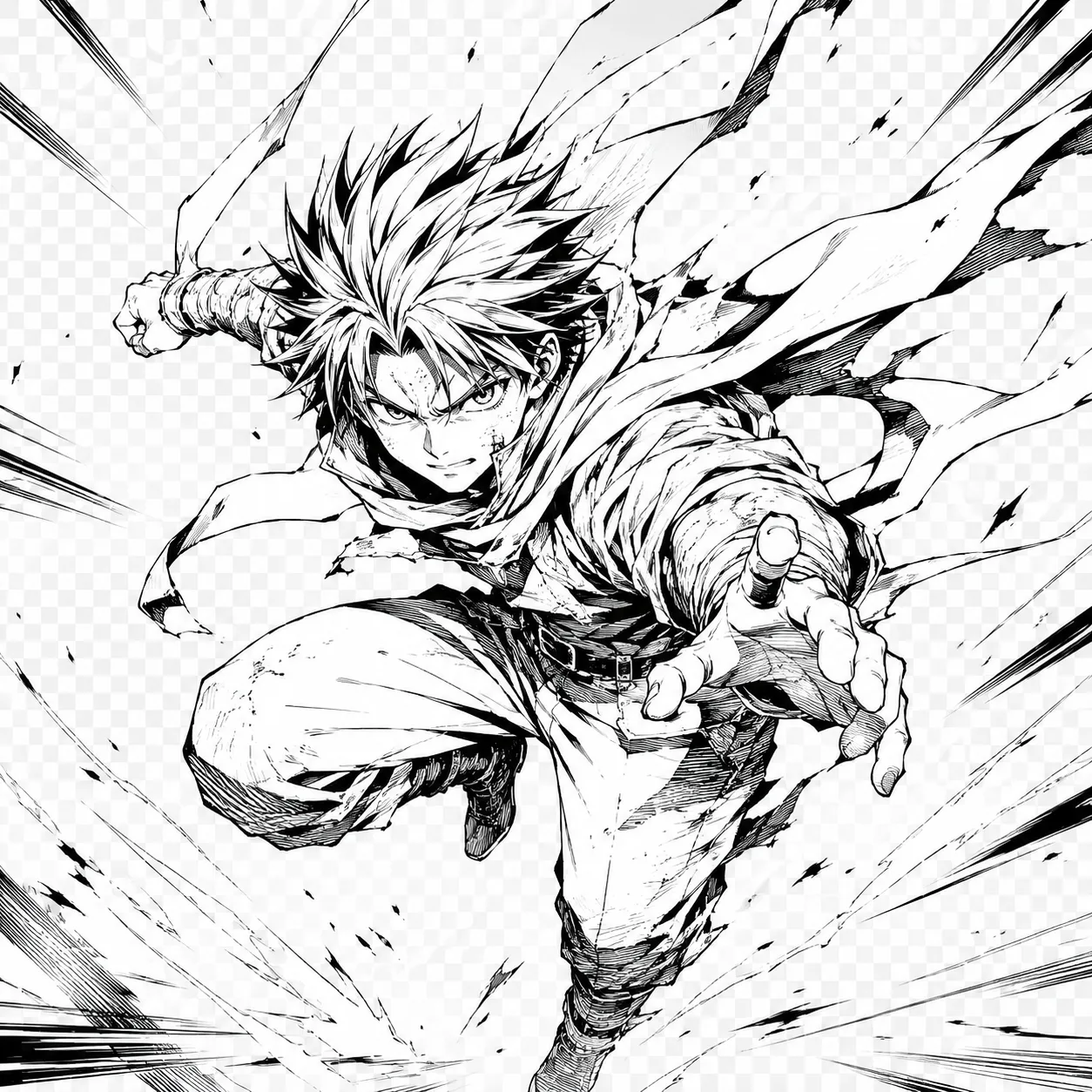 Line art
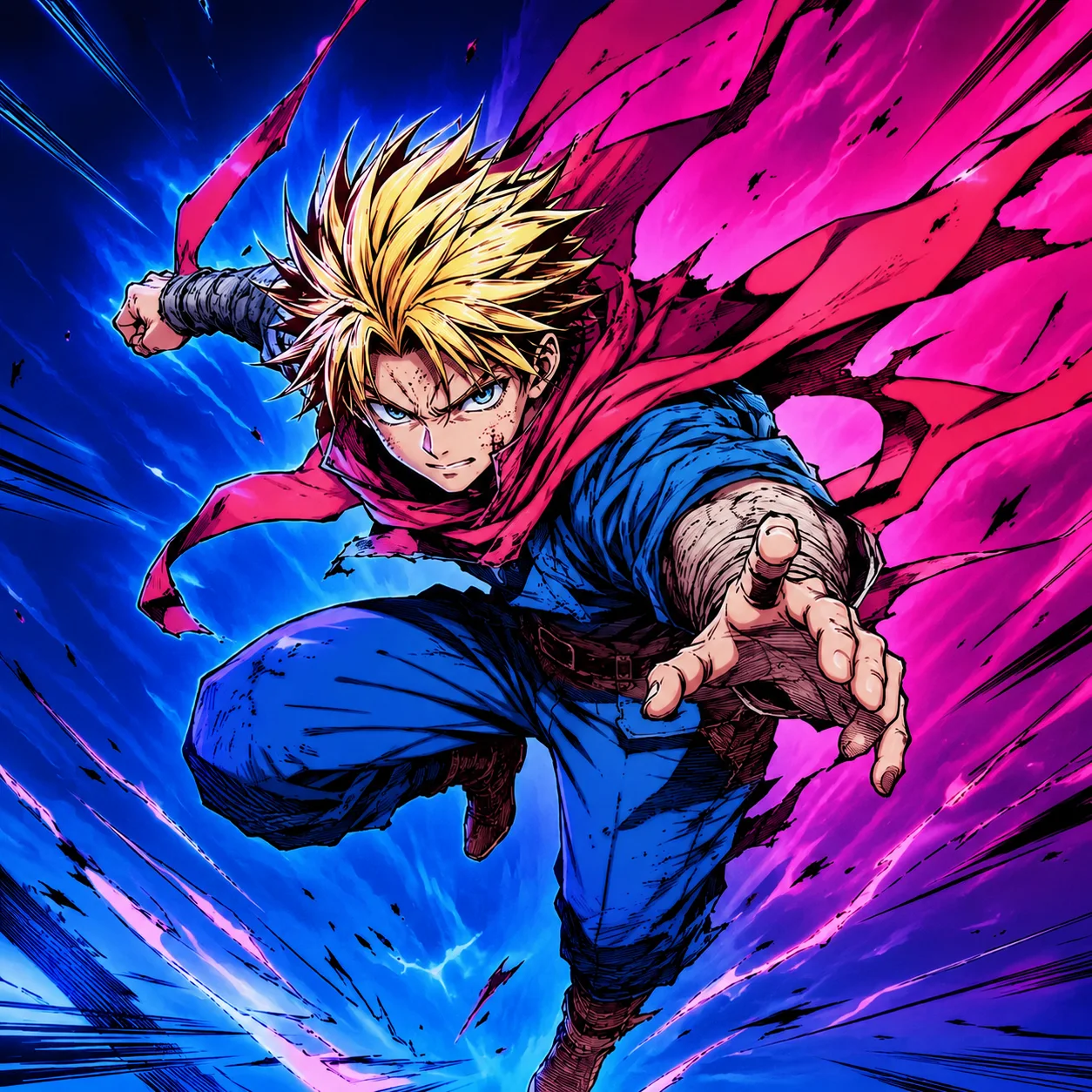 Color
ColorMade for artists
Use AI for the repetitive pass, then keep your judgment for palette, expression, and final cleanup.
Flat-color blocking takes time across repeated costumes.
Manual color tests slow down drafts and thumbnails.
Screen tones and speech bubbles can be overpainted.
Character colors can drift from panel to panel.
Simple workflow
Start with clear line art, add a short palette note, then review the details before export.
Upload clean black-and-white line art.
Choose a color style.
Add a short palette note.
Review the lines, eyes, hands, and speech bubbles.
Best sources
High-contrast PNG scans
Inked Procreate exports
Clean manga panels
Character sketches
Webtoon draft art
Anime-style line art
Creator notes
Eight grounded snapshots from everyday image work—from quick social posts to client-ready drafts.
“I came in for one quick product image and stayed to try three directions. The workflow never made me feel like I needed a tutorial first.”
 Maya R.E-commerce manager
“The controls are restrained in a good way. I can get a useful draft, download it, and finish the last ten percent in my usual design app.”
 Jon BellFreelance designer
“What won me over was consistency. I can repeat the same brief without rebuilding every setting from scratch.”
 Priya S.Content lead
“The first result is often close enough to start a real conversation with a client. That alone saves me a round of mood-board work.”
 Owen K.Independent maker
“I tested it during a busy launch week. It was fast, clear, and I always knew what the next click would do.”
 Nina ParkSocial media editor
“Being able to keep the source image visible matters to me. I can judge what changed instead of guessing from memory.”
 Luis M.Photographer
“It feels designed for actual production work, not just a flashy demo. The examples are practical and the output is easy to hand off.”
 Sophie ChenBrand coordinator
“I mostly use it for small weekly assets. It turns the blank-page moment into something I can react to in a couple of minutes.”
 Tom W.Newsletter creator
AI Manga Colorizer
Clean black ink on a light background works best. Remove paper texture, gray shadows, and broken contours when possible.
The workflow is designed to preserve ink lines, but always check faces, fingers, hair strands, and small accessories after generation.
Choose cel shading for manga pages, webtoon tests, and character sheets. Use soft anime color for a more atmospheric illustration.
Yes, but start with one panel when precision matters. Full pages need a closer review around faces, screen tones, and speech bubbles.
Give clear hints or a reference. For recurring characters, note the hair, eyes, outfit, and accent colors in the prompt.
Keep ink lines, speed lines, panel borders, blank speech bubbles, and key screen tones under control. Use a simpler palette if textures become muddy.
Yes. Start with one panel or character scene to test the direction before coloring a full page.
Write the same short palette note for each panel, including hair, eyes, outfit, and accent colors.
✦ One focused tool, ready for your next idea
Add color to manga and anime line art while keeping the ink, characters, and panel structure intact.
Start with AI Manga Colorizer