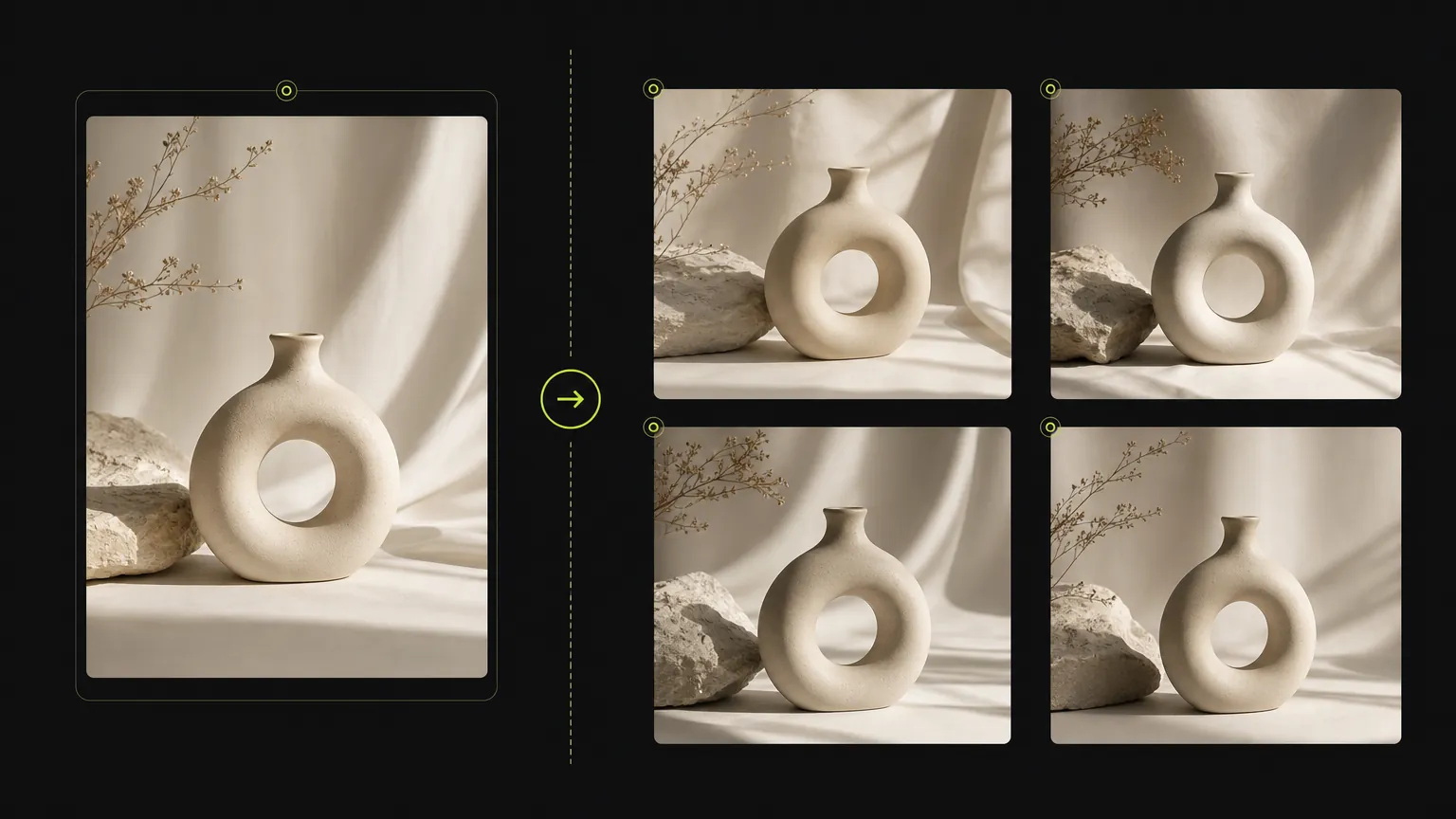
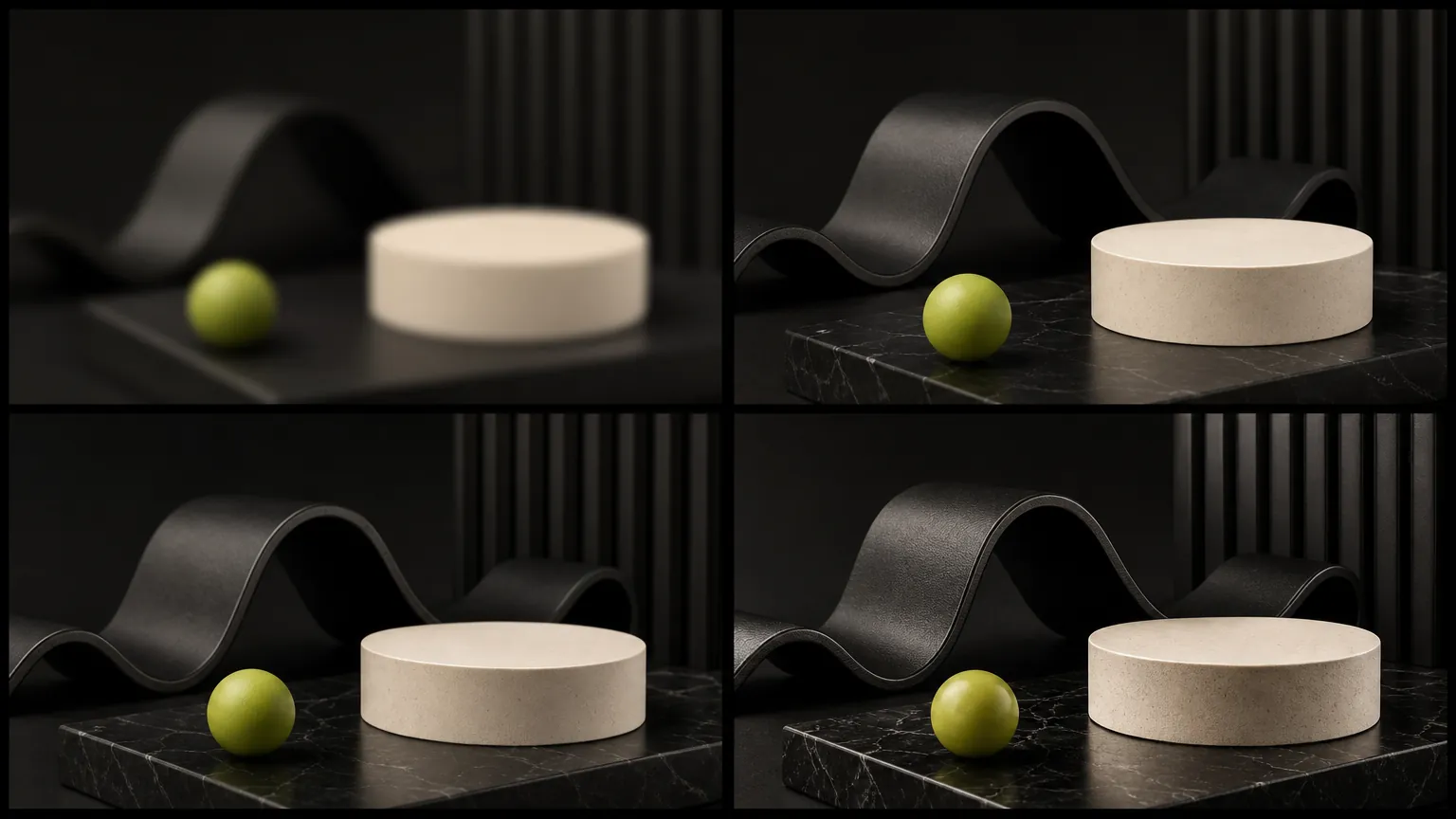
ケース 1
AI画像生成オンライン プロンプトワークフロー
Turn a simple product direction into a polished ecommerce or campaign visual.
Start with a clear prompt, then adjust model, ratio, quality, and reference inputs in the same workspace.
AI画像生成オンラインで画像を作成しながら、プロンプト、参照入力、アスペクト比、サポートされているモデルコントロールを1か所に。
Upload a source image when product details, composition, or visual direction need to stay close to a reference.
ジェネレーターはこのモデルがサポートするオプションのみを表示し、無関係なコントロールを混在させないようにしています。
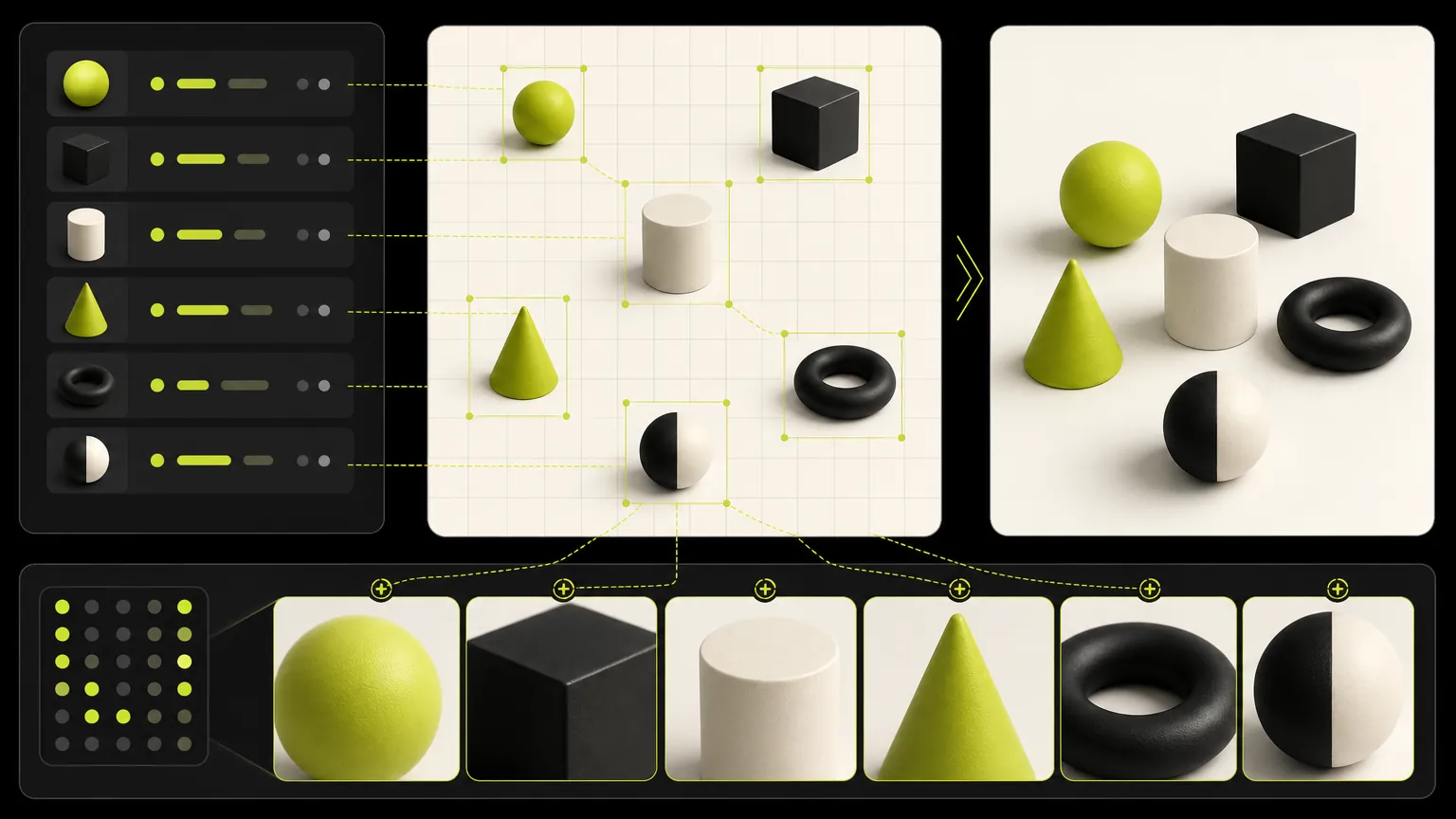
Keep one brief stable while comparing model strengths, aspect ratios, resolution options, and output quality.
AI画像生成オンラインのプロンプト例を閲覧し、主題、シーン、スタイル、制作形式を編集する前に構造を再利用。
生成ケース
These cases are intentionally broad because the default page is for deciding which dedicated model workflow should come next.
ケース 1
Turn a simple product direction into a polished ecommerce or campaign visual.
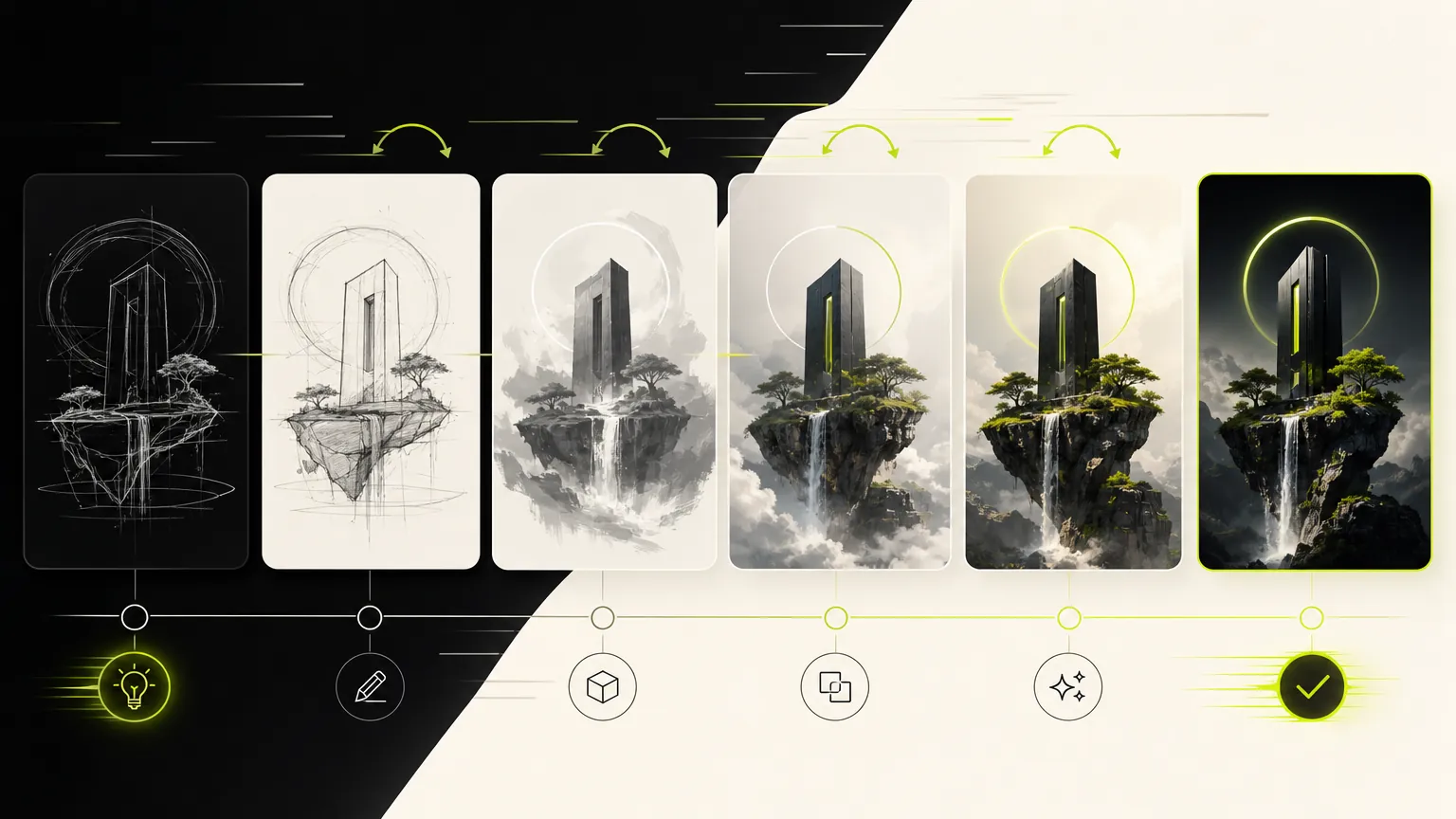
ケース 2
Compare visual directions before choosing a dedicated model page.
モデルギャラリー
The default generator keeps the workflow broad: prompt, reference, ratio, and model selection stay close together so you can compare directions quickly.
Prompt
1 / 4Write and refine prompts for image generation.
Planning notes
Keep one prompt stable, change one model variable at a time, and move to the dedicated model page when a clear strength appears.
AI画像生成オンラインは、広範なモデル比較ではなく、1つのモデルでの画像生成が中心タスクの場合に役立ちます。プロンプトは具体的に:主題、出力用途、レイアウト、スタイル、参照要件、安定させたい制約を指定。
出力目標から始め、主題の詳細、構図、照明、アスペクト比、参照画像ルールを追加。これによりモデルワークフローが焦点を保ち、ジェネレーターが使いやすくなります。
サポートされているコントロールと出力プロファイルがジョブに合う場合にAI画像生成オンラインを選択。異なる速度、品質、参照、解像度のトレードオフが必要な場合は、プロンプト構造を保存した後で別の専用モデルページと比較。
プロンプト全体を書き直す前に、次の項目を確認してください。1回につき1つの条件だけを変えると、AI Image Generatorの結果が改善した理由を判断しやすくなります。
必須の被写体、出力形式、維持する条件を冒頭に移し、矛盾するスタイル指定を削除します。生成ごとに変更する条件は1つに絞ってください。
参照画像で固定する対象を、人物、ポーズ、レイアウト、商品形状、スタイルのように明記し、AI Image Generatorが変更してよい範囲も示します。現在のモードが参照入力に対応しているかも確認してください。
文言を短くし、表示する正確な文字、読む順序、パネル数、文字位置を先に指定してから装飾スタイルを加えます。
用途に合う解像度または品質設定を選びます。まず低コストの下書きで構図を固め、最後に大きな出力を生成してください。
クリエイターの声
日々の投稿づくりからクライアント向けのたたき台まで、異なる立場の8人が率直な感想を寄せました。
“The dedicated generator pages make it much easier to choose the right model for a campaign instead of guessing from a dropdown.”
 Mia ChenCreative Strategist
“We use the generic page to test quickly, then move to the model page when we want a clean landing page for a specific workflow.”
 Noah PatelIndie Founder
“Reference uploads plus model-specific controls cut down our iteration time a lot, especially for product mockups and launch assets.”
 Ava RomeroBrand Designer
“The page makes model choice feel practical. We can brief an image, test a direction, and keep examples close to the generator.”
 Ethan BrooksContent Lead
“For ecommerce visuals, the reference workflow helps us keep product cues stable while exploring different scenes.”
 Lina ZhaoMarketplace Operator
“I like that the page is not just a blank tool. The examples below the generator help our team write better prompts.”
 Owen MillerAd Creative Manager
“The focused model pages are useful for clients because the controls, examples, and expected output are all in one place.”
 Priya ShahDesign Consultant
“It gives us a fast way to compare visual ideas before spending time on a full campaign design pass.”
Theo GrantStartup FounderUse categories to find reusable prompt structures before narrowing into a single model page.
プロンプト全体を書き直す前に、次の項目を確認してください。1回につき1つの条件だけを変えると、AI Image Generatorの結果が改善した理由を判断しやすくなります。
✦ ひとつのワークスペースで画像モデルを試す
プロンプトや参照写真から画像を生成し、モデルを切り替え、比率や品質を設定し、1つのオンラインワークスペースで完成ビジュアルを作成。
使ってみる: AI Image Generator