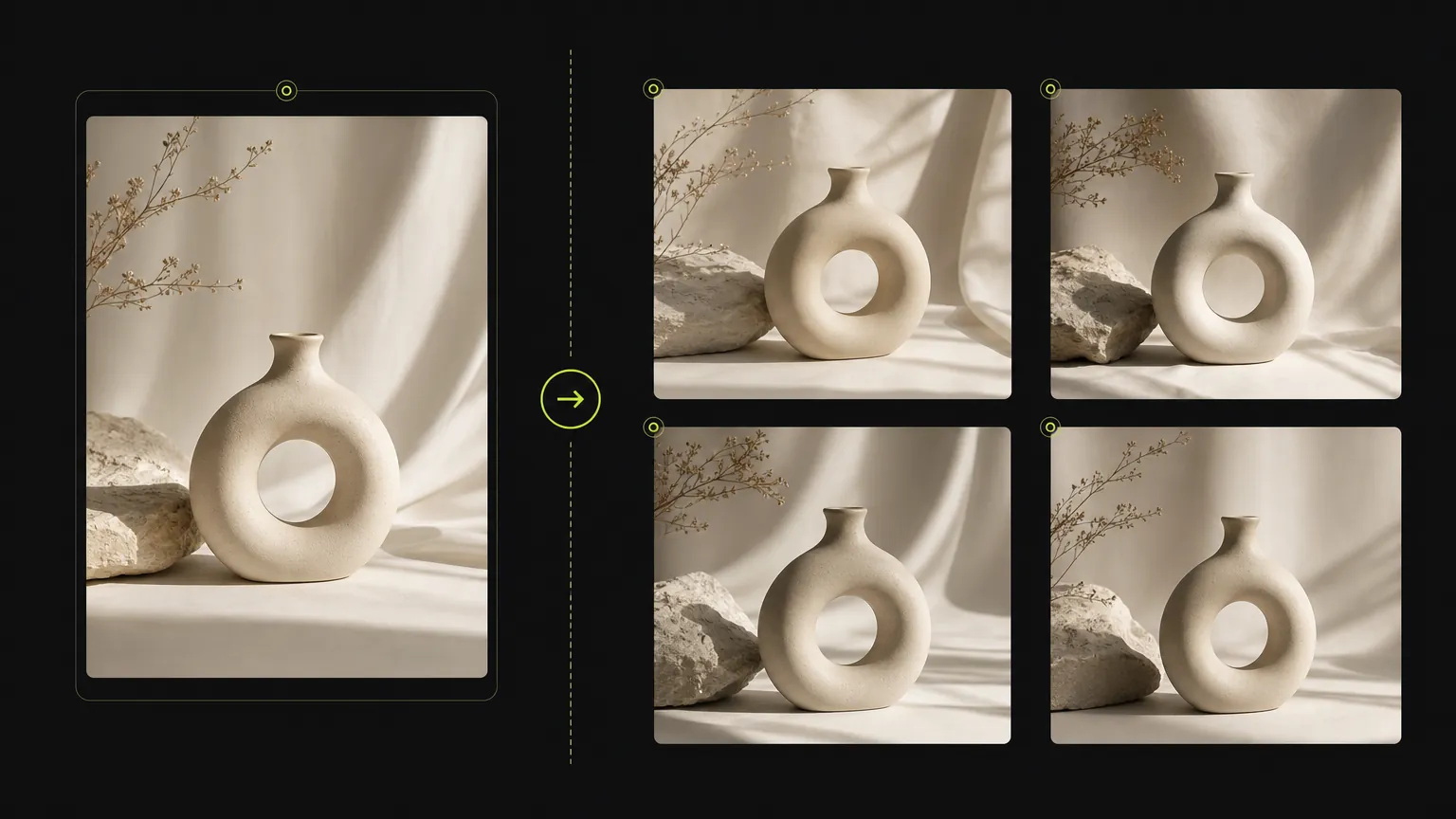
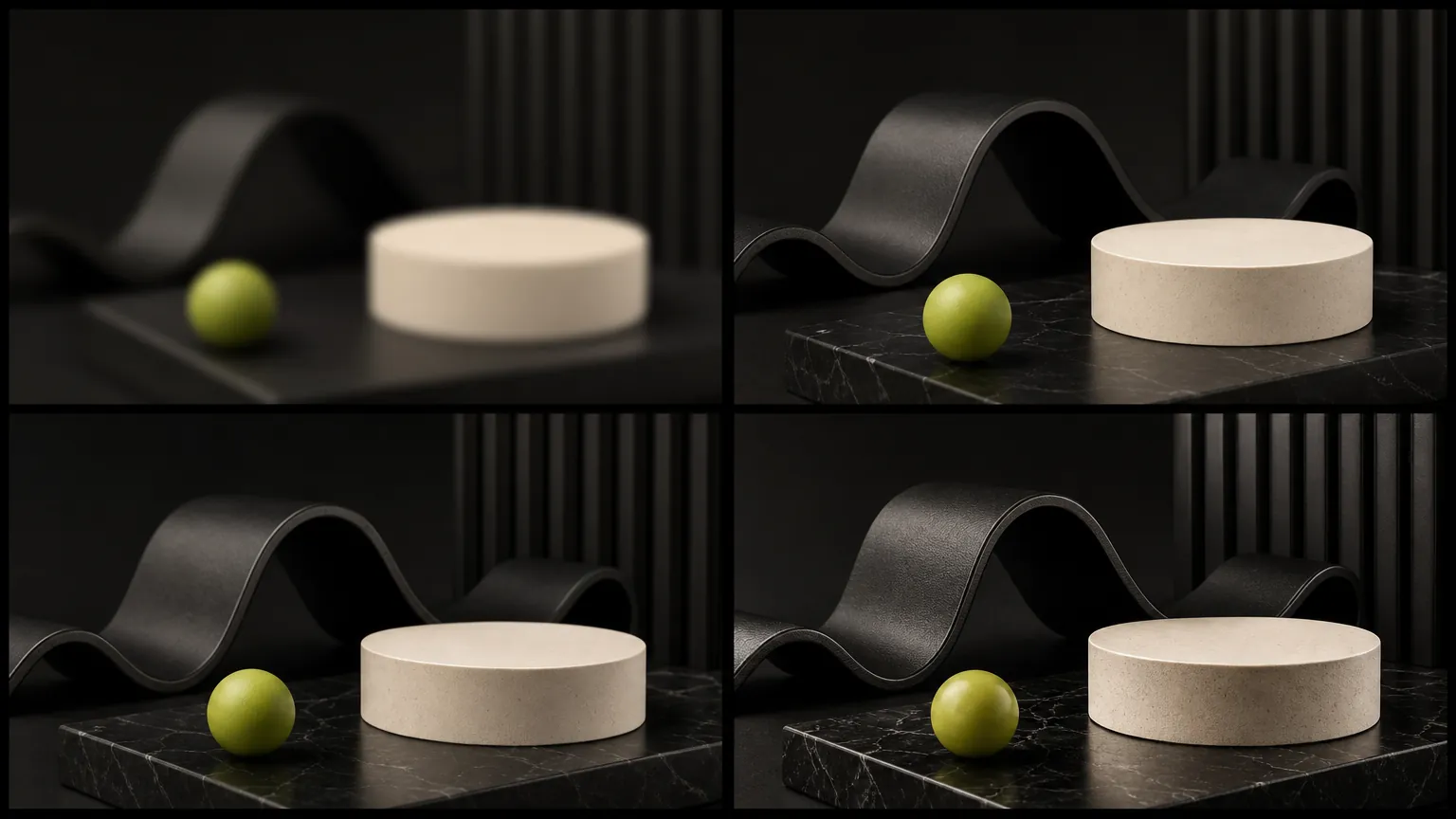
사례 1
AI 이미지 생성기 온라인 프롬프트 워크플로우
Turn a simple product direction into a polished ecommerce or campaign visual.
Start with a clear prompt, then adjust model, ratio, quality, and reference inputs in the same workspace.
AI 이미지 생성기 온라인을(를) 사용하여 프롬프트, 참조 입력, 화면 비율 및 지원되는 모델 컨트롤을 한 곳에 유지하면서 이미지를 생성하세요.
Upload a source image when product details, composition, or visual direction need to stay close to a reference.
생성기는 이 모델이 지원하는 옵션만 표시하여 관련 없는 컨트롤을 섞지 않고 실용적인 페이지를 유지합니다.
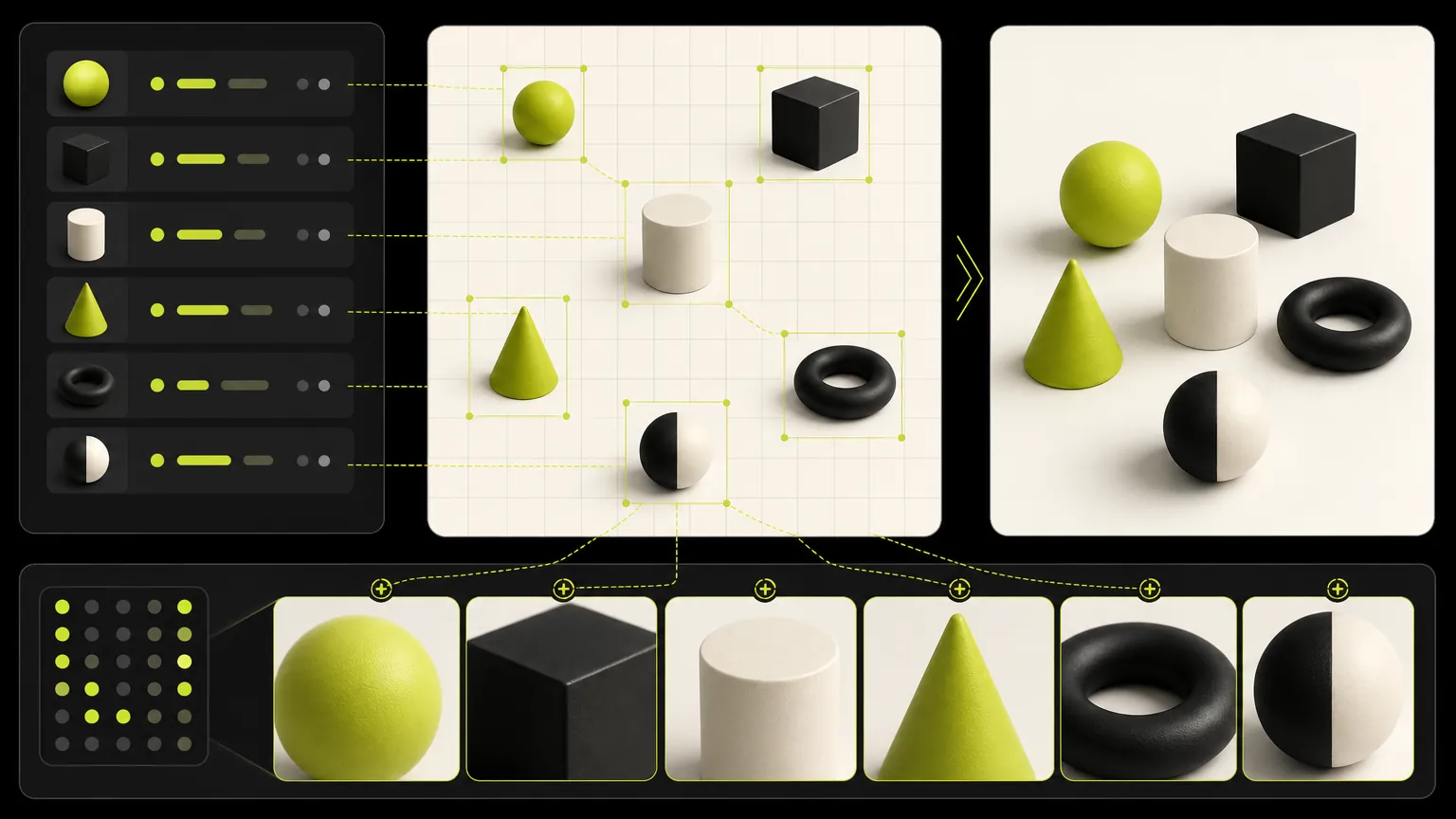
Keep one brief stable while comparing model strengths, aspect ratios, resolution options, and output quality.
AI 이미지 생성기 온라인 프롬프트 예시를 둘러보고 주제, 장면, 스타일 또는 프로덕션 형식을 편집하기 전에 구조를 재사용하세요.
생성 사례
These cases are intentionally broad because the default page is for deciding which dedicated model workflow should come next.
사례 1
Turn a simple product direction into a polished ecommerce or campaign visual.
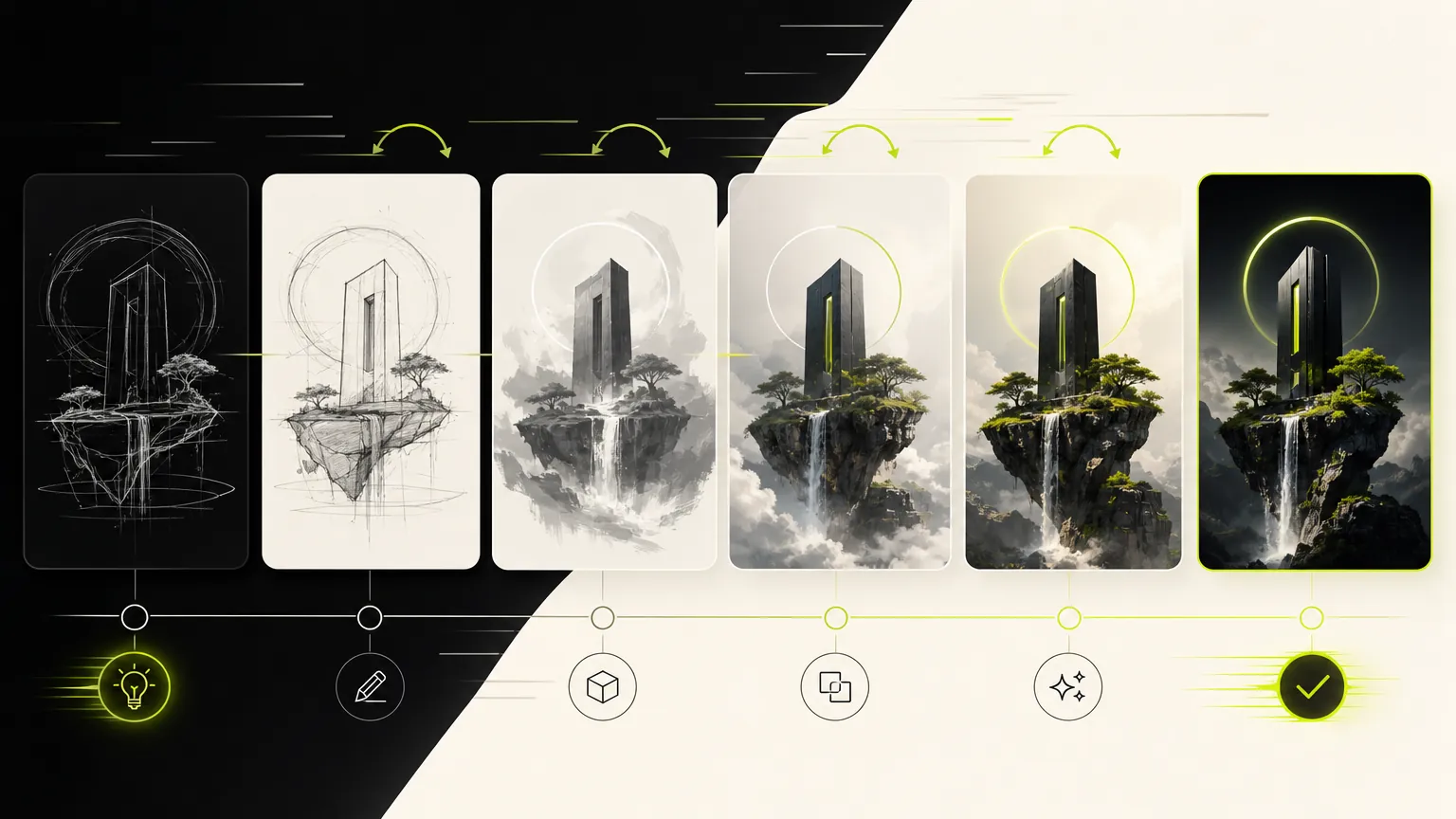
사례 2
Compare visual directions before choosing a dedicated model page.
모델 갤러리
The default generator keeps the workflow broad: prompt, reference, ratio, and model selection stay close together so you can compare directions quickly.
Prompt
1 / 4Write and refine prompts for image generation.
Planning notes
Keep one prompt stable, change one model variable at a time, and move to the dedicated model page when a clear strength appears.
AI 이미지 생성기 온라인은(는) 광범위한 모델 비교보다는 하나의 모델에 대한 이미지 생성이 핵심 작업일 때 유용합니다. 프롬프트는 주제, 출력 용도, 레이아웃, 스타일, 참조 요구사항 및 안정적으로 유지해야 할 제약 조건을 구체적으로 작성하세요.
출력 목표로 시작한 후 주제 세부사항, 구도, 조명, 화면 비율 및 참조 이미지 규칙을 추가하세요. 이렇게 하면 모델 워크플로우가 집중되고 생성기를 더 쉽게 사용할 수 있습니다.
AI 이미지 생성기 온라인의 지원 컨트롤과 출력 프로필이 작업에 적합할 때 선택하세요. 결과에 다른 속도, 품질, 참조 또는 해상도 트레이드오프가 필요한 경우 프롬프트 구조를 저장한 후 다른 전용 모델 페이지와 비교하세요.
프롬프트 전체를 다시 쓰기 전에 아래 항목부터 확인하세요. 한 번에 변수 하나만 바꾸면 AI Image Generator 결과가 좋아지거나 어긋난 이유를 판단하기 쉽습니다.
필수 피사체, 출력 형식, 유지 조건을 프롬프트 앞부분으로 옮기고 충돌하는 스타일 지시는 삭제하세요. 생성할 때마다 요구 사항 하나만 수정하세요.
참조 이미지가 인물, 포즈, 레이아웃, 상품 형태, 스타일 중 무엇을 고정하는지와 AI Image Generator이 바꿔도 되는 부분을 명확히 쓰세요. 선택한 모드가 해당 참조 입력을 지원하는지도 확인하세요.
문구를 줄이고 정확한 텍스트, 읽는 순서, 패널 수, 텍스트 위치를 먼저 지정한 뒤 장식 스타일을 추가하세요.
최종 형식에 맞는 지원 해상도나 품질 옵션을 선택하세요. 저비용 초안에서 구도를 먼저 수정한 다음 더 큰 최종 출력을 요청하는 편이 효율적입니다.
크리에이터 이야기
급한 소셜 콘텐츠부터 클라이언트 초안까지, 서로 다른 작업을 하는 여덟 명의 솔직한 사용 기록입니다.
“The dedicated generator pages make it much easier to choose the right model for a campaign instead of guessing from a dropdown.”
 Mia ChenCreative Strategist
“We use the generic page to test quickly, then move to the model page when we want a clean landing page for a specific workflow.”
 Noah PatelIndie Founder
“Reference uploads plus model-specific controls cut down our iteration time a lot, especially for product mockups and launch assets.”
 Ava RomeroBrand Designer
“The page makes model choice feel practical. We can brief an image, test a direction, and keep examples close to the generator.”
 Ethan BrooksContent Lead
“For ecommerce visuals, the reference workflow helps us keep product cues stable while exploring different scenes.”
 Lina ZhaoMarketplace Operator
“I like that the page is not just a blank tool. The examples below the generator help our team write better prompts.”
 Owen MillerAd Creative Manager
“The focused model pages are useful for clients because the controls, examples, and expected output are all in one place.”
 Priya ShahDesign Consultant
“It gives us a fast way to compare visual ideas before spending time on a full campaign design pass.”
Theo GrantStartup FounderUse categories to find reusable prompt structures before narrowing into a single model page.
프롬프트 전체를 다시 쓰기 전에 아래 항목부터 확인하세요. 한 번에 변수 하나만 바꾸면 AI Image Generator 결과가 좋아지거나 어긋난 이유를 판단하기 쉽습니다.
✦ 하나의 작업 공간에서 이미지 모델 탐색하기
프롬프트나 참조 사진으로 이미지를 생성하고, 모델을 전환하며, 비율과 품질을 설정하고, 하나의 온라인 작업 공간에서 완성된 비주얼을 제작하세요.
시작하기: AI Image Generator