

Sketch type
Interior perspectives, floor plans, elevations, and CAD screenshots need different prompts. Start by telling the AI what drawing it is reading.
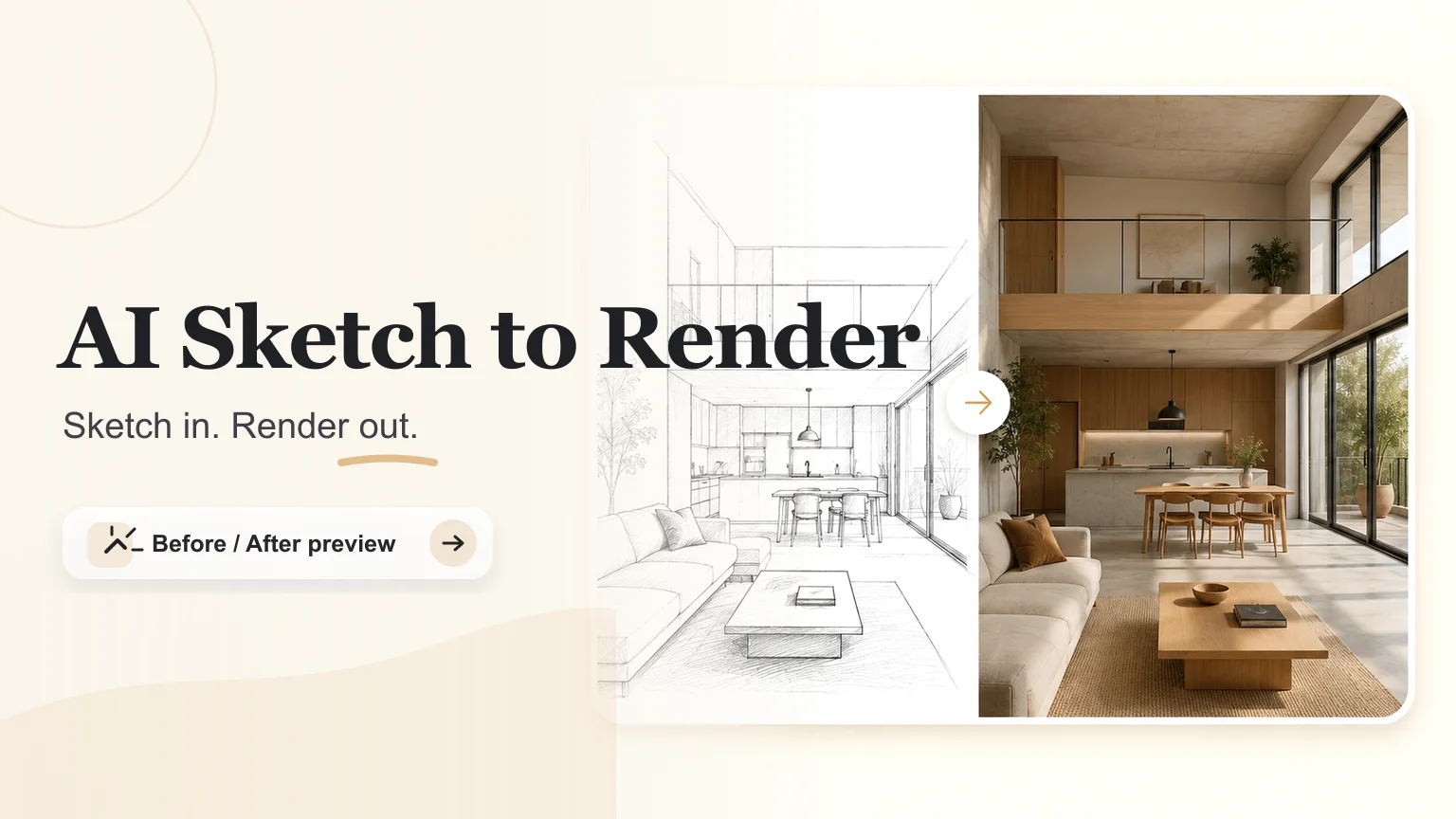
Turn sketches, floor plans, and rough concept drawings into realistic renders with clear structure.
User intent
People searching for AI Sketch to Render usually are not asking for a generic image filter. They need a fast way to test architecture before spending hours rebuilding a model.
Interior perspectives, floor plans, elevations, and CAD screenshots need different prompts. Start by telling the AI what drawing it is reading.
Modern, Japandi, luxury, industrial, or Scandinavian style changes material choices without asking the model to redesign the plan.
Lighting is not cosmetic for architecture. Daylight reveals layout; Golden Hour sells mood; Night tests practical fixtures and facade presence.
Core render controls
The workflow stays focused on one job: turn a drawing into a useful architectural render while preserving structure, material intent, and lighting direction.
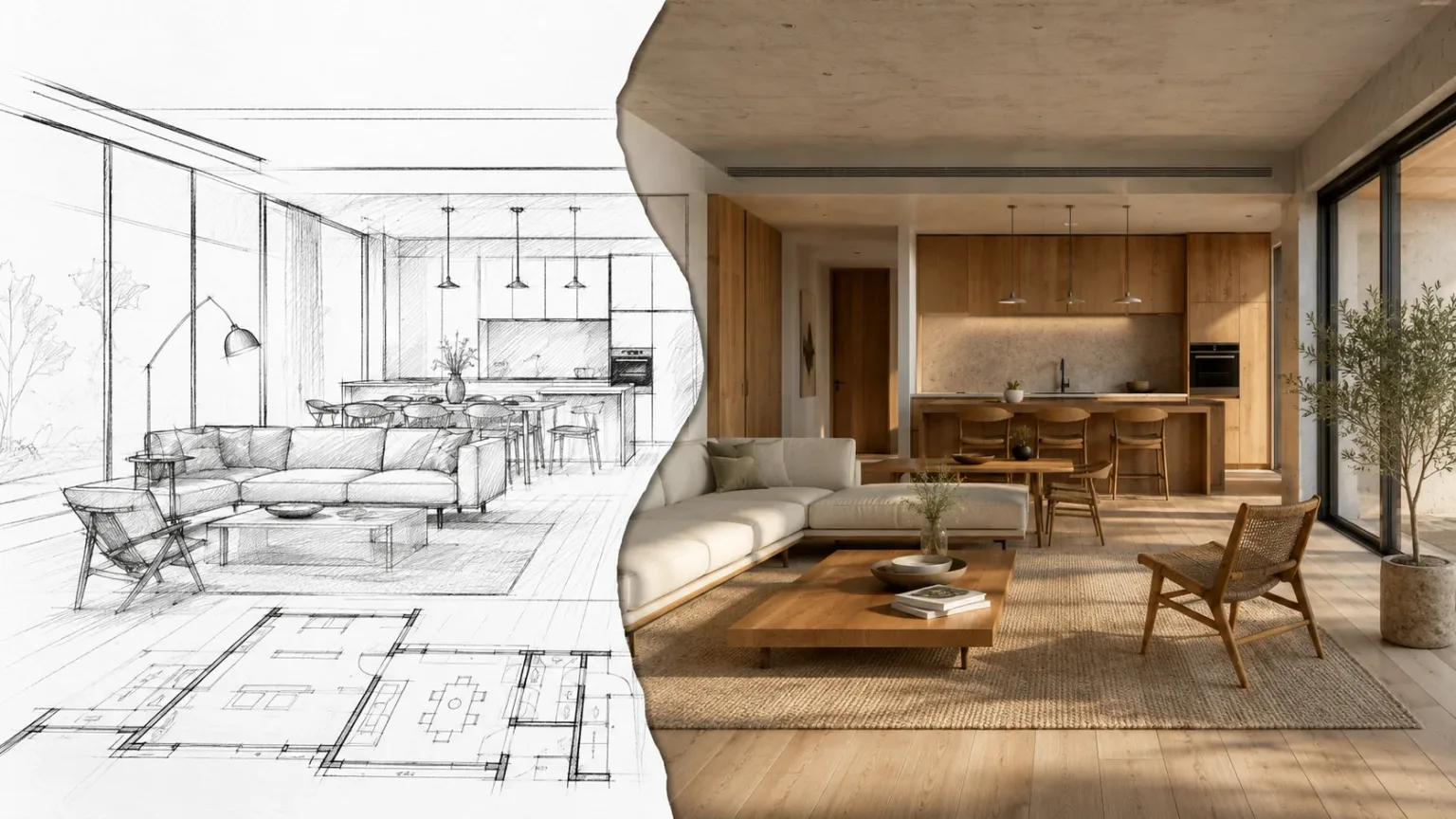
01 / Render
Use the original sketch as the geometry anchor so walls, windows, camera angle, and room relationships stay readable in the render.
Render a sketch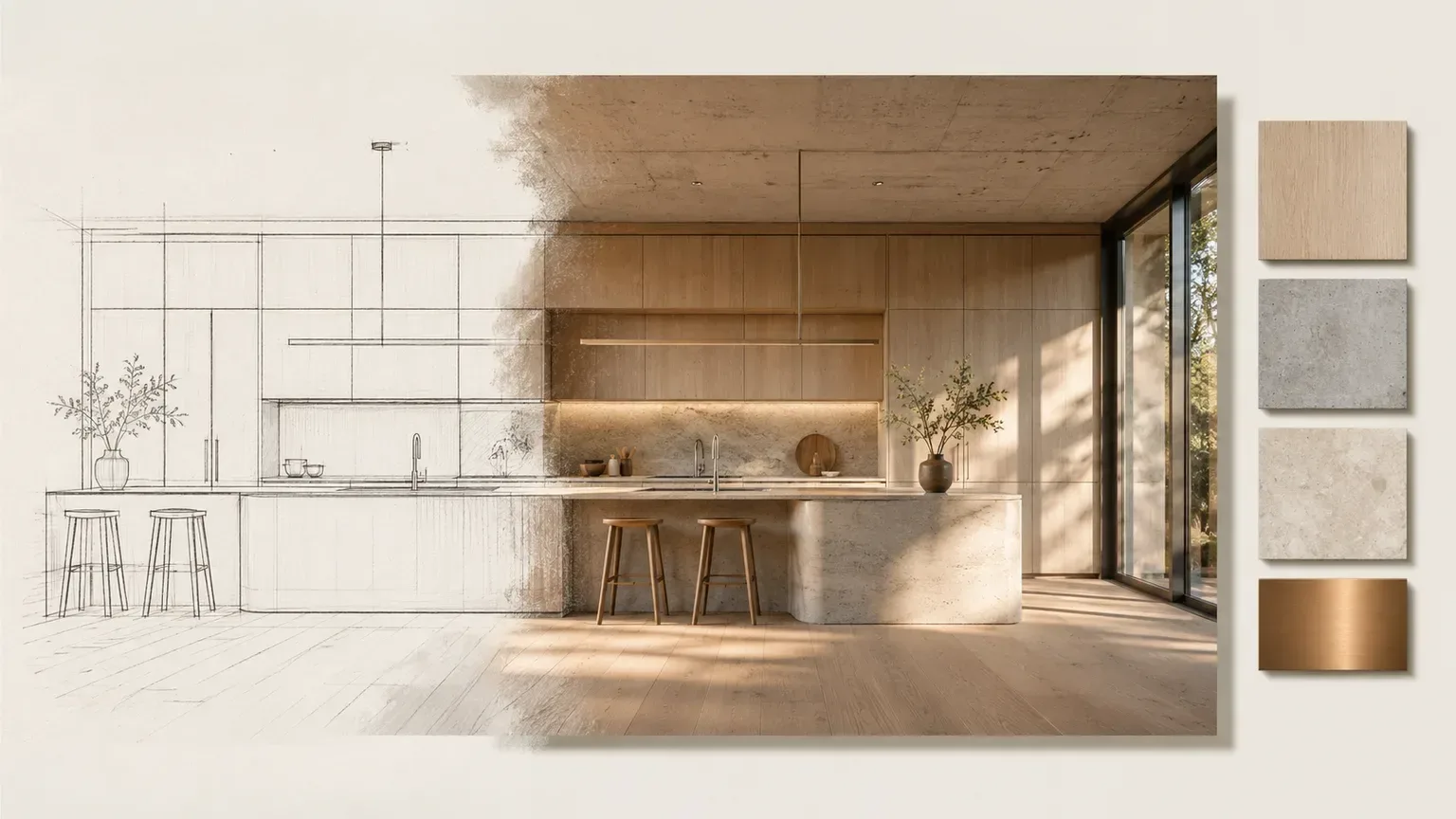
02 / Render
Guide the render with short material cues such as oak, concrete, stone, glass, or warm daylight instead of rewriting the plan.
Render a sketch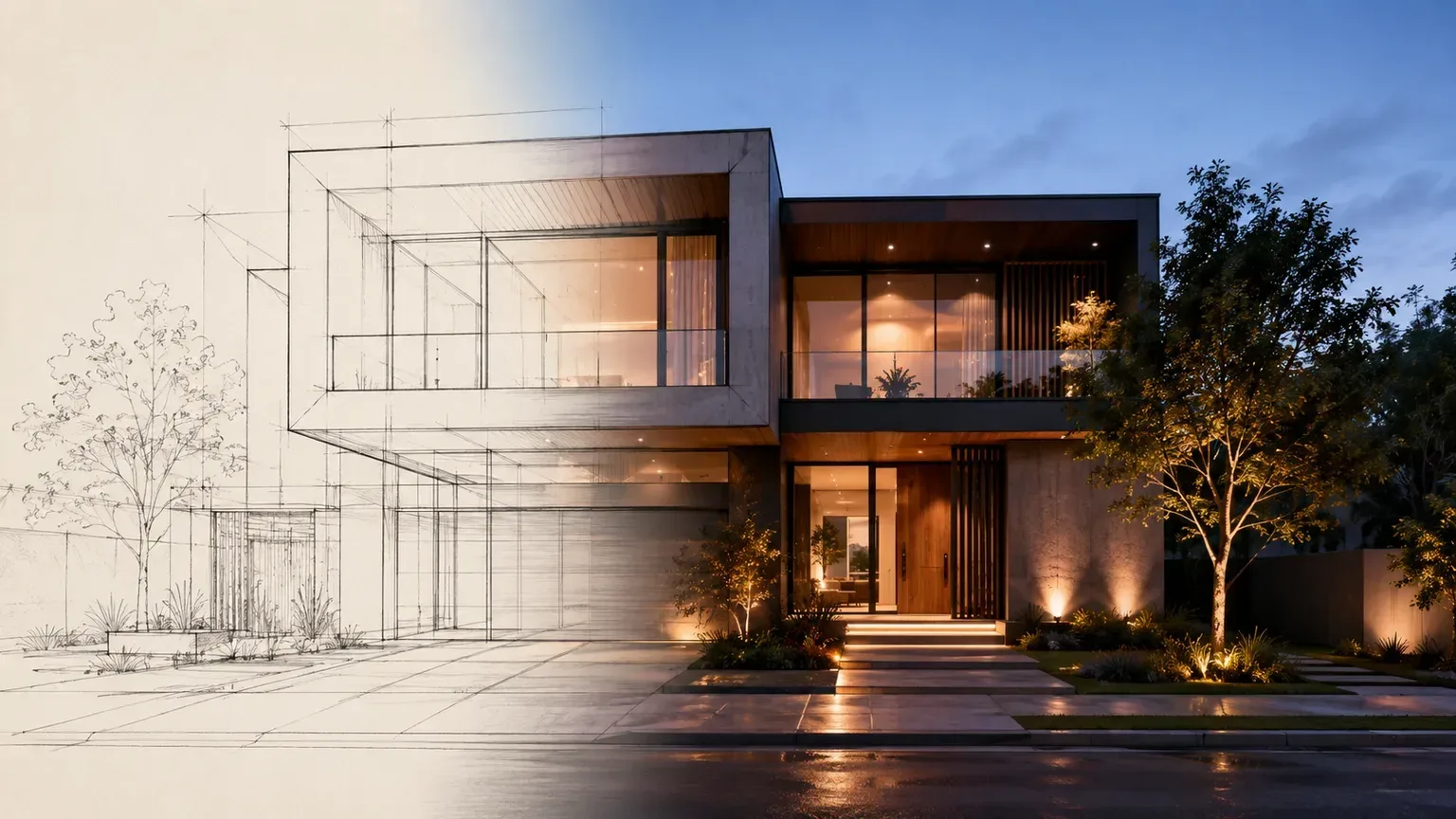
03 / Render
Compare daylight, golden hour, and evening facade mood early, before committing hours to a full 3D model.
Render a sketchBefore and after
Before and after examples are the fastest way to judge whether the render respects the drawing. Look for preserved openings, massing, and camera direction before admiring materials.
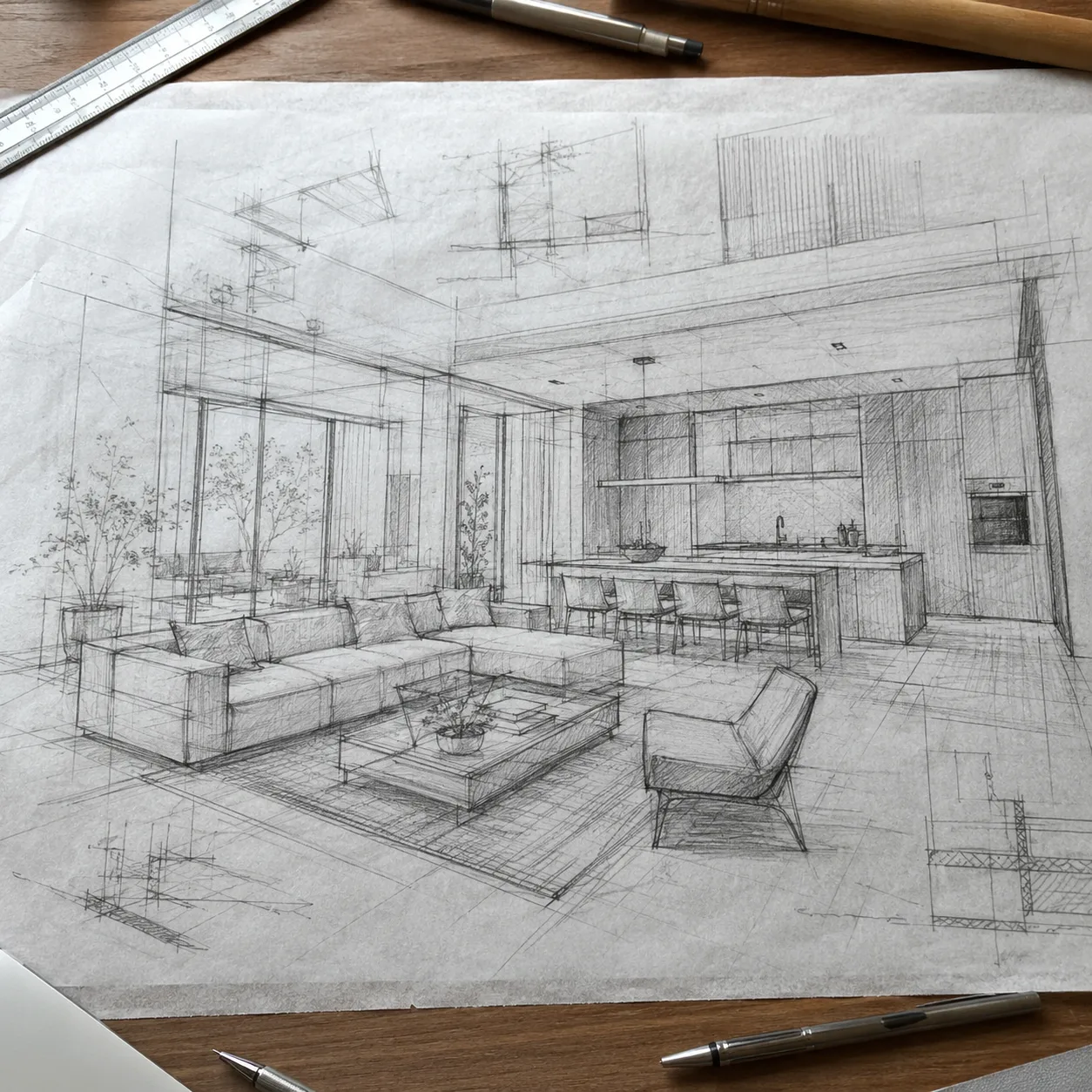 Sketch
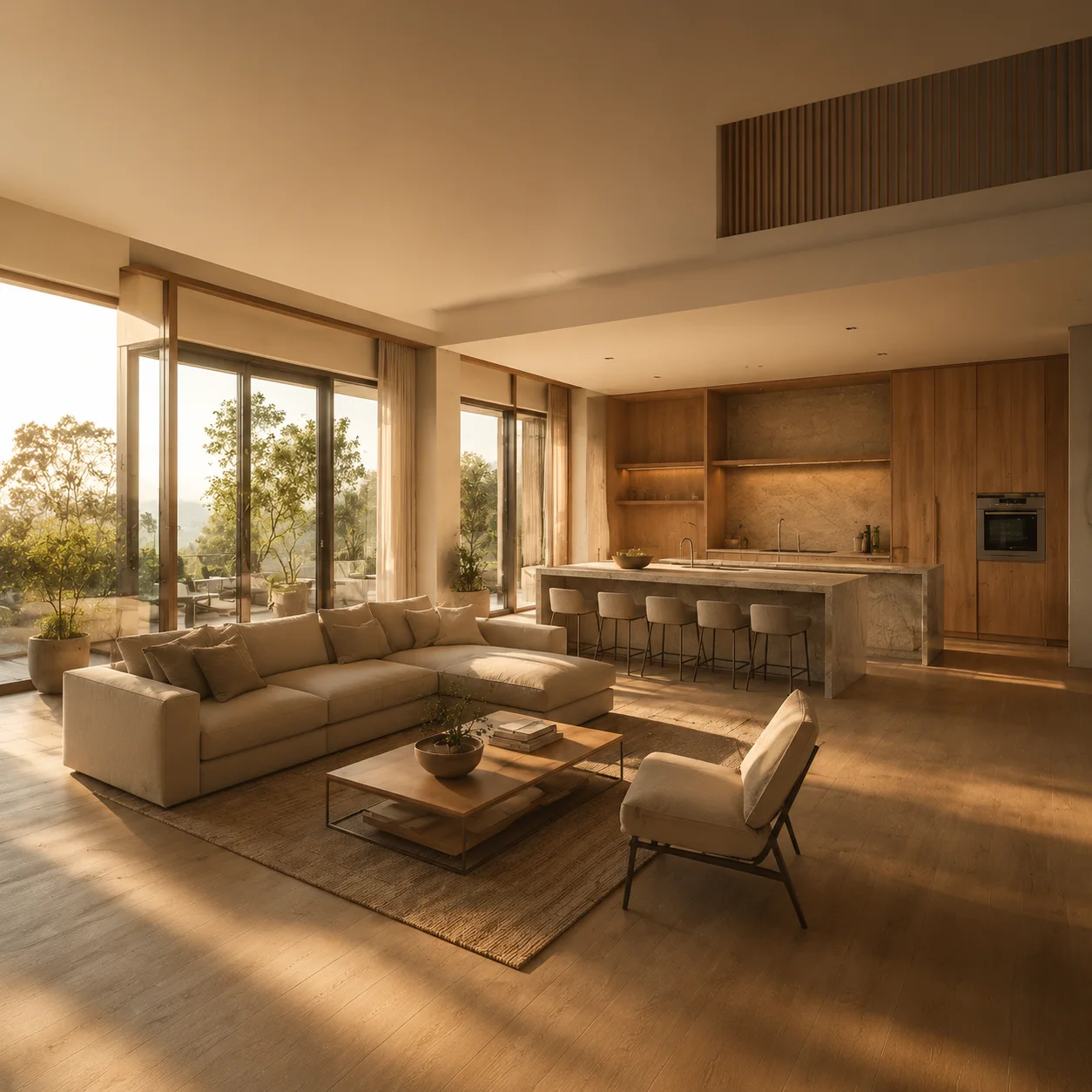 Render
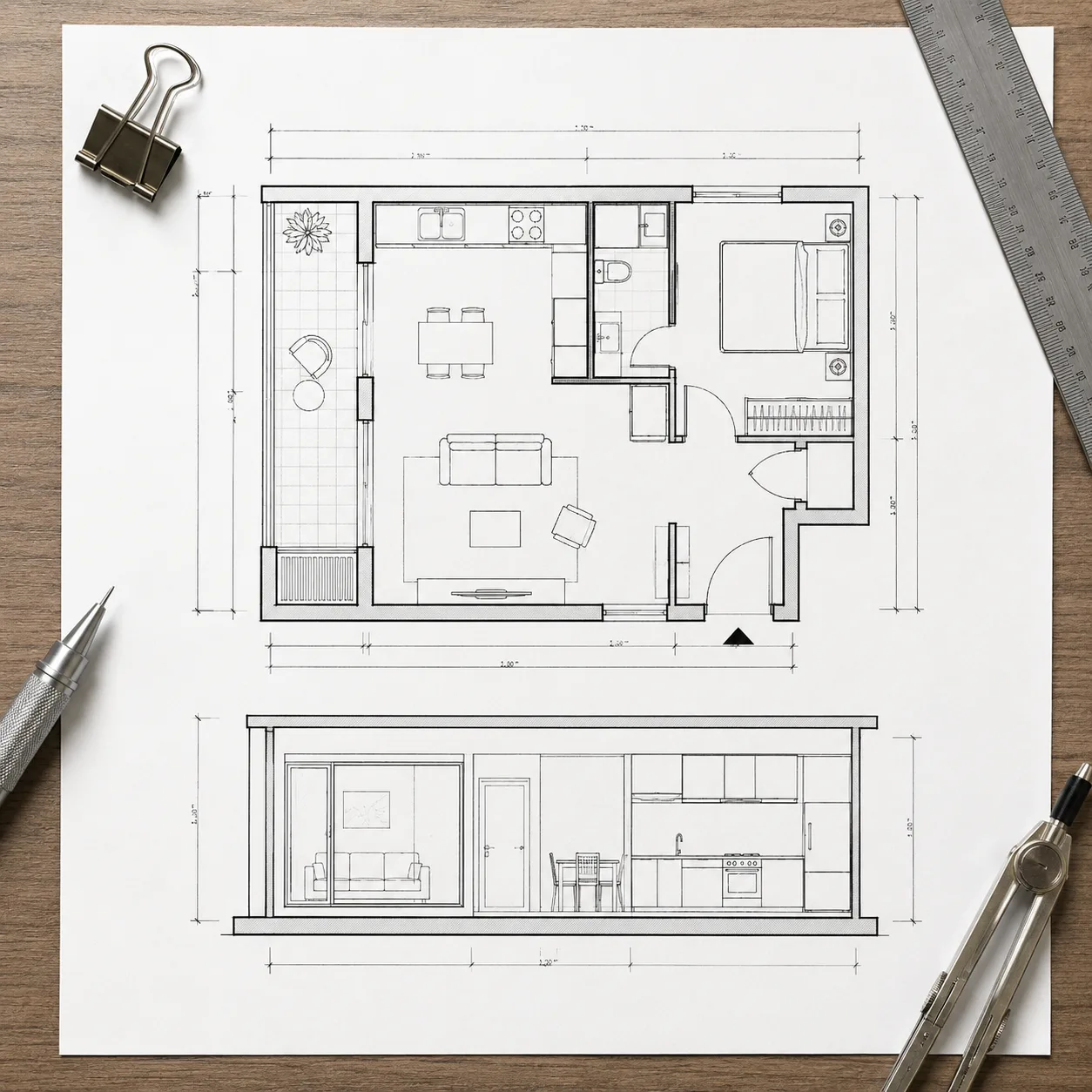 Sketch
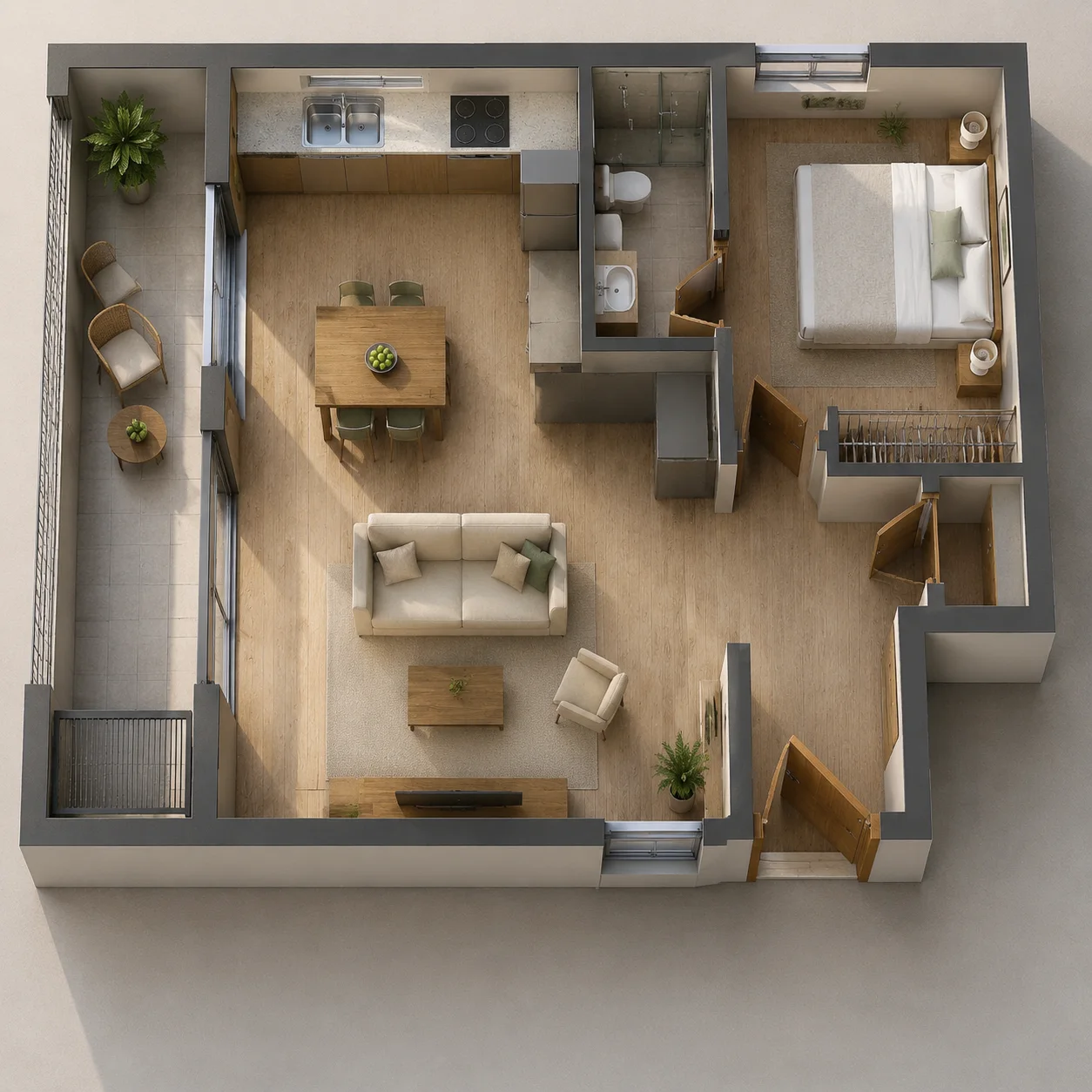 Render
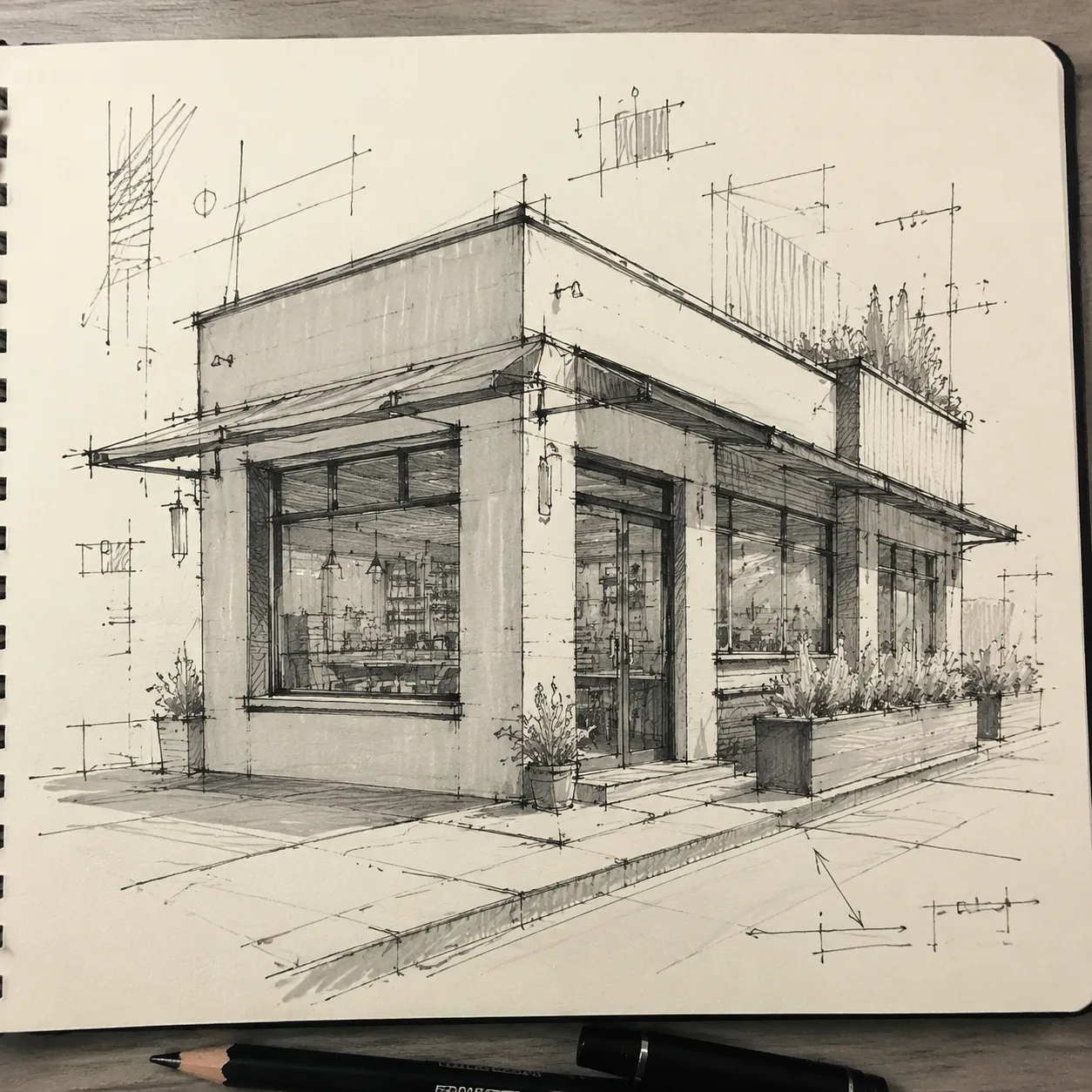 Sketch
 Render
Workflow
A good architectural AI render starts with a narrow request. One drawing, one style, one lighting setup, then iterate.
Upload one clear sketch, plan, elevation, or CAD export.
Choose a design style and lighting condition before writing extra notes.
Add only the materials or room details that the drawing does not show.
Review geometry first, then iterate color, furniture, or camera mood.
Quality checks
Keep one drawing per upload so the AI does not mix sheets.
Crop away toolbars, title blocks, and unreadable annotation noise.
Use simple material words instead of a long moodboard paragraph.
Check windows, doors, stairs, and ceiling height before sharing a render.
Real limits
The honest limitation is precision. AI Sketch to Render is excellent for explaining a direction quickly, but weaker when the source drawing is noisy or when every centimeter matters.
Dense CAD hatches can become decorative texture instead of real material.
Tiny handwritten labels are often ignored or hallucinated.
Open plans with no furniture blocks may produce generic room layouts.
Exact dimensions still belong in CAD, BIM, or a measured drawing set.
“I came in for one quick product image and stayed to try three directions. The workflow never made me feel like I needed a tutorial first.”
 Maya R.E-commerce manager
“The controls are restrained in a good way. I can get a useful draft, download it, and finish the last ten percent in my usual design app.”
 Jon BellFreelance designer
Creator notes
Eight grounded snapshots from everyday image work—from quick social posts to client-ready drafts.
“What won me over was consistency. I can repeat the same brief without rebuilding every setting from scratch.”
 Priya S.Content lead
“The first result is often close enough to start a real conversation with a client. That alone saves me a round of mood-board work.”
 Owen K.Independent maker
“I tested it during a busy launch week. It was fast, clear, and I always knew what the next click would do.”
 Nina ParkSocial media editor
“Being able to keep the source image visible matters to me. I can judge what changed instead of guessing from memory.”
 Luis M.Photographer
“It feels designed for actual production work, not just a flashy demo. The examples are practical and the output is easy to hand off.”
 Sophie ChenBrand coordinator
“I mostly use it for small weekly assets. It turns the blank-page moment into something I can react to in a couple of minutes.”
 Tom W.Newsletter creator
AI Sketch to Render
Clear perspective sketches, floor plans, elevations, and CAD exports work best. The AI can infer materials and lighting, but it needs visible walls, openings, furniture blocks, or facade lines to preserve structure.
AI Sketch to Render is useful for concept visualization, not construction documentation. It can respect room relationships and openings, but exact dimensions, code checks, and technical drawings still need CAD or BIM review.
Use Daylight when you need the most readable architecture. Golden Hour is better for presentation mood, while Night works when artificial lighting, signage, or hospitality atmosphere matters more than plan clarity.
Yes, if the sketch does not define them clearly. Add short notes such as pale oak, concrete floor, or marble island when material accuracy matters, and keep the prompt focused on one design direction.
Yes. Export a clean PNG or JPG from CAD with line weights visible. Avoid screenshots with tiny labels, dense hatch patterns, or multiple sheets, because they can make the AI misread walls and openings.
Do not use it as the final authority for structural details, accessibility, MEP coordination, or measured drawings. Treat it as a fast visual draft for client alignment and early design exploration.
Yes. Use one sketch and test one style at a time, such as modern, Japandi, industrial, or luxury. Keeping each render focused makes it easier to compare structure, material direction, and lighting.
Start with the drawing type, then add style, materials, and lighting. A focused prompt such as modern apartment, pale oak cabinets, concrete ceiling, daylight usually works better than a long moodboard paragraph.
✦ One focused tool, ready for your next idea
Turn sketches, floor plans, and rough concept drawings into realistic renders with clear structure.
Start with AI Sketch to Render