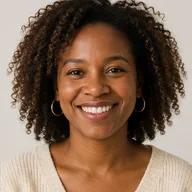
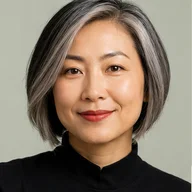
 Before
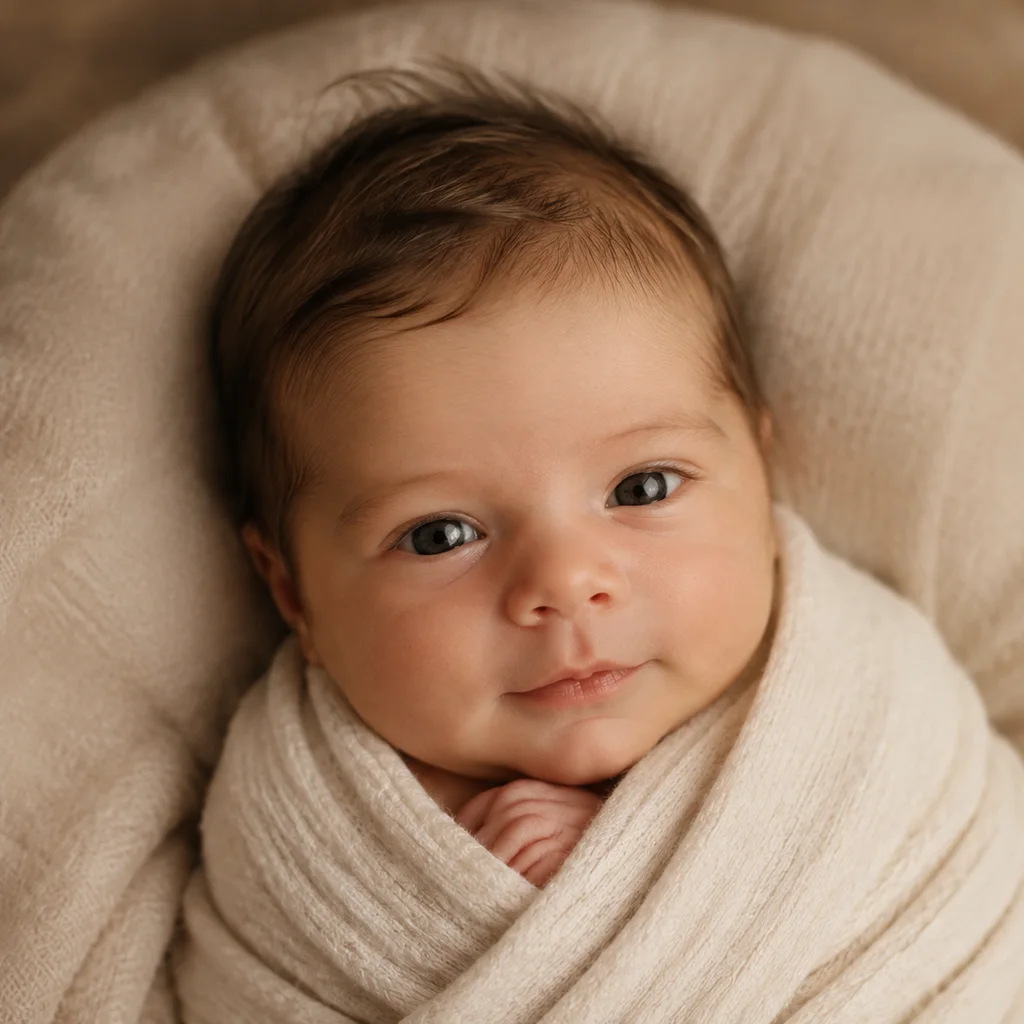 After
AfterTwo portraits into a newborn concept
A soft newborn-style keepsake made from two clear faces.
An AI baby generator turns one or two portraits into an imagined baby image for sharing. It blends visible cues for a creative keepsake, not a genetic, health, or appearance forecast.
An AI baby generator turns one or two portraits into an imagined baby image for sharing. It blends visible cues for a creative keepsake, not a genetic, health, or appearance forecast.
Before / After
BeforeAfterA soft newborn-style keepsake made from two clear faces.
 Before
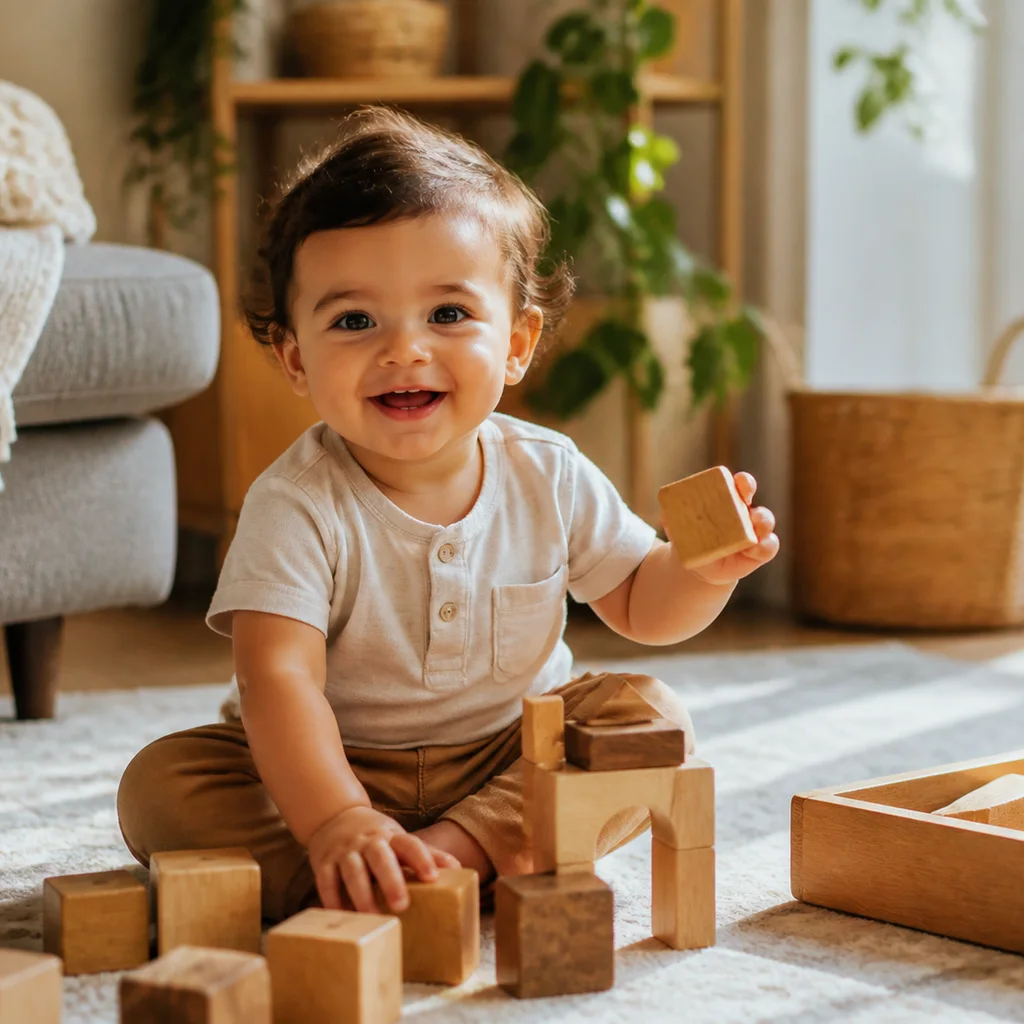 After
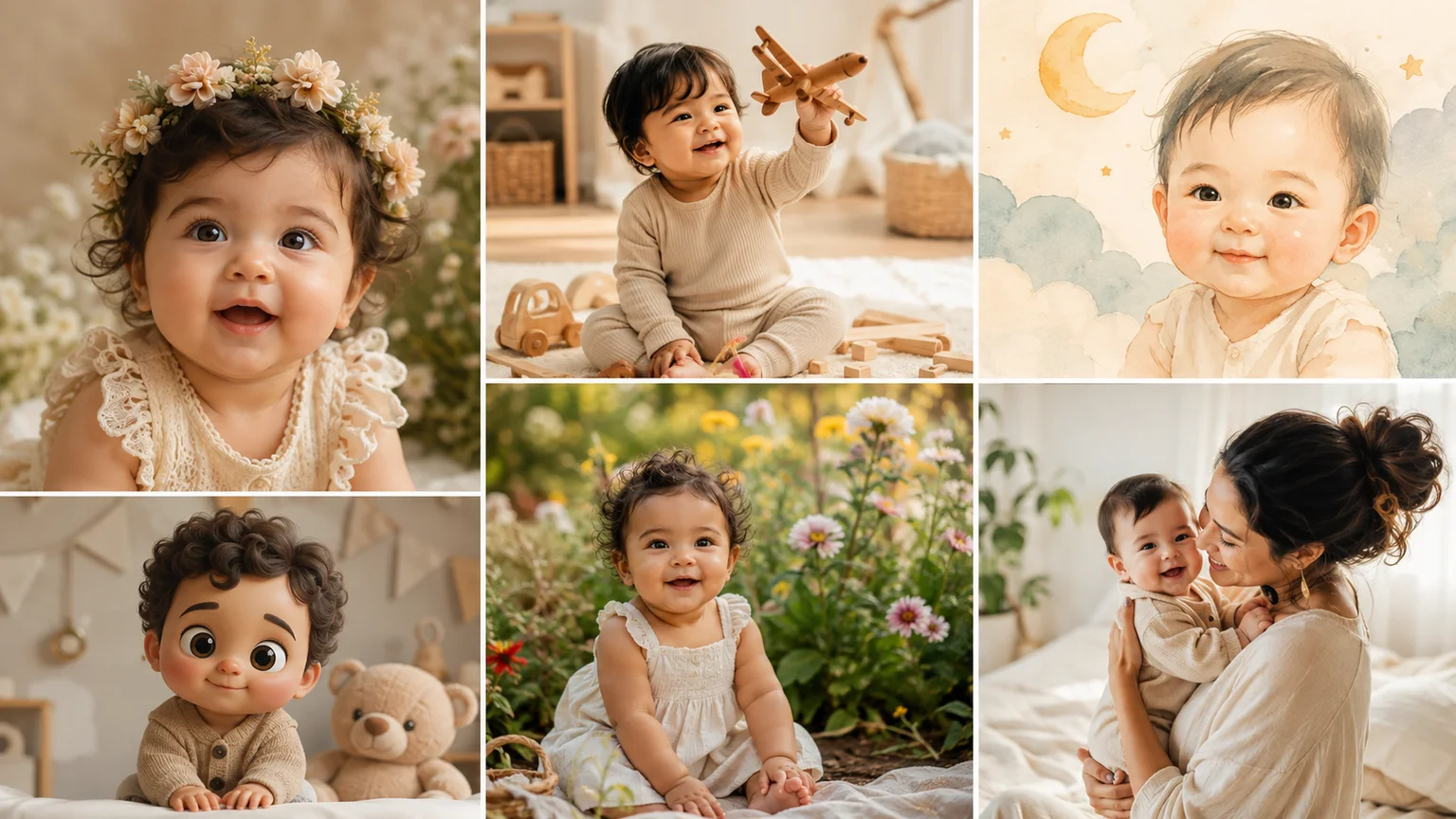
AfterA single source supplies a narrower creative reference for a one-year-old image.
 Before
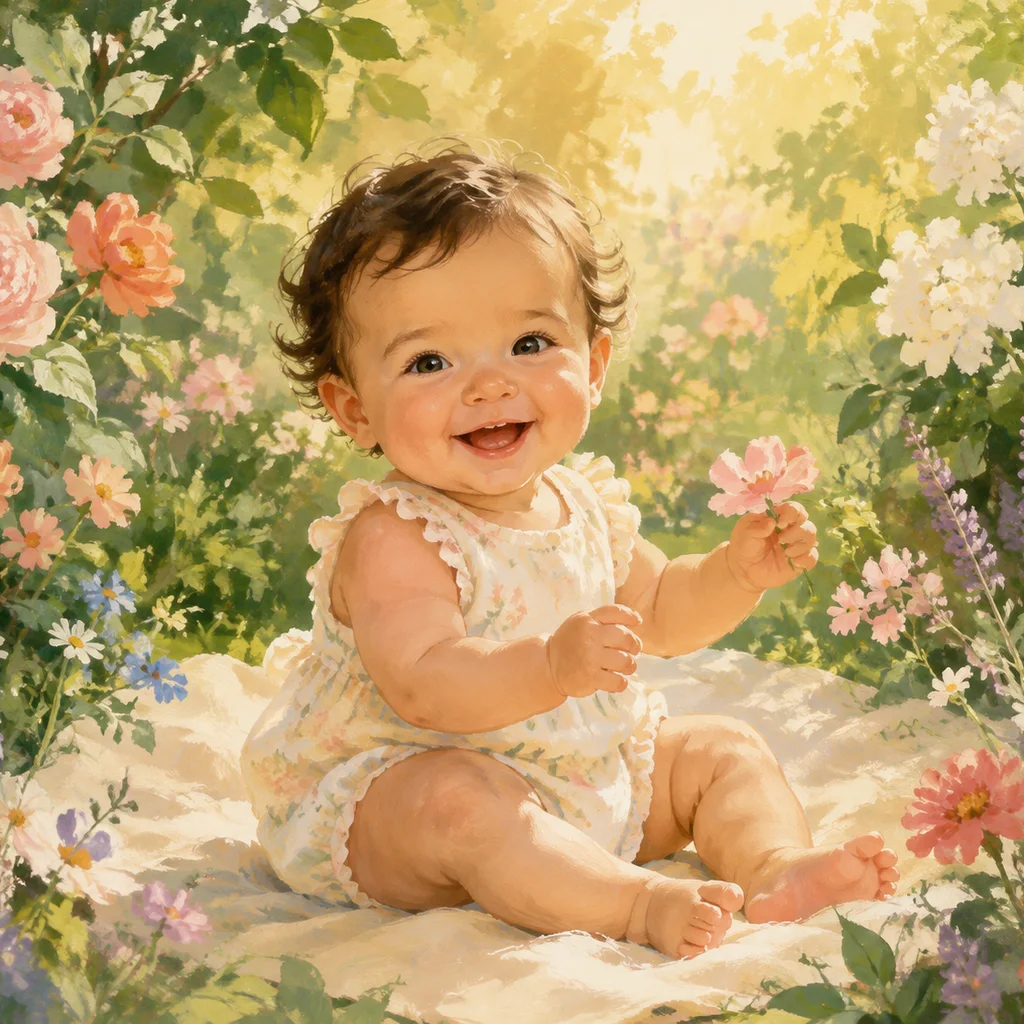 After
AfterAn illustration or 3D direction makes the playful nature easier to understand.
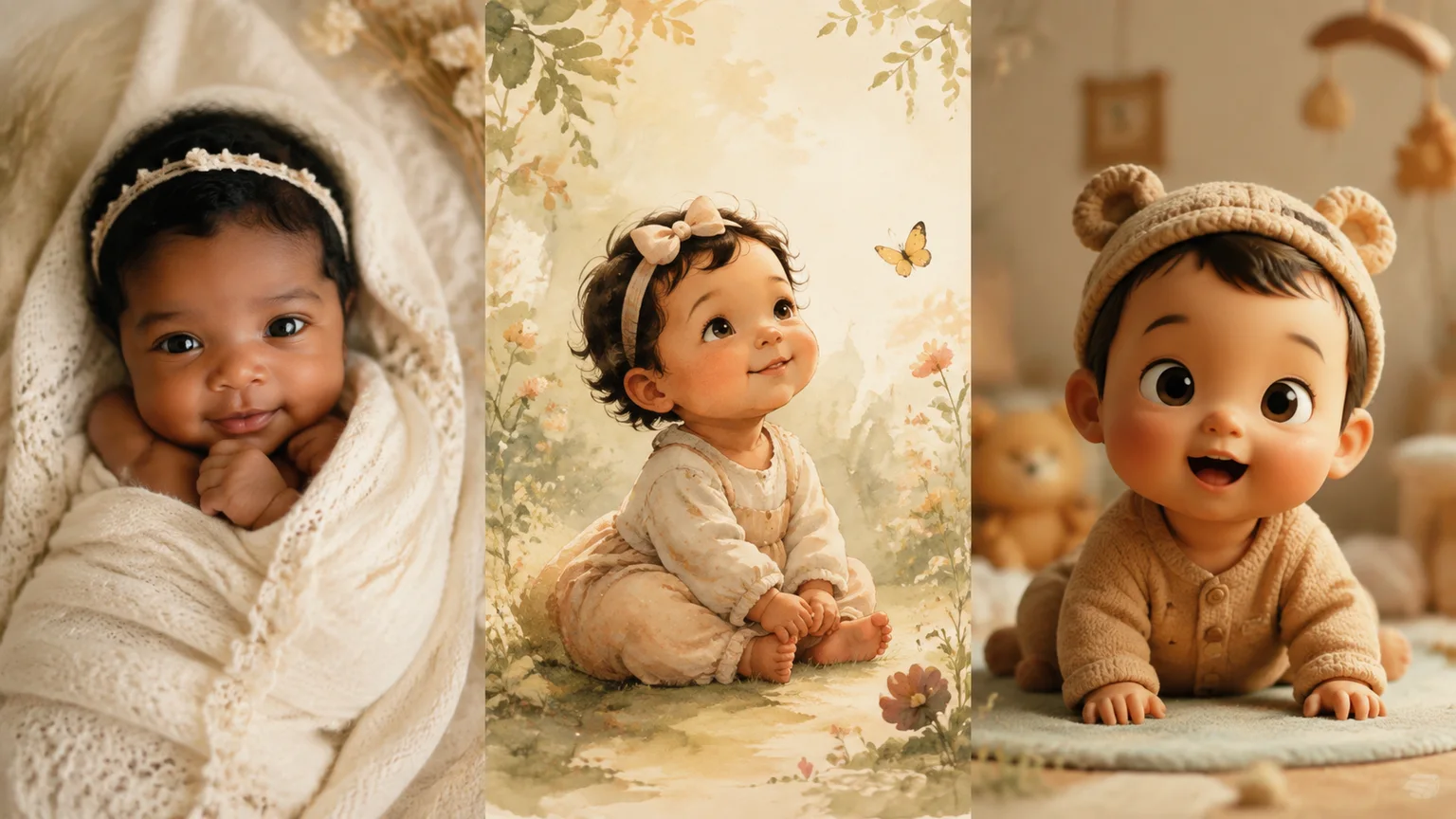
Age and style choices change the visual language of the result, but they do not add biological evidence. A photo-real finish can look persuasive while remaining an artistic simulation.
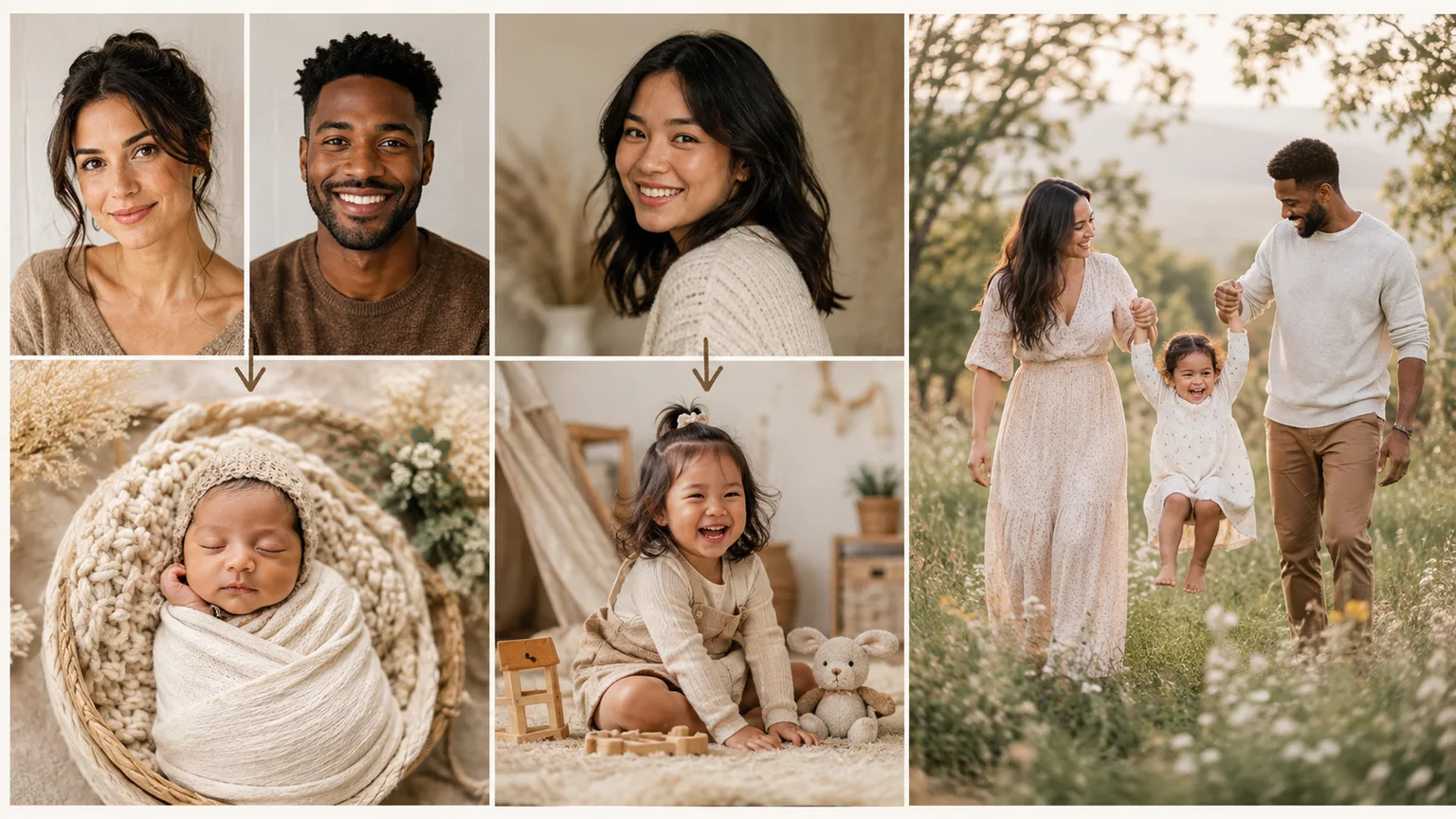
Eyes hidden by glasses, faces turned away, strong filters, and group photos leave less reliable information. Choosing a cleaner source is more useful than adding exaggerated instructions.
A closer look
The result is an imagined baby face assembled from visible cues in the supplied portraits. Genetics, growth, health, and real family resemblance are outside the image, so keep the output in the realm of a fun keepsake.
Why it works
Use the generator as a playful way to imagine a future-baby concept together.
Choose the visual direction before generating so the result has a clear creative premise.
An illustrated or 3D finish can make the imagined nature of the image clear when you share it.
Creator notes
Eight grounded snapshots from everyday image work—from quick social posts to client-ready drafts.
“I came in for one quick product image and stayed to try three directions. The workflow never made me feel like I needed a tutorial first.”
 Maya R.E-commerce manager
“The controls are restrained in a good way. I can get a useful draft, download it, and finish the last ten percent in my usual design app.”
 Jon BellFreelance designer
“What won me over was consistency. I can repeat the same brief without rebuilding every setting from scratch.”
 Priya S.Content lead
“The first result is often close enough to start a real conversation with a client. That alone saves me a round of mood-board work.”
 Owen K.Independent maker
“I tested it during a busy launch week. It was fast, clear, and I always knew what the next click would do.”
 Nina ParkSocial media editor
“Being able to keep the source image visible matters to me. I can judge what changed instead of guessing from memory.”
 Luis M.Photographer
“It feels designed for actual production work, not just a flashy demo. The examples are practical and the output is easy to hand off.”
 Sophie ChenBrand coordinator
“I mostly use it for small weekly assets. It turns the blank-page moment into something I can react to in a couple of minutes.”
 Tom W.Newsletter creator
AI Baby Generator
No. It is an artistic simulation based on visible image cues, not genetic data, health information, or a forecast of a real child.
No. One clear portrait can work; two provide more visual material to blend, but neither makes the result scientifically predictive.
Use clear, front-facing faces with even light and little obstruction. Avoid group shots and heavy beauty filters when likeness matters.
The model creates a plausible creative face rather than calculating a genetic average. A loose or unexpected resemblance is normal.
Only upload photos you are allowed to use and are comfortable sharing. Review the platform privacy terms before adding a sensitive portrait.
Yes as a clearly playful, imagined image. Do not present it as a real child, a medical claim, or evidence about future appearance.
Use a sharp, lightly compressed image with the full subject visible. Heavy blur, tight cropping, or repeatedly edited files make important details harder to preserve and review.
Compare the output with the source at full size. Check identity, edges, text, hands, texture, and composition, and keep the original file for any important use.
✦ One focused tool, ready for your next idea
An AI baby generator turns one or two portraits into an imagined baby image for sharing. It blends visible cues for a creative keepsake, not a genetic, health, or appearance forecast.
Start with AI Baby Generator