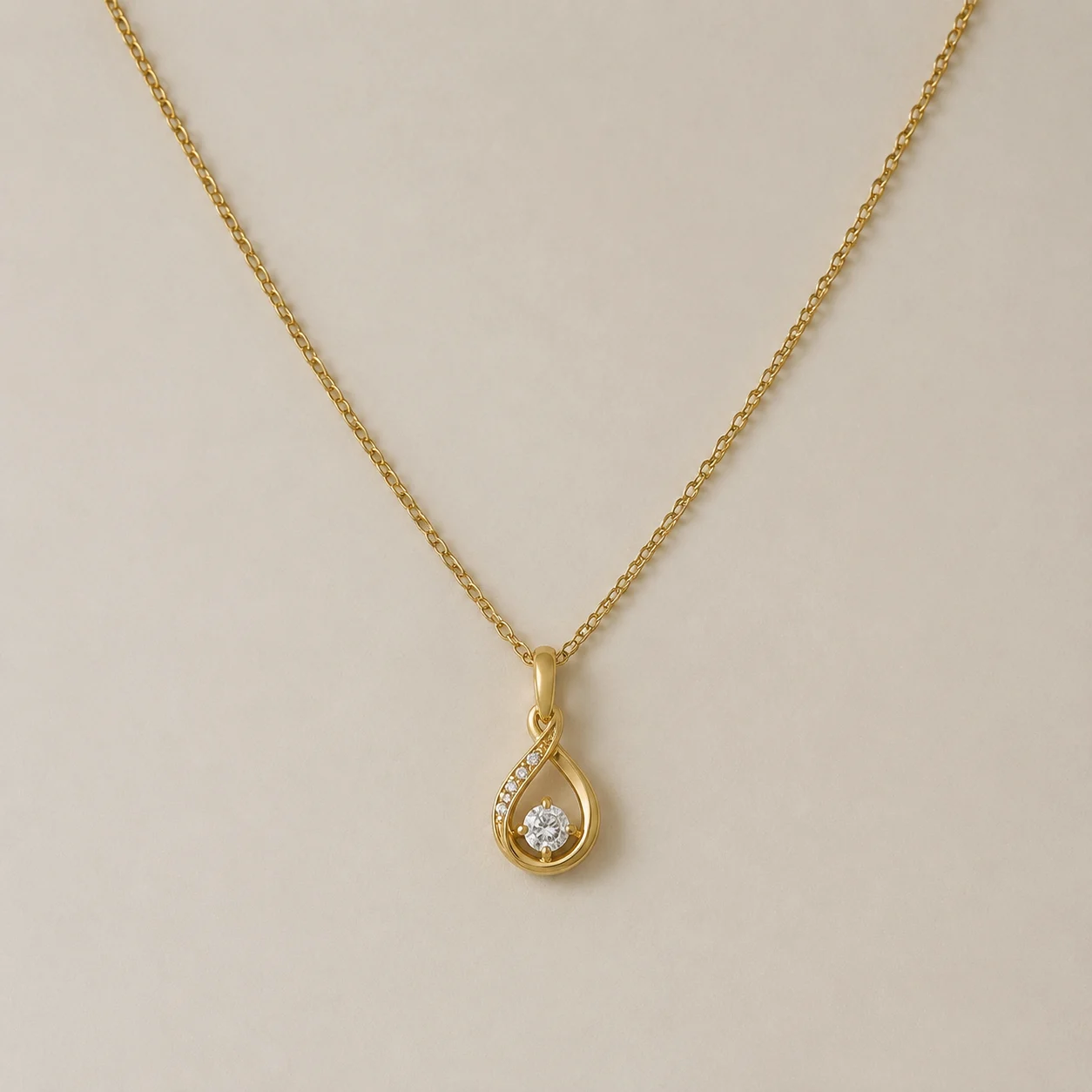
 Before
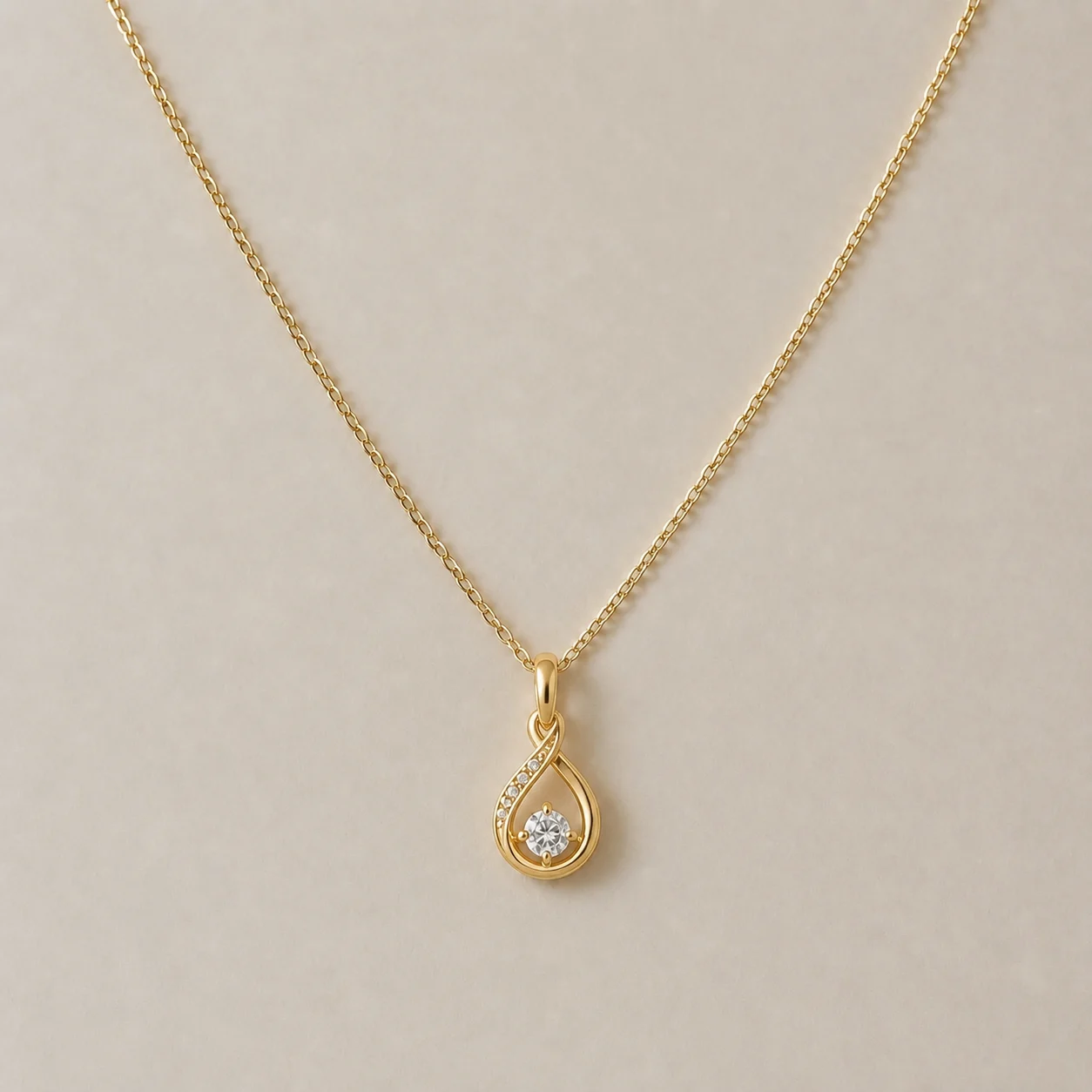 After
AfterJewelry rim light enhancement
A bottle moves from flat overhead light to a soft window mood with its label still facing camera.
AI relight product photo editing changes the light around an existing item so the catalog feels intentional. Use it to test daylight, window softness, or a dramatic key light before a final art direction pass.

AI relight product photo editing changes the light around an existing item so the catalog feels intentional. Use it to test daylight, window softness, or a dramatic key light before a final art direction pass.
Before / After
BeforeAfterA bottle moves from flat overhead light to a soft window mood with its label still facing camera.
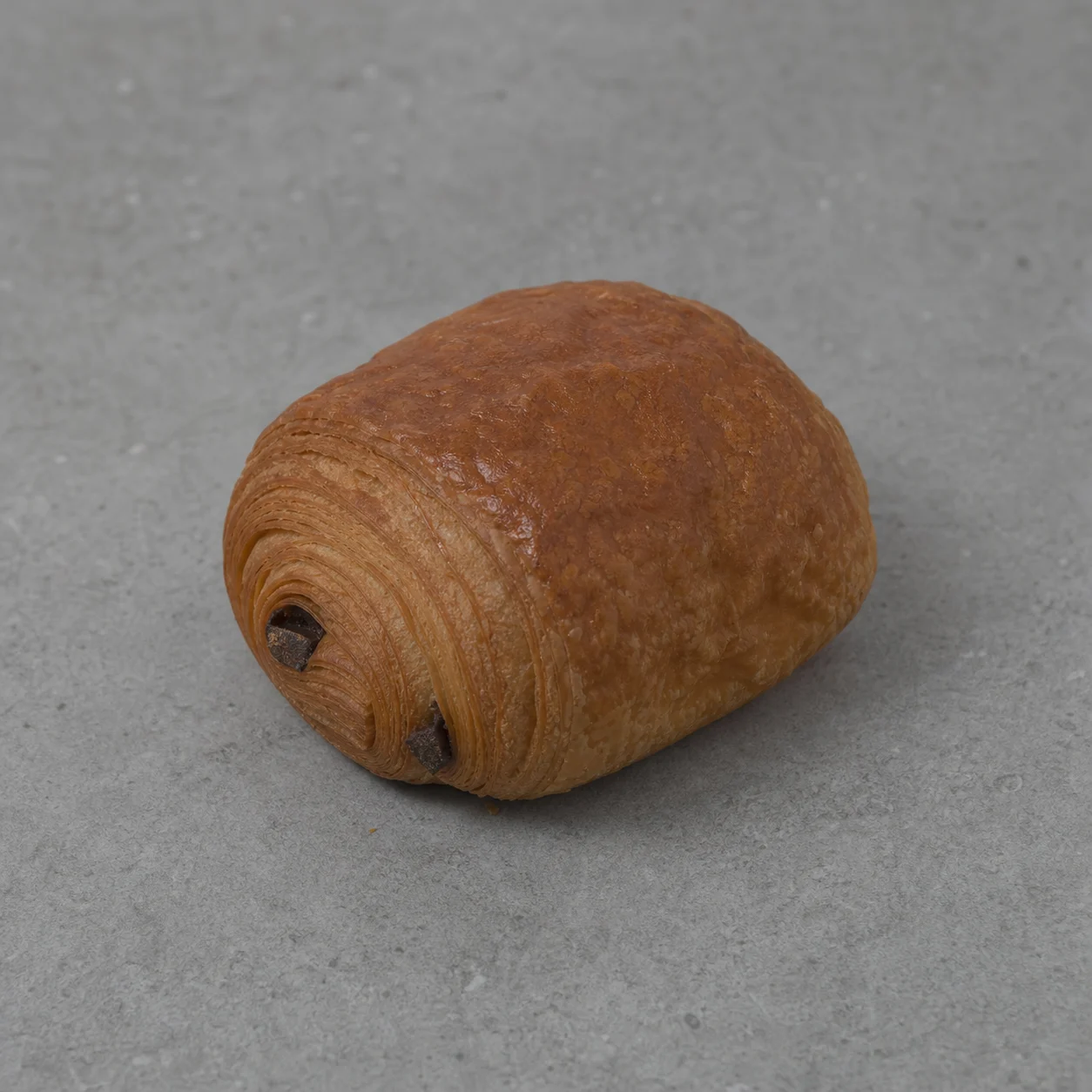 Before
 After
AfterA sneaker gets a directional side light that separates the sole from a neutral background.
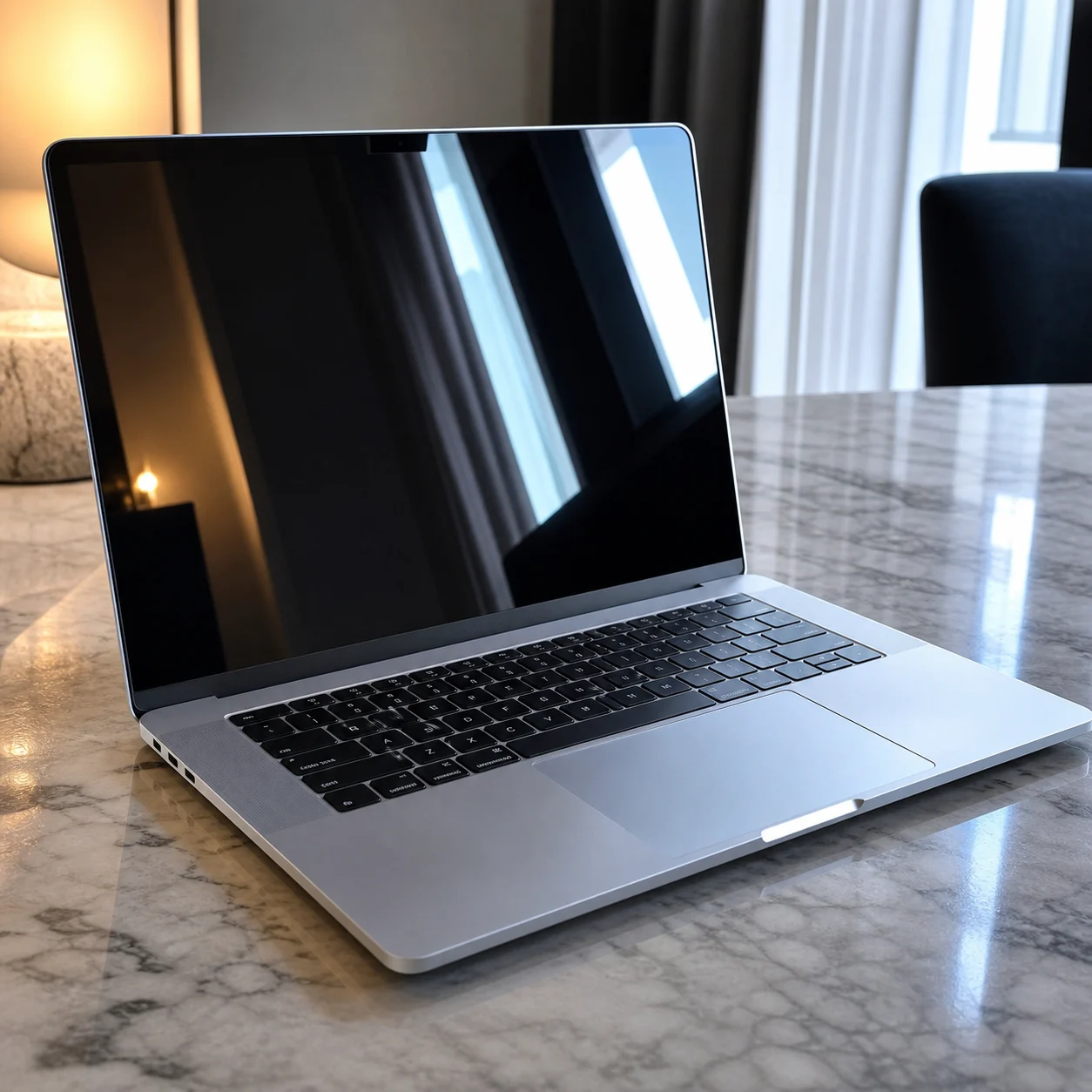 Before
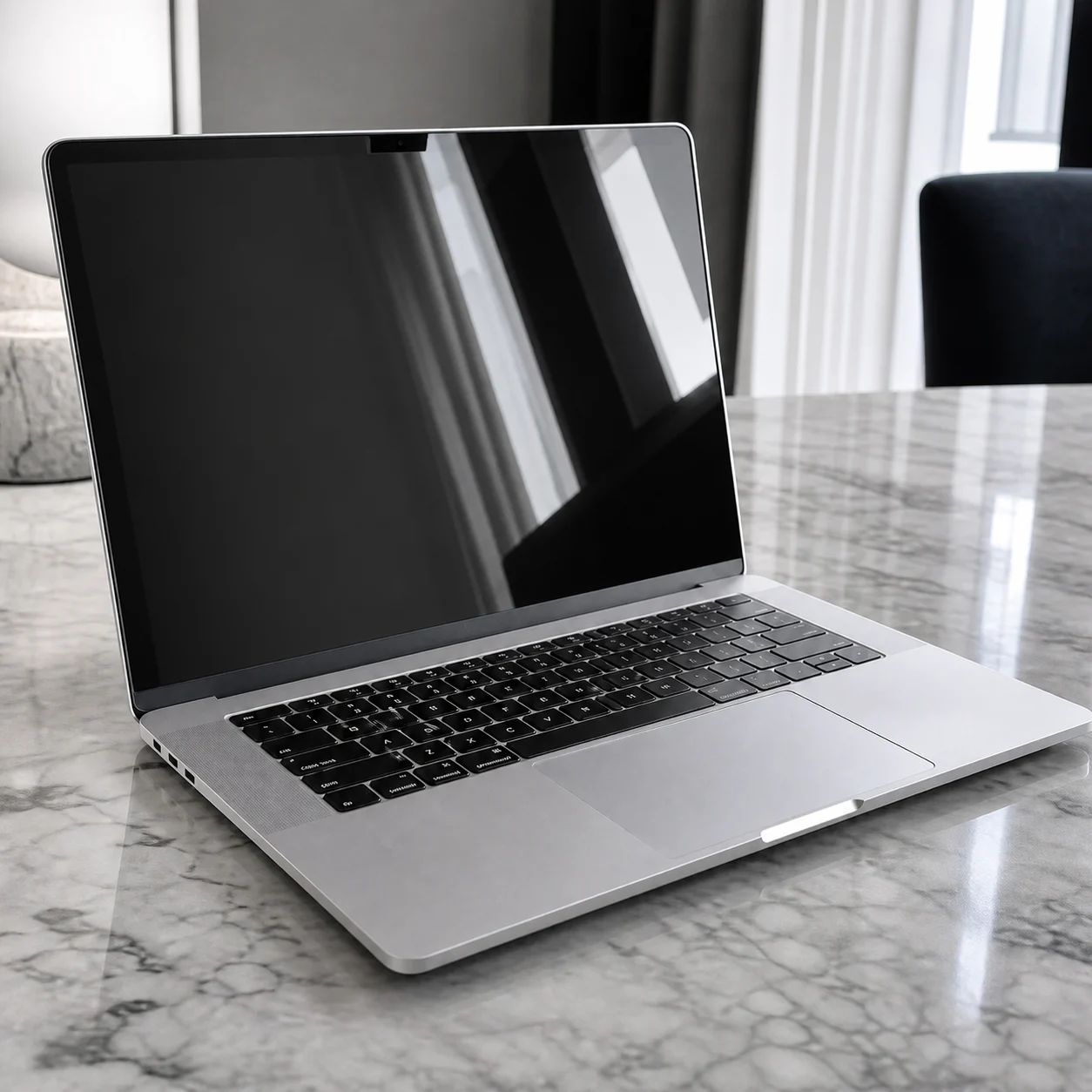 After
AfterA headphone campaign gains a controlled rim light without turning the product into a different model.
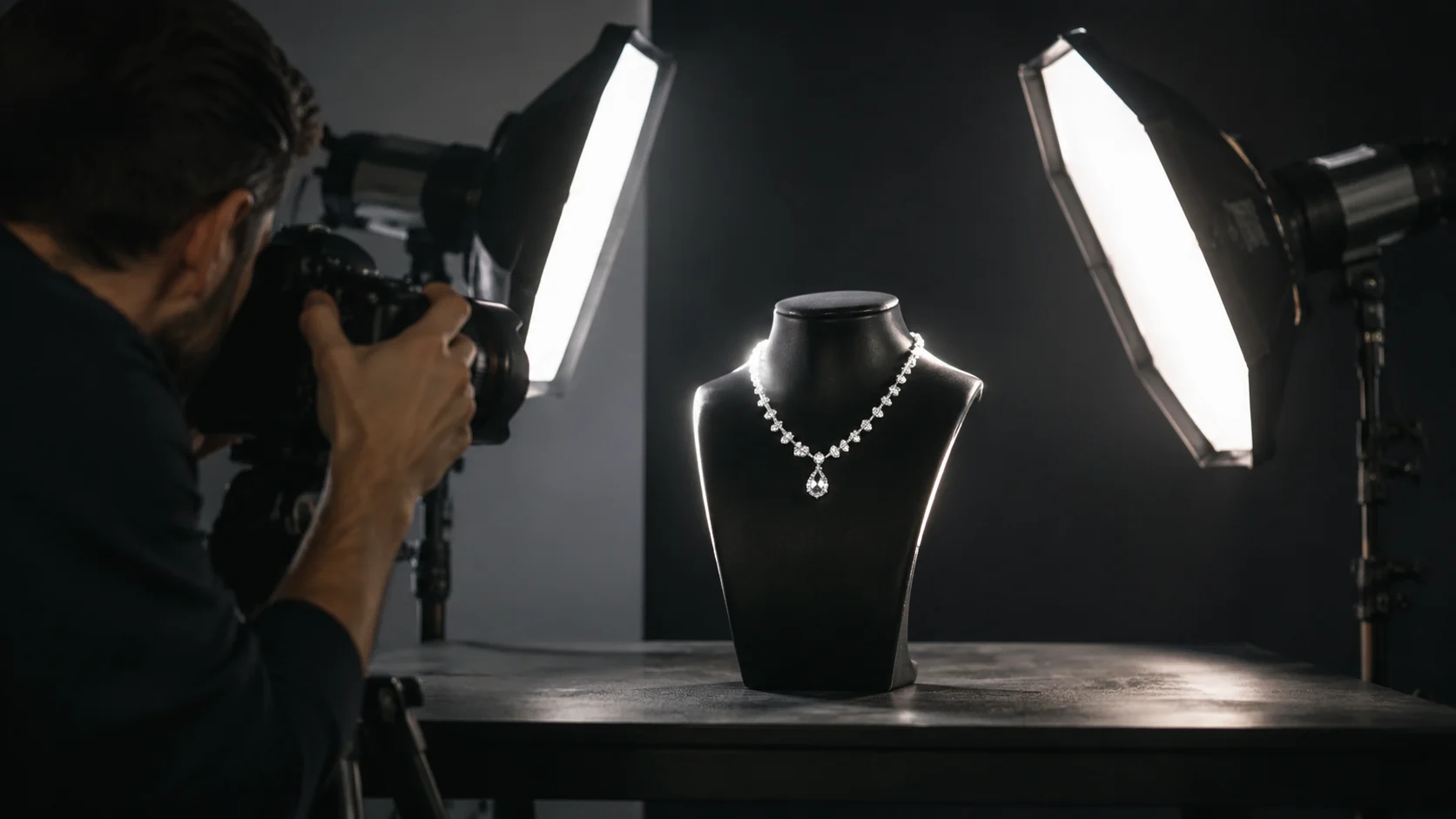
Lighting can improve a product image without adding props. The important test is whether the new highlights, shadow edge, and background tone describe the same physical scene.
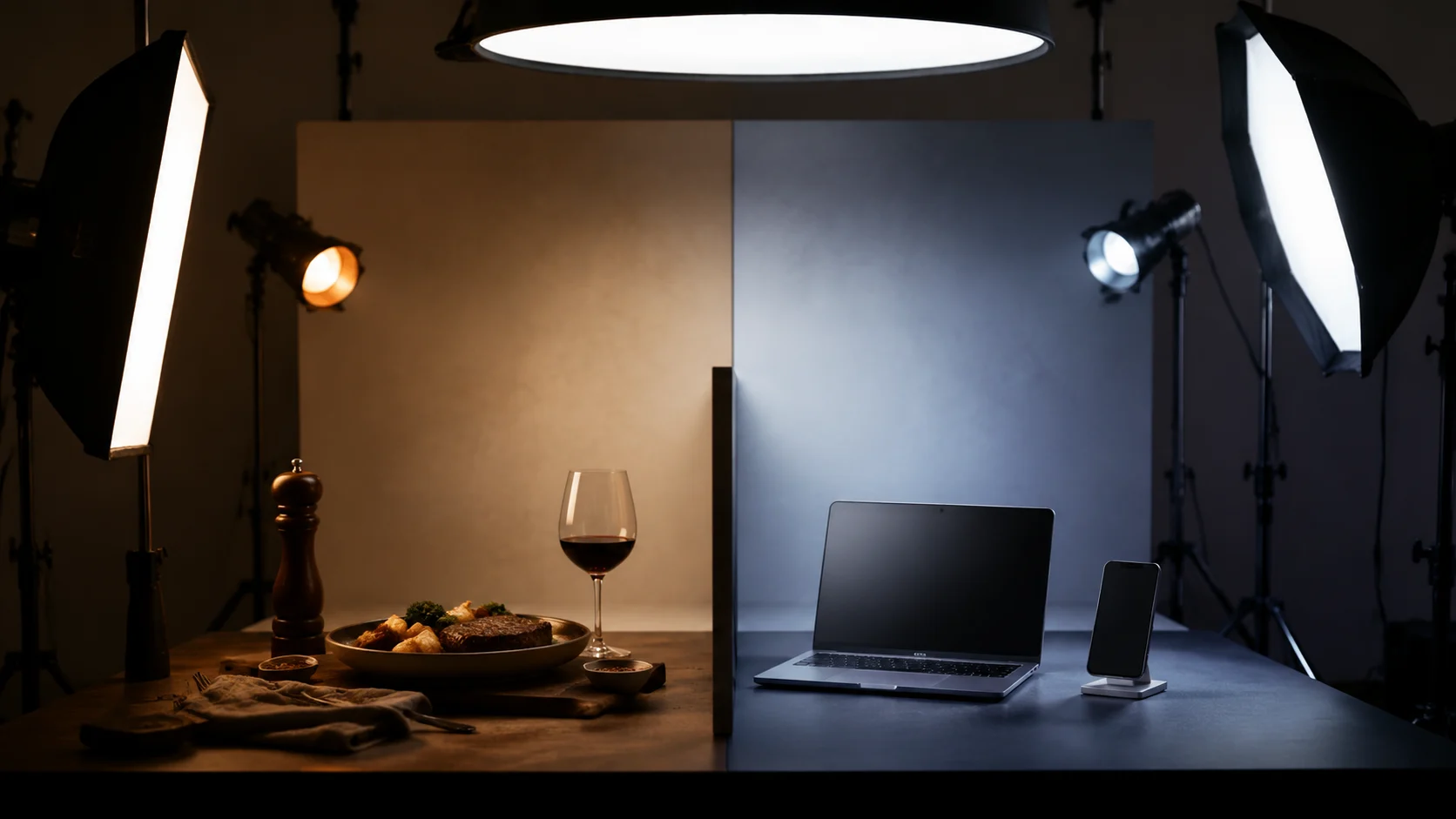
Treat the output as an art-direction draft. Metallic surfaces, glass, and reflective foil may need closer inspection because they carry several competing light signals.
A closer look
Relighting is most valuable when the product image is usable but the mood no longer fits the campaign. The page keeps the camera view as an anchor and explores how a softer window source, a cooler studio, or a stronger side light changes the presentation.
Why it works
Explore mood while keeping the product recognizable
Make a catalog feel closer to one lighting system
Use restrained changes before commissioning a reshoot
Creator notes
Eight grounded snapshots from everyday image work—from quick social posts to client-ready drafts.
“I came in for one quick product image and stayed to try three directions. The workflow never made me feel like I needed a tutorial first.”
 Maya R.E-commerce manager
“The controls are restrained in a good way. I can get a useful draft, download it, and finish the last ten percent in my usual design app.”
 Jon BellFreelance designer
“What won me over was consistency. I can repeat the same brief without rebuilding every setting from scratch.”
 Priya S.Content lead
“The first result is often close enough to start a real conversation with a client. That alone saves me a round of mood-board work.”
 Owen K.Independent maker
“I tested it during a busy launch week. It was fast, clear, and I always knew what the next click would do.”
 Nina ParkSocial media editor
“Being able to keep the source image visible matters to me. I can judge what changed instead of guessing from memory.”
 Luis M.Photographer
“It feels designed for actual production work, not just a flashy demo. The examples are practical and the output is easy to hand off.”
 Sophie ChenBrand coordinator
“I mostly use it for small weekly assets. It turns the blank-page moment into something I can react to in a couple of minutes.”
 Tom W.Newsletter creator
AI Relight Product Photo
Relighting aims to change light while keeping the scene, but background geometry and reflections can still shift. Compare the result with the source.
Blown highlights contain little recoverable information. Try a gentler direction or use a better exposed source, then inspect reflective areas closely.
Soft light gives jewelry a calmer catalog look; rim or directional light can separate edges but may create stronger reflections. Check the product details.
Color can shift when the light and reflections change. Compare against an approved source before using the image for a product listing.
Transparent and chrome surfaces reflect the environment, so edges can be difficult to reconstruct. Use a clear source and inspect the bottle outline closely.
For a range, keep the light direction and mood fixed, then vary only the product. Consistency is usually more valuable than making each item look spectacular on its own.
Use a sharp, lightly compressed image with the full subject visible. Heavy blur, tight cropping, or repeatedly edited files make important details harder to preserve and review.
Compare the output with the source at full size. Check identity, edges, text, hands, texture, and composition, and keep the original file for any important use.
✦ One focused tool, ready for your next idea
AI relight product photo editing changes the light around an existing item so the catalog feels intentional. Use it to test daylight, window softness, or a dramatic key light before a final art direction pass.
Start with AI Relight Product Photo