 Before
 After
AfterTech review video thumbnail
A tutorial cover gives the finished result the largest visual weight and leaves the headline short.
A YouTube thumbnail maker helps turn a video idea into a small, high-contrast cover. It prioritizes the subject and one readable promise; it is not a substitute for checking titles, faces, logos, or brand type.
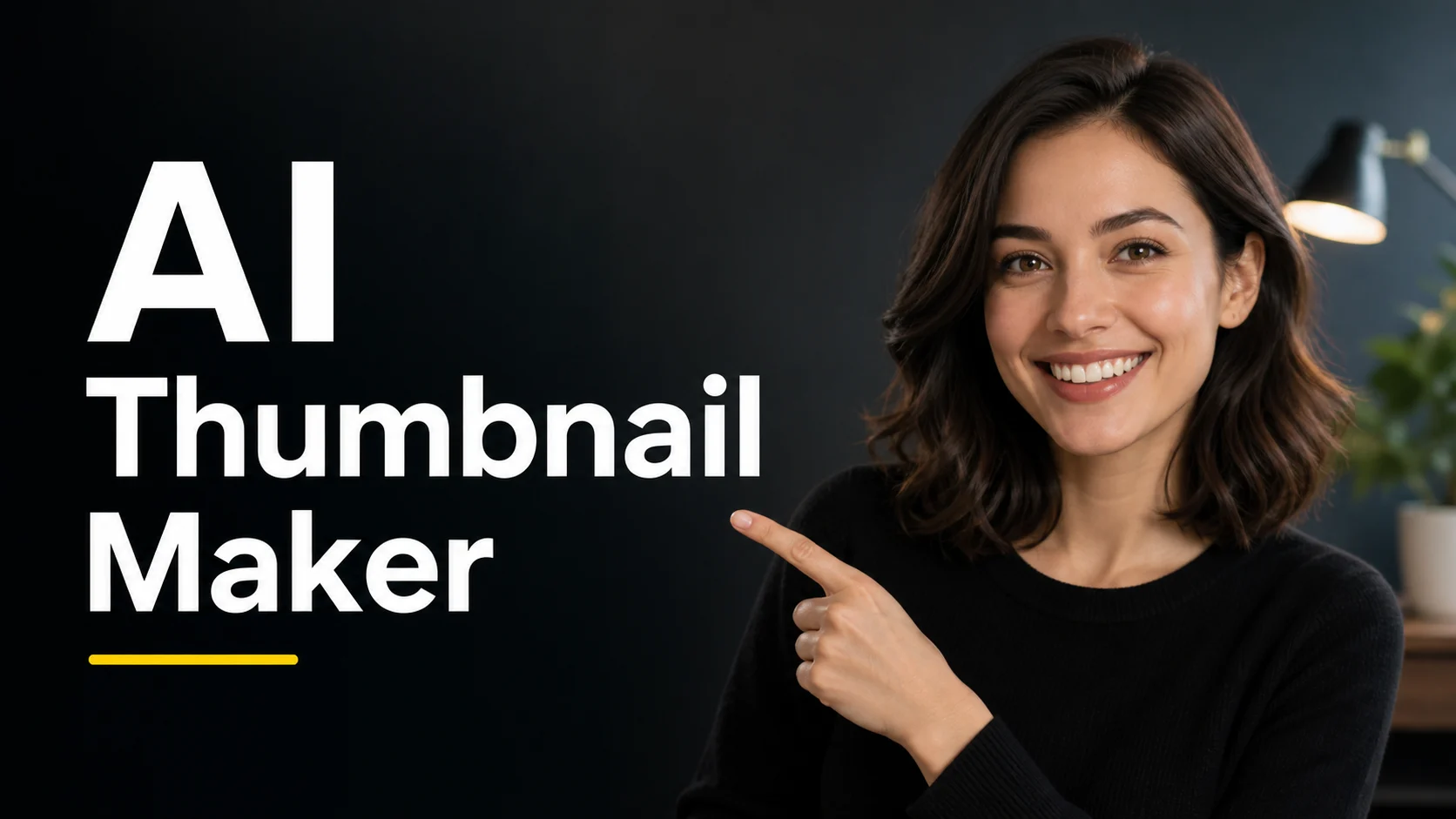
A YouTube thumbnail maker helps turn a video idea into a small, high-contrast cover. It prioritizes the subject and one readable promise; it is not a substitute for checking titles, faces, logos, or brand type.
Before / After
BeforeAfterA tutorial cover gives the finished result the largest visual weight and leaves the headline short.
 Before
 After
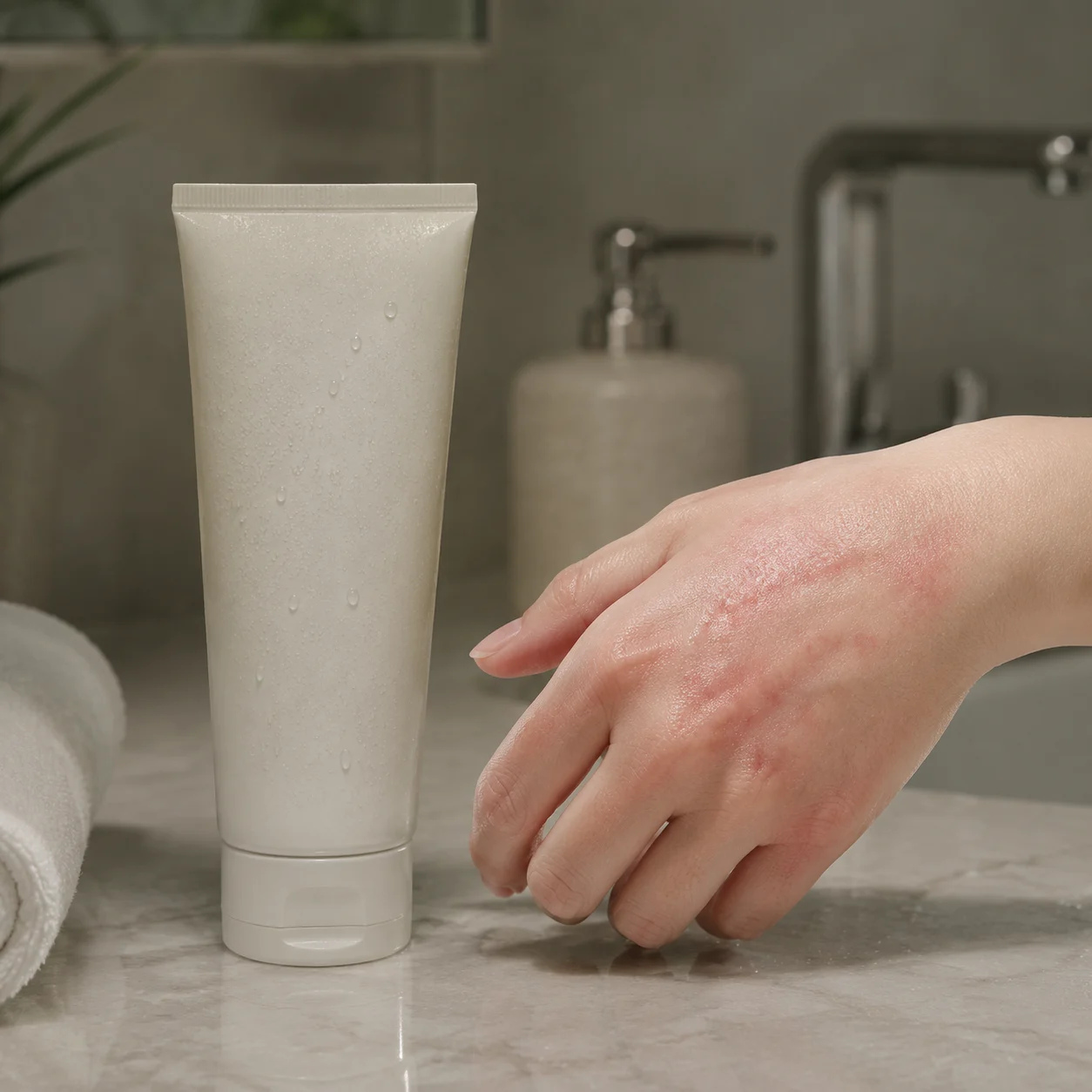
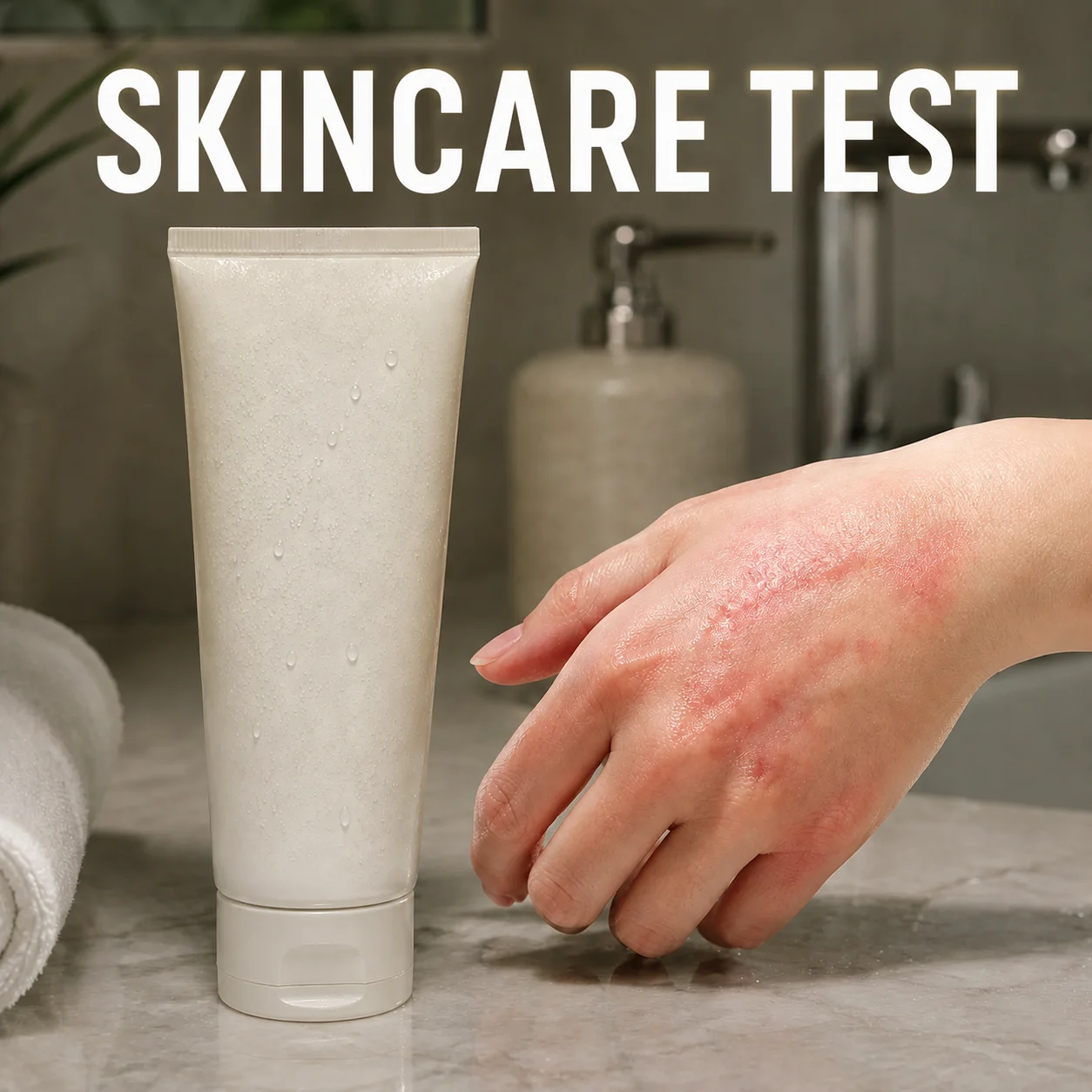
AfterA reaction video uses a close face crop and a single contrast accent to signal the emotion.
 Before
 After
AfterA product review thumbnail separates the item from the background so the promise reads quickly.
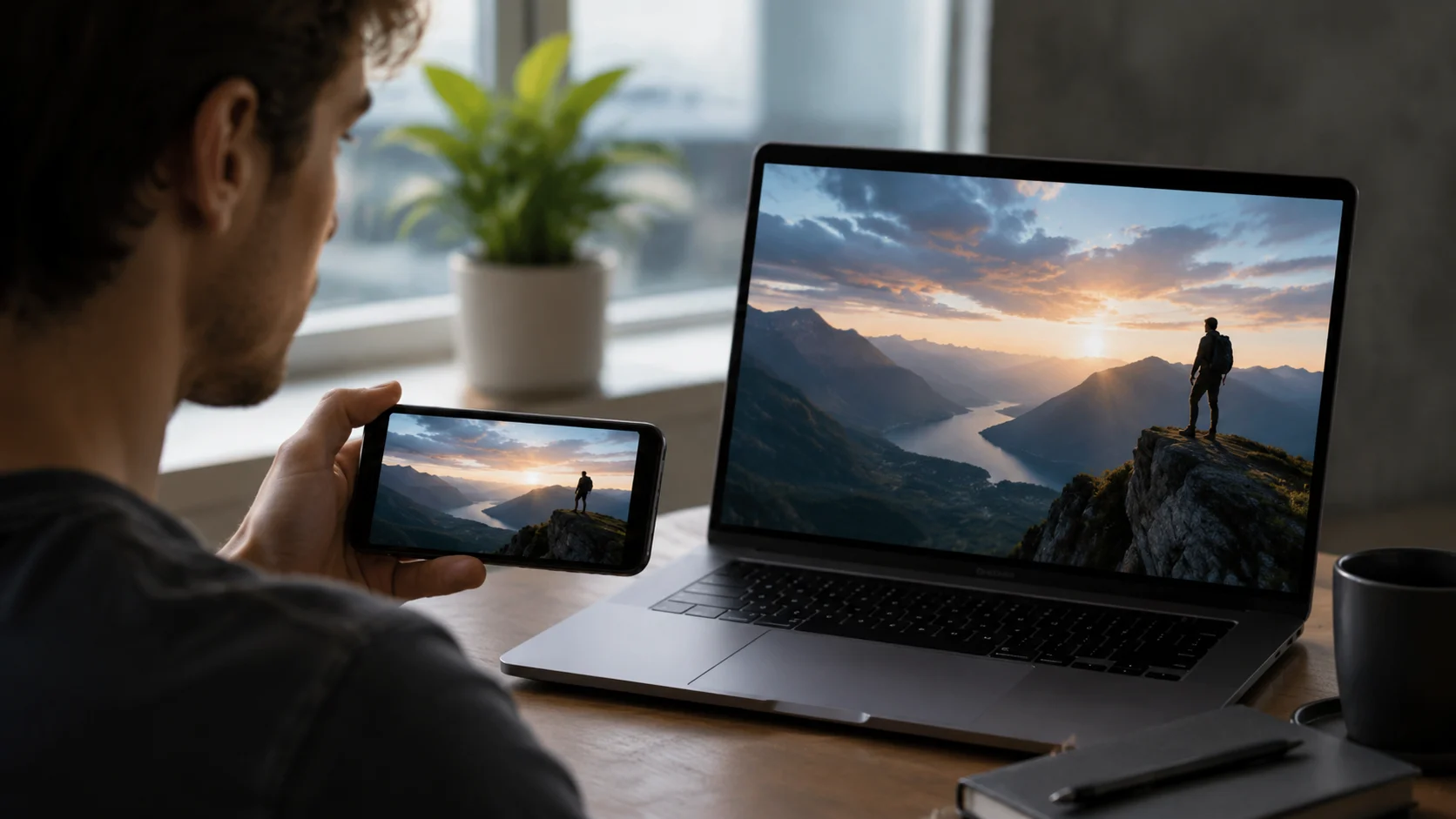
The thumbnail has less room than the video description. Start with the click decision a viewer should understand, then remove any text or props that compete with it.

Generated lettering can be wrong, especially for names, prices, and mixed scripts. Treat the output as a layout draft and replace or proofread text before upload.
A closer look
A useful thumbnail is a compressed editorial decision: one subject, one tension or benefit, and enough contrast to survive a small screen. This workflow is for exploring that hierarchy before you refine the final asset in a design editor.
Why it works
Keep the video subject readable at feed size
Test headline placement before committing to a layout
Create a concept that supports the video instead of describing everything
Creator notes
Eight grounded snapshots from everyday image work—from quick social posts to client-ready drafts.
“I came in for one quick product image and stayed to try three directions. The workflow never made me feel like I needed a tutorial first.”
 Maya R.E-commerce manager
“The controls are restrained in a good way. I can get a useful draft, download it, and finish the last ten percent in my usual design app.”
 Jon BellFreelance designer
“What won me over was consistency. I can repeat the same brief without rebuilding every setting from scratch.”
 Priya S.Content lead
“The first result is often close enough to start a real conversation with a client. That alone saves me a round of mood-board work.”
 Owen K.Independent maker
“I tested it during a busy launch week. It was fast, clear, and I always knew what the next click would do.”
 Nina ParkSocial media editor
“Being able to keep the source image visible matters to me. I can judge what changed instead of guessing from memory.”
 Luis M.Photographer
“It feels designed for actual production work, not just a flashy demo. The examples are practical and the output is easy to hand off.”
 Sophie ChenBrand coordinator
“I mostly use it for small weekly assets. It turns the blank-page moment into something I can react to in a couple of minutes.”
 Tom W.Newsletter creator
YouTube Thumbnail Maker
Short text, a clear subject, and strong contrast help at small sizes. Spellcheck the final lettering because generated text can still change.
A face can help for reactions or personal channels, while a product or result may be the stronger anchor for tutorials and reviews. The best choice depends on the video.
Keep the promise accurate and avoid exaggerated claims, fake urgency, or expressions that misrepresent the video. Review the image before publishing.
Yes, but make sure the product remains recognizable and that you have permission to use the image. Check the final thumbnail at the platform's display size.
Keep the title short enough to read at thumbnail size; there is no universal character count. Preview it at the platform's likely display size.
The page creates one selected format at a time. Make separate drafts for landscape and vertical versions, then proofread each before publishing.
Use a sharp, lightly compressed image with the full subject visible. Heavy blur, tight cropping, or repeatedly edited files make important details harder to preserve and review.
Compare the output with the source at full size. Check identity, edges, text, hands, texture, and composition, and keep the original file for any important use.
✦ One focused tool, ready for your next idea
A YouTube thumbnail maker helps turn a video idea into a small, high-contrast cover. It prioritizes the subject and one readable promise; it is not a substitute for checking titles, faces, logos, or brand type.
Start with YouTube Thumbnail Maker