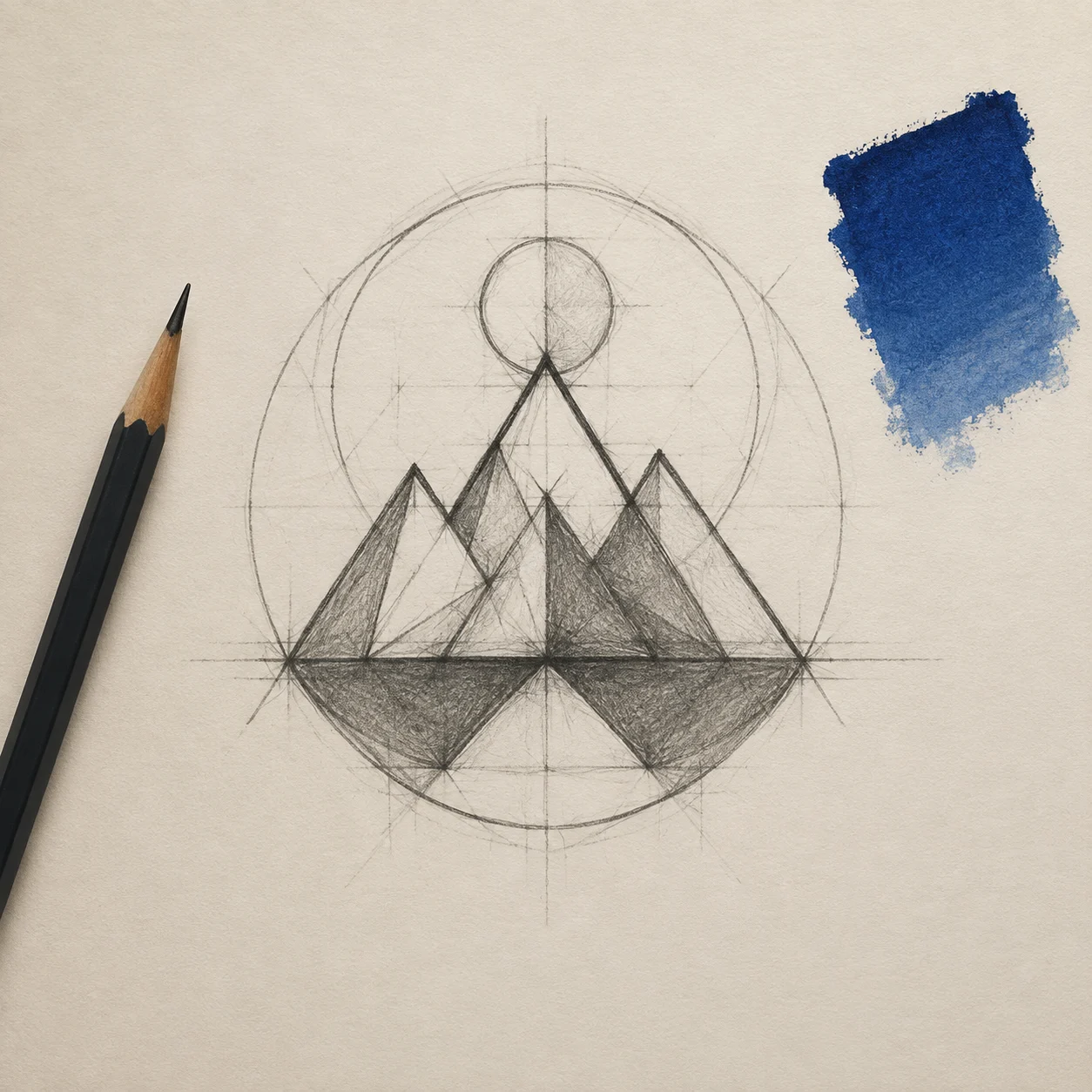
 Before
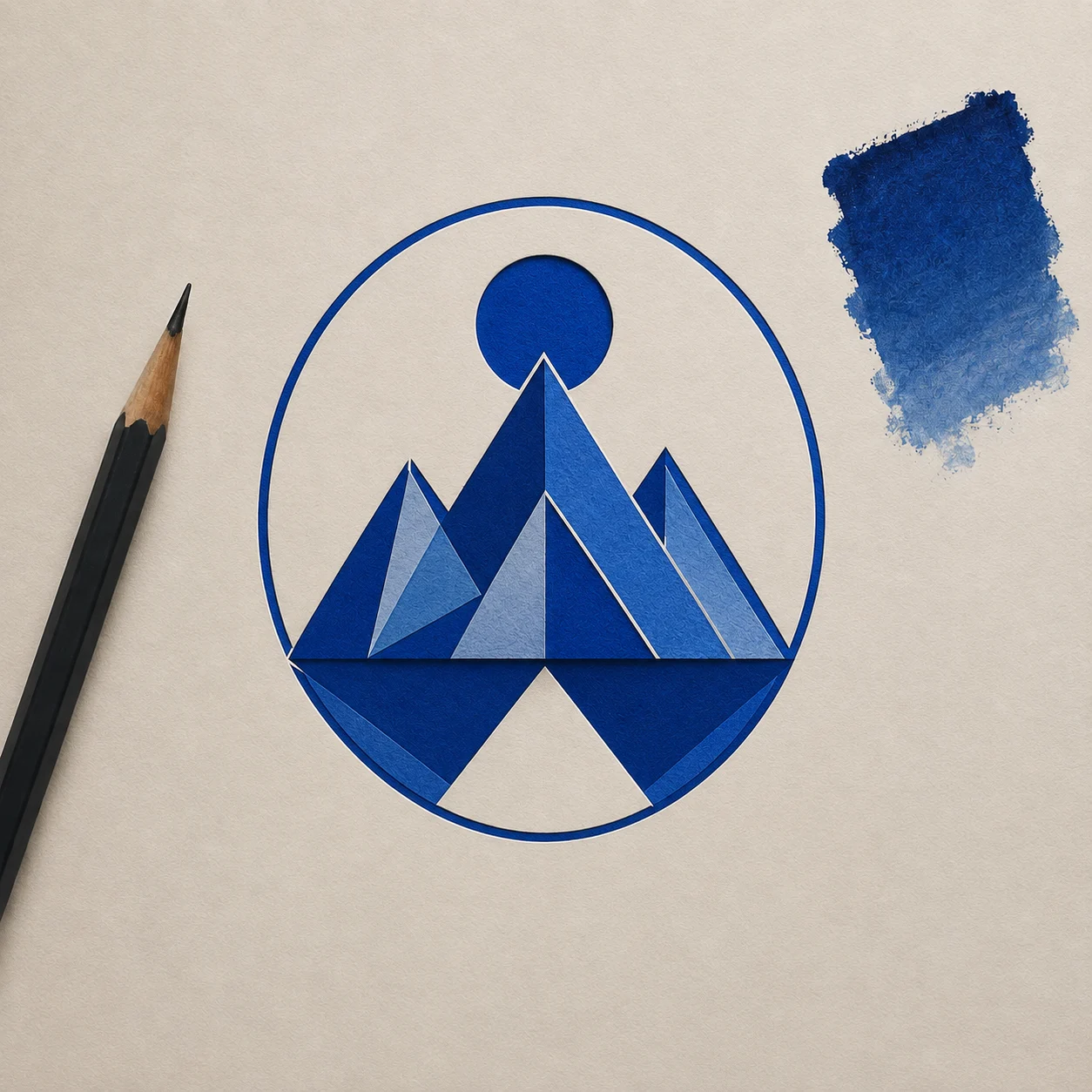 After
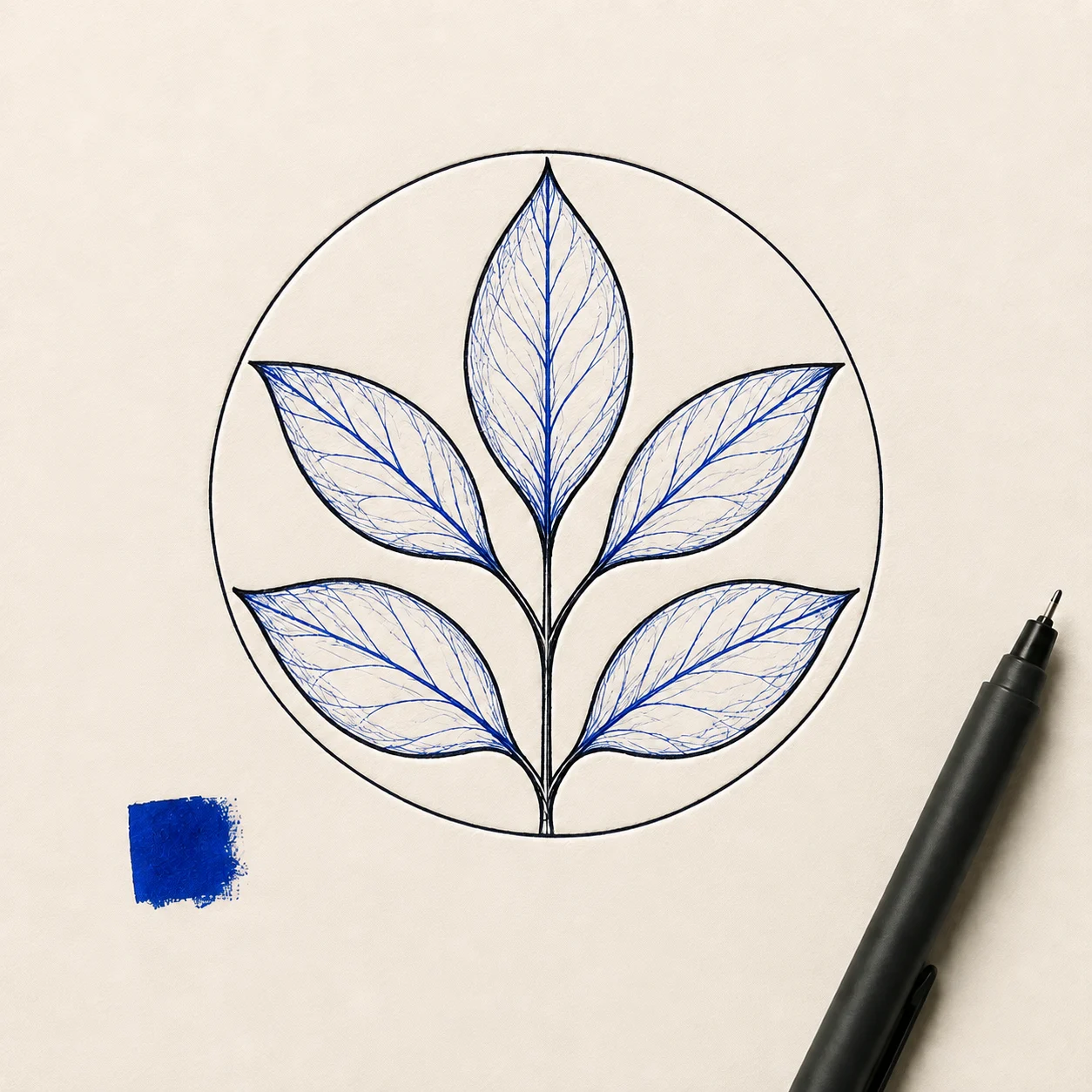
AfterBotanical tea shop mark
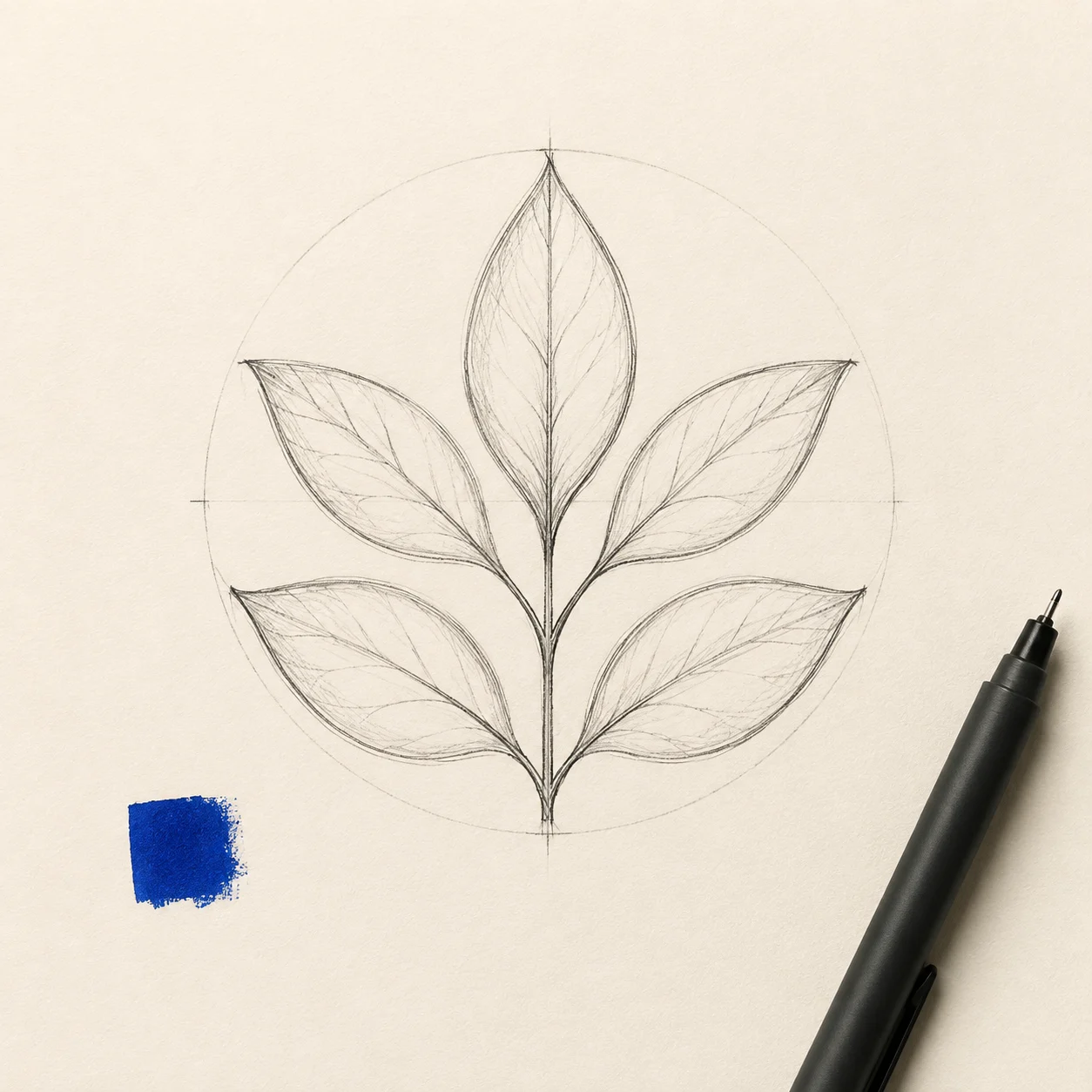
A short tea-shop brief becomes several calm symbol directions for early brand review.
Use an AI logo generator to explore a visual direction before polishing a final brand identity. Describe the business, mood, symbol, and color direction, then compare several concepts without treating any draft as a finished trademark.
Use an AI logo generator to explore a visual direction before polishing a final brand identity. Describe the business, mood, symbol, and color direction, then compare several concepts without treating any draft as a finished trademark.

Name the business, industry, audience, symbol, and visual mood you want to explore.
Try restrained variations such as emblem, abstract mark, monogram, or wordmark concept.
Check spelling, spacing, originality, and brand fit before asking a designer to prepare final assets.
Before / After
BeforeAfterA short tea-shop brief becomes several calm symbol directions for early brand review.
 Before
 After
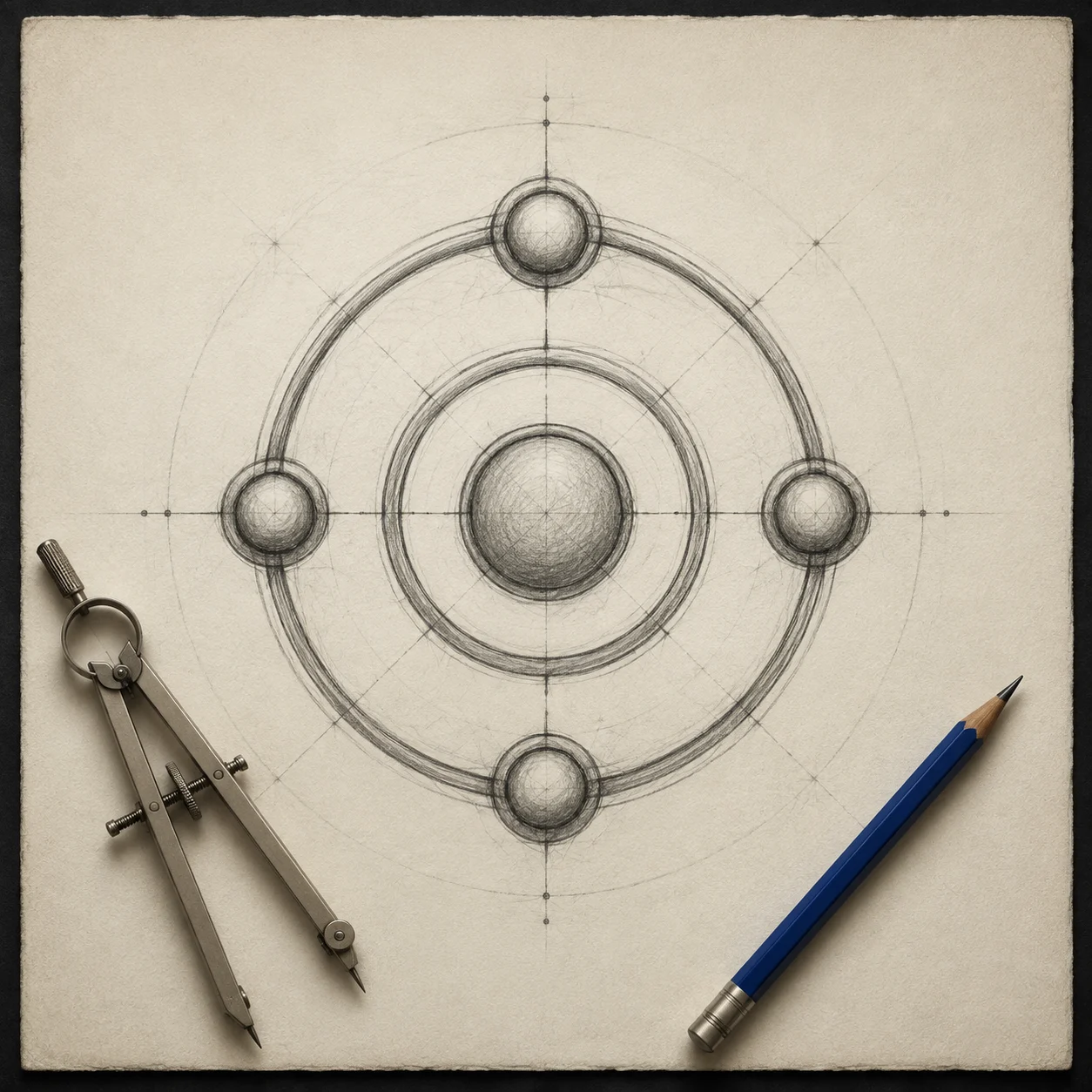
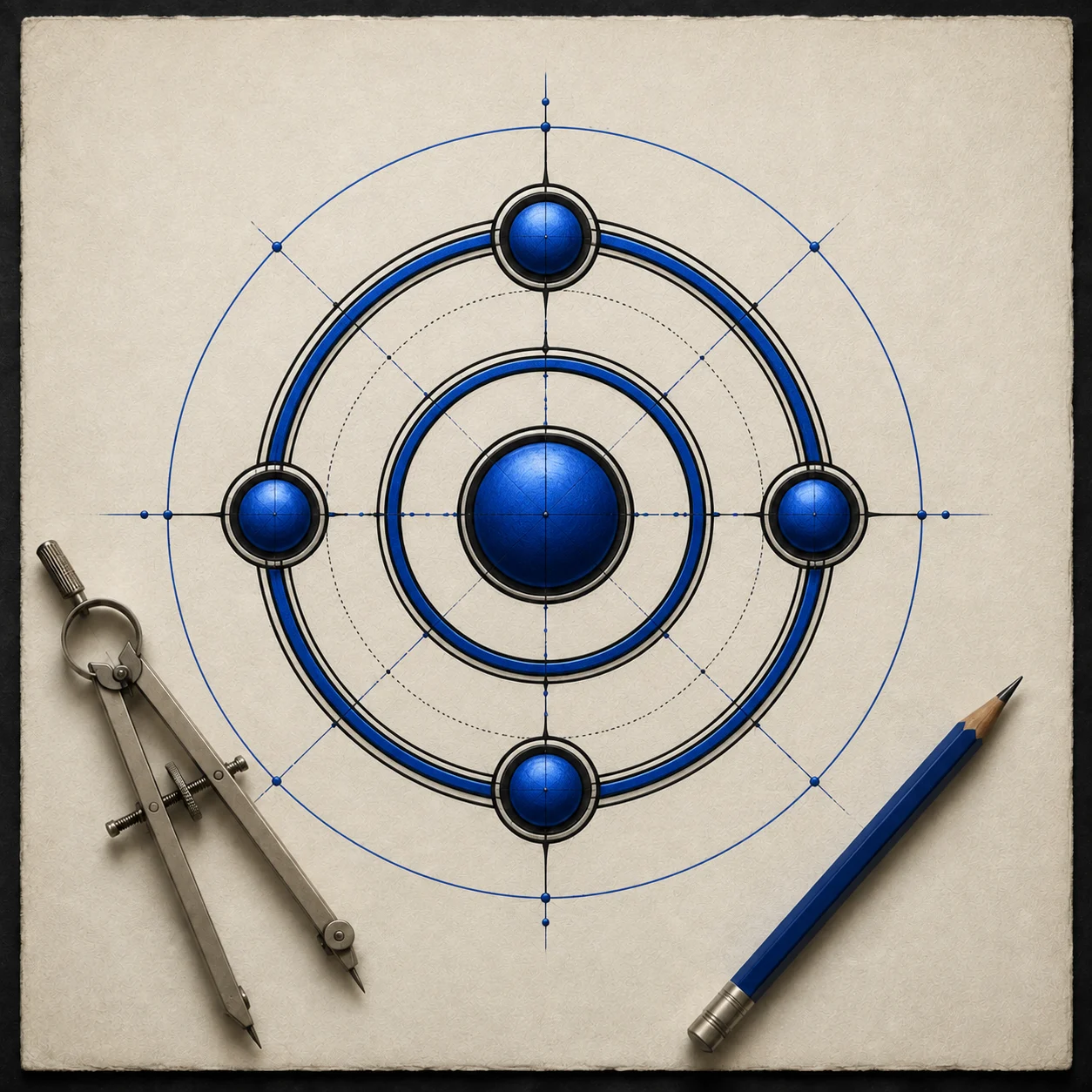
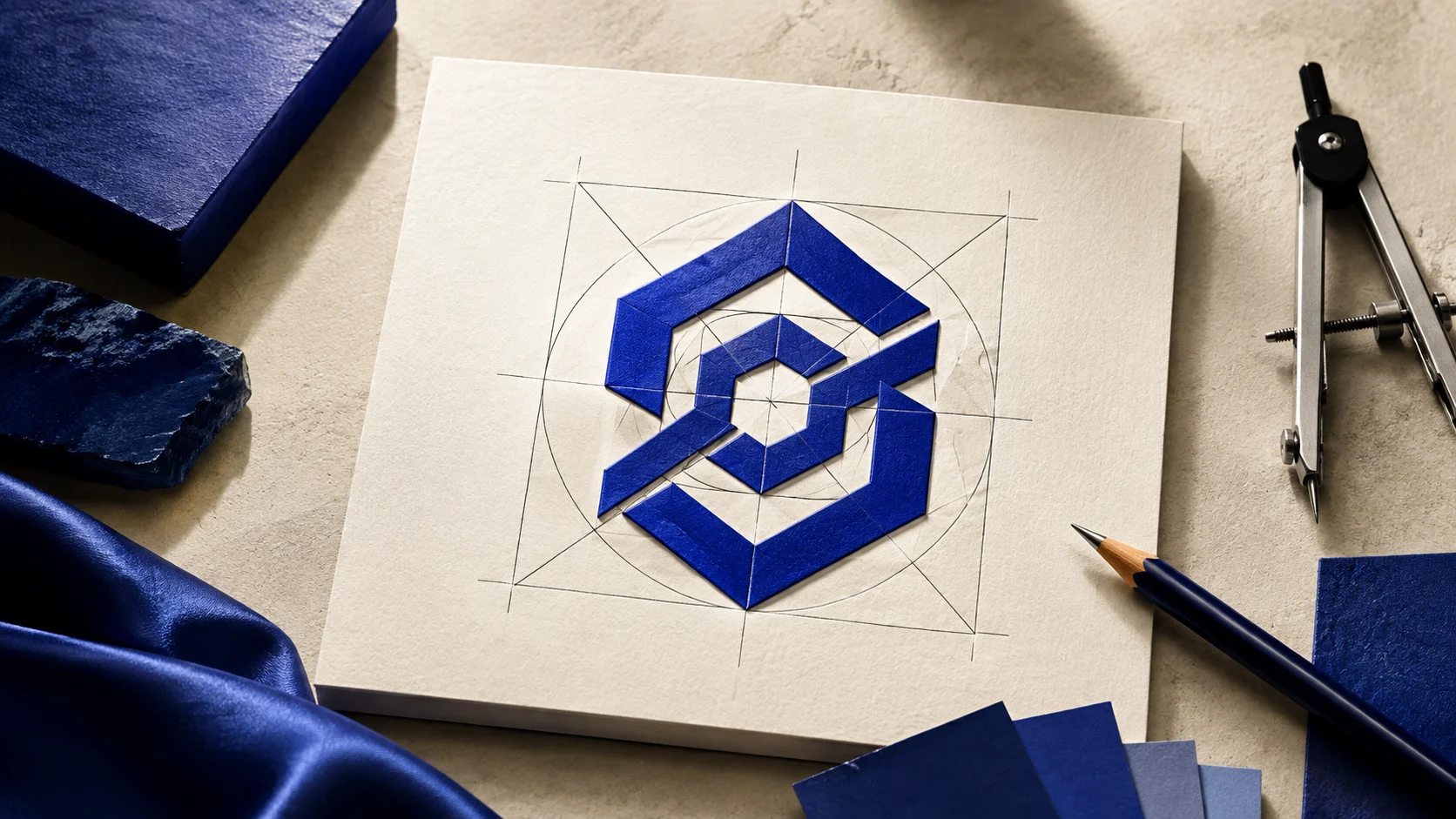
AfterA creative studio compares a compact monogram with an abstract geometric mark.
 Before
 After
AfterA warm bakery brief explores an emblem shape and a restrained two-color direction.
A useful draft gives a designer a direction to discuss. Explain the audience and feeling instead of naming a brand to copy.

AI lettering can be a rough visual cue. Treat the mark, spacing, and composition as the part to compare first.
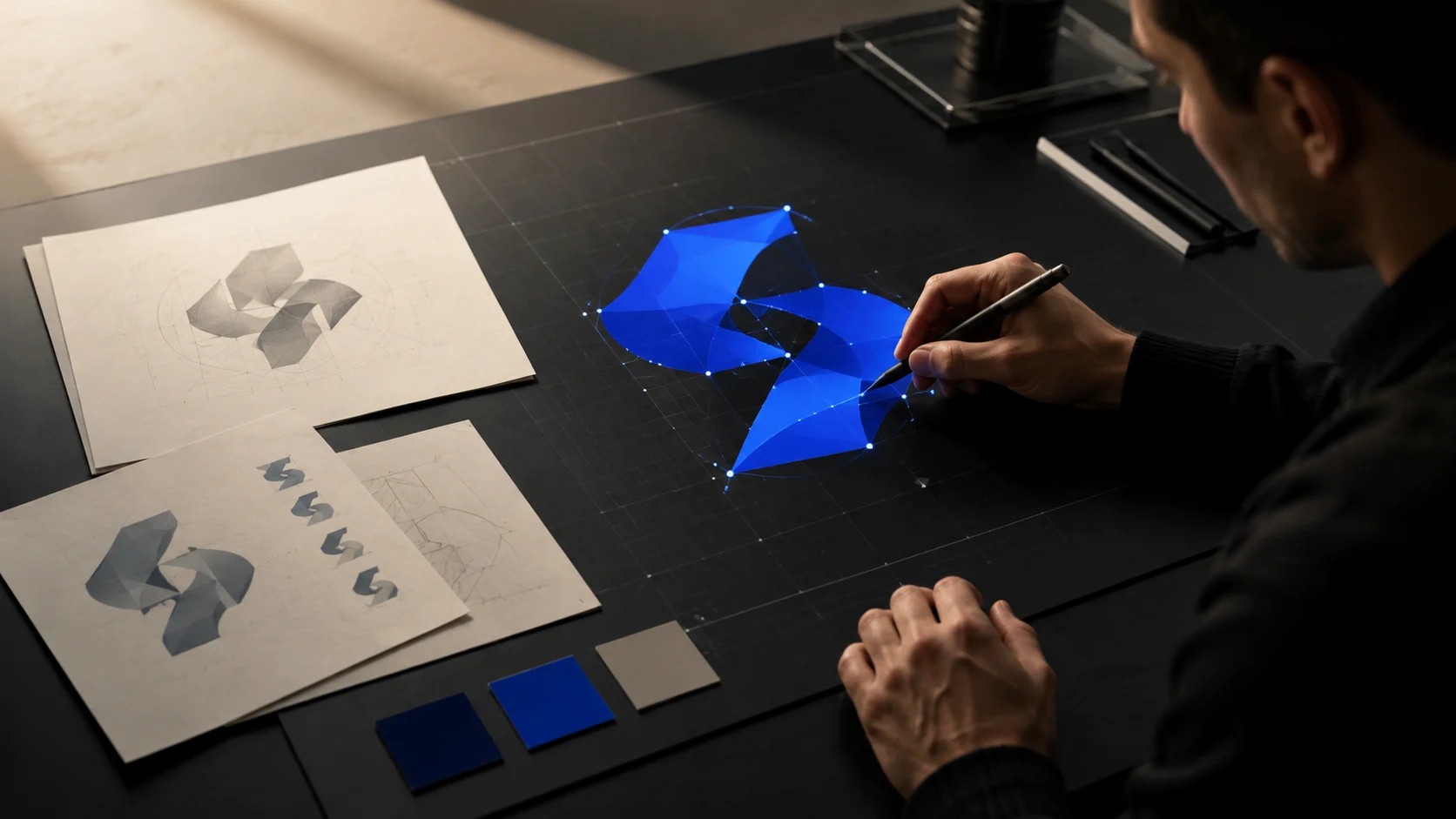
Use the strongest direction as a conversation starter, then verify originality and prepare production files in a design workflow.
A closer look
This AI logo generator is for early concepts and comparisons. It does not determine trademark rights, guarantee final typography, or replace an identity review.
Why it works
Turn a business idea into several visual directions without starting from a blank canvas.
Compare symbol, monogram, and emblem concepts in a consistent workspace.
Carry a promising draft into manual spelling, originality, and production checks.
Creator notes
Eight grounded snapshots from everyday image work—from quick social posts to client-ready drafts.
“I came in for one quick product image and stayed to try three directions. The workflow never made me feel like I needed a tutorial first.”
 Maya R.E-commerce manager
“The controls are restrained in a good way. I can get a useful draft, download it, and finish the last ten percent in my usual design app.”
 Jon BellFreelance designer
“What won me over was consistency. I can repeat the same brief without rebuilding every setting from scratch.”
 Priya S.Content lead
“The first result is often close enough to start a real conversation with a client. That alone saves me a round of mood-board work.”
 Owen K.Independent maker
“I tested it during a busy launch week. It was fast, clear, and I always knew what the next click would do.”
 Nina ParkSocial media editor
“Being able to keep the source image visible matters to me. I can judge what changed instead of guessing from memory.”
 Luis M.Photographer
“It feels designed for actual production work, not just a flashy demo. The examples are practical and the output is easy to hand off.”
 Sophie ChenBrand coordinator
“I mostly use it for small weekly assets. It turns the blank-page moment into something I can react to in a couple of minutes.”
 Tom W.Newsletter creator
AI Logo Generator
It can help you explore a concept, but it does not determine trademark availability or ownership. Check originality and legal requirements before adopting a mark.
Mention the business, audience, symbol, mood, shape, and color direction. A focused brief is easier to compare than a long list of unrelated styles.
Use your own industry and visual goals instead. Referencing a named brand can produce a confusing or derivative direction.
Not necessarily. Treat generated lettering as a visual suggestion and proofread it before using the concept.
Yes. Choose a one-color direction and ask for clear negative space so the concept is easier to evaluate in simple applications.
Keep the strongest direction, review originality and spelling, and work with a designer on final vectors, spacing, and brand-system decisions.
Use a sharp, lightly compressed image with the full subject visible. Heavy blur, tight cropping, or repeatedly edited files make important details harder to preserve and review.
Compare the output with the source at full size. Check identity, edges, text, hands, texture, and composition, and keep the original file for any important use.
✦ One focused tool, ready for your next idea
Use an AI logo generator to explore a visual direction before polishing a final brand identity. Describe the business, mood, symbol, and color direction, then compare several concepts without treating any draft as a finished trademark.
Start with AI Logo Generator