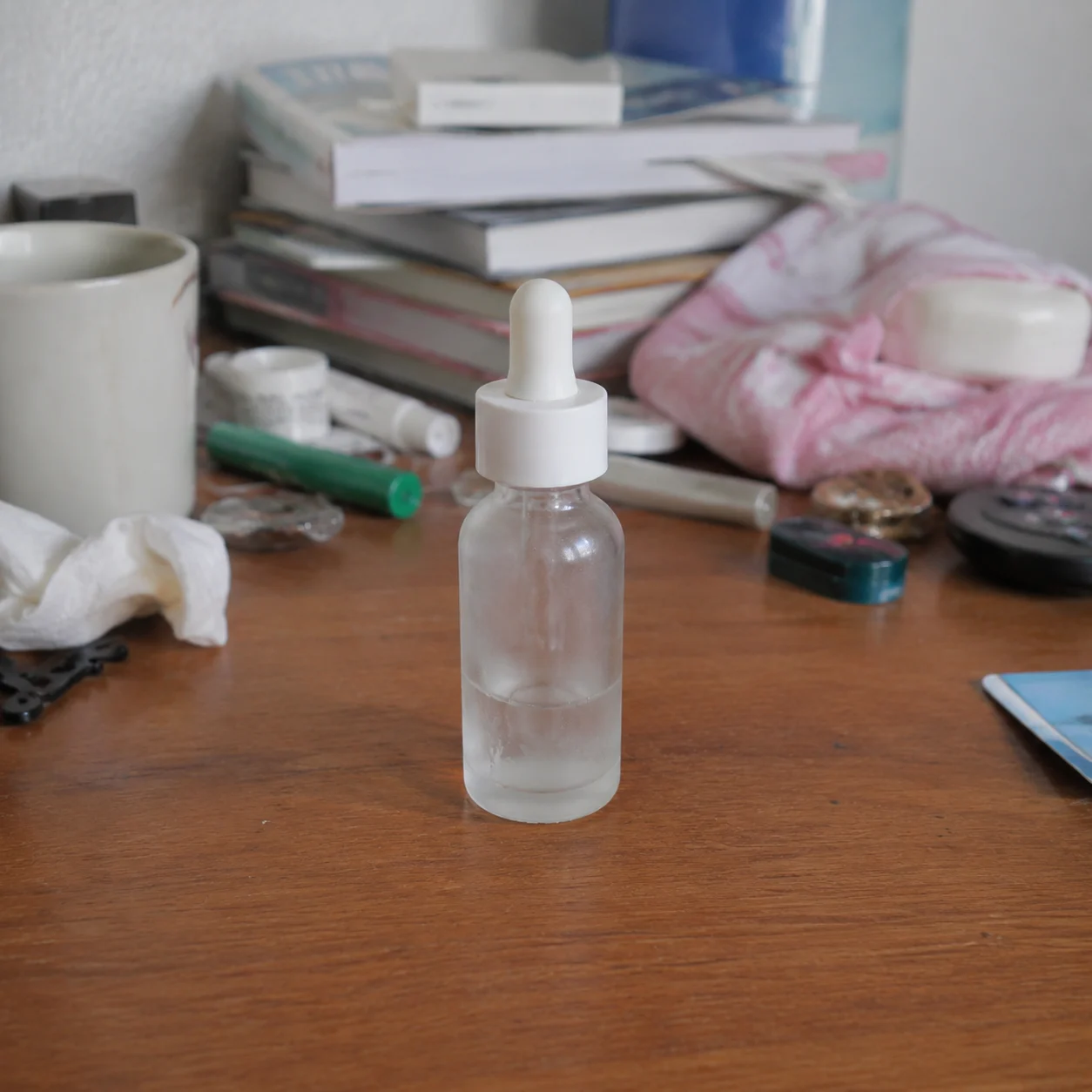
 Before
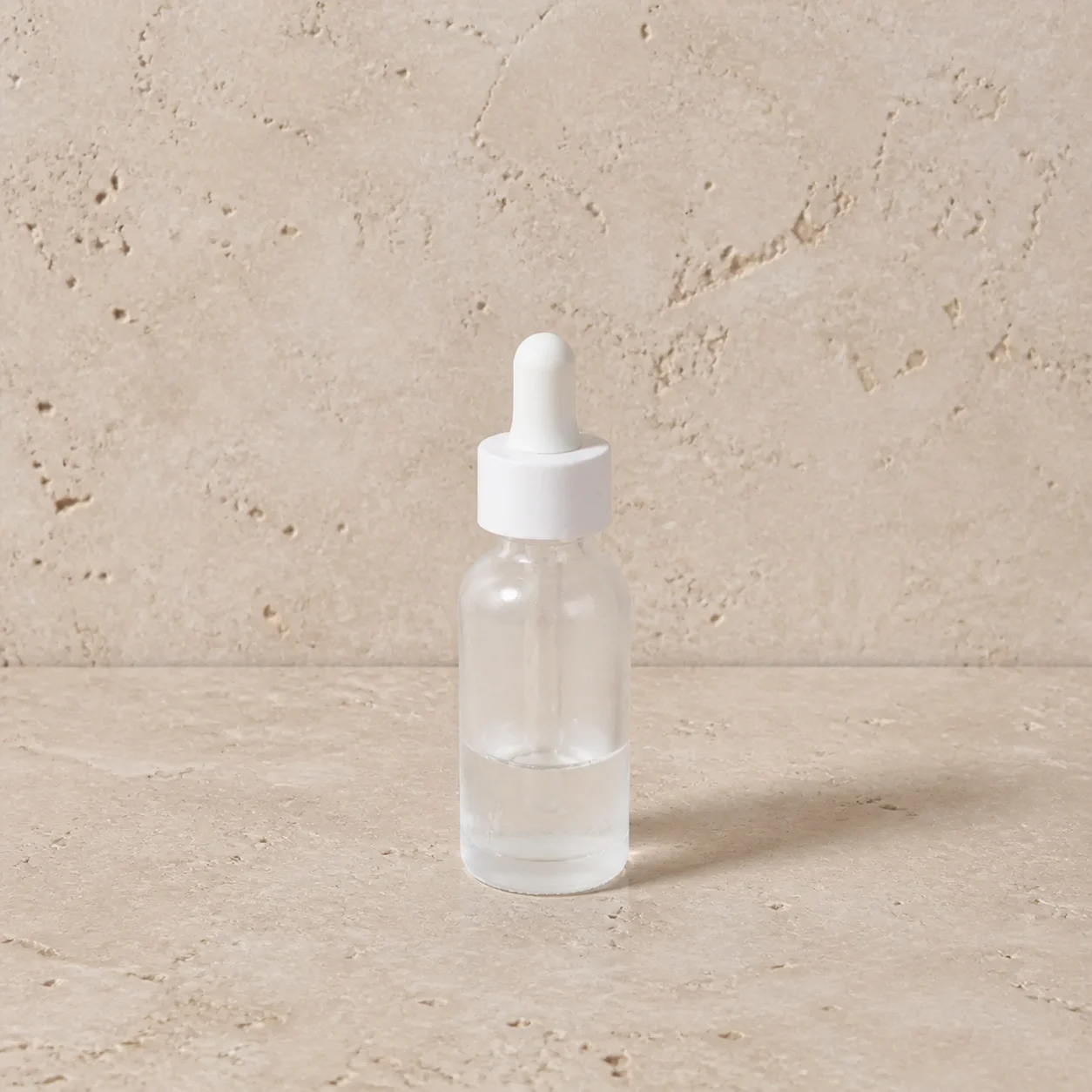 After
AfterSkincare bottle studio shot
A skincare bottle stays upright while the desk is replaced with a calm stone studio surface.
An AI product background generator lets you test a new setting around an existing pack shot. Keep the product itself stable while exploring a studio surface, a lifestyle counter, or a seasonal campaign scene.
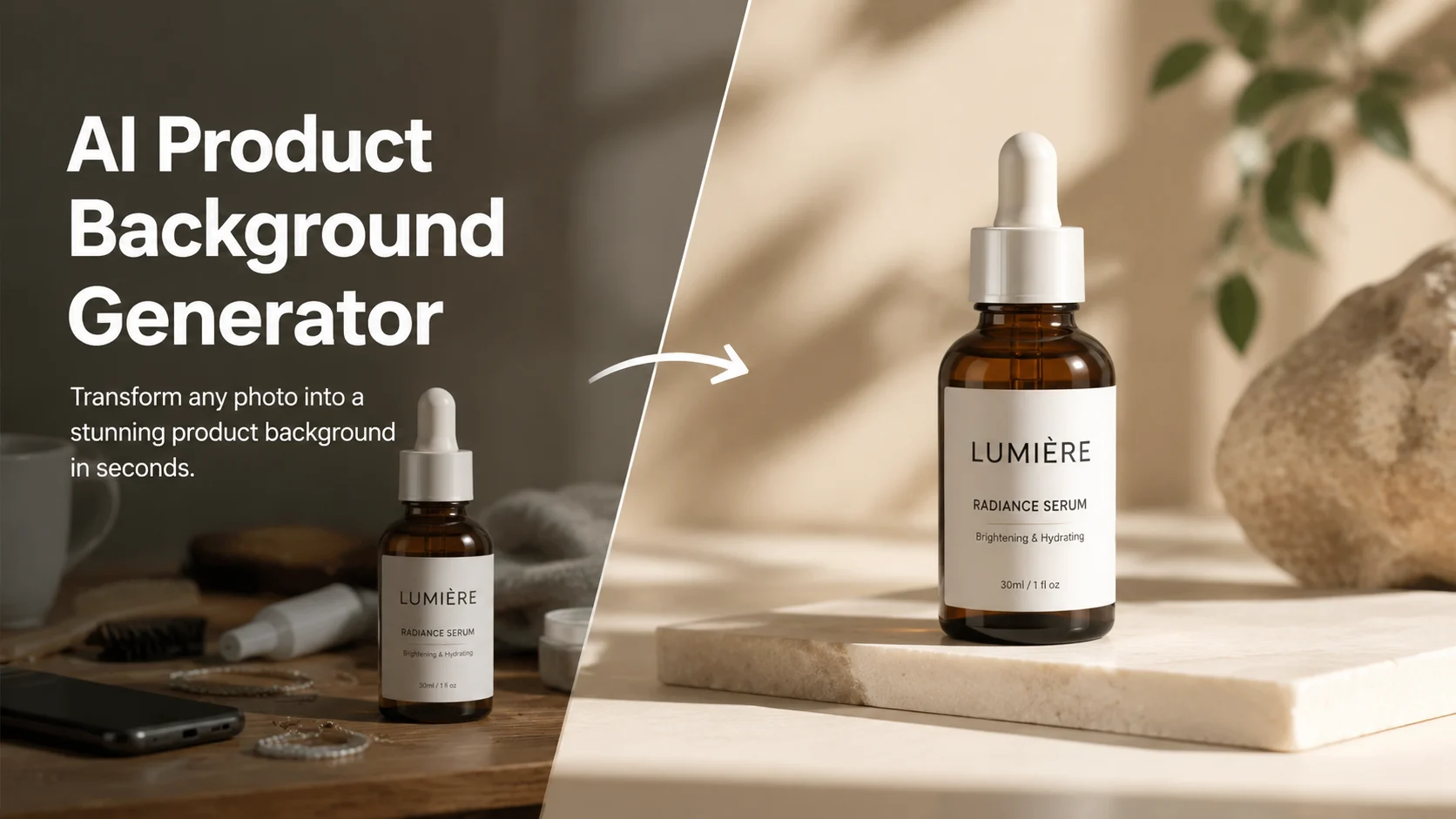
An AI product background generator lets you test a new setting around an existing pack shot. Keep the product itself stable while exploring a studio surface, a lifestyle counter, or a seasonal campaign scene.
Before / After
BeforeAfterA skincare bottle stays upright while the desk is replaced with a calm stone studio surface.
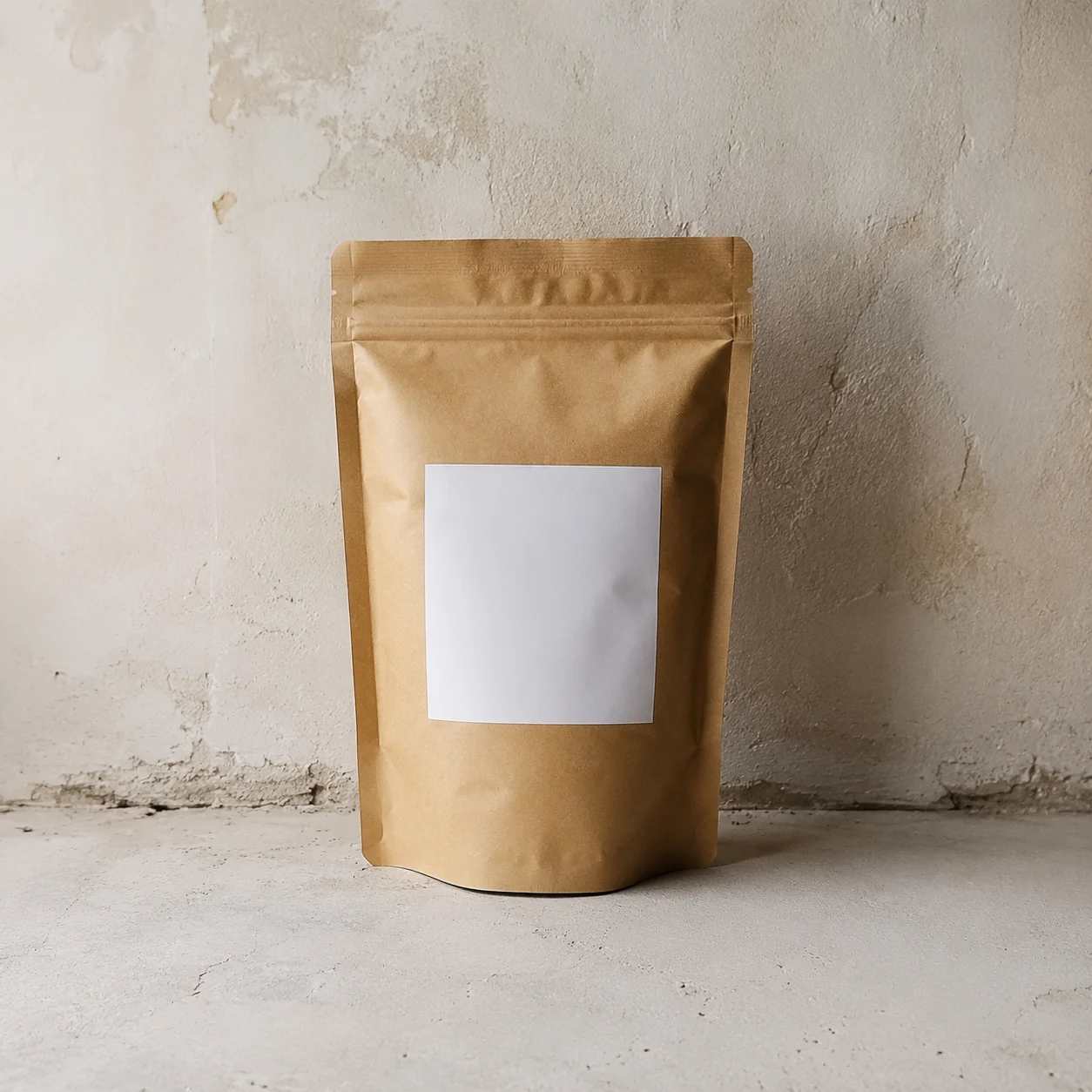 Before
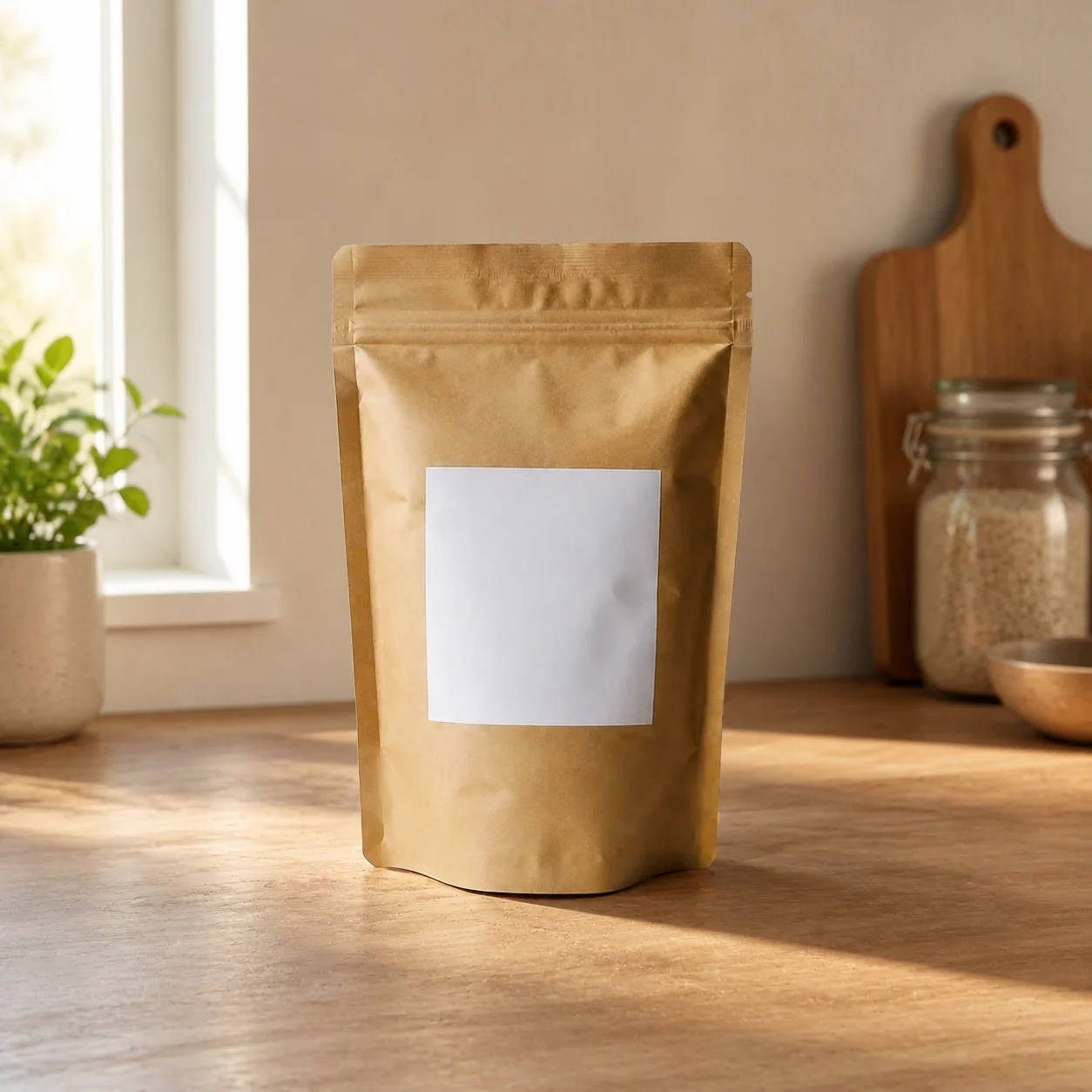 After
AfterCoffee packaging gets a warm counter setting without losing the front-of-bag branding.
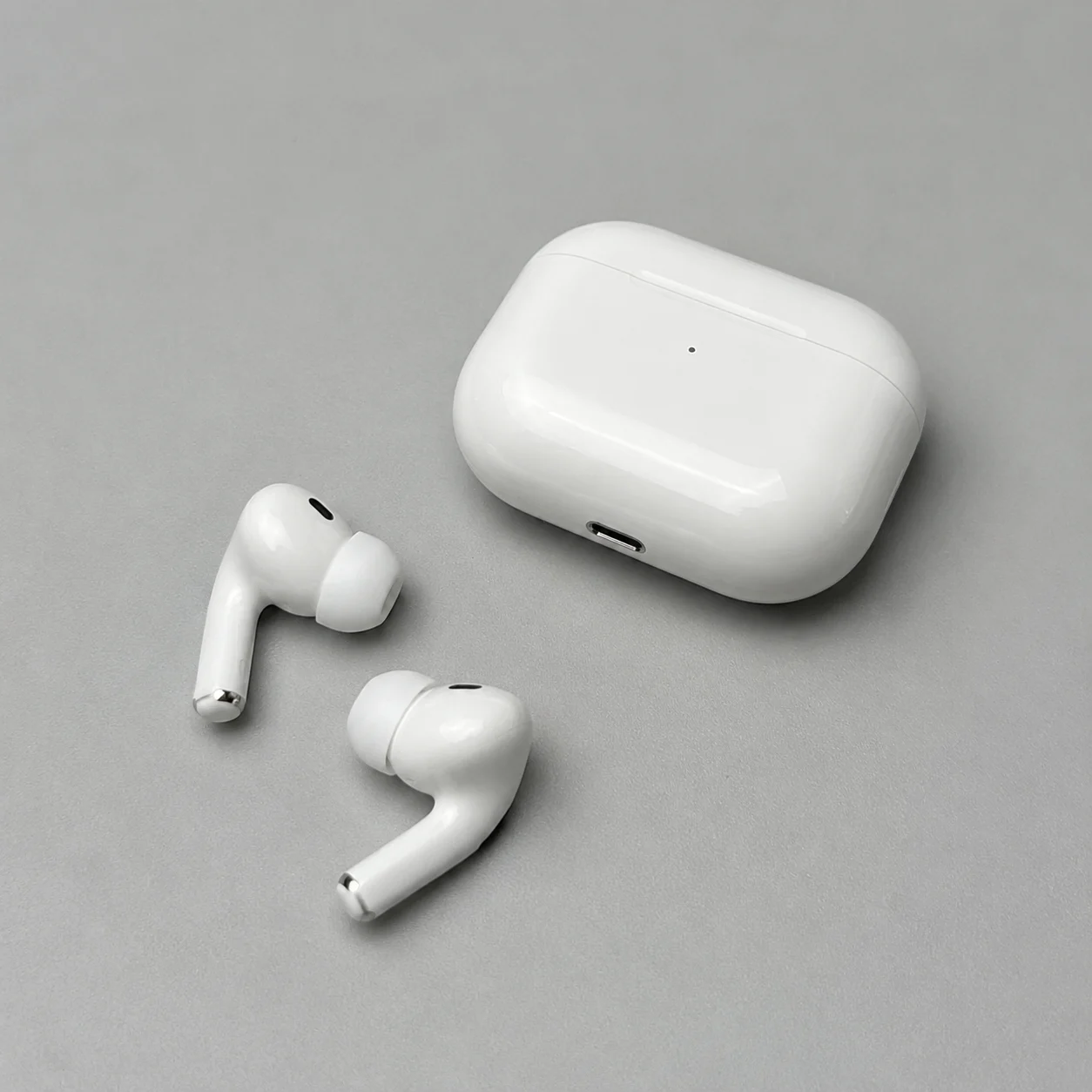 Before
 After
AfterHeadphones move into a restrained seasonal scene while the ear-cup silhouette remains the reference.
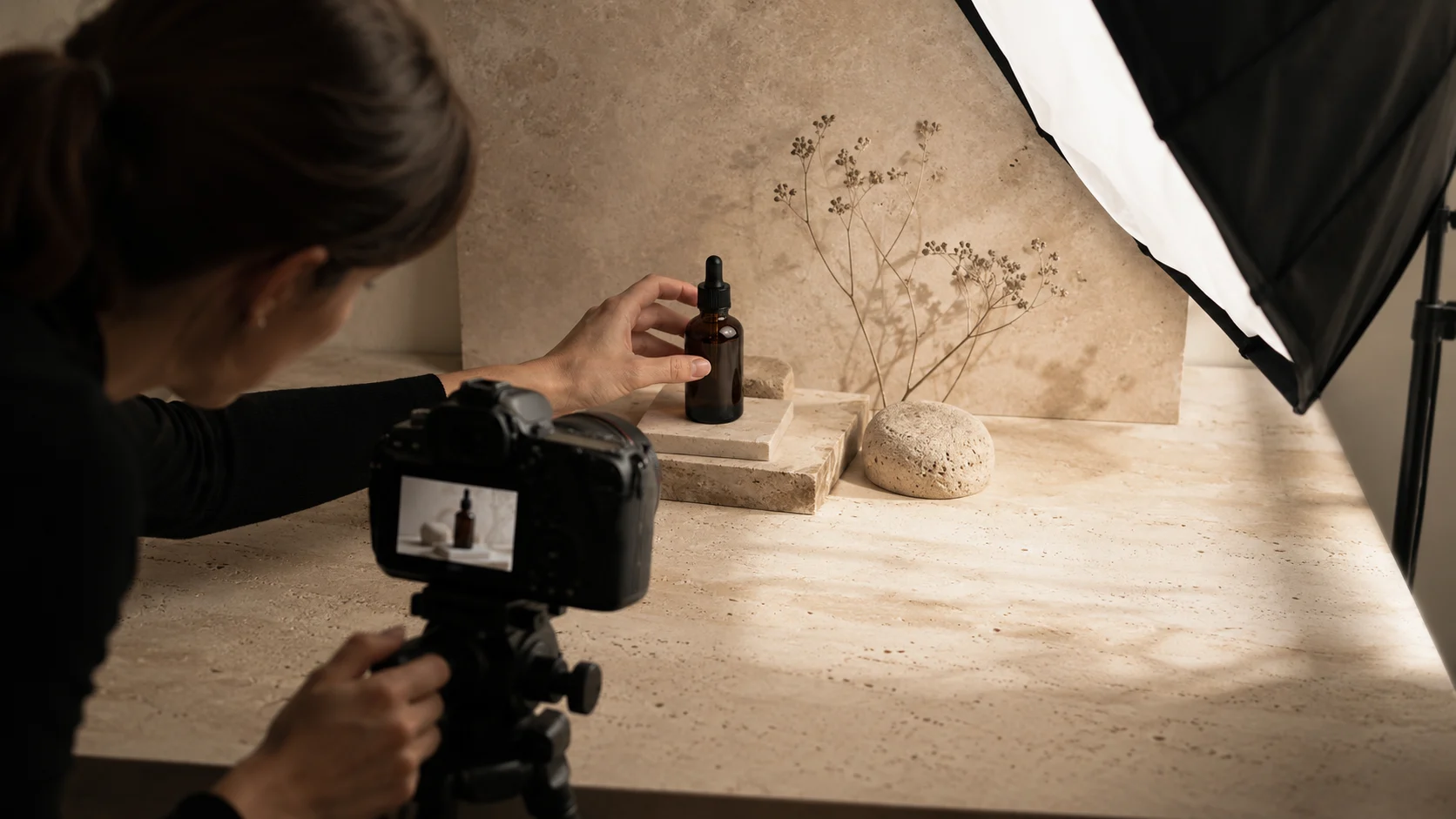
The useful boundary is clear: the workflow changes the environment, not the inventory. That makes it suitable for early ecommerce art direction, where you need to compare contexts before commissioning final photography.
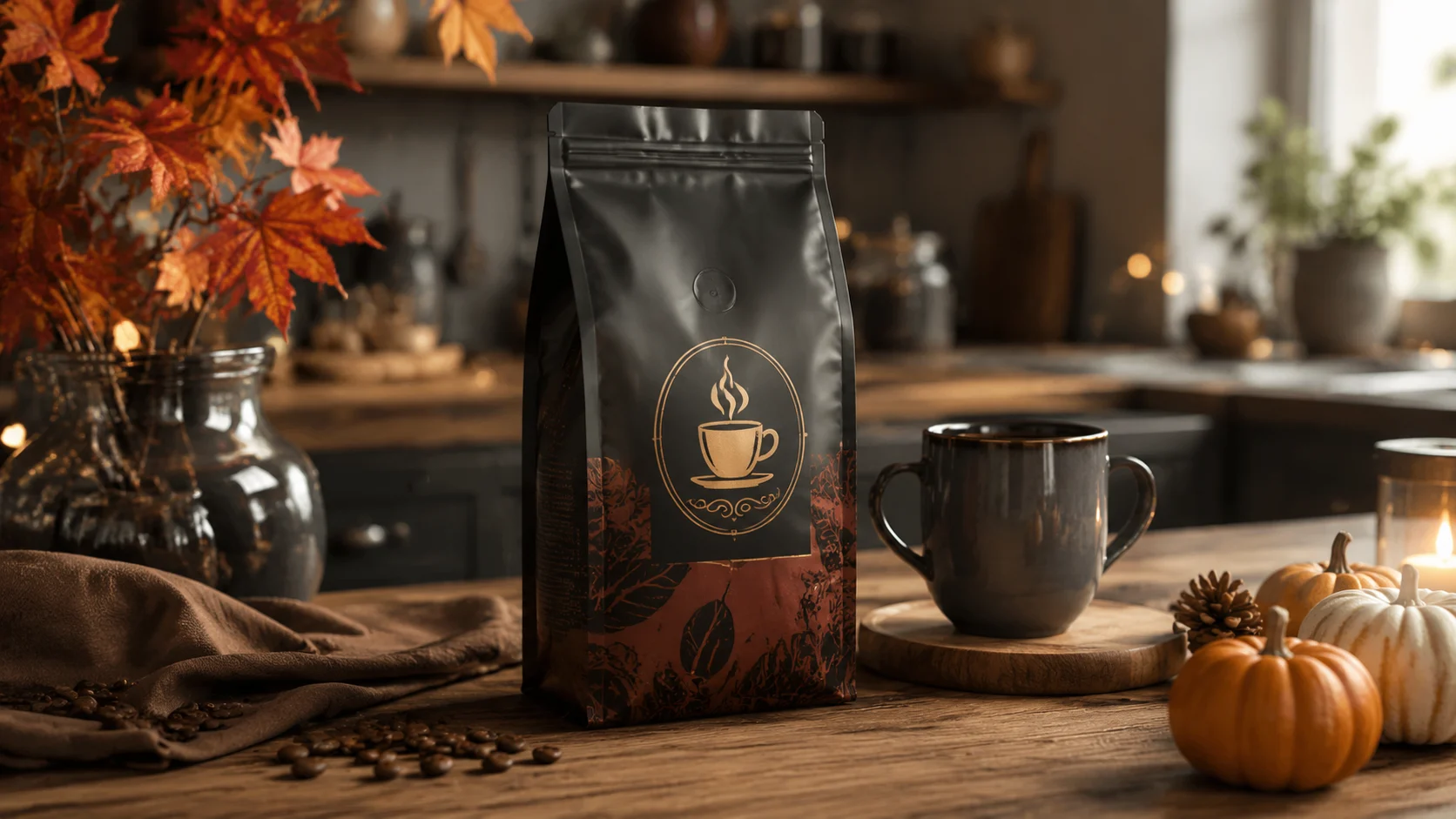
Judge every variant against the original pack shot. Small labels, reflective wrappers, and transparent parts may need a manual pass even when the overall composition looks convincing.
A closer look
An AI product background generator is useful when the pack shot is right but the setting is wrong. It rebuilds the surface and environment around the uploaded item, so you can test a kitchen counter, a quiet studio, or a seasonal scene without organizing another shoot. Keep the master product image and inspect labels before publishing.
Why it works
Keep packaging, logos, and proportions in view
Compare surfaces and light before choosing a campaign direction
Turn one approved product photo into several scene drafts
Creator notes
Eight grounded snapshots from everyday image work—from quick social posts to client-ready drafts.
“I came in for one quick product image and stayed to try three directions. The workflow never made me feel like I needed a tutorial first.”
 Maya R.E-commerce manager
“The controls are restrained in a good way. I can get a useful draft, download it, and finish the last ten percent in my usual design app.”
 Jon BellFreelance designer
“What won me over was consistency. I can repeat the same brief without rebuilding every setting from scratch.”
 Priya S.Content lead
“The first result is often close enough to start a real conversation with a client. That alone saves me a round of mood-board work.”
 Owen K.Independent maker
“I tested it during a busy launch week. It was fast, clear, and I always knew what the next click would do.”
 Nina ParkSocial media editor
“Being able to keep the source image visible matters to me. I can judge what changed instead of guessing from memory.”
 Luis M.Photographer
“It feels designed for actual production work, not just a flashy demo. The examples are practical and the output is easy to hand off.”
 Sophie ChenBrand coordinator
“I mostly use it for small weekly assets. It turns the blank-page moment into something I can react to in a couple of minutes.”
 Tom W.Newsletter creator
AI Product Background Generator
The workflow asks the model to preserve the product, but tiny lettering, glossy wrap, and curved containers can still shift. Zoom in on every label and logo before publishing.
A cutout or plain-background source usually gives the cleanest boundary. A busy desk photo can work, but existing clutter and shadows make scene replacement less predictable.
You can request a white scene, but marketplace image rules vary by category and country. Check the current destination requirements rather than treating the generated image as automatically compliant.
Jewelry, glass, and translucent packaging are more difficult because reflections can be mistaken for edges. Use the clearest source you have and expect to review highlights.
A floating product usually means the source base or the light direction is unclear. Try a straighter source image and a surface that agrees with the original lighting.
Keep the product and camera direction fixed while changing only the scene preset. That makes the variants easier to compare and keeps a listing set coherent.
Use a sharp, lightly compressed image with the full subject visible. Heavy blur, tight cropping, or repeatedly edited files make important details harder to preserve and review.
Compare the output with the source at full size. Check identity, edges, text, hands, texture, and composition, and keep the original file for any important use.
✦ One focused tool, ready for your next idea
An AI product background generator lets you test a new setting around an existing pack shot. Keep the product itself stable while exploring a studio surface, a lifestyle counter, or a seasonal campaign scene.
Start with AI Product Background Generator