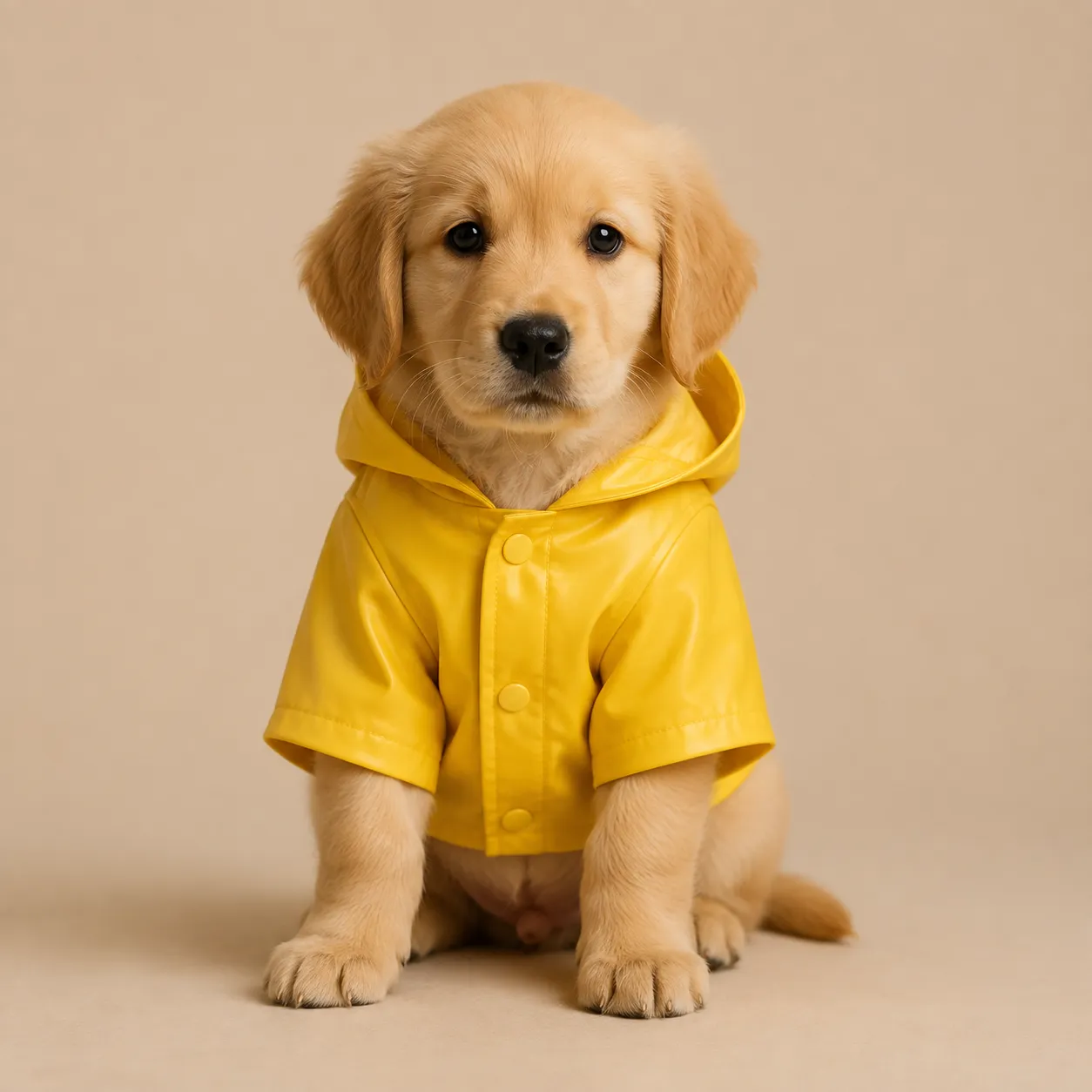
 Before
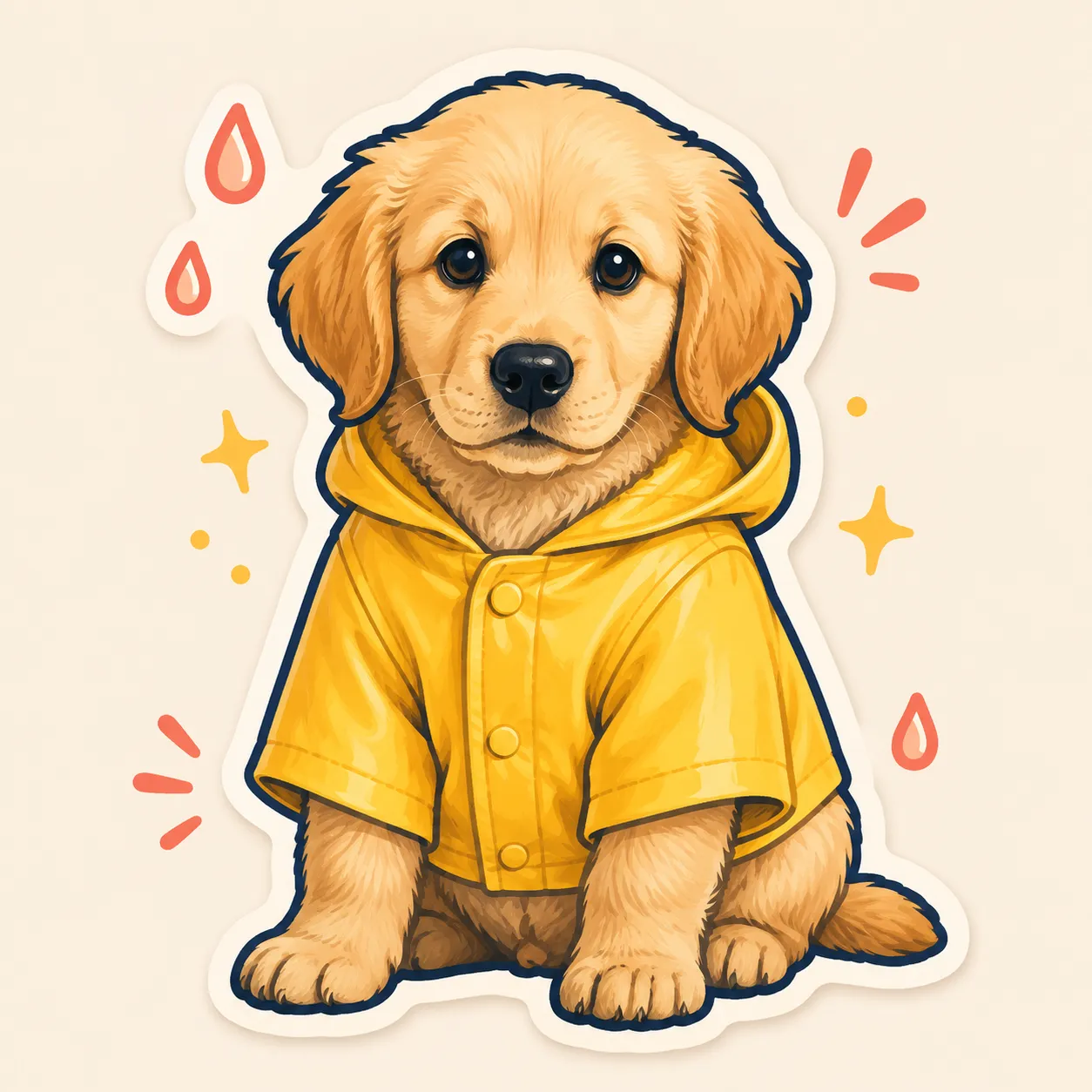 After
AfterPet reaction sticker
A pet photo inspires a simple reaction sticker concept with a friendly expression.
Use an AI sticker generator to turn a character, object, phrase, or photo into a sticker concept. Choose a visual mood and outline direction, then review the edges and text before sharing or printing.
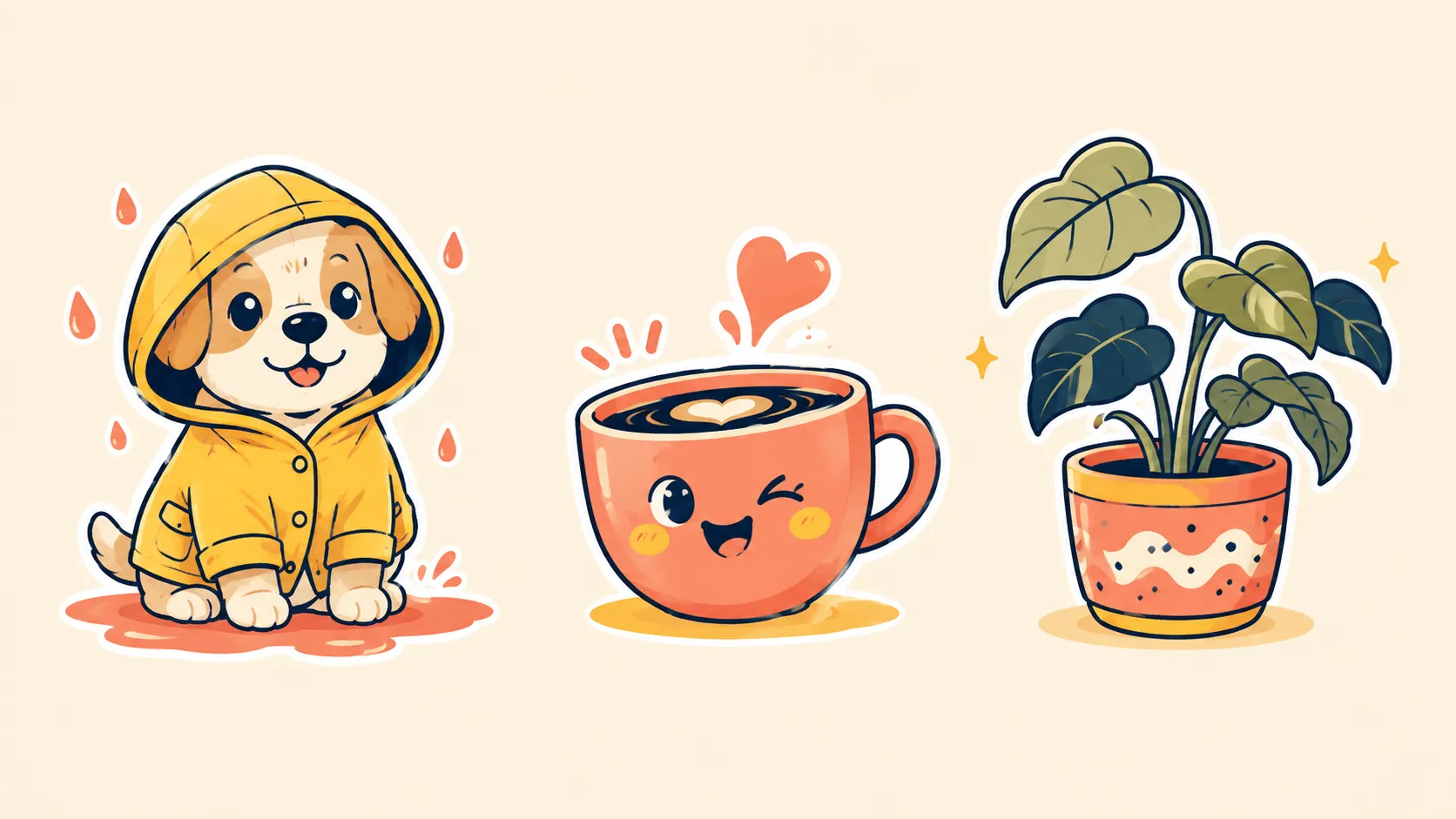
Use an AI sticker generator to turn a character, object, phrase, or photo into a sticker concept. Choose a visual mood and outline direction, then review the edges and text before sharing or printing.

Describe a character, pet, object, mascot, or short visual idea for the sticker.
Ask for a clear silhouette, a visible outline, and a simple expression or pose.
Check the contour, small details, and any lettering before making the sticker part of a pack.
Before / After
BeforeAfterA pet photo inspires a simple reaction sticker concept with a friendly expression.
 Before
 After
AfterA mascot brief becomes a compact illustrated sticker direction for a brand pack.
 Before
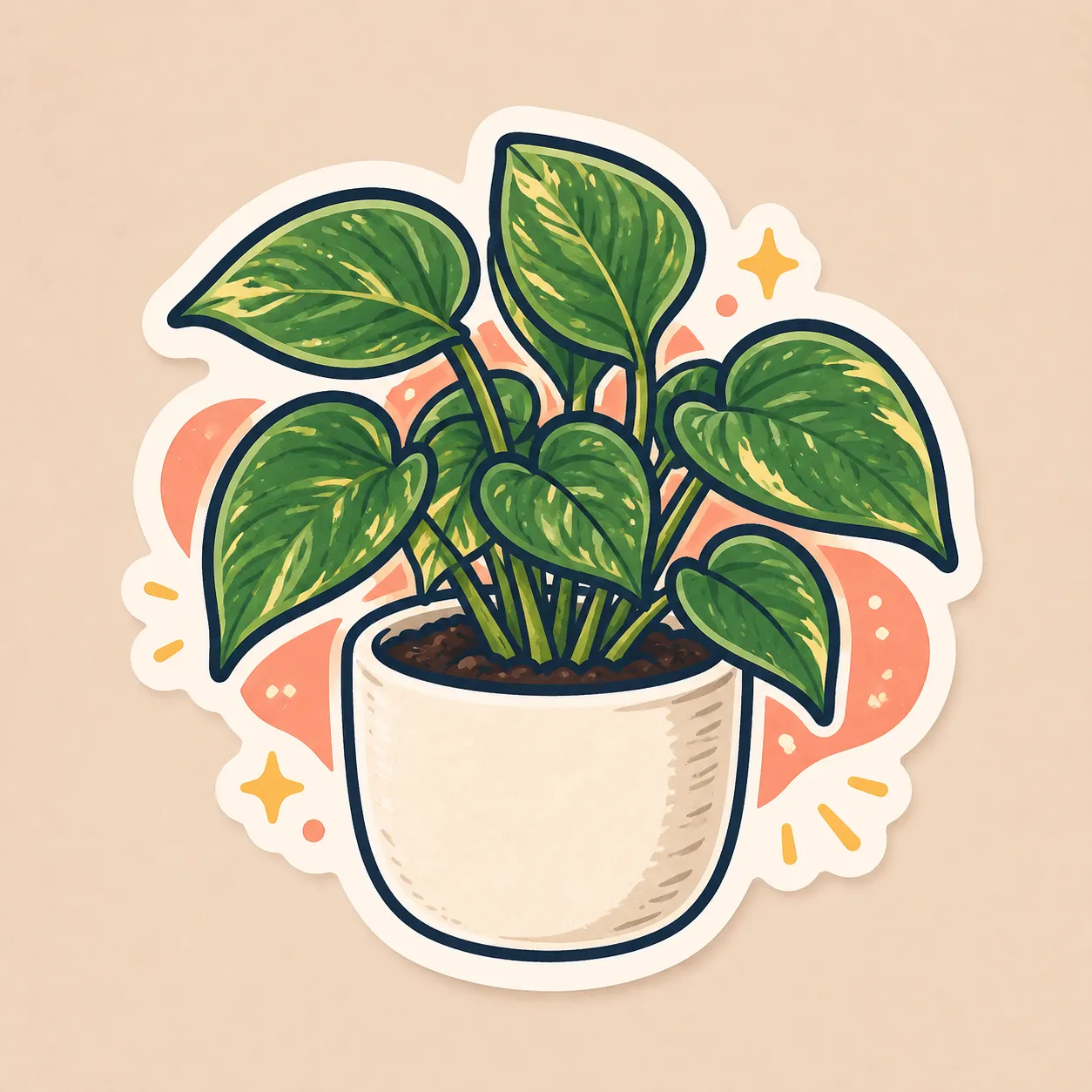 After
AfterA short celebration idea is shaped into a colorful sticker with a readable silhouette.
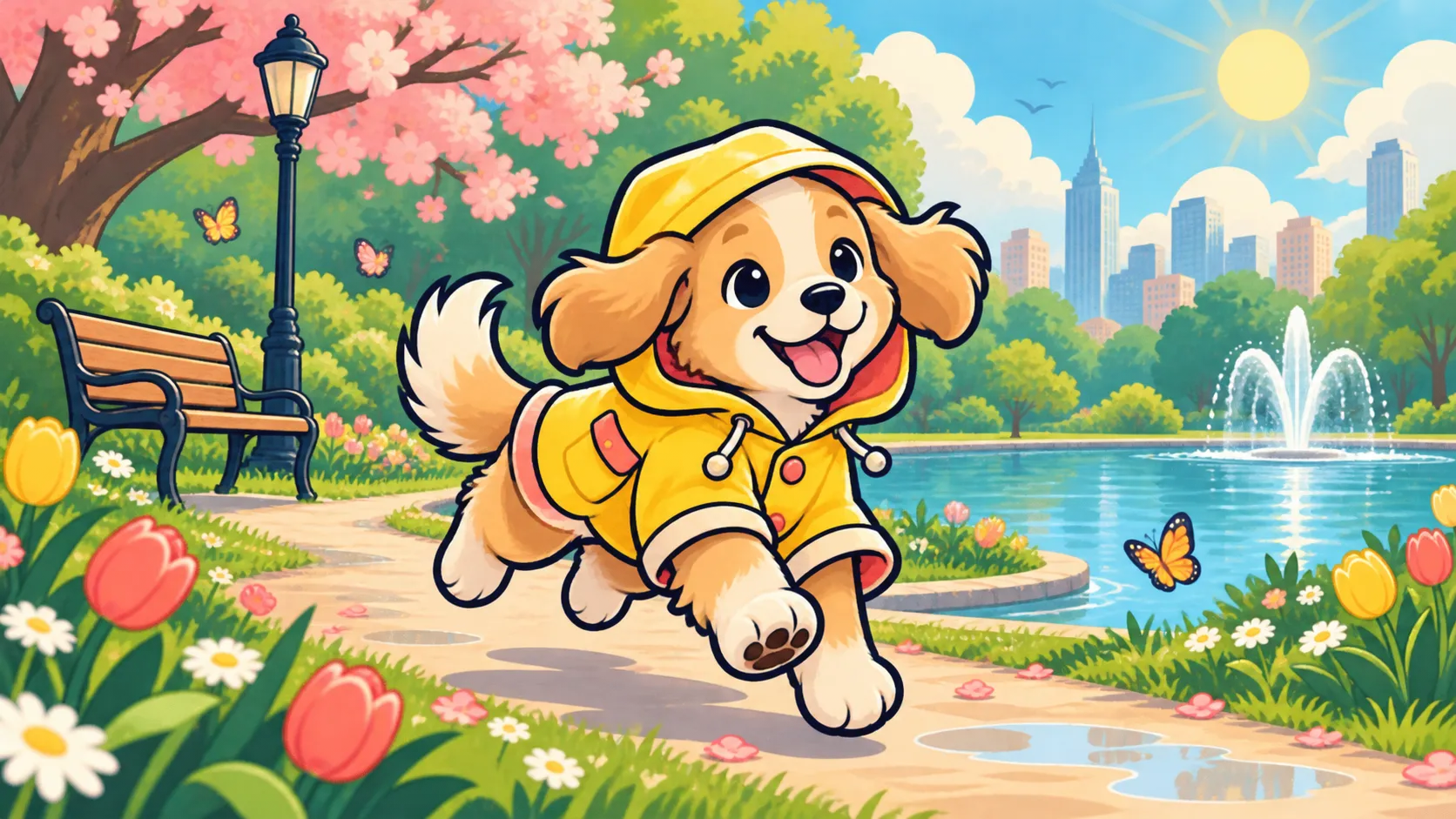
Strong outer shapes help an image read at small sizes. Start with one subject and one expression before adding decoration.
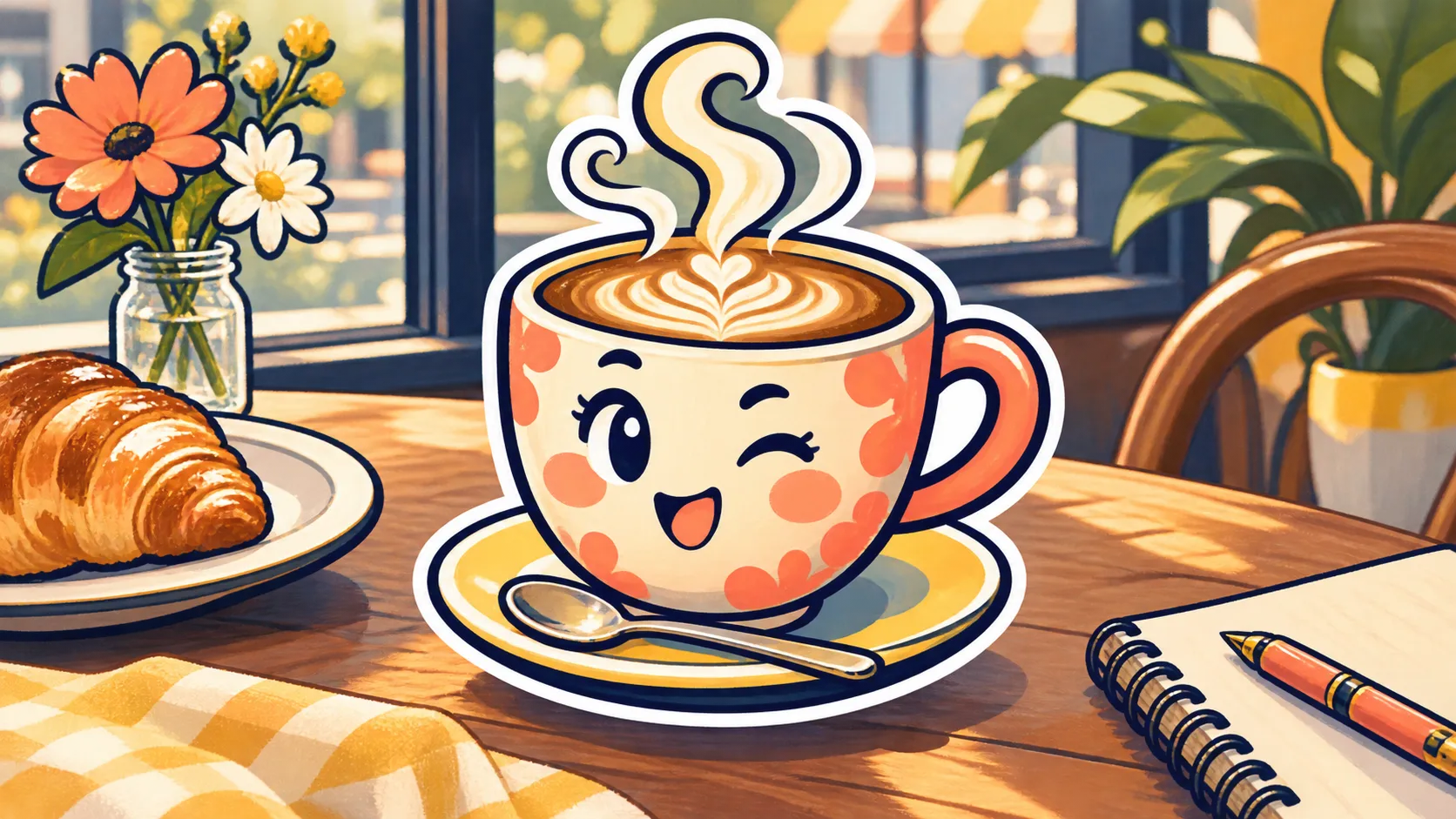
A consistent outline and color language can make separate concepts feel related without repeating the same pose.
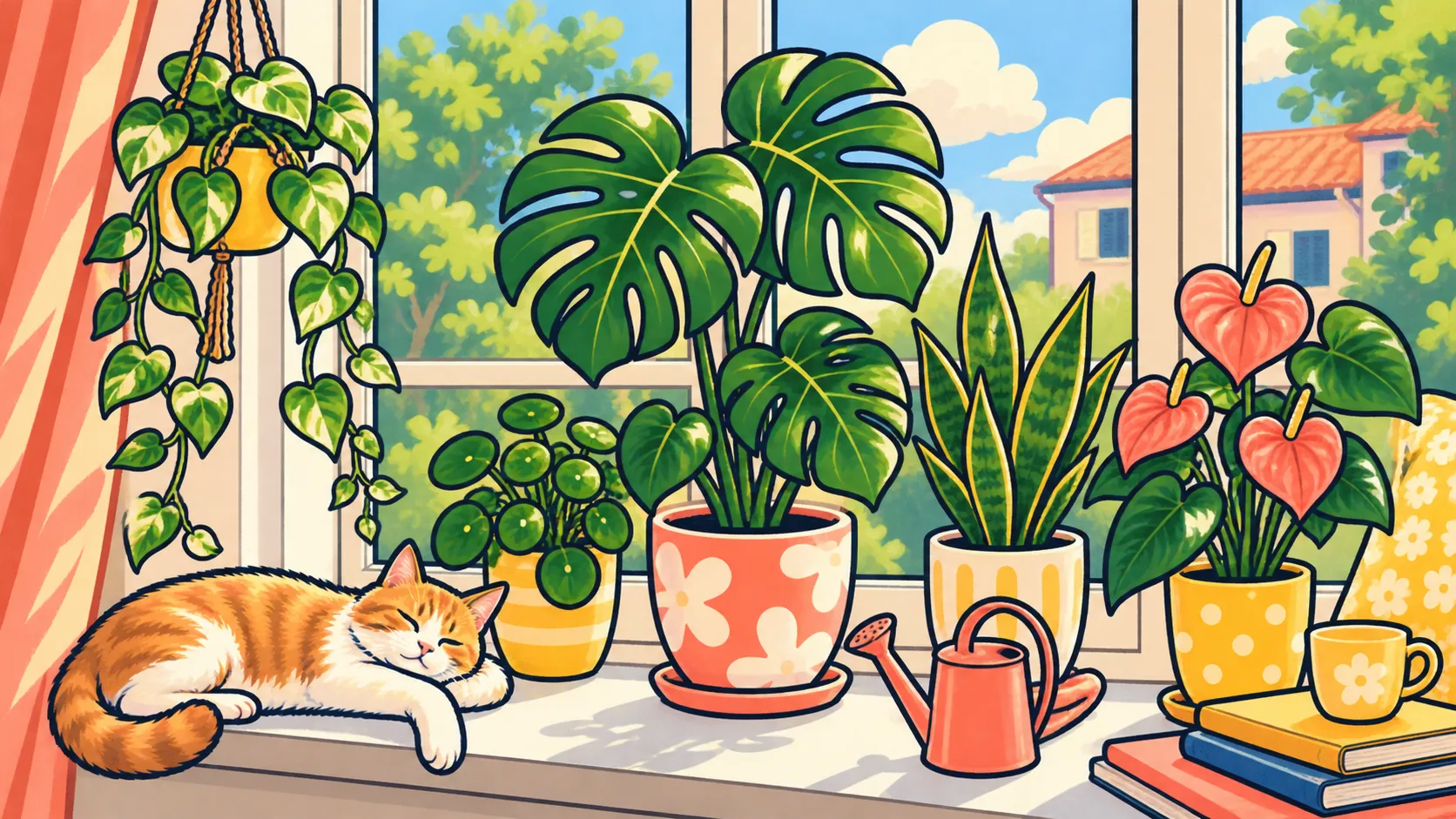
Small lettering and borders can change during generation. Inspect the image at the size where it will actually be used.
A closer look
The generator is designed for sticker concepts from prompts or references. Check the final edge, background, lettering, and usage rights before making physical or commercial stickers.
Why it works
Start from a short idea or a subject photo when you want a more personal direction.
Explore outline, expression, and mood options that can work together in a set.
Keep the silhouette and details in view before sharing the sticker at chat size.
Creator notes
Eight grounded snapshots from everyday image work—from quick social posts to client-ready drafts.
“I came in for one quick product image and stayed to try three directions. The workflow never made me feel like I needed a tutorial first.”
 Maya R.E-commerce manager
“The controls are restrained in a good way. I can get a useful draft, download it, and finish the last ten percent in my usual design app.”
 Jon BellFreelance designer
“What won me over was consistency. I can repeat the same brief without rebuilding every setting from scratch.”
 Priya S.Content lead
“The first result is often close enough to start a real conversation with a client. That alone saves me a round of mood-board work.”
 Owen K.Independent maker
“I tested it during a busy launch week. It was fast, clear, and I always knew what the next click would do.”
 Nina ParkSocial media editor
“Being able to keep the source image visible matters to me. I can judge what changed instead of guessing from memory.”
 Luis M.Photographer
“It feels designed for actual production work, not just a flashy demo. The examples are practical and the output is easy to hand off.”
 Sophie ChenBrand coordinator
“I mostly use it for small weekly assets. It turns the blank-page moment into something I can react to in a couple of minutes.”
 Tom W.Newsletter creator
AI Sticker Generator
Yes, where reference uploads are supported. Use a photo you have the right to use and describe the expression or illustrated direction you want.
Do not assume it will. Check the downloaded file and remove or refine the background in a separate step when transparency is required.
Use one clear subject, a strong outline, simple shapes, and limited detail. Preview the result at the actual size before publishing.
It can suggest short lettering, but generated text may need correction. Proofread it before using it in a sticker pack or label.
You can generate related concepts one at a time. Keep the same style and outline choices, then curate and edit the set for consistency.
Check the current service terms, marketplace rules, and the rights to any uploaded or referenced material before selling it.
Use a sharp, lightly compressed image with the full subject visible. Heavy blur, tight cropping, or repeatedly edited files make important details harder to preserve and review.
Compare the output with the source at full size. Check identity, edges, text, hands, texture, and composition, and keep the original file for any important use.
✦ One focused tool, ready for your next idea
Use an AI sticker generator to turn a character, object, phrase, or photo into a sticker concept. Choose a visual mood and outline direction, then review the edges and text before sharing or printing.
Start with AI Sticker Generator