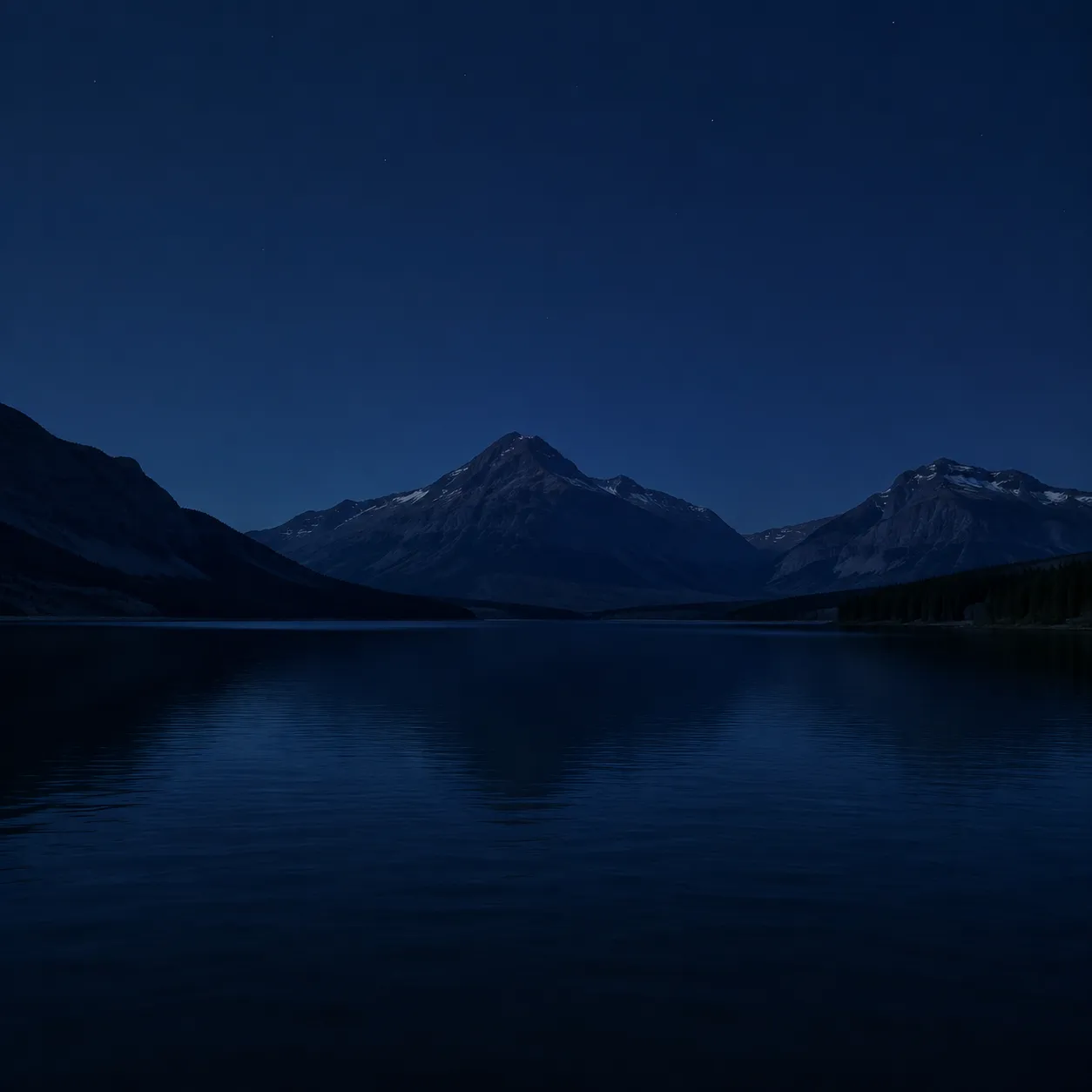
 Before
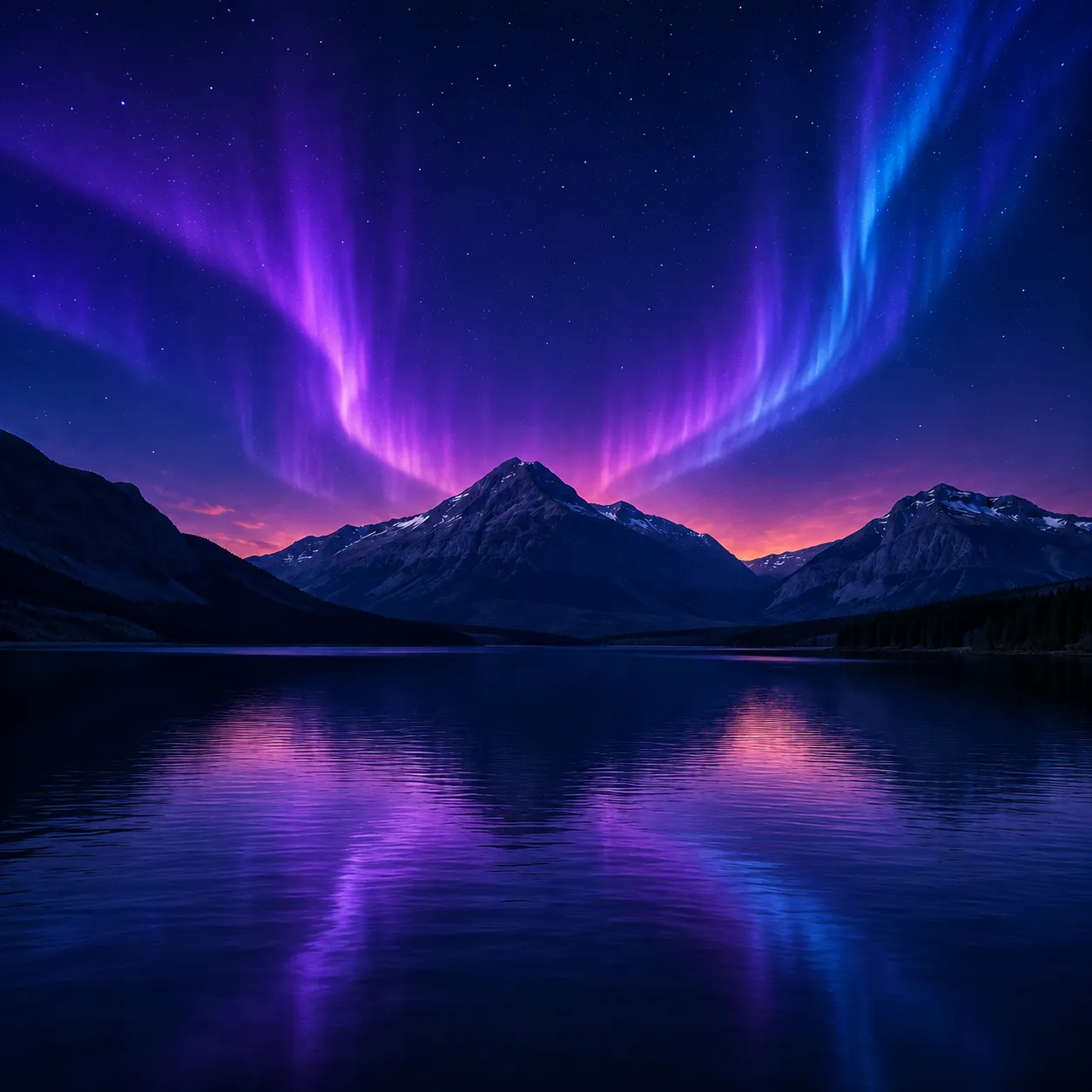 After
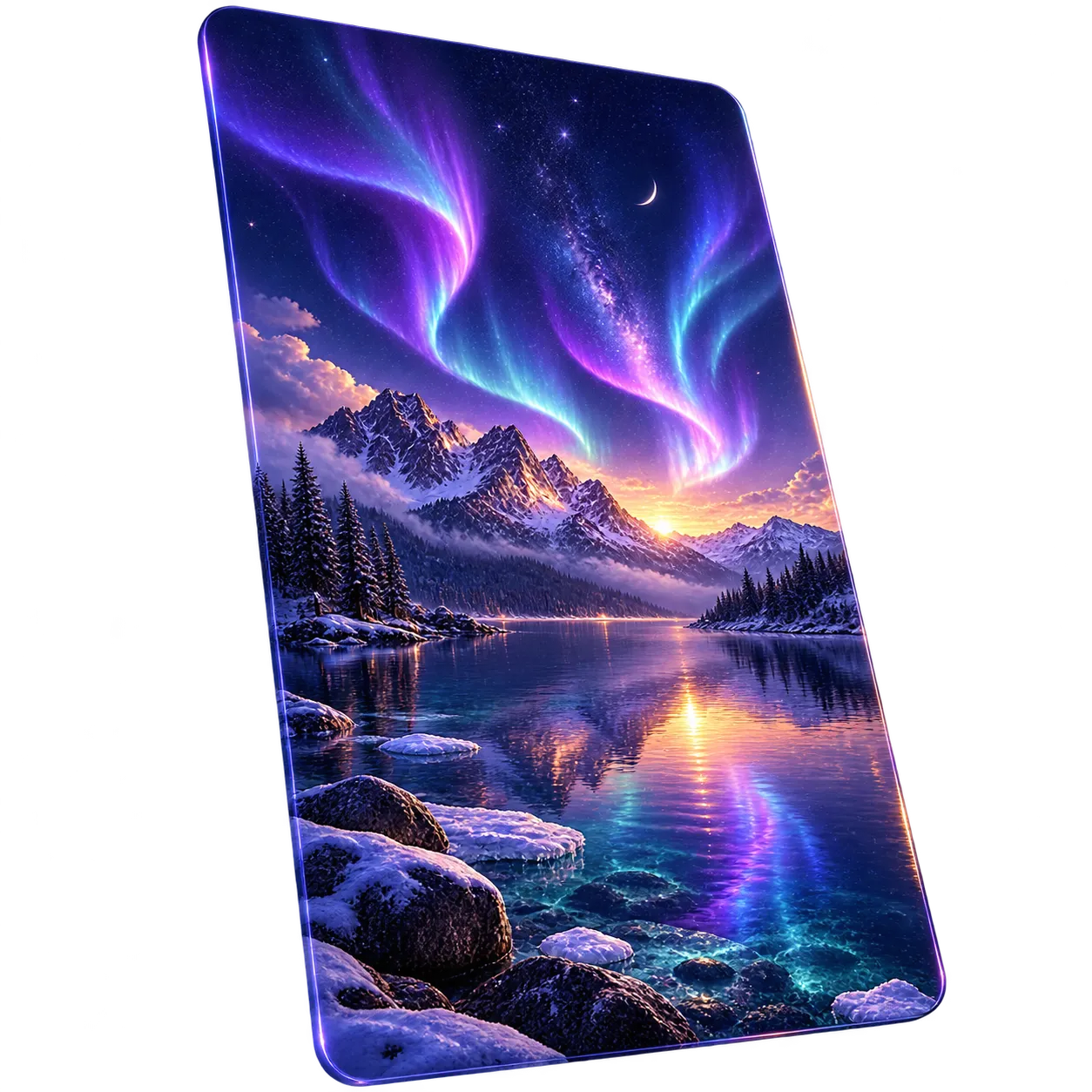
AfterQuiet phone lock screen
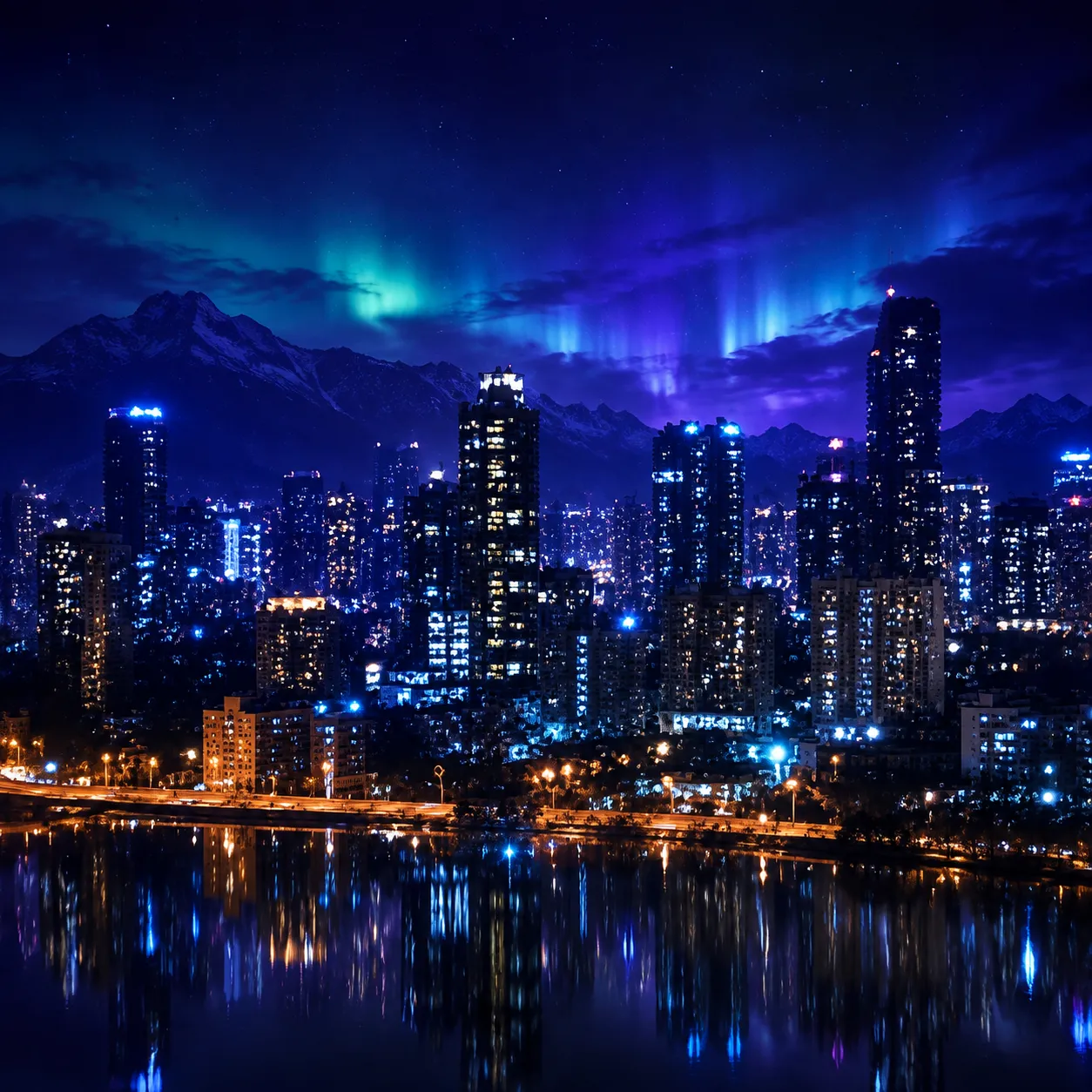
A calm night scene leaves an open area where a phone clock and icons can remain readable.
Use an AI wallpaper generator to create a background around your screen shape, subject, mood, and preferred empty space. Choose a portrait or landscape direction, then check the crop on the device where it will appear.
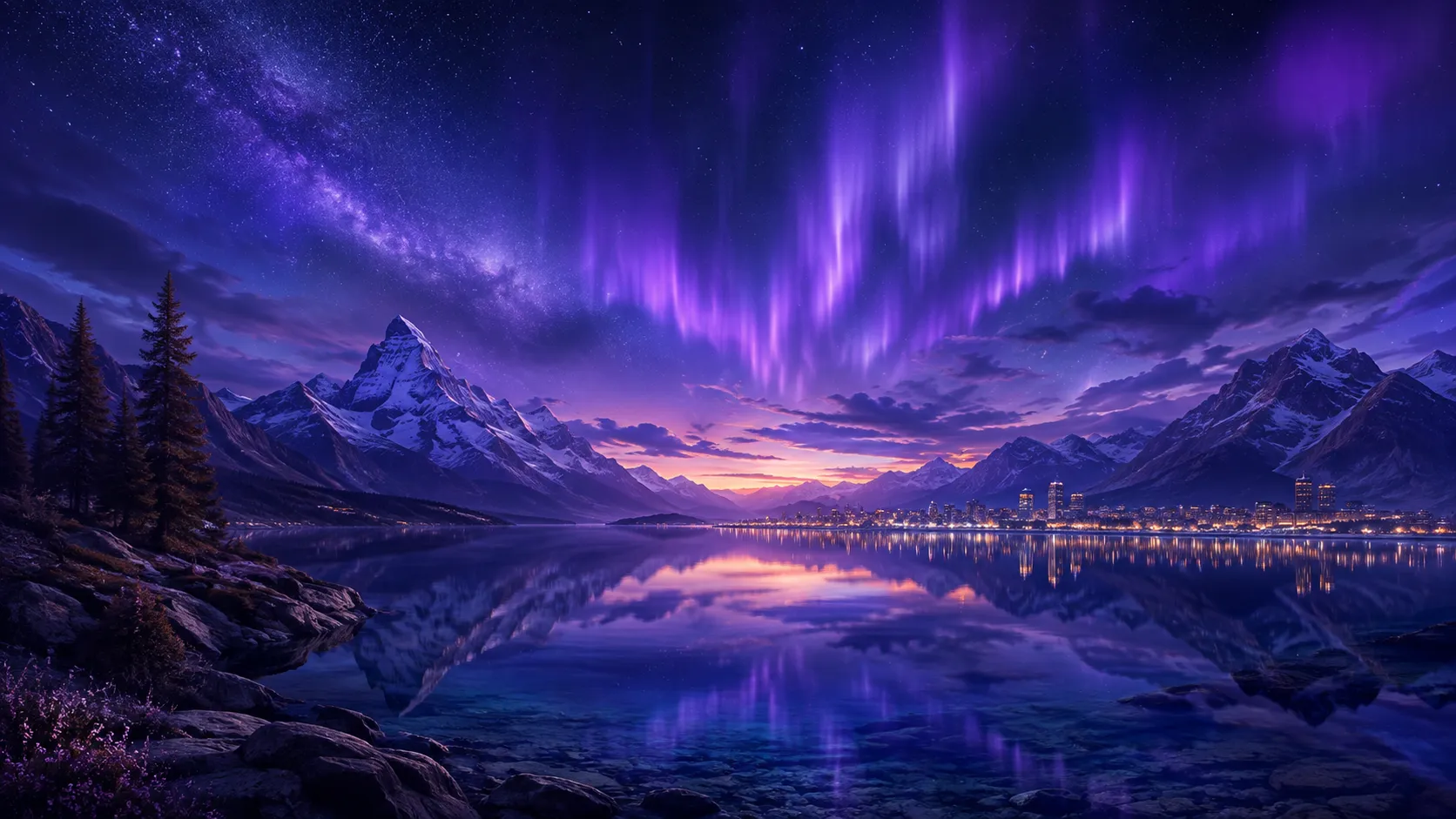
Use an AI wallpaper generator to create a background around your screen shape, subject, mood, and preferred empty space. Choose a portrait or landscape direction, then check the crop on the device where it will appear.
Decide whether you need a tall phone background, a desktop landscape, or a wider monitor composition.
Name the subject, palette, lighting, and quiet areas that should stay behind icons or interface text.
Preview the downloaded image on the target screen and regenerate if the focal point is hidden or crowded.
Before / After
BeforeAfterA calm night scene leaves an open area where a phone clock and icons can remain readable.
 Before
 After
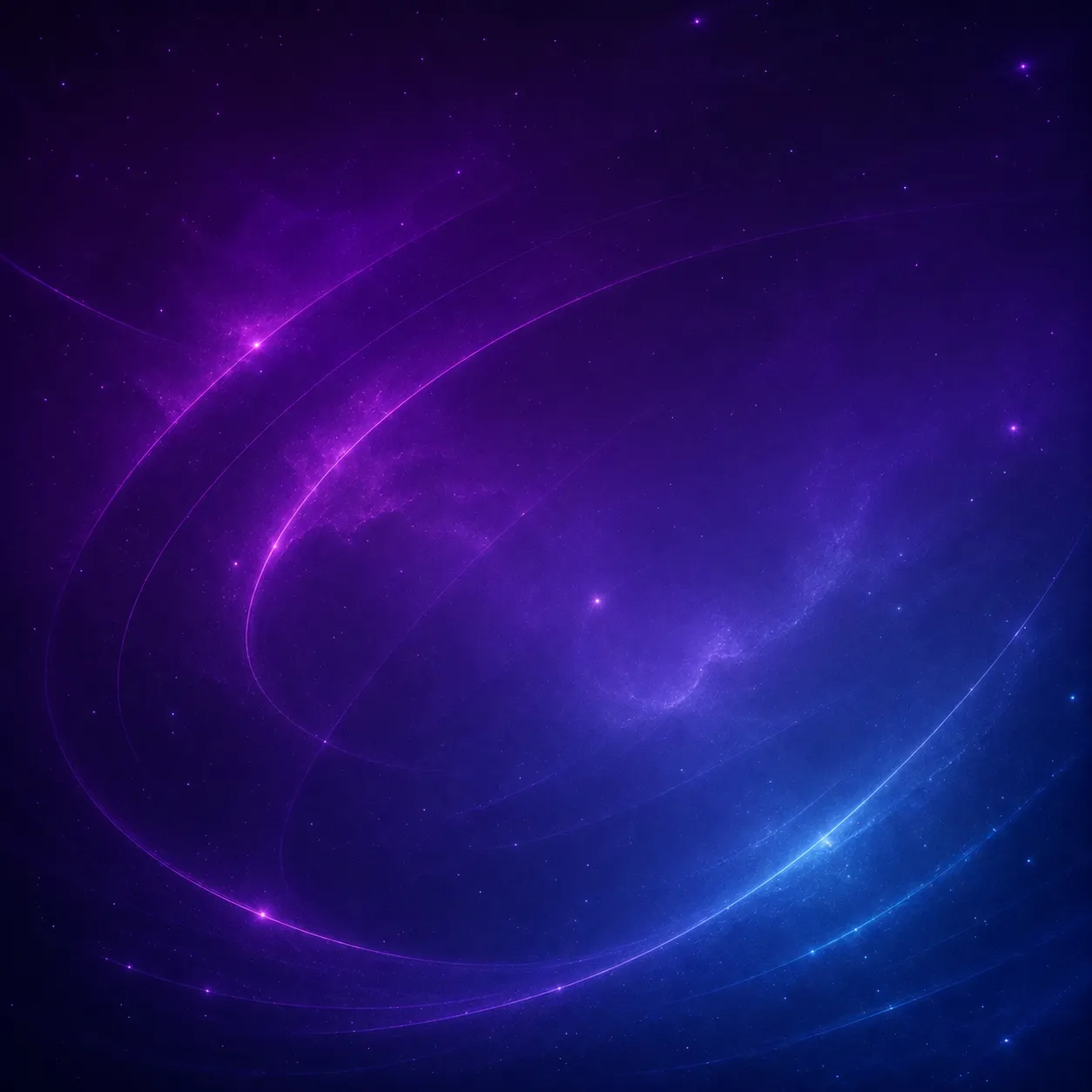
AfterA wide landscape composition gives a desktop monitor a clear focal point without filling every corner.
 Before
 After
AfterA soft abstract direction is shaped for a tablet-sized portrait background and a quieter interface.
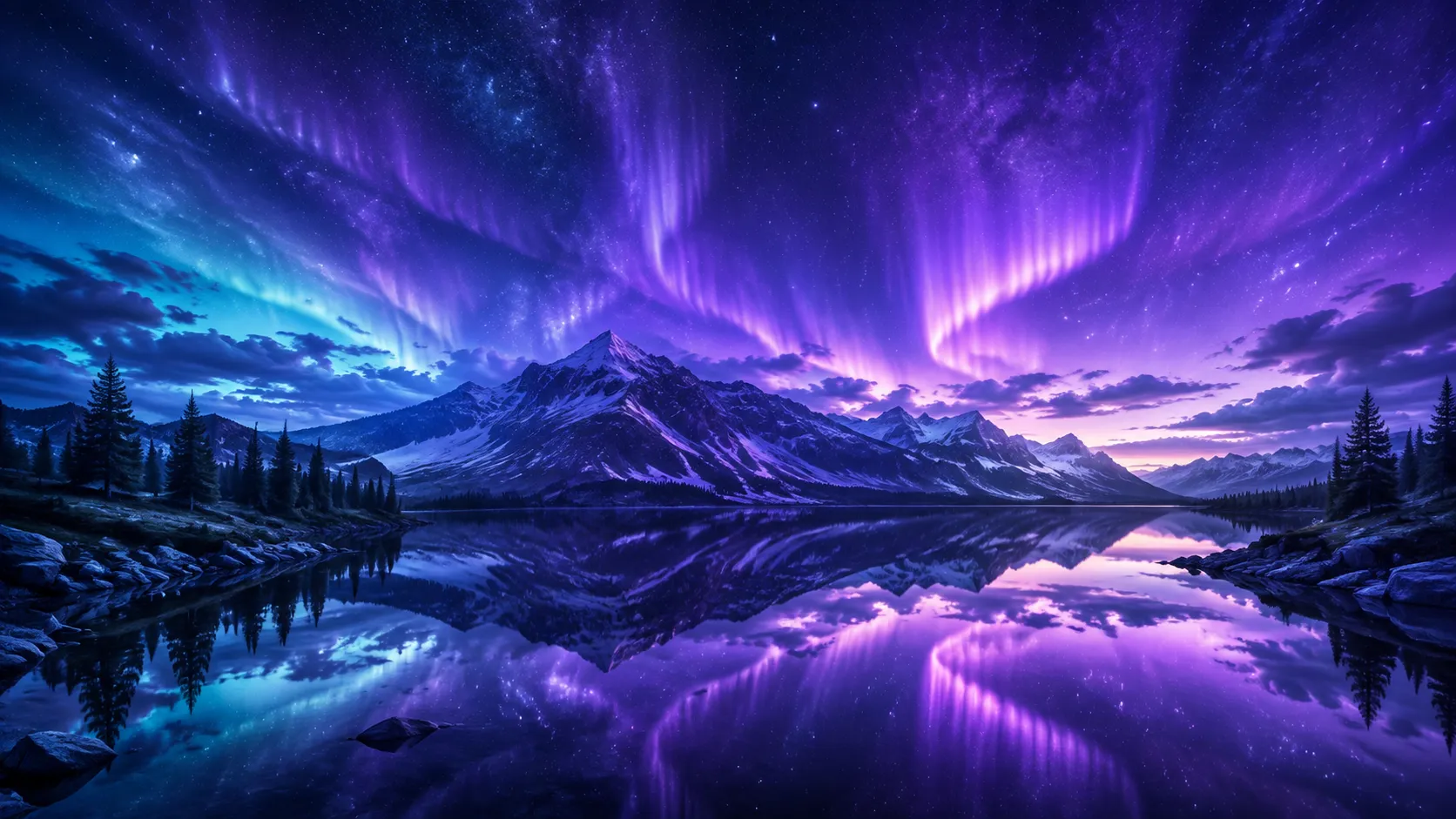
A wallpaper is more than a pretty image. Orientation, focal-point placement, and empty space decide whether it works behind an interface.
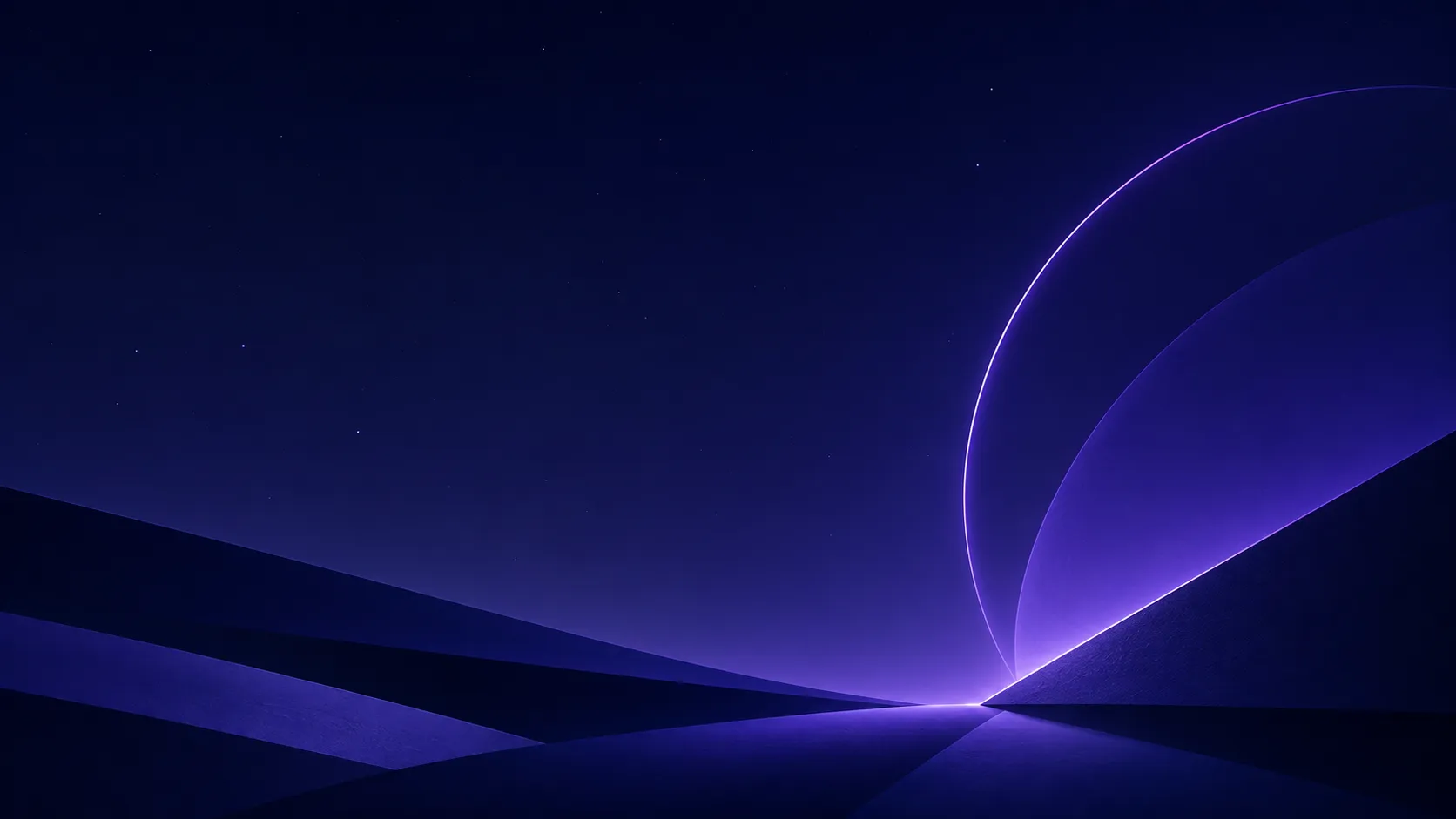
A matching phone and desktop set starts from the same subject and palette, then adapts the composition to each ratio.
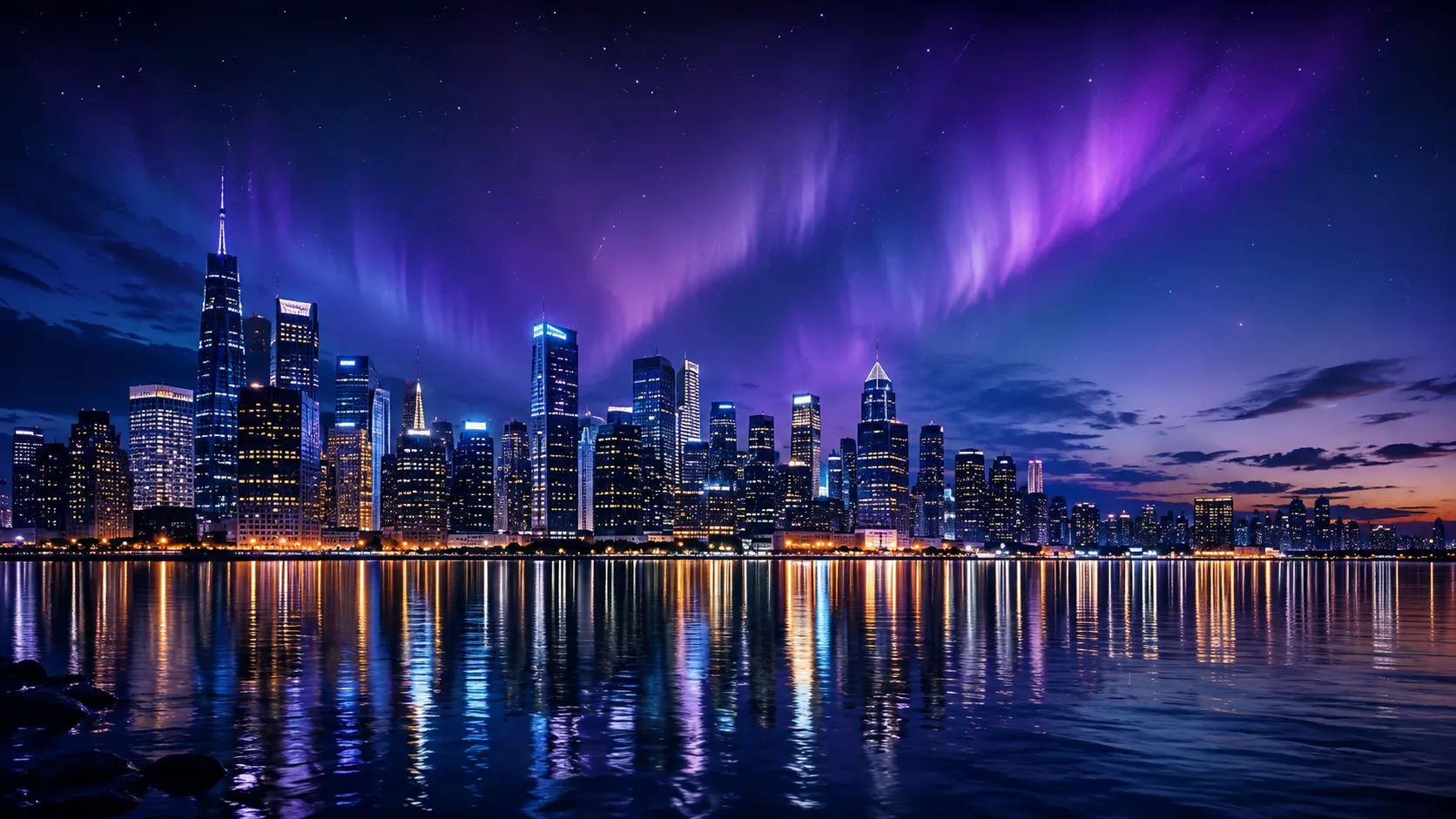
Different screens crop and scale images differently. Open the result on the intended device before making it your everyday background.
A closer look
The generator creates wallpaper concepts for different orientations. Device dimensions, download resolution, and final fit still need to be checked on the target screen.
Why it works
Start with a phone, tablet, or desktop direction instead of a generic canvas.
Describe where icons, a clock, or interface text should remain readable.
Carry a shared mood into separate portrait and landscape compositions.
Creator notes
Eight grounded snapshots from everyday image work—from quick social posts to client-ready drafts.
“I came in for one quick product image and stayed to try three directions. The workflow never made me feel like I needed a tutorial first.”
 Maya R.E-commerce manager
“The controls are restrained in a good way. I can get a useful draft, download it, and finish the last ten percent in my usual design app.”
 Jon BellFreelance designer
“What won me over was consistency. I can repeat the same brief without rebuilding every setting from scratch.”
 Priya S.Content lead
“The first result is often close enough to start a real conversation with a client. That alone saves me a round of mood-board work.”
 Owen K.Independent maker
“I tested it during a busy launch week. It was fast, clear, and I always knew what the next click would do.”
 Nina ParkSocial media editor
“Being able to keep the source image visible matters to me. I can judge what changed instead of guessing from memory.”
 Luis M.Photographer
“It feels designed for actual production work, not just a flashy demo. The examples are practical and the output is easy to hand off.”
 Sophie ChenBrand coordinator
“I mostly use it for small weekly assets. It turns the blank-page moment into something I can react to in a couple of minutes.”
 Tom W.Newsletter creator
AI Wallpaper Generator
Yes. Choose a phone direction and describe where you want the focal point and open space. Check the crop on your actual device afterward.
Yes. Choose a desktop direction and describe a wide composition. Preview it at your monitor's aspect ratio before setting it as a background.
Ask for a calm, uncluttered area behind the icons or clock and keep the main subject away from that area.
Use the resolution options actually shown in the workspace and verify the downloaded dimensions. Do not assume a prompt alone creates 4K output.
Yes. Reuse the same subject, palette, and mood, then change the composition for each screen direction instead of stretching one crop.
The source ratio may not match your device. Choose the closest screen direction, move the focal subject into safer space, and preview the result before downloading.
Use a sharp, lightly compressed image with the full subject visible. Heavy blur, tight cropping, or repeatedly edited files make important details harder to preserve and review.
Compare the output with the source at full size. Check identity, edges, text, hands, texture, and composition, and keep the original file for any important use.
✦ One focused tool, ready for your next idea
Use an AI wallpaper generator to create a background around your screen shape, subject, mood, and preferred empty space. Choose a portrait or landscape direction, then check the crop on the device where it will appear.
Start with AI Wallpaper Generator