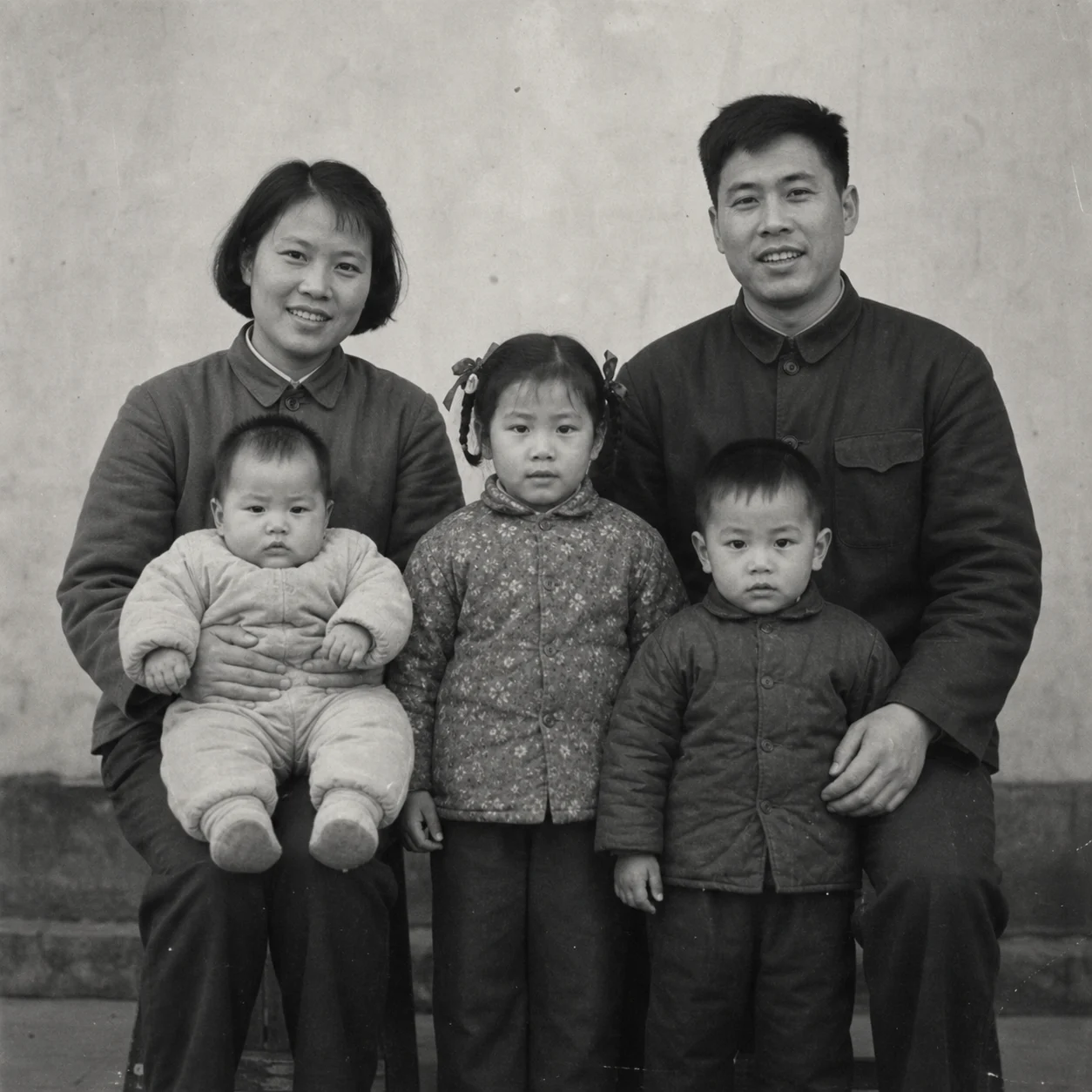
 Before
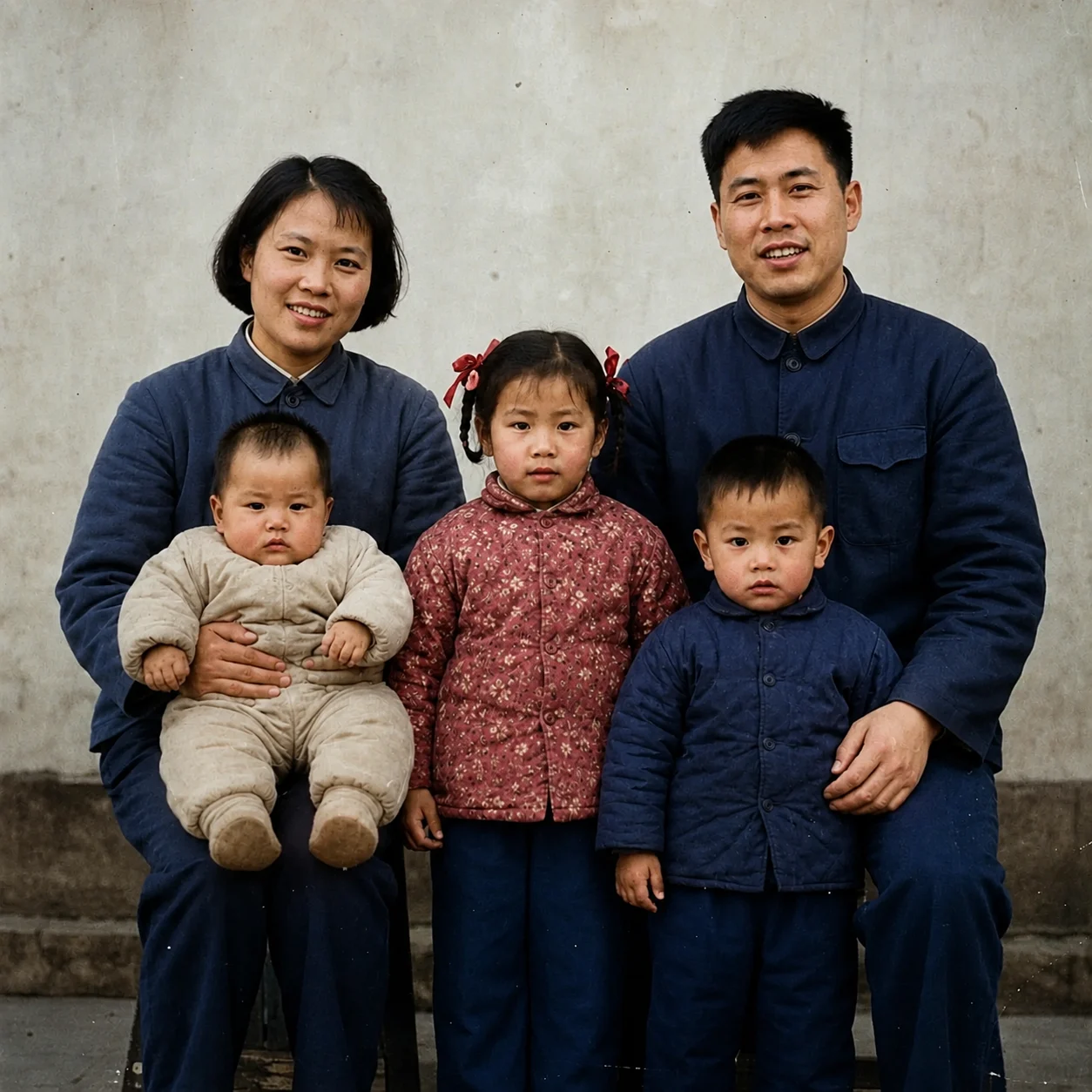 After
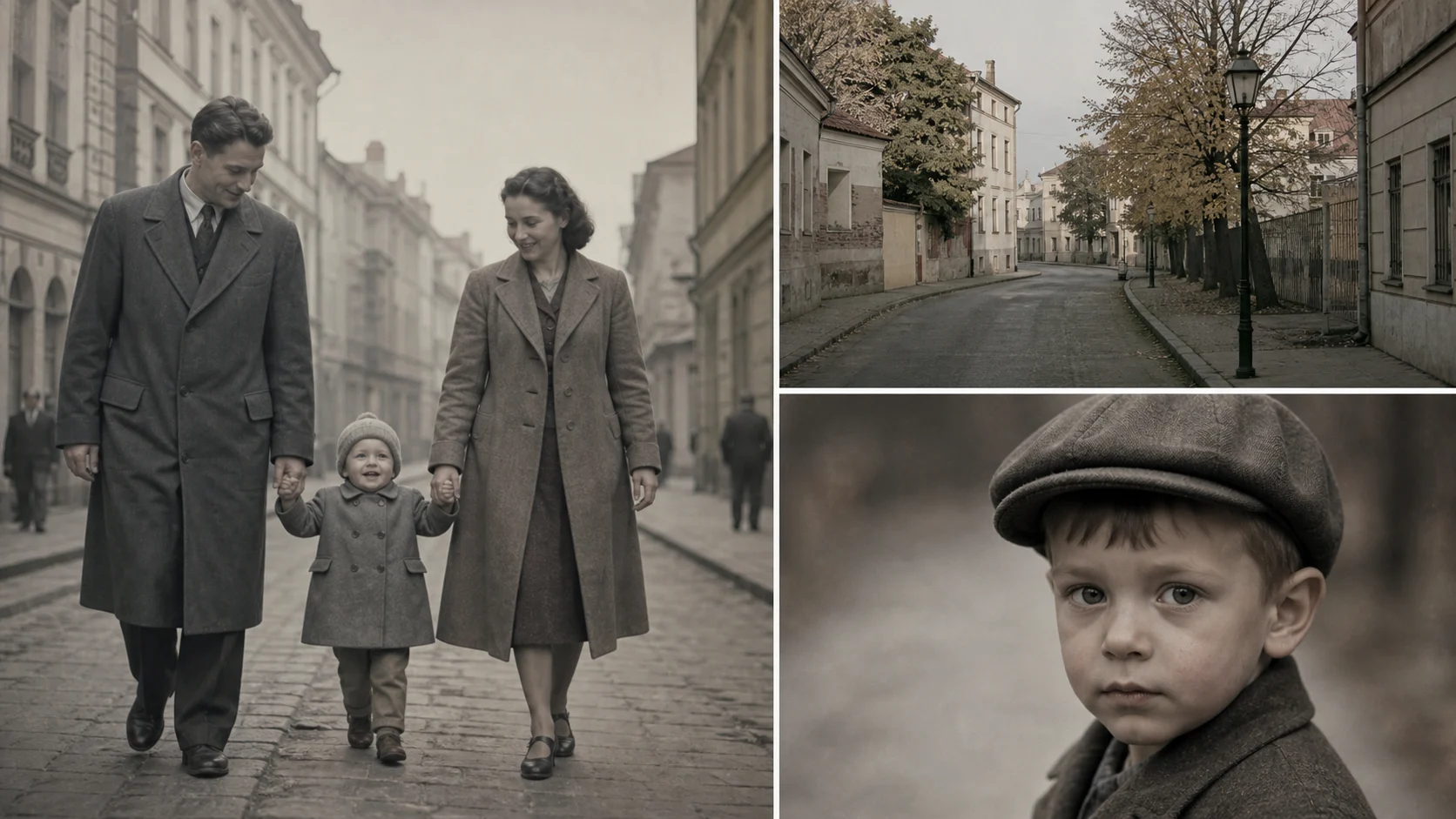
AfterFamily portrait natural colorization
A family portrait receives quiet skin and clothing tones without a modern beauty look.
Colorize black and white photos when you want a visual impression of the scene in color. The result is an informed guess from grayscale cues, not proof of the original clothing, skin, or architecture colors.
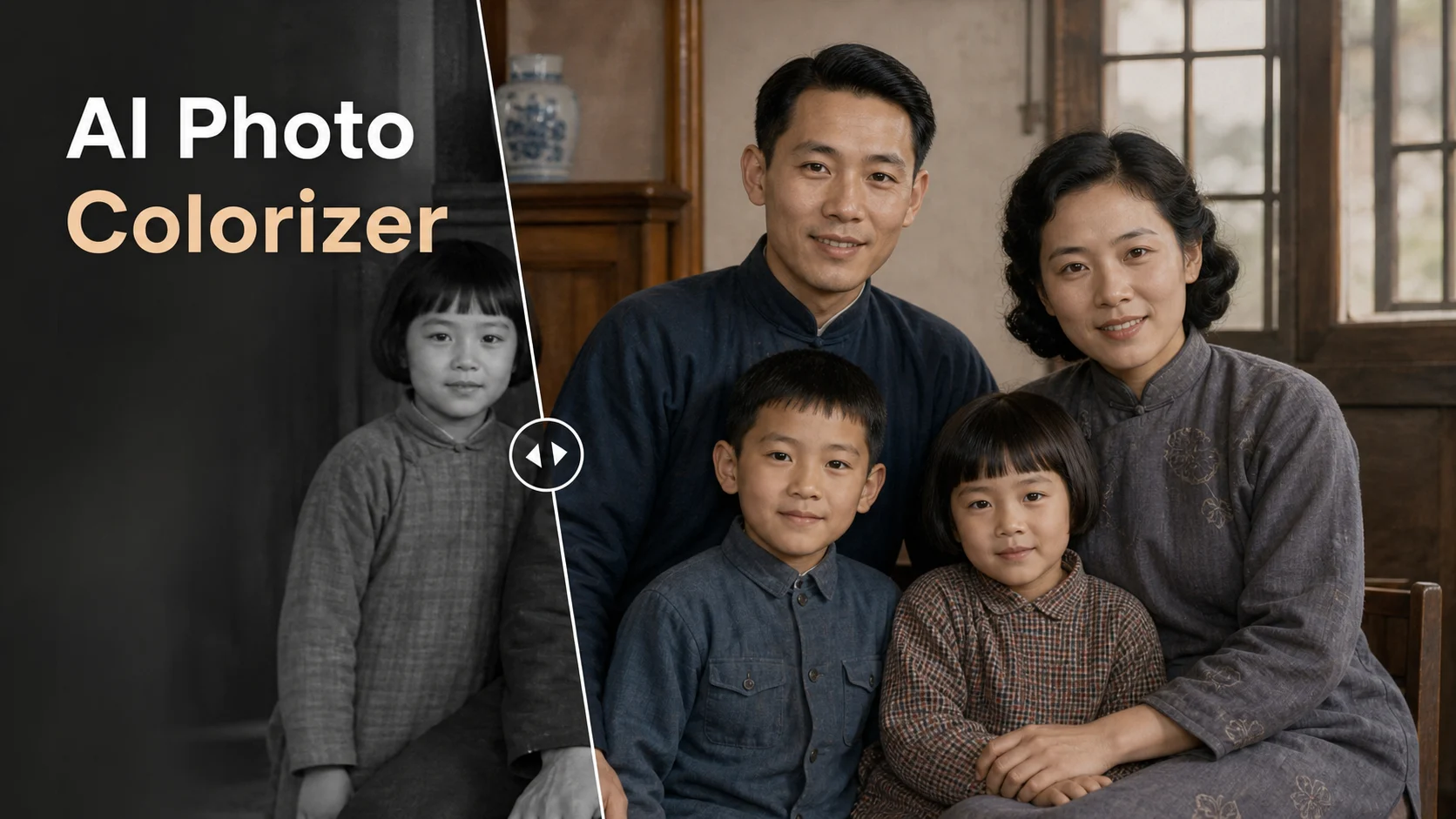
Colorize black and white photos when you want a visual impression of the scene in color. The result is an informed guess from grayscale cues, not proof of the original clothing, skin, or architecture colors.
Before / After
BeforeAfterA family portrait receives quiet skin and clothing tones without a modern beauty look.
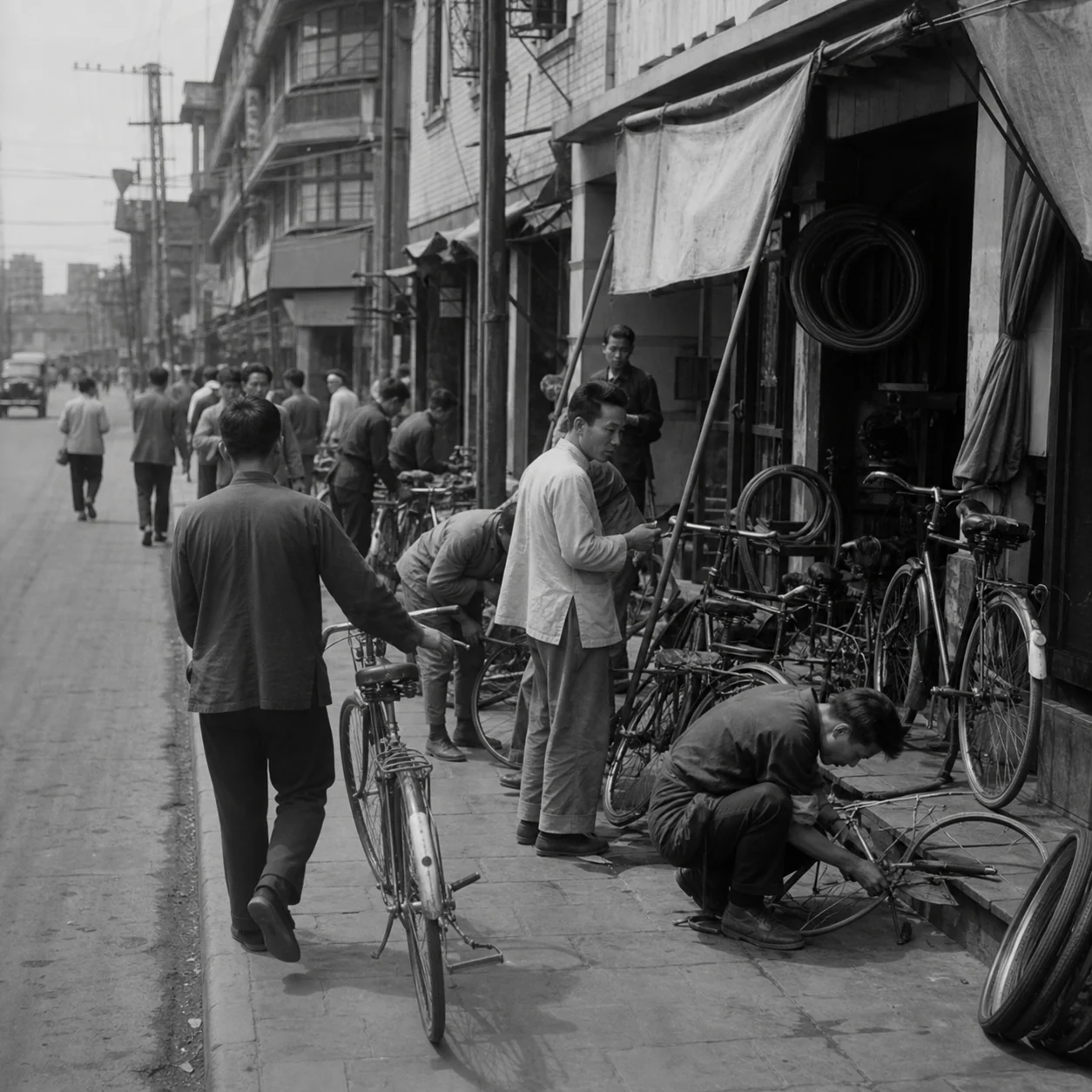 Before
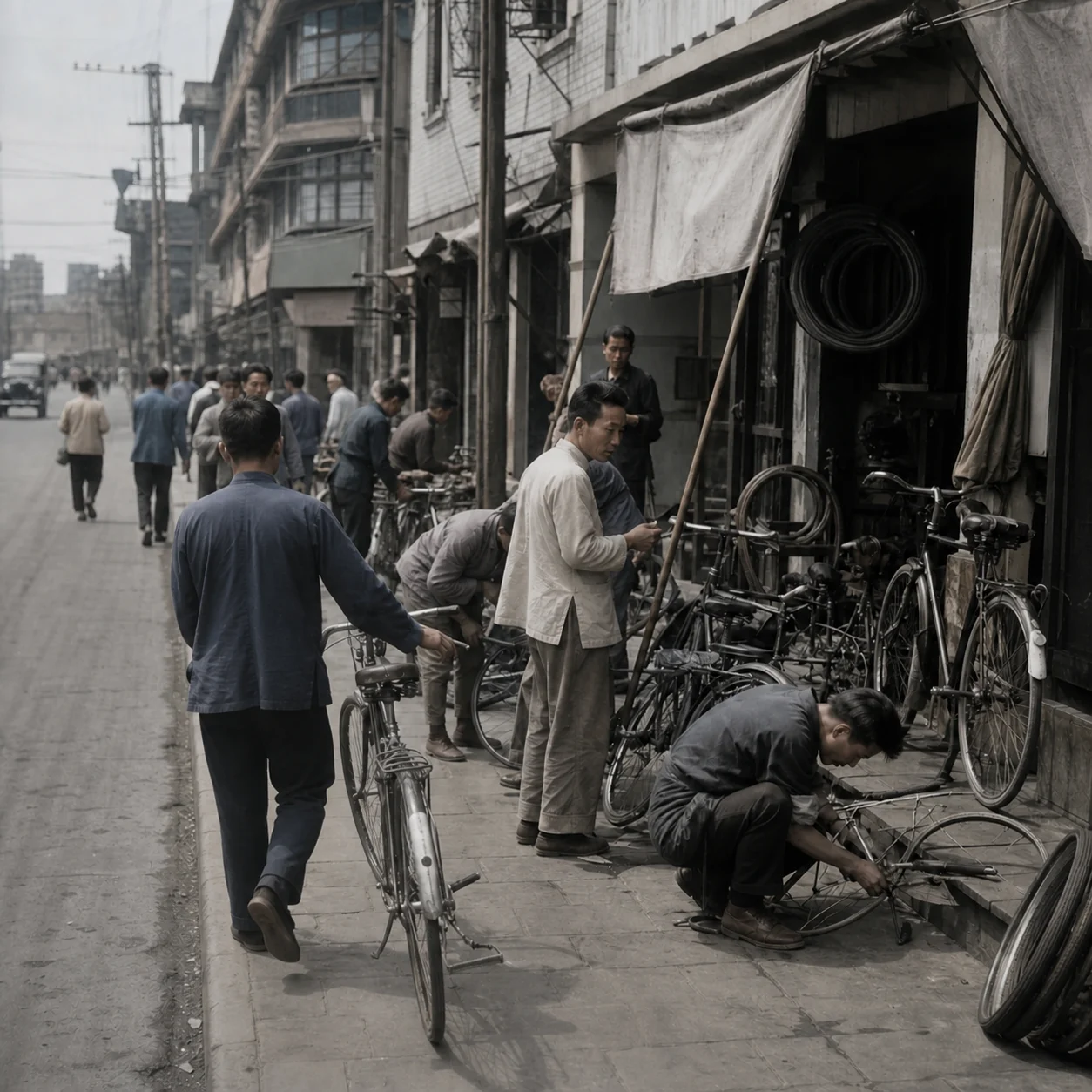 After
AfterA street scene uses a muted palette so the architecture still reads as an older photograph.
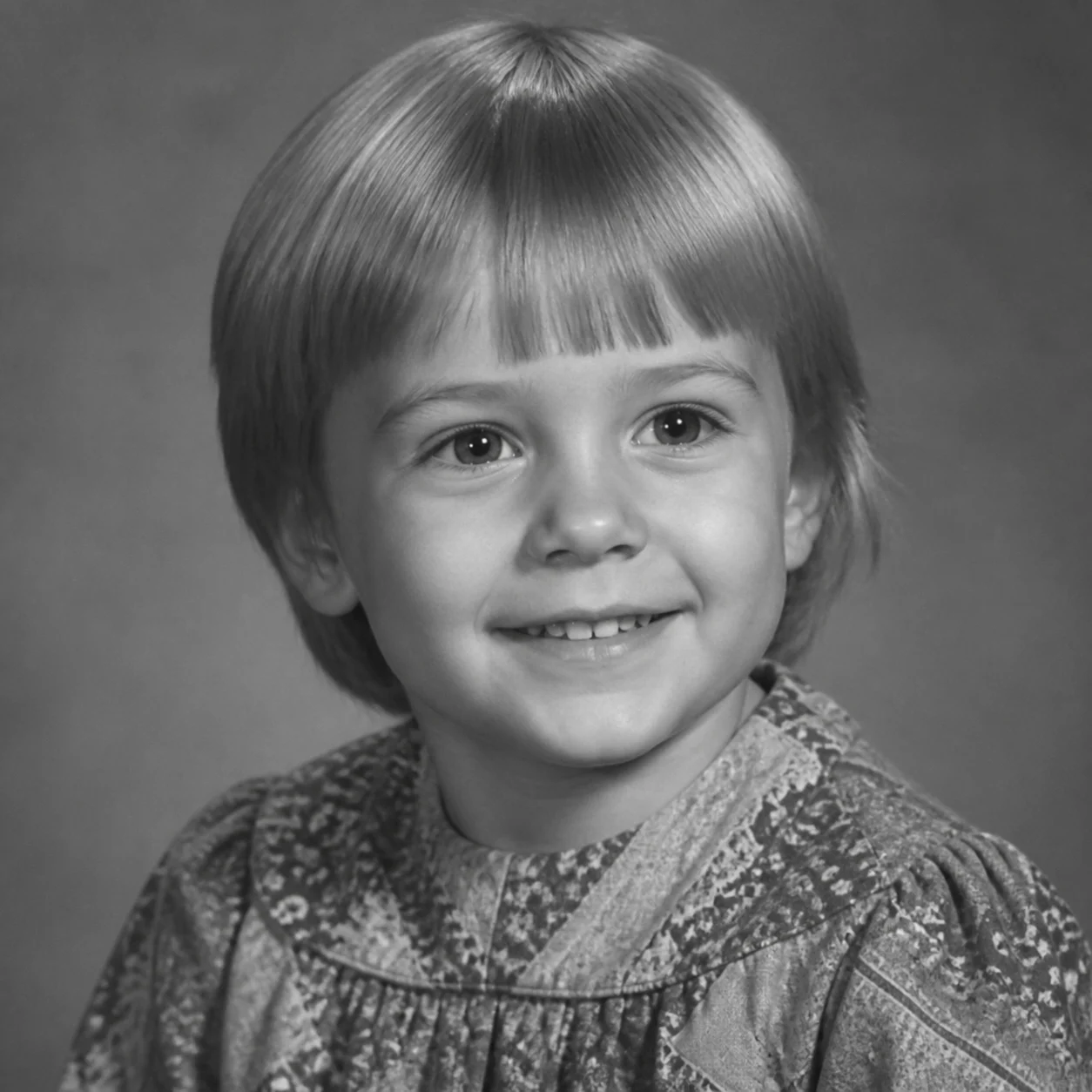 Before
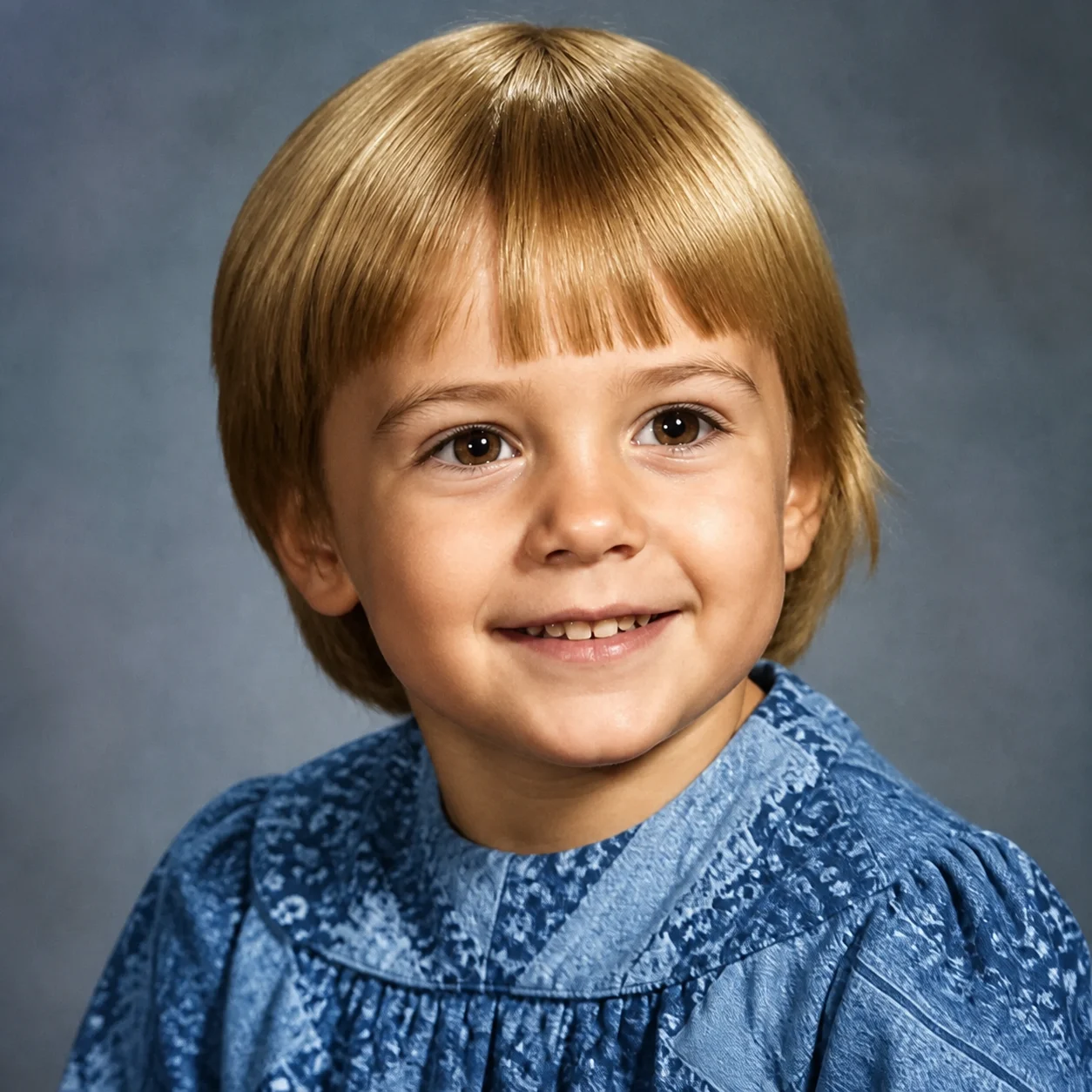 After
AfterA child portrait gets gentle color while the original lighting and expression remain the reference.
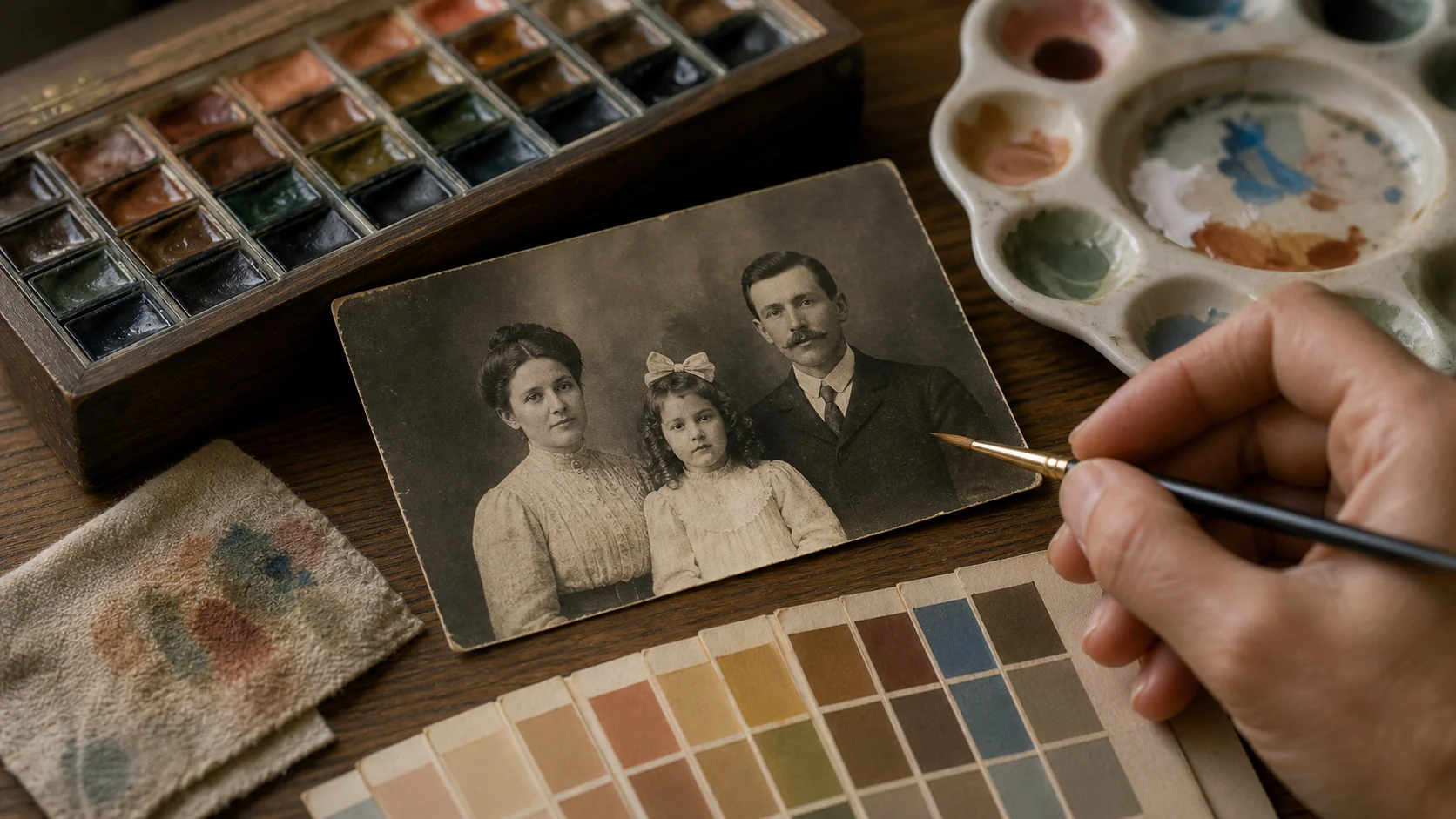
Grayscale records brightness, not the original hue. The workflow can make a plausible choice from material, era, and context, but a plausible choice is still an interpretation.
Subtle saturation is usually easier to trust for family archives. Stronger color can be useful for a creative study, but it should be presented as an artistic version rather than discovered fact.
A closer look
Colorization can make an archive more approachable, especially for family portraits and street scenes. It cannot recover the factual colors hidden by grayscale, so the safest workflow keeps the palette restrained and the original beside the result.
Why it works
Choose a period-aware mood instead of a generic filter
Keep faces, clothing shapes, and composition available for comparison
Separate a creative color study from historical certainty
Creator notes
Eight grounded snapshots from everyday image work—from quick social posts to client-ready drafts.
“I came in for one quick product image and stayed to try three directions. The workflow never made me feel like I needed a tutorial first.”
 Maya R.E-commerce manager
“The controls are restrained in a good way. I can get a useful draft, download it, and finish the last ten percent in my usual design app.”
 Jon BellFreelance designer
“What won me over was consistency. I can repeat the same brief without rebuilding every setting from scratch.”
 Priya S.Content lead
“The first result is often close enough to start a real conversation with a client. That alone saves me a round of mood-board work.”
 Owen K.Independent maker
“I tested it during a busy launch week. It was fast, clear, and I always knew what the next click would do.”
 Nina ParkSocial media editor
“Being able to keep the source image visible matters to me. I can judge what changed instead of guessing from memory.”
 Luis M.Photographer
“It feels designed for actual production work, not just a flashy demo. The examples are practical and the output is easy to hand off.”
 Sophie ChenBrand coordinator
“I mostly use it for small weekly assets. It turns the blank-page moment into something I can react to in a couple of minutes.”
 Tom W.Newsletter creator
Colorize Black and White Photos
No. Several different colors can produce a similar gray value. The tool makes a visual estimate from context and cannot verify what the original item looked like.
The intended change is color, but small or low-resolution faces can still be redrawn. Compare eyes, hairlines, and mouth shapes with the grayscale original.
Repair first when scratches or dust cross important areas. Those marks can otherwise be treated as edges or highlights during colorization.
Try a neutral skin choice and lower saturation. Underexposure, old paper, and scanner casts can all push the result toward an overly warm red.
Yes for a creative or personal version. If the image is used in historical publishing, label the colors as AI-inferred rather than factual.
Film grain can soften in a vivid pass. A muted palette and restrained intensity are better when preserving period character matters.
Use a sharp, lightly compressed image with the full subject visible. Heavy blur, tight cropping, or repeatedly edited files make important details harder to preserve and review.
Compare the output with the source at full size. Check identity, edges, text, hands, texture, and composition, and keep the original file for any important use.
✦ One focused tool, ready for your next idea
Colorize black and white photos when you want a visual impression of the scene in color. The result is an informed guess from grayscale cues, not proof of the original clothing, skin, or architecture colors.
Start with Colorize Black and White Photos