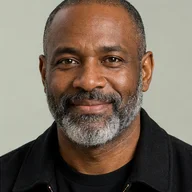
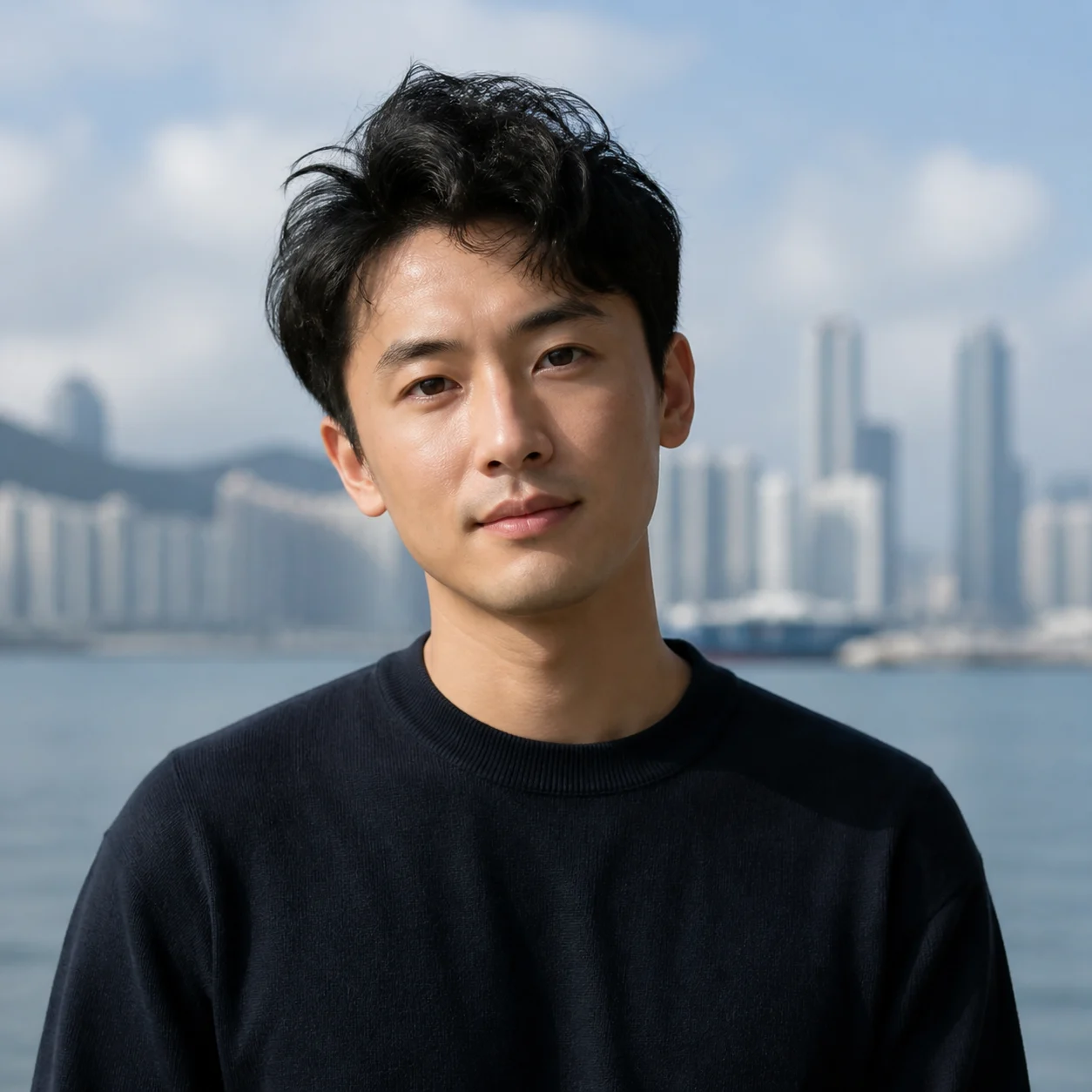
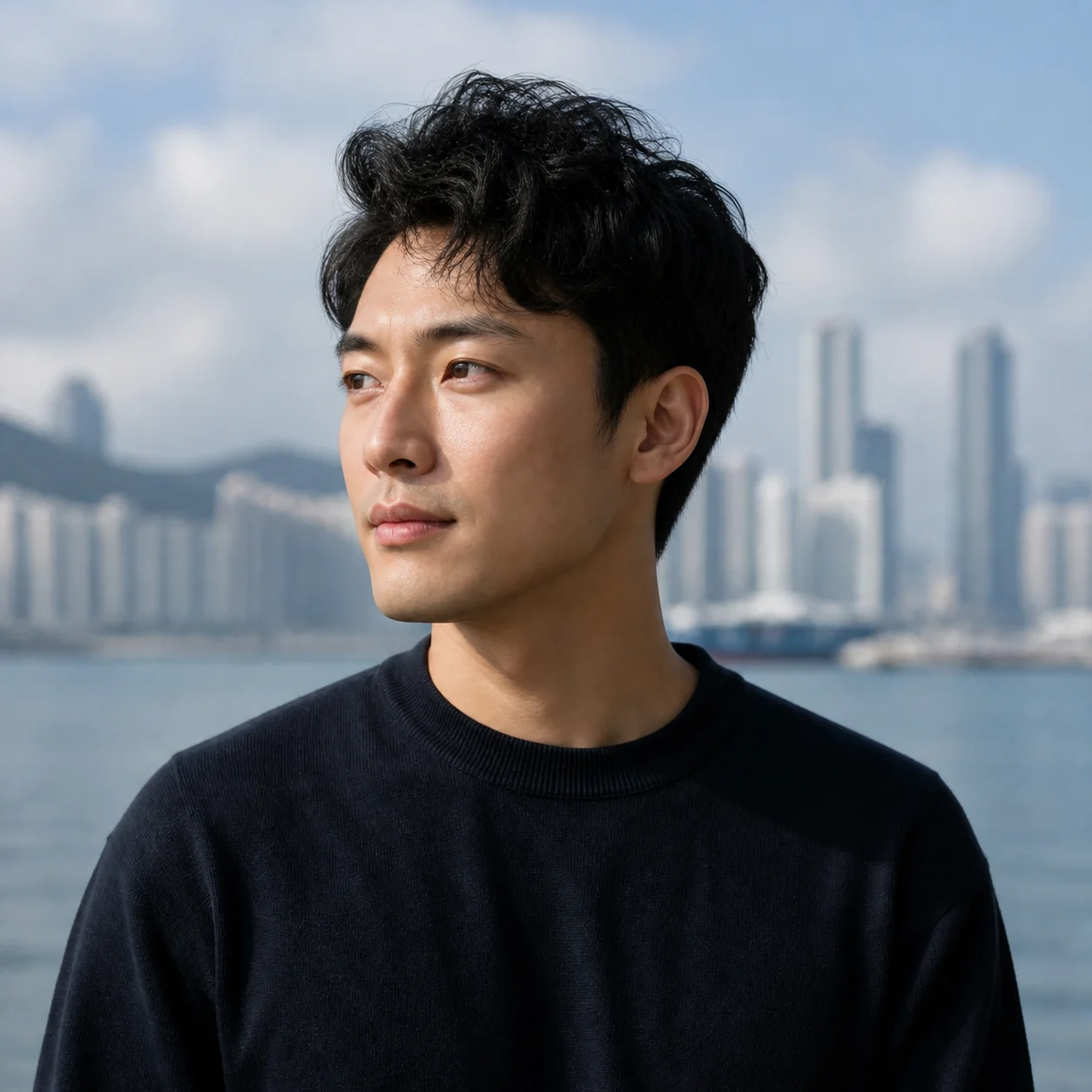
 Before
 After
AfterLinkedIn smart casual headshot
A casual portrait becomes a calm LinkedIn image with a neutral background.
Use a professional AI headshot generator when your profile photo is real but the setting is not. Choose a work context and restrained styling while keeping the face, age, and expression recognizably yours.
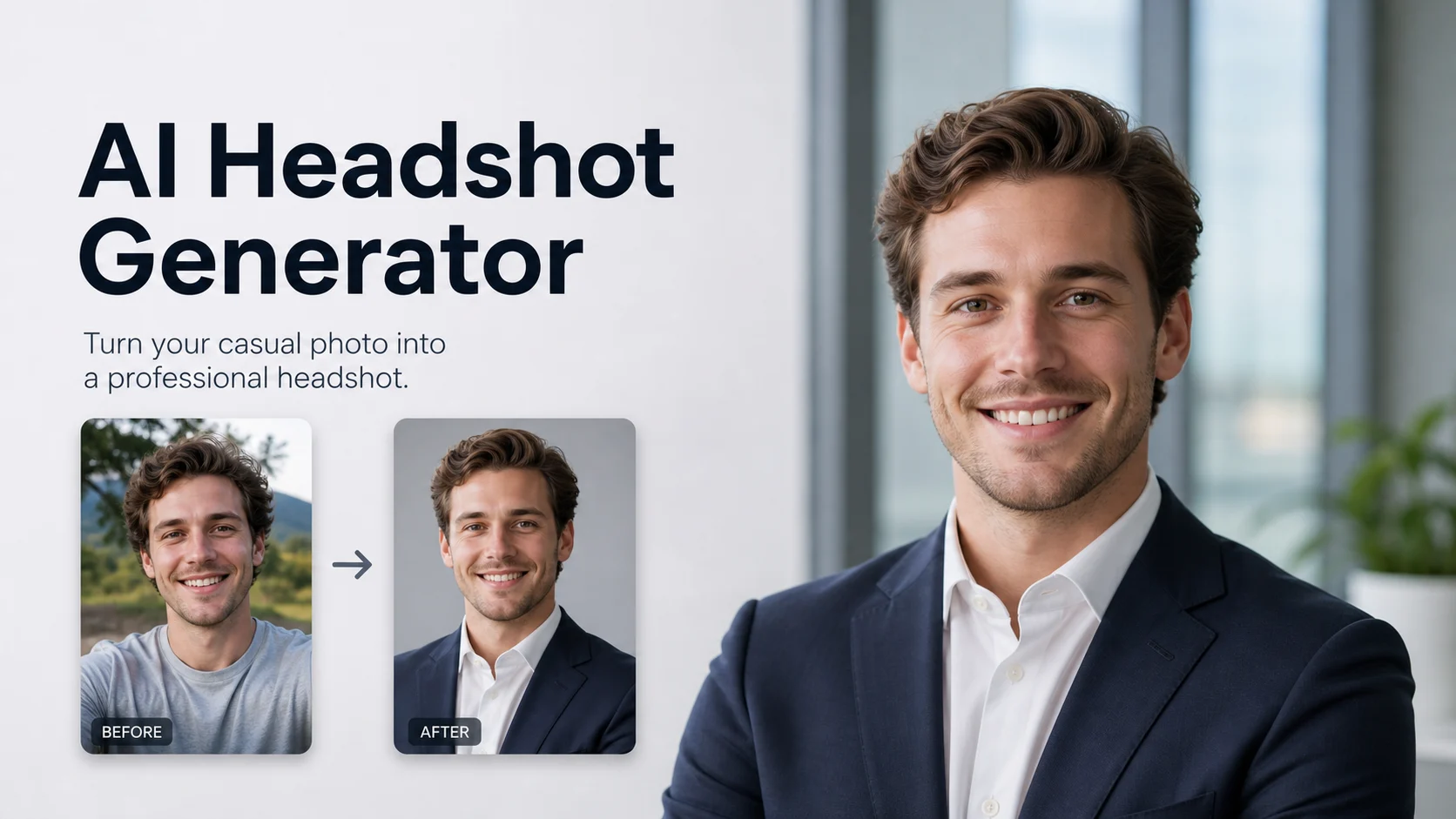
Use a professional AI headshot generator when your profile photo is real but the setting is not. Choose a work context and restrained styling while keeping the face, age, and expression recognizably yours.
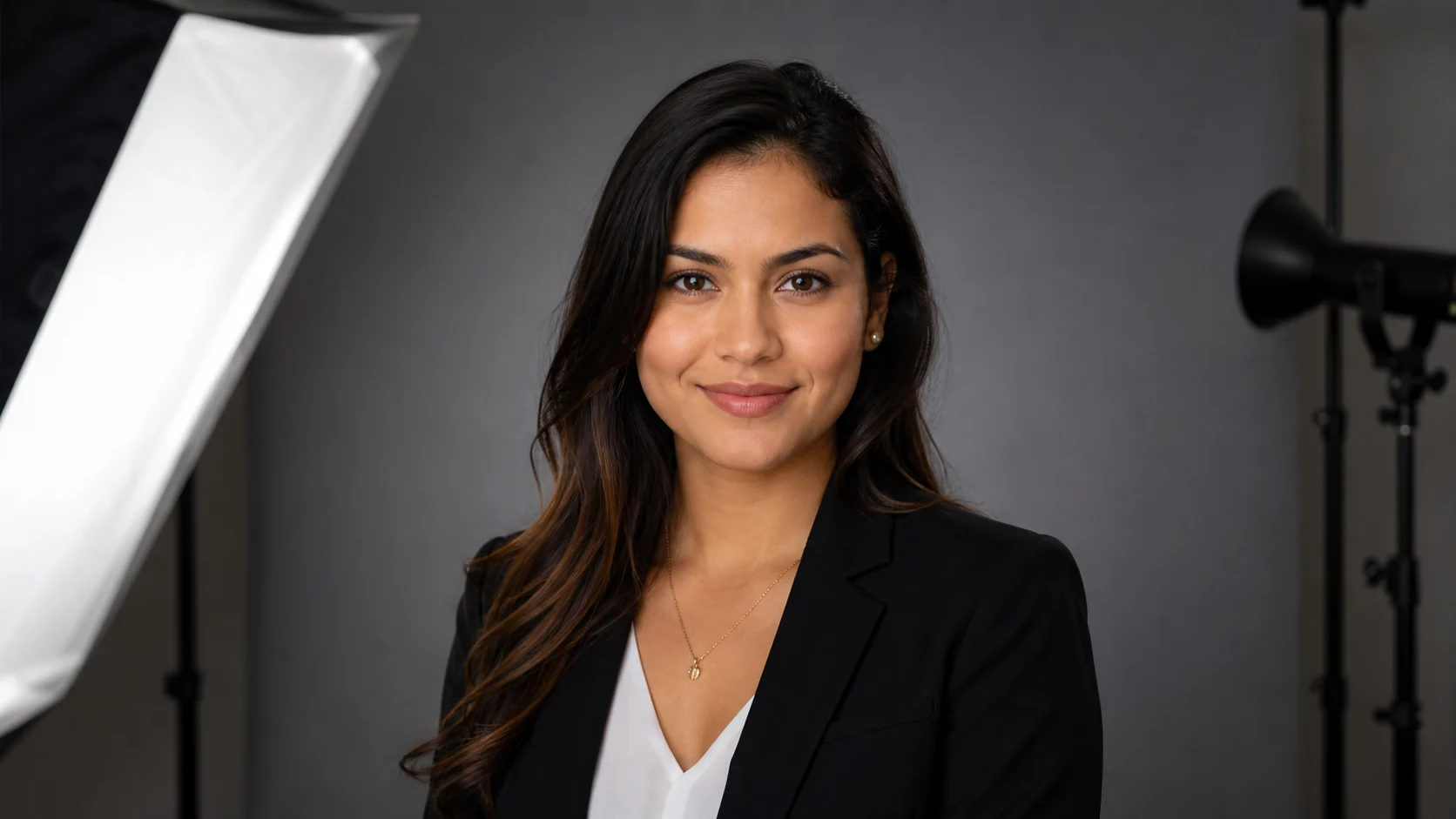
Before / After
BeforeAfterA casual portrait becomes a calm LinkedIn image with a neutral background.
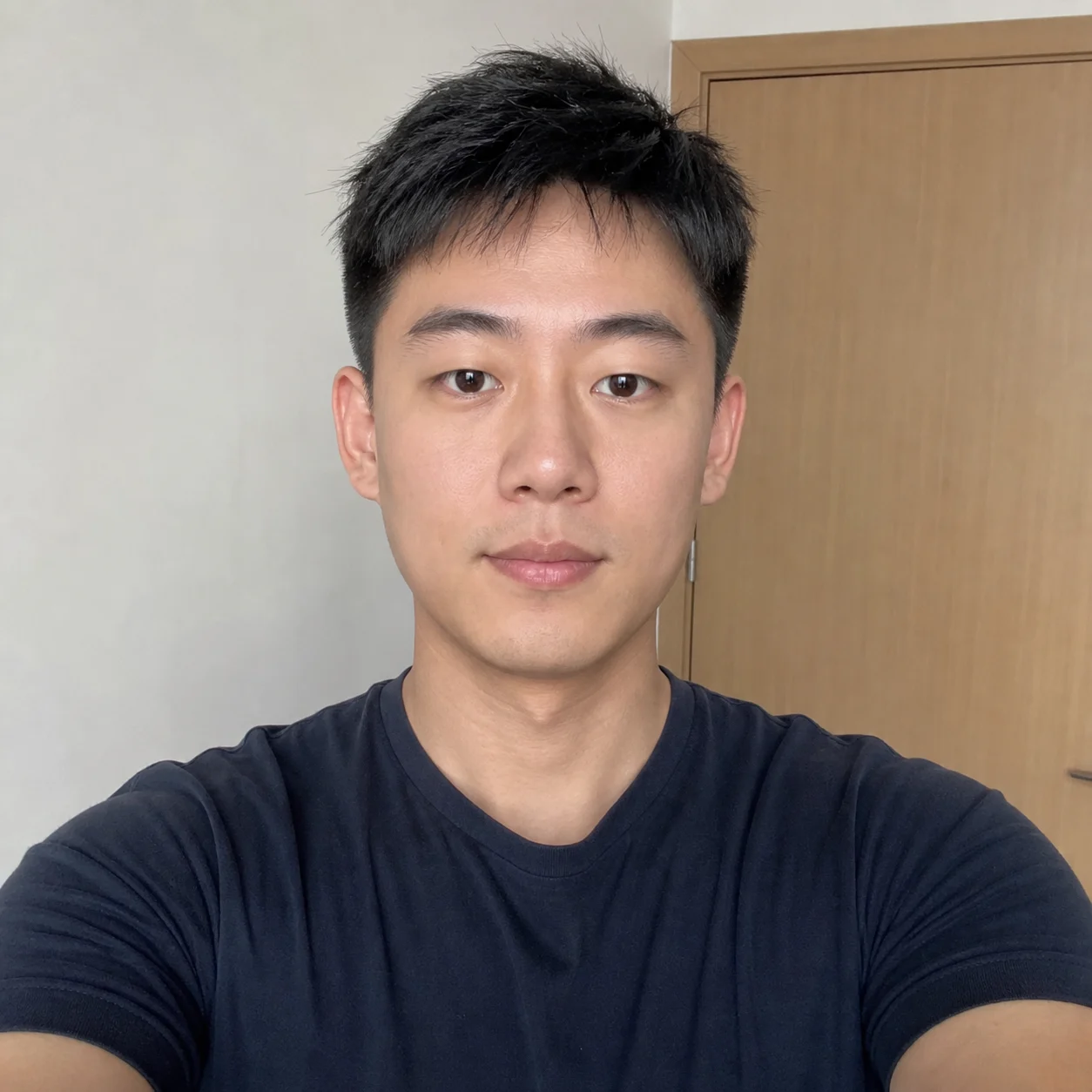 Before
 After
AfterSeveral team portraits share a restrained office treatment without erasing individual features.
 Before
 After
AfterA creative professional gets a warmer setting and more character in the clothing choice.
The strongest result is not the most retouched face. It is a portrait where the light, clothing, and background support the person who actually needs to use it.

Treat identity as the non-negotiable part of the brief. If eyes, face shape, glasses, or hairline change, choose another source or regenerate conservatively.
A closer look
A work portrait has a narrow brief: improve the setting and presentation while retaining the person. This workflow is suited to profile refreshes and team pages, not official identification or a promise of how you look in real life.
Why it works
Keep facial proportions and recognizable features in view
Choose styling that matches the role and profile context
Compare a polished portrait with the unedited source
Creator notes
Eight grounded snapshots from everyday image work—from quick social posts to client-ready drafts.
“I came in for one quick product image and stayed to try three directions. The workflow never made me feel like I needed a tutorial first.”
 Maya R.E-commerce manager
“The controls are restrained in a good way. I can get a useful draft, download it, and finish the last ten percent in my usual design app.”
 Jon BellFreelance designer
“What won me over was consistency. I can repeat the same brief without rebuilding every setting from scratch.”
 Priya S.Content lead
“The first result is often close enough to start a real conversation with a client. That alone saves me a round of mood-board work.”
 Owen K.Independent maker
“I tested it during a busy launch week. It was fast, clear, and I always knew what the next click would do.”
 Nina ParkSocial media editor
“Being able to keep the source image visible matters to me. I can judge what changed instead of guessing from memory.”
 Luis M.Photographer
“It feels designed for actual production work, not just a flashy demo. The examples are practical and the output is easy to hand off.”
 Sophie ChenBrand coordinator
“I mostly use it for small weekly assets. It turns the blank-page moment into something I can react to in a couple of minutes.”
 Tom W.Newsletter creator
Professional AI Headshot Generator
A clear, front-facing source usually preserves recognition better than a filtered selfie. Check the eyes, face shape, hairline, and distinctive marks before using the result.
Yes. Keep the camera near eye level, use natural light, and avoid a wide-angle close-up that stretches the face.
Choose the clothing that fits the role rather than defaulting to a suit. The same portrait standard can look formal, smart-casual, or creative.
Mild glare may improve, but eyes hidden by glare or hair give the model less identity information. Use another source when the eyes are not readable.
No. Official ID and passport rules can reject generated clothing, lighting, or background. Use a compliant photo workflow instead.
Use an unfiltered source and conservative styling. Over-smoothing is usually a sign that the input or selected direction is asking for too much retouching.
Use a sharp, lightly compressed image with the full subject visible. Heavy blur, tight cropping, or repeatedly edited files make important details harder to preserve and review.
Compare the output with the source at full size. Check identity, edges, text, hands, texture, and composition, and keep the original file for any important use.
✦ One focused tool, ready for your next idea
Use a professional AI headshot generator when your profile photo is real but the setting is not. Choose a work context and restrained styling while keeping the face, age, and expression recognizably yours.
Start with Professional AI Headshot Generator