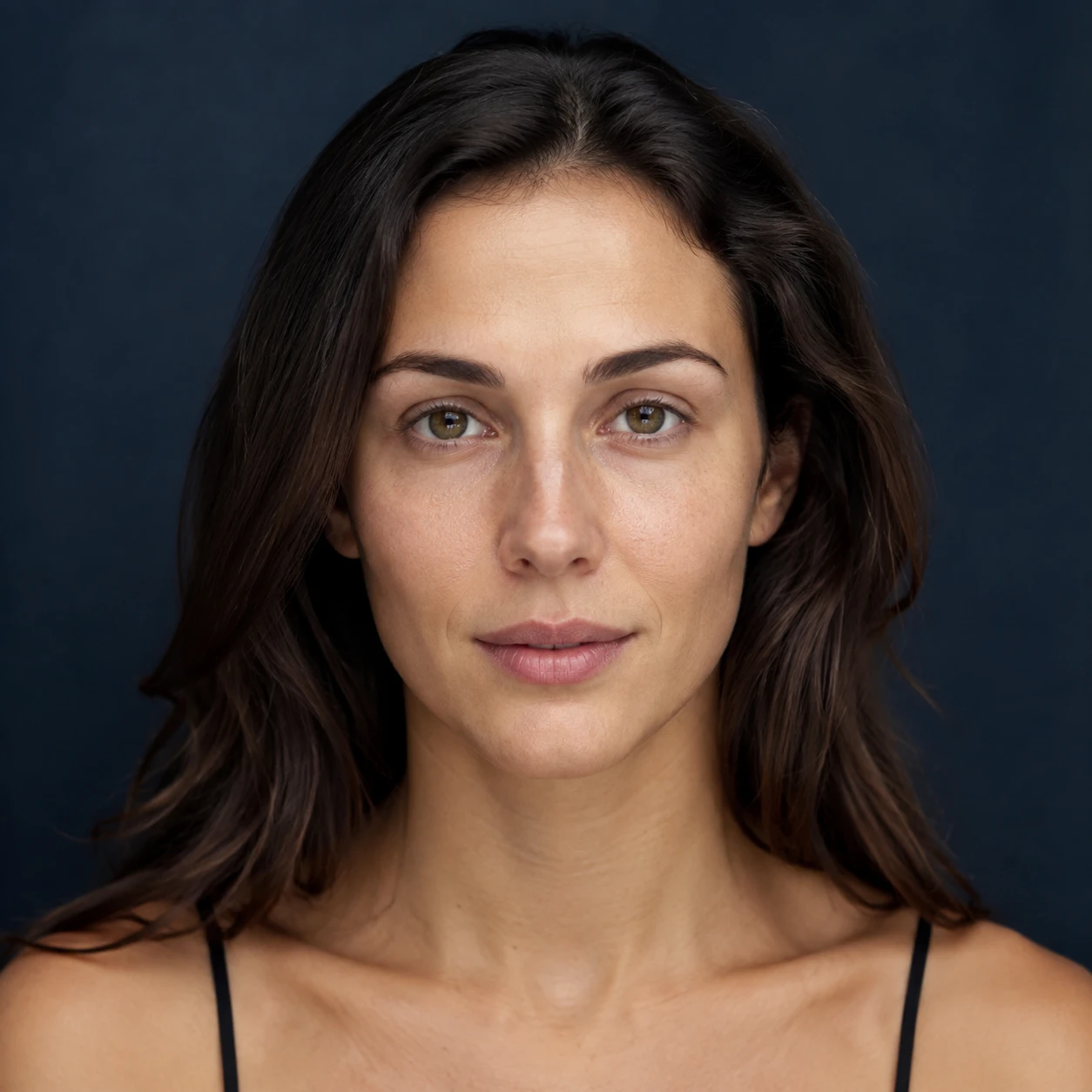
 Before
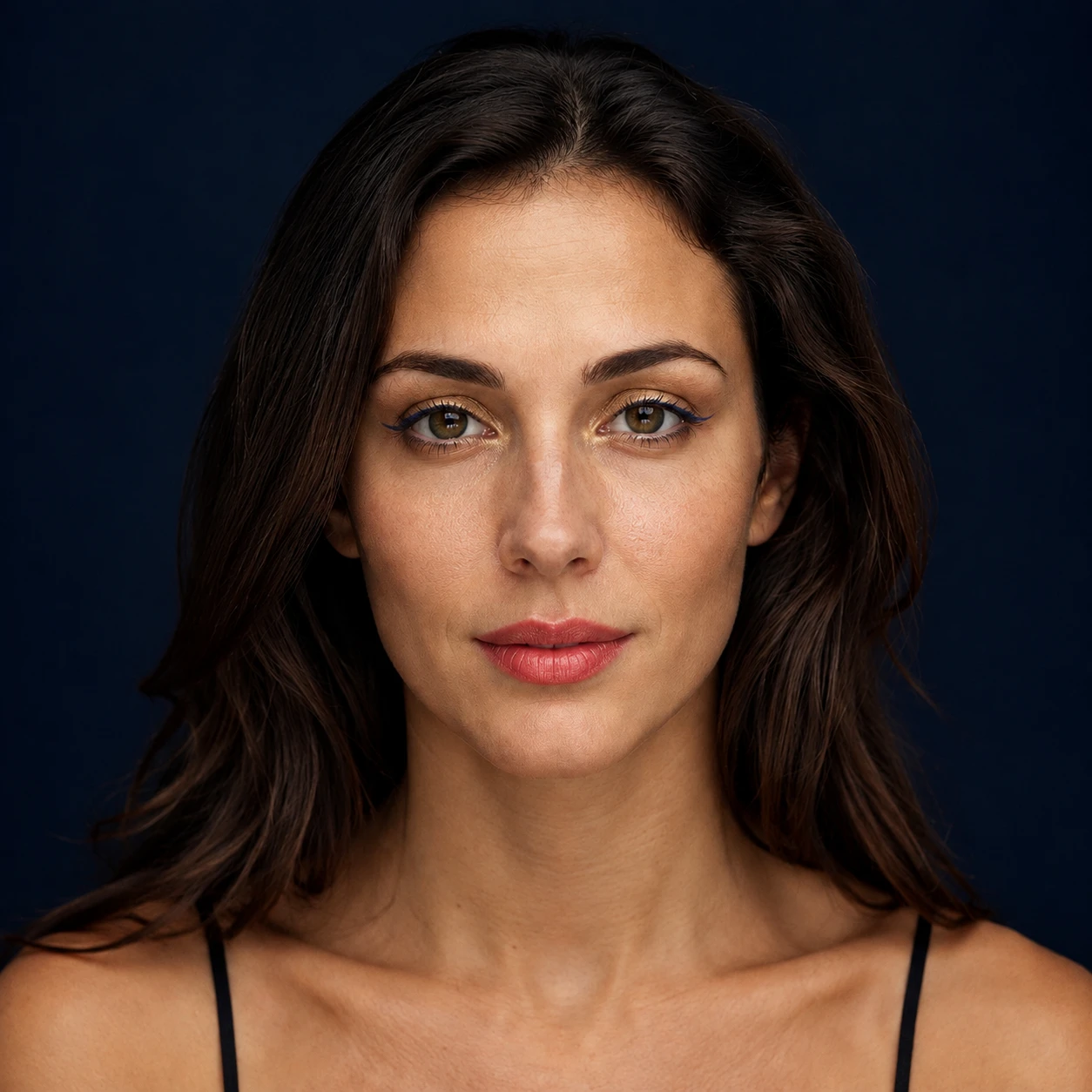 After
AfterEveryday peach look
A neutral portrait explores a soft peach palette for a low-key daily direction.
Use an AI makeup filter to preview a makeup direction on a portrait. Describe the finish, colors, and intensity, then compare the result as a creative reference rather than a promise of real cosmetics or skin analysis.
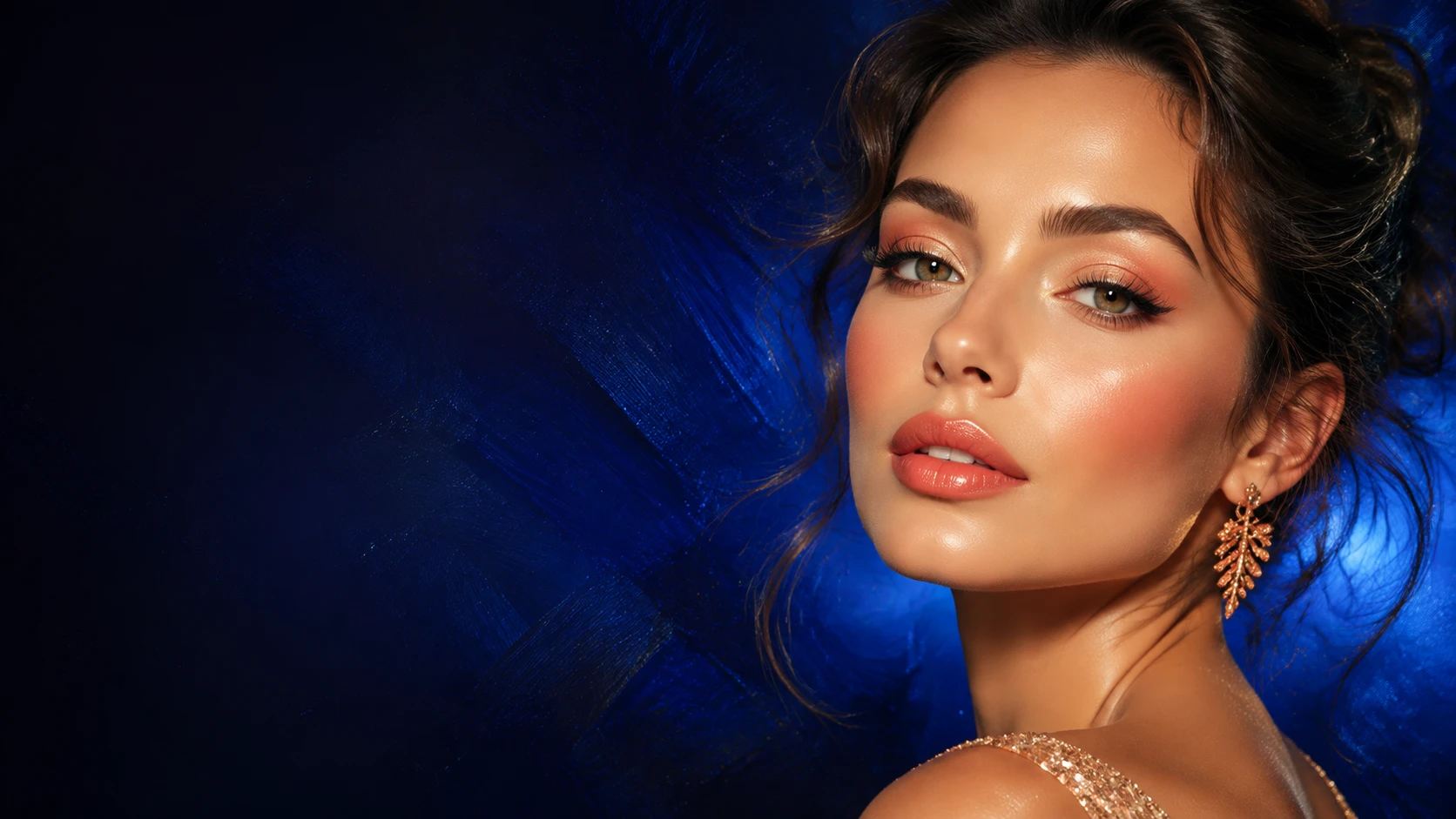
Use an AI makeup filter to preview a makeup direction on a portrait. Describe the finish, colors, and intensity, then compare the result as a creative reference rather than a promise of real cosmetics or skin analysis.
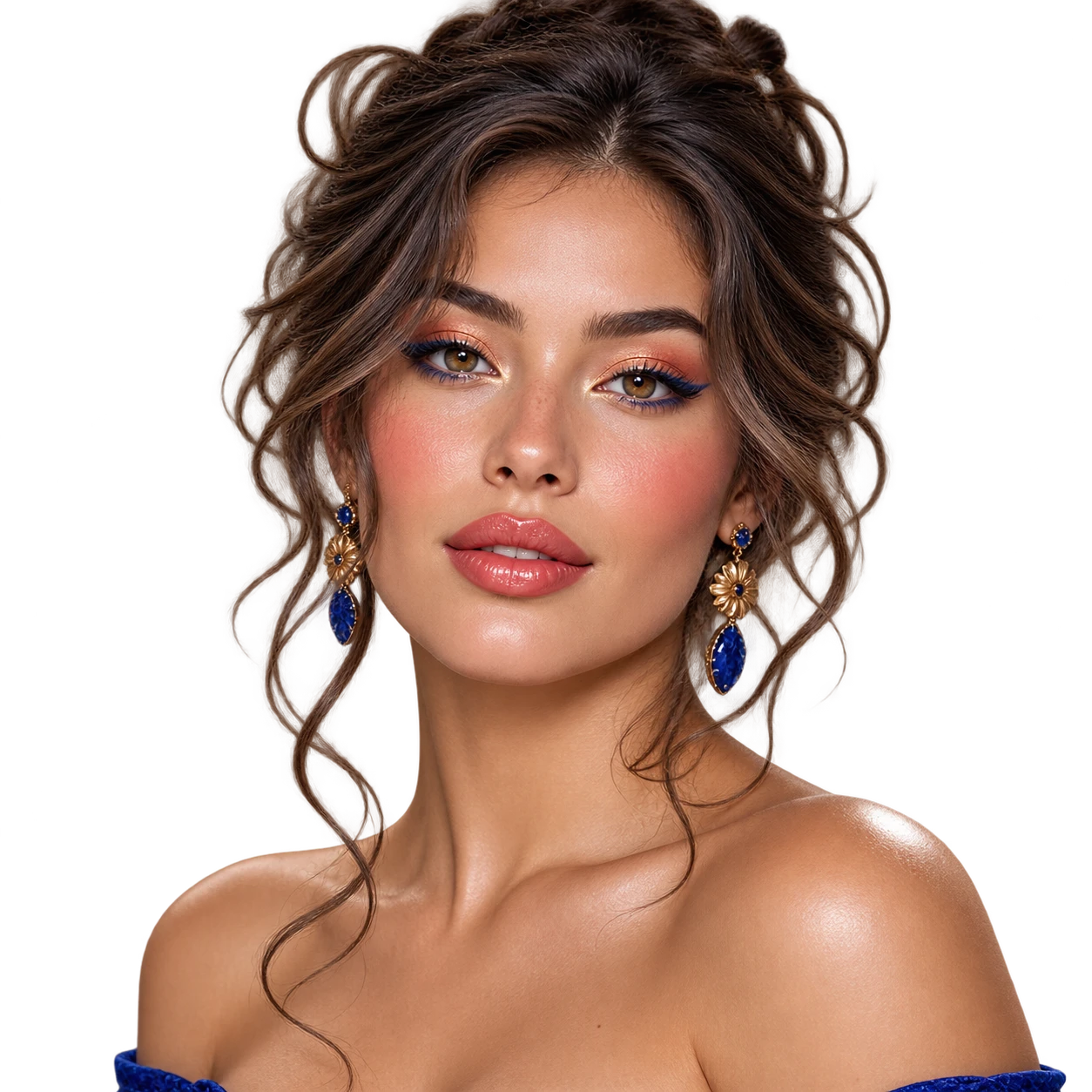
A neutral, well-lit source makes it easier to compare the visual makeup direction.
Name the finish, eyeshadow family, lip color, blush, and intensity you want to explore.
Use the generated image as inspiration and test real products carefully for your own needs.
Before / After
BeforeAfterA neutral portrait explores a soft peach palette for a low-key daily direction.
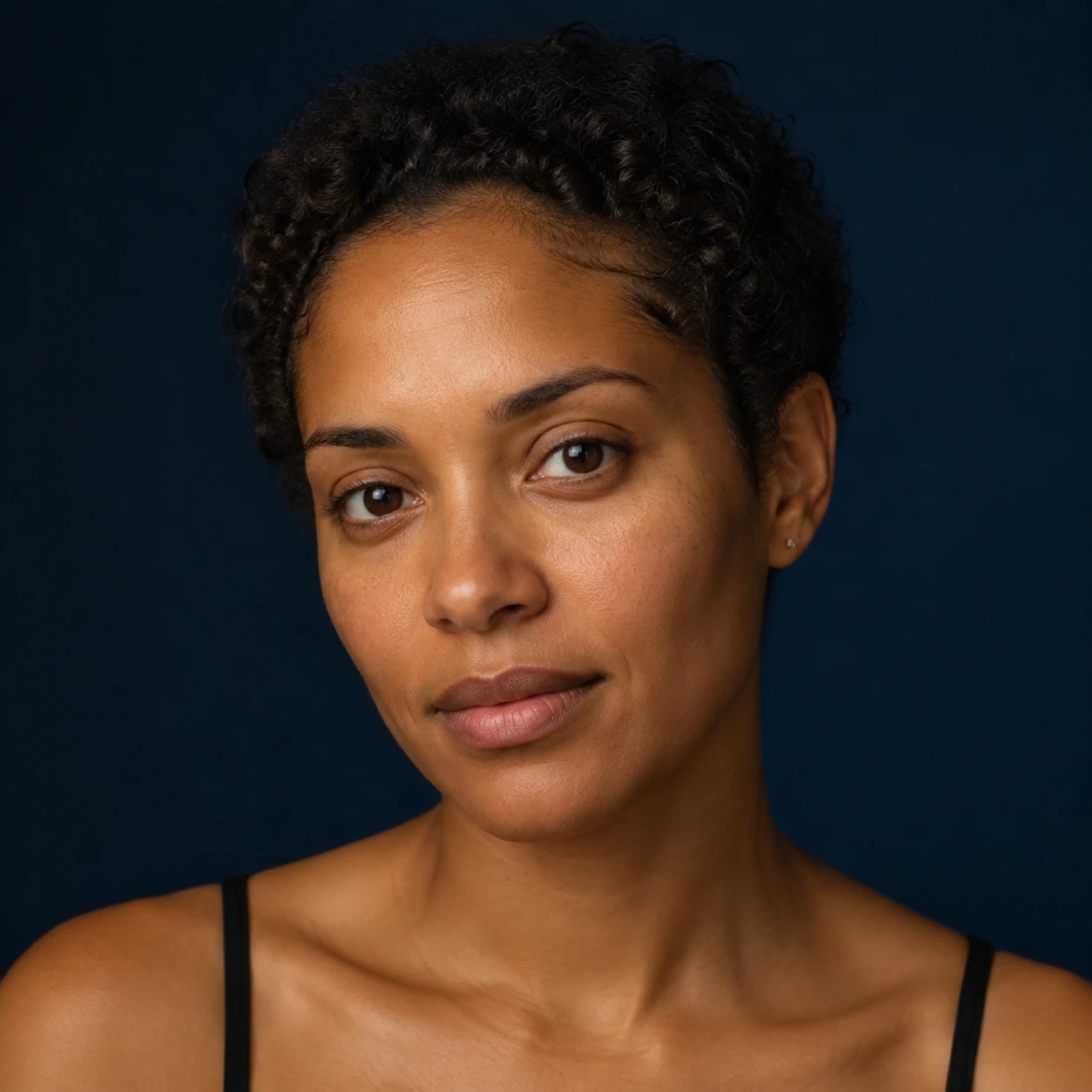 Before
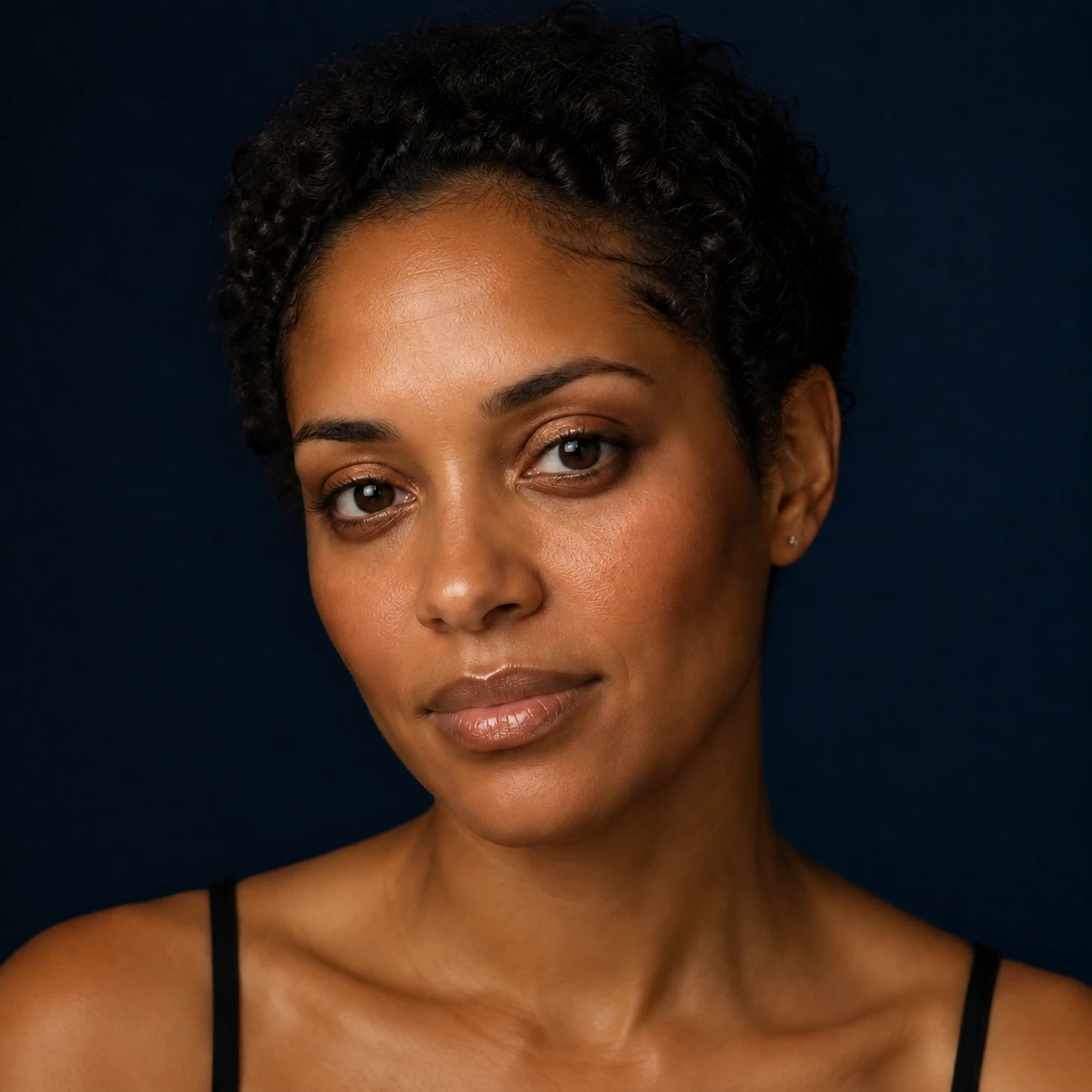 After
AfterA rose-toned reference becomes a more deliberate editorial makeup concept.
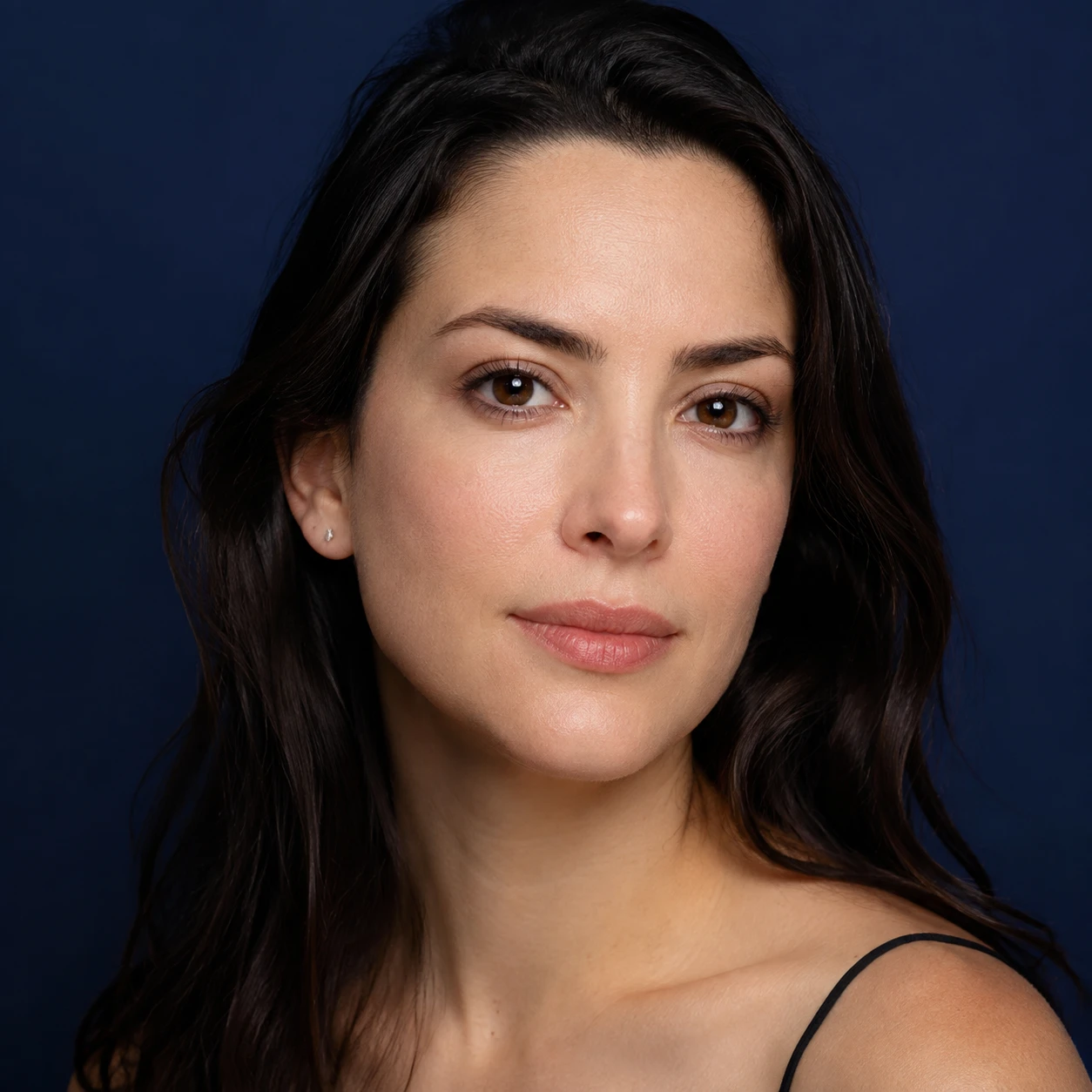 Before
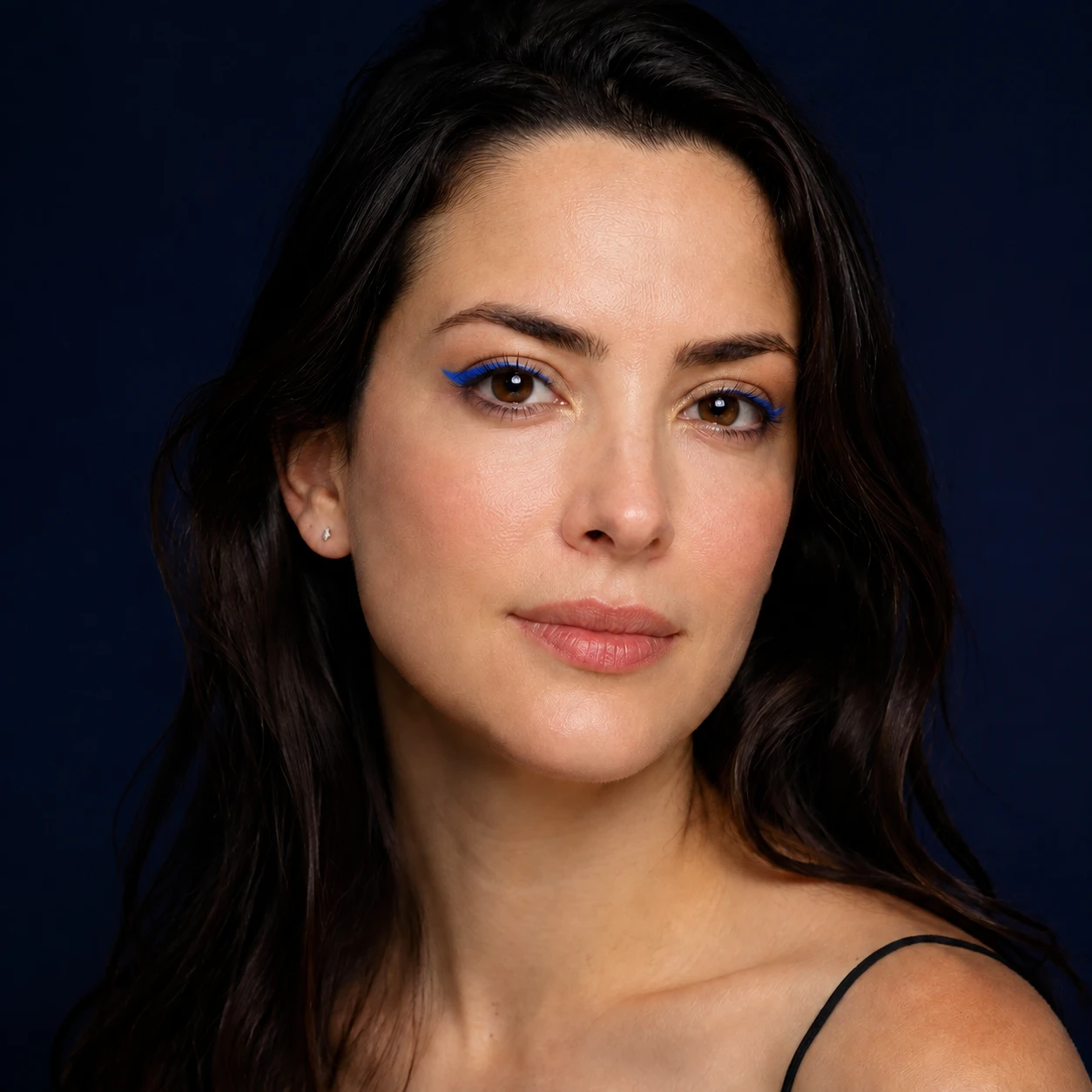 After
AfterA restrained portrait previews a deeper lip and eye color for an evening mood.
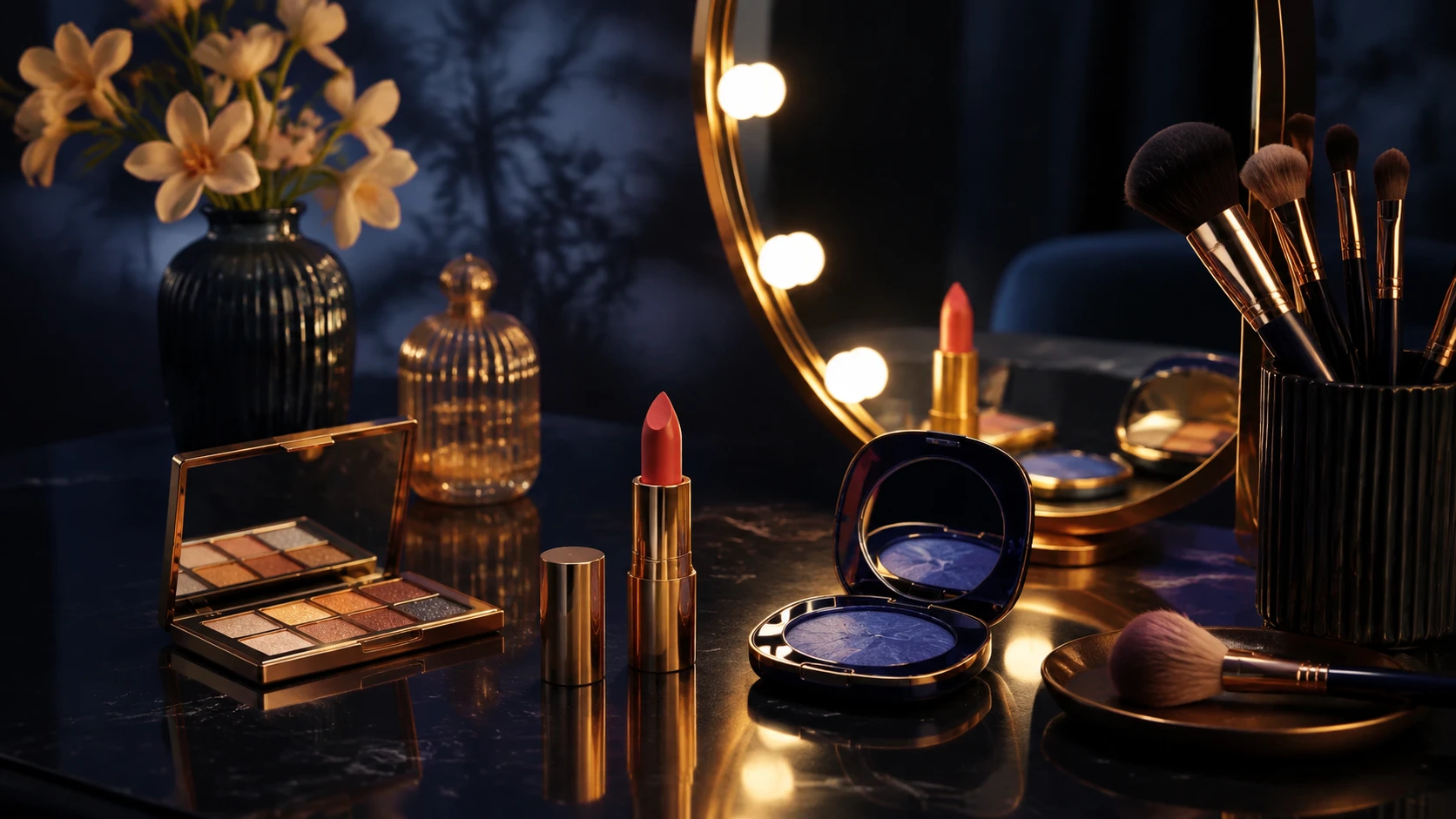
Describe color, finish, and intensity so the result stays focused on a visual makeup direction rather than an unverified analysis.
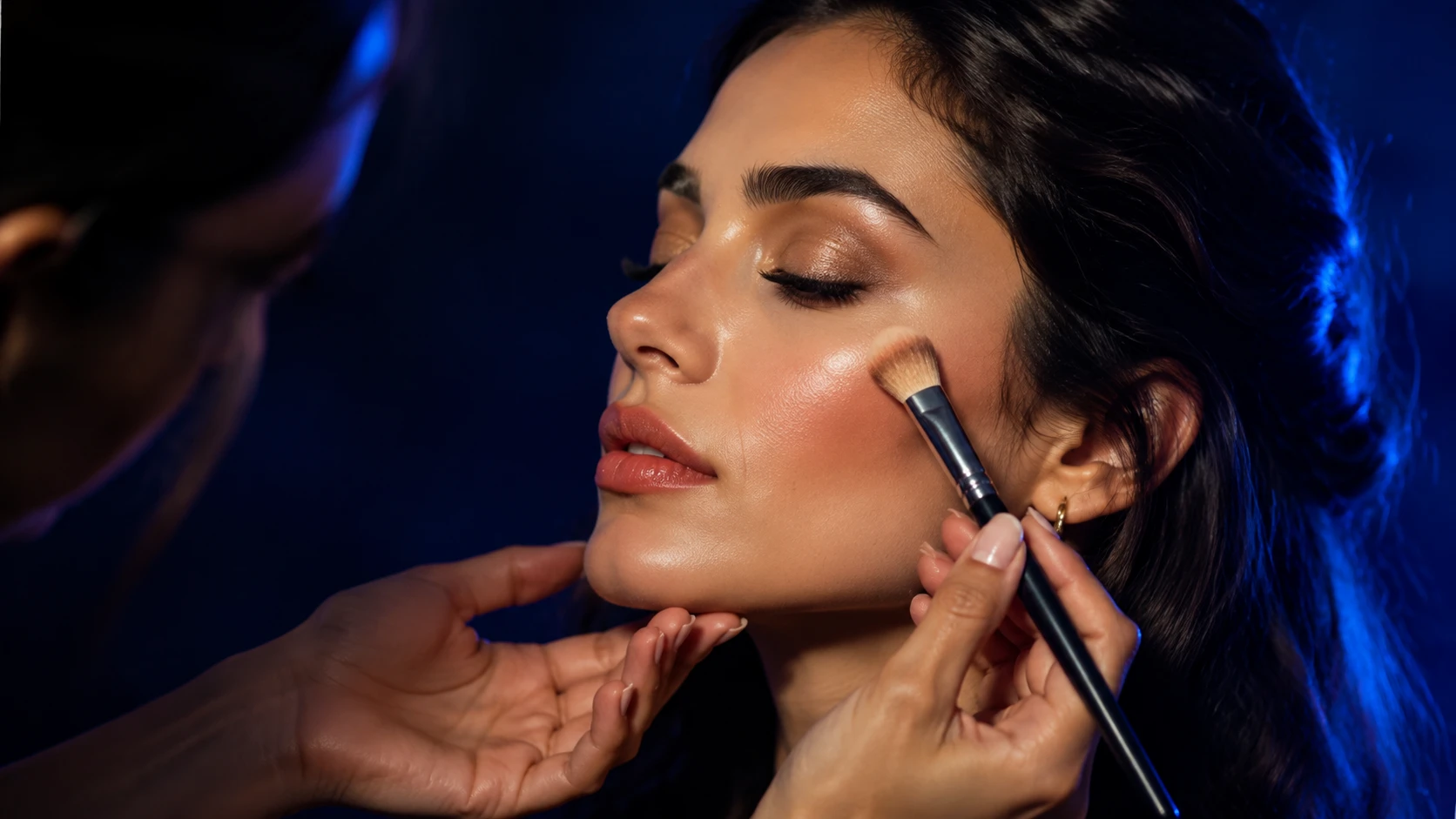
A makeup reference can communicate tones and placement, but the generated result still needs a real-world product and skin check.
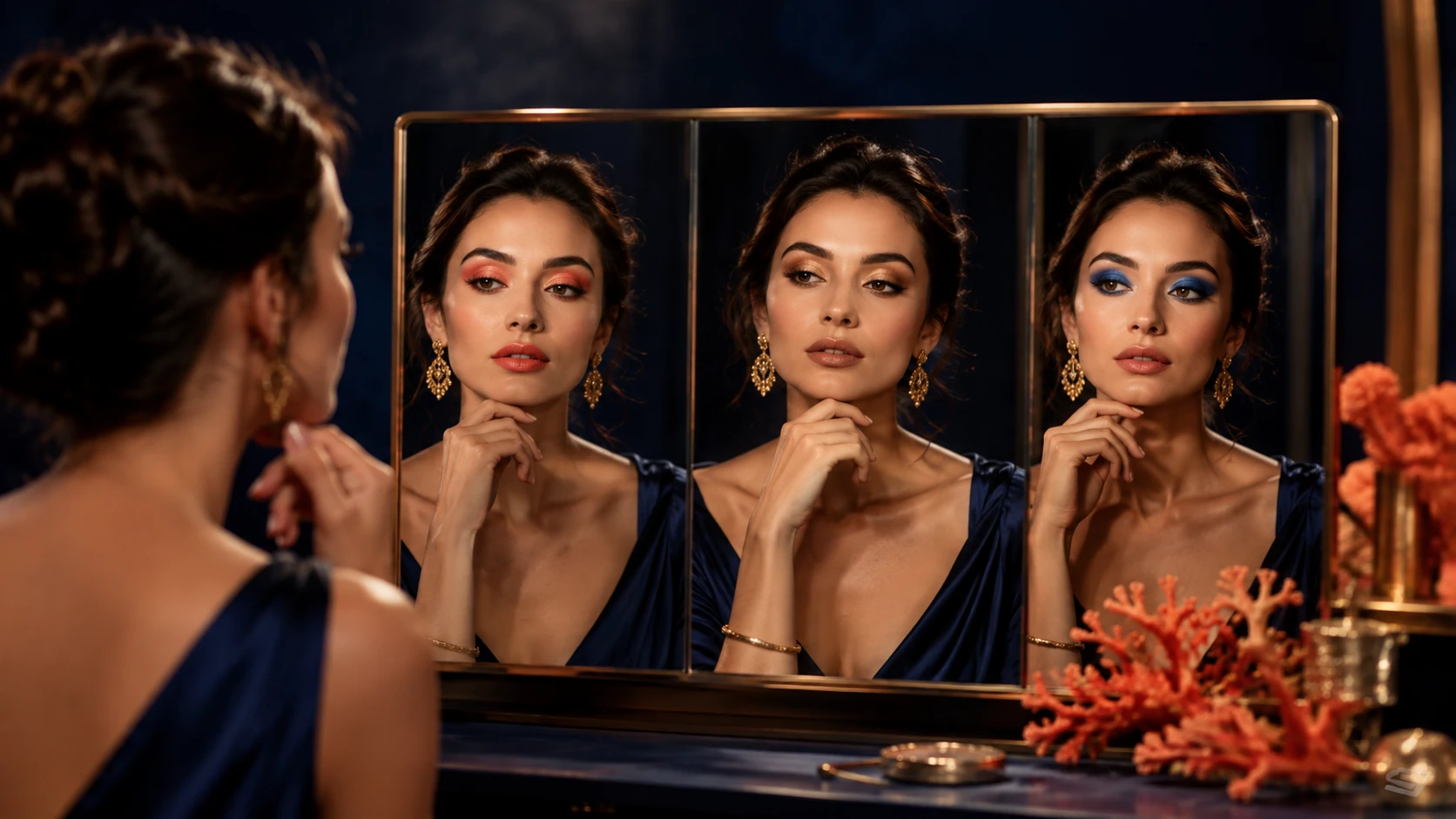
Save the direction you like and use it to discuss products or technique with a makeup professional when needed.
A closer look
The AI makeup filter is a visual preview tool. It does not diagnose skin, recommend products safely for every person, or guarantee that real cosmetics will look the same.
Why it works
Describe finish, palette, occasion, and intensity in one focused workspace.
Use a look reference to communicate color and placement more clearly.
Compare ideas visually before purchasing or applying real makeup.
Creator notes
Eight grounded snapshots from everyday image work—from quick social posts to client-ready drafts.
“I came in for one quick product image and stayed to try three directions. The workflow never made me feel like I needed a tutorial first.”
 Maya R.E-commerce manager
“The controls are restrained in a good way. I can get a useful draft, download it, and finish the last ten percent in my usual design app.”
 Jon BellFreelance designer
“What won me over was consistency. I can repeat the same brief without rebuilding every setting from scratch.”
 Priya S.Content lead
“The first result is often close enough to start a real conversation with a client. That alone saves me a round of mood-board work.”
 Owen K.Independent maker
“I tested it during a busy launch week. It was fast, clear, and I always knew what the next click would do.”
 Nina ParkSocial media editor
“Being able to keep the source image visible matters to me. I can judge what changed instead of guessing from memory.”
 Luis M.Photographer
“It feels designed for actual production work, not just a flashy demo. The examples are practical and the output is easy to hand off.”
 Sophie ChenBrand coordinator
“I mostly use it for small weekly assets. It turns the blank-page moment into something I can react to in a couple of minutes.”
 Tom W.Newsletter creator
AI Makeup Filter
Yes. Upload a clear portrait and describe the makeup direction. Review the result as a visual preview, not as a guarantee of real cosmetics.
It can use a supported reference to guide colors and finish. Use an image you have the right to use and expect some visual differences.
No. The tool creates an image edit; it is not a skin diagnosis, shade match, or safety recommendation.
Ask for a light finish, subtle color, restrained blush, and natural-looking texture. A well-lit, neutral source makes the comparison easier.
Yes. Describe the occasion, palette, finish, and intensity. Test real products separately and consult a professional when the event matters.
Use words such as subtle, sheer, soft, or everyday and reduce the number of colors in the brief. You can also regenerate from a more neutral portrait.
Use a sharp, lightly compressed image with the full subject visible. Heavy blur, tight cropping, or repeatedly edited files make important details harder to preserve and review.
Compare the output with the source at full size. Check identity, edges, text, hands, texture, and composition, and keep the original file for any important use.
✦ One focused tool, ready for your next idea
Use an AI makeup filter to preview a makeup direction on a portrait. Describe the finish, colors, and intensity, then compare the result as a creative reference rather than a promise of real cosmetics or skin analysis.
Start with AI Makeup Filter